Expo UI
A set of components that allow you to build UIs directly with Jetpack Compose and SwiftUI from React.
Android
iOS
tvOS
Included in Expo Go
For the complete documentation index, see llms.txt. Use this file to discover all available pages.
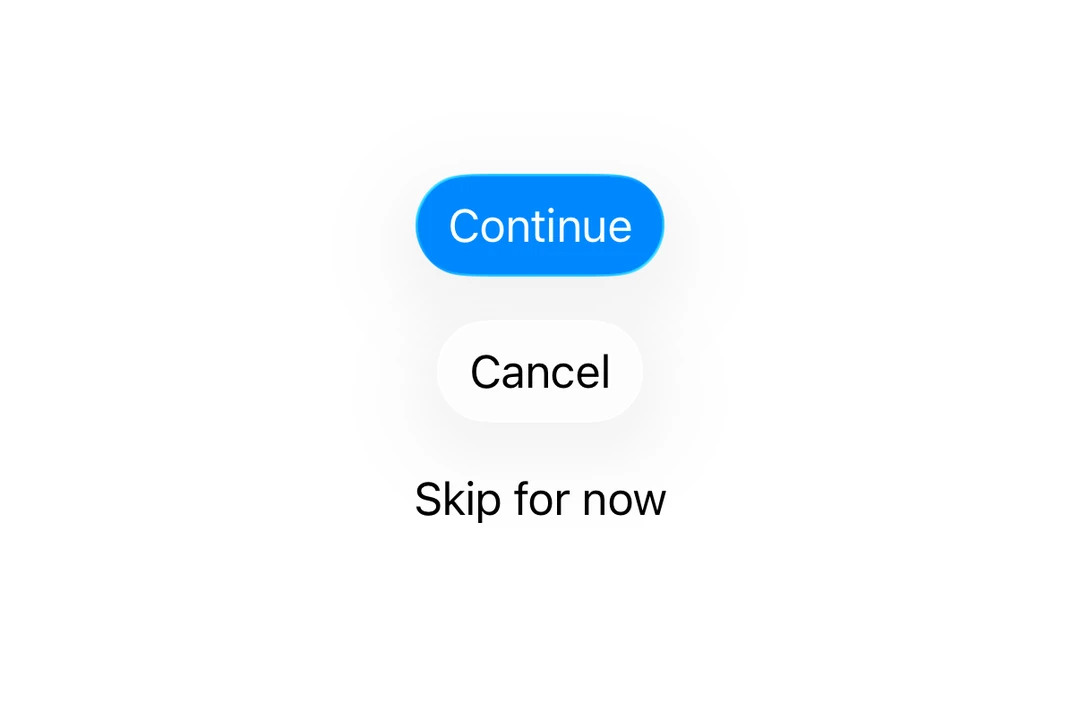
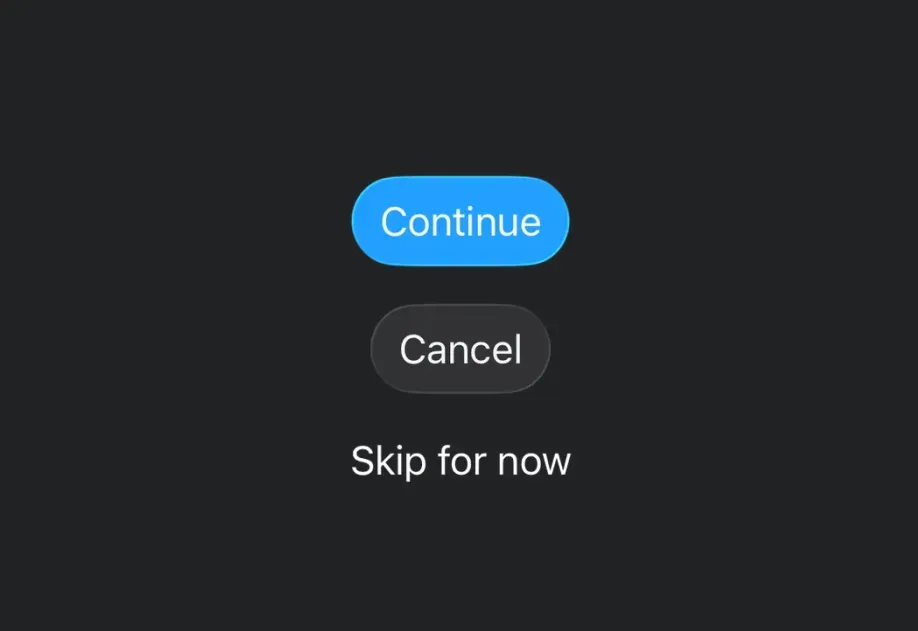
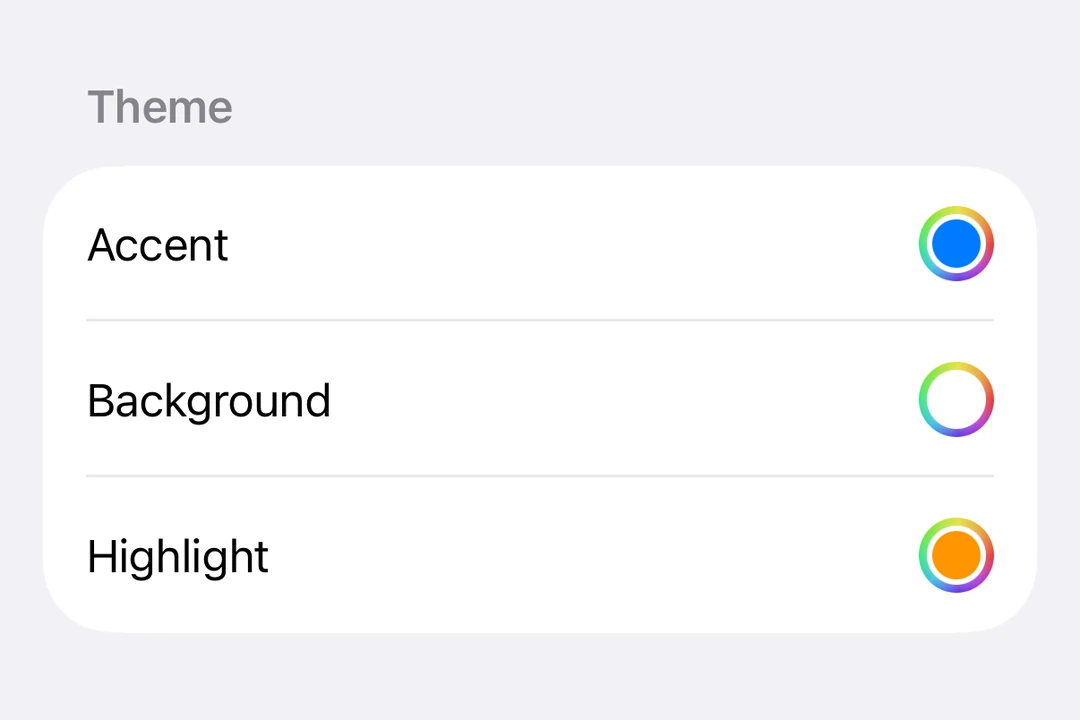
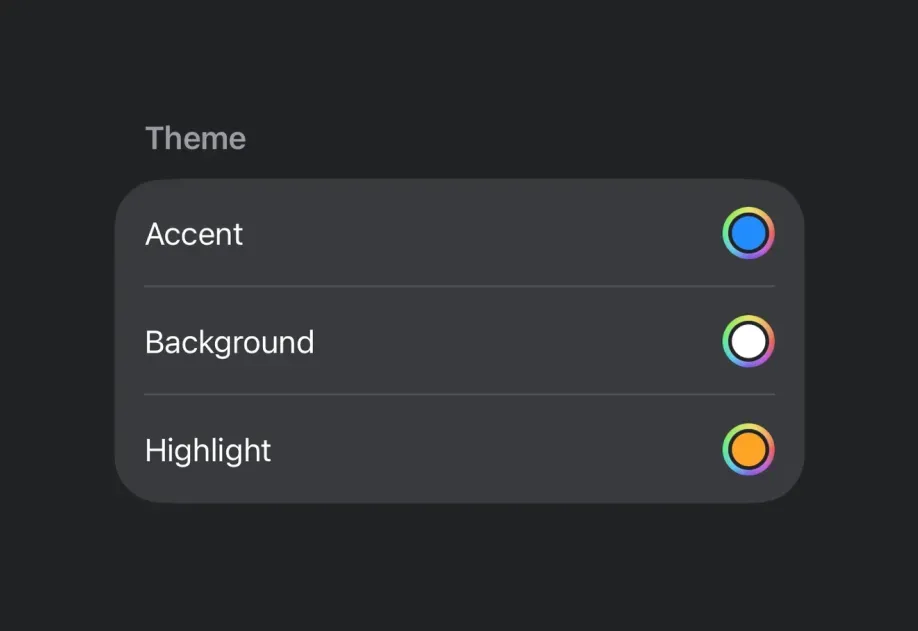
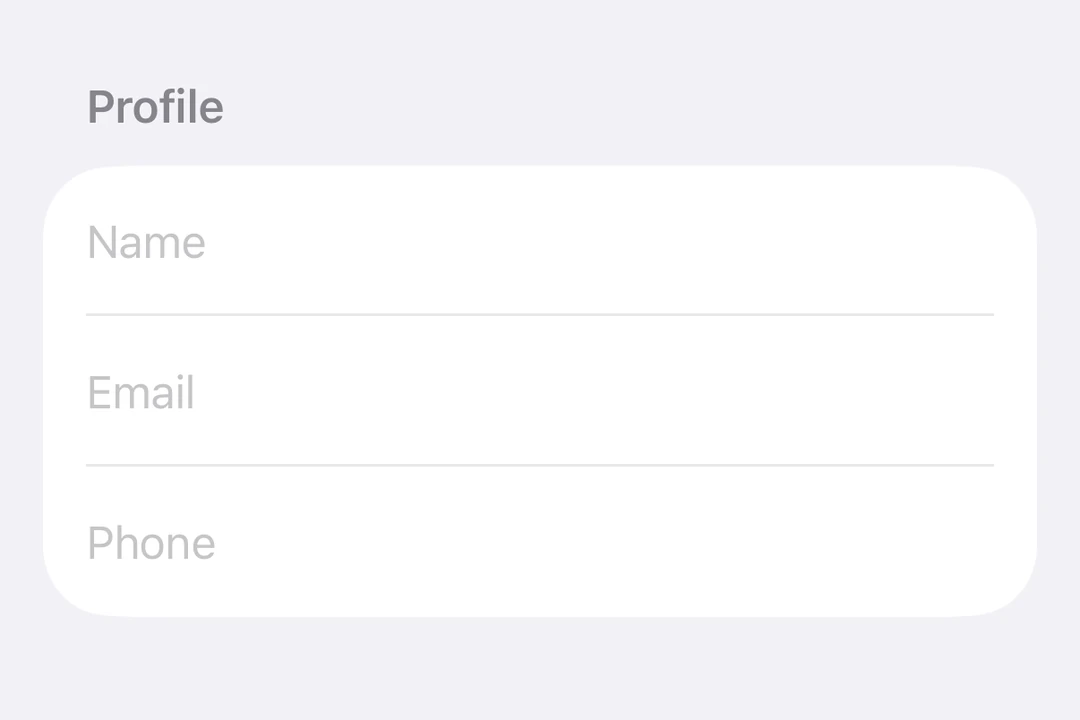
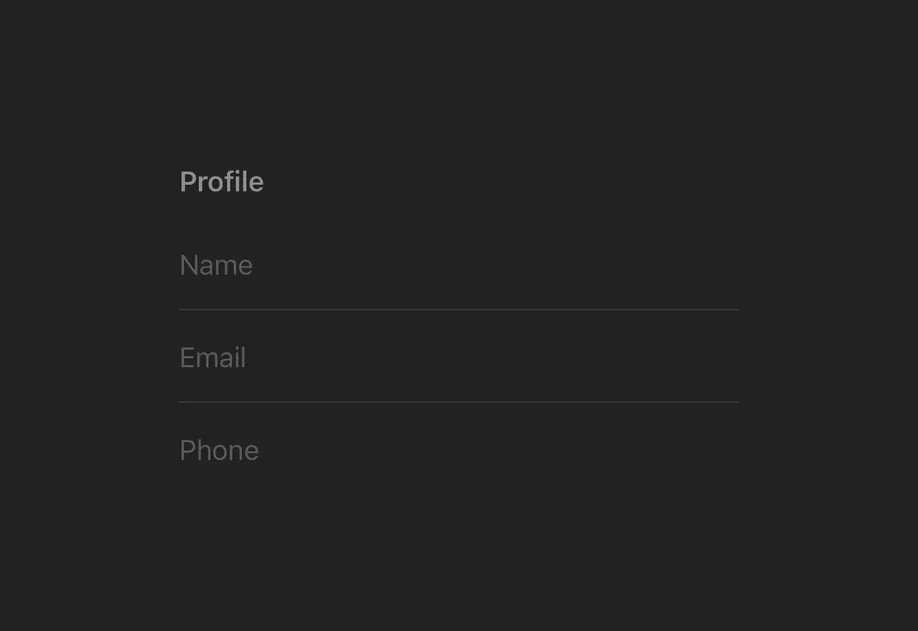
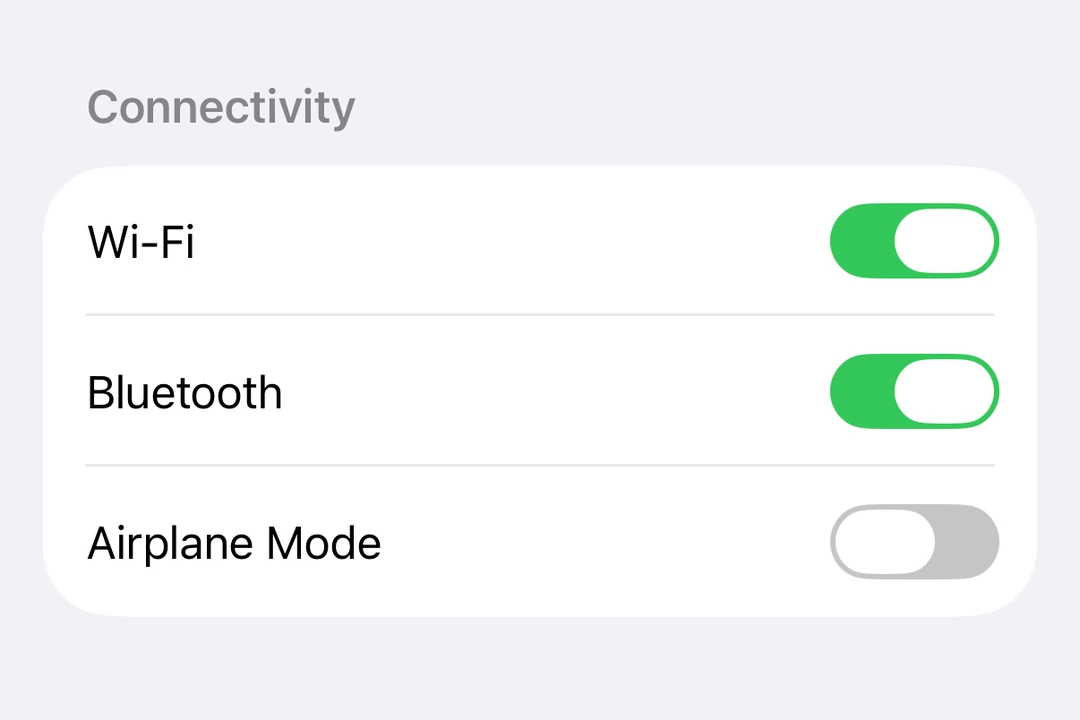
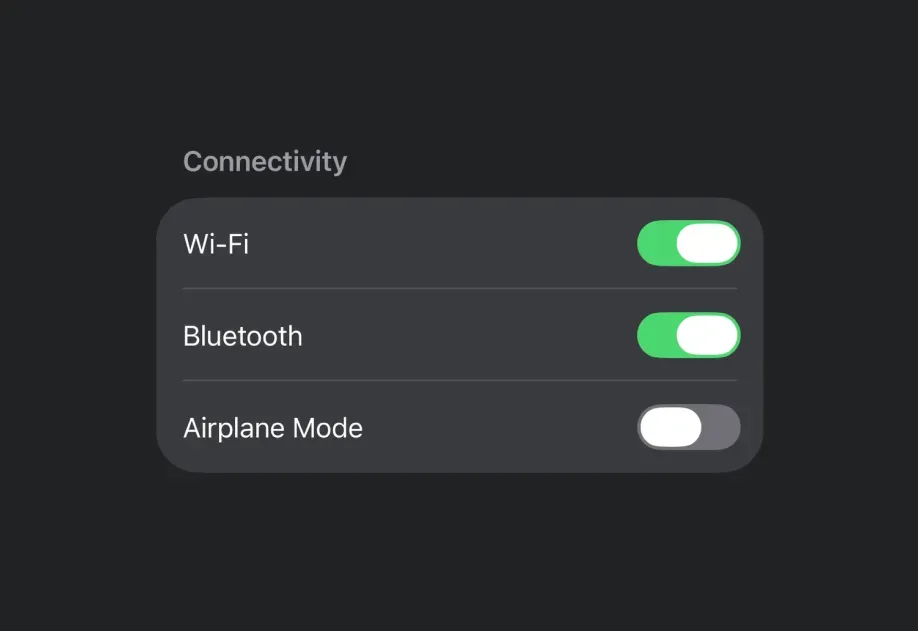
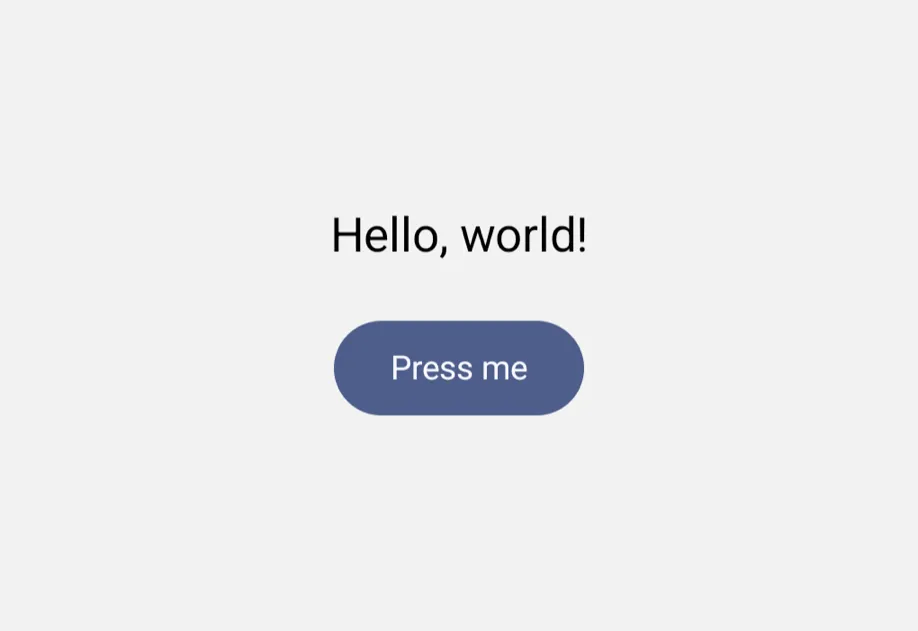
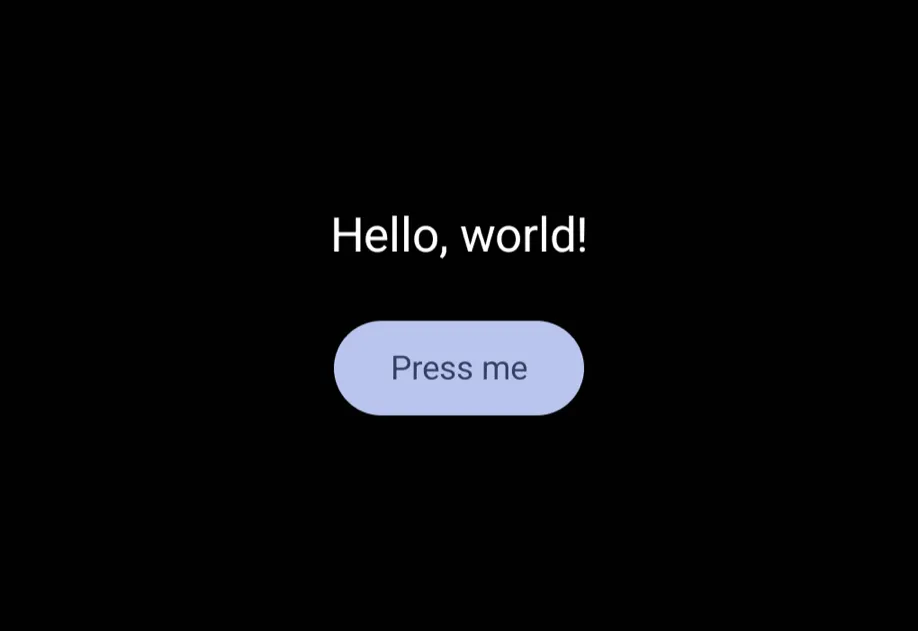
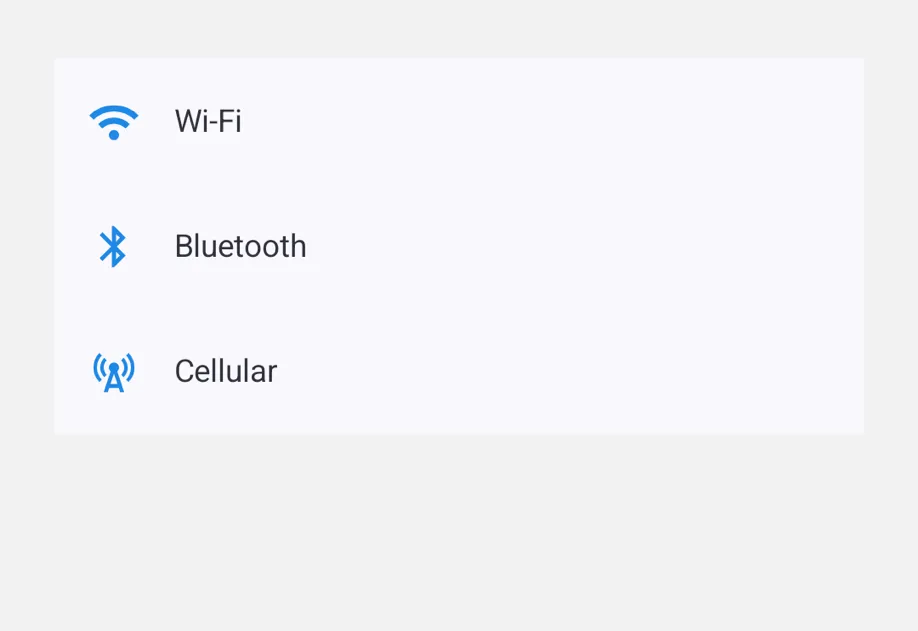
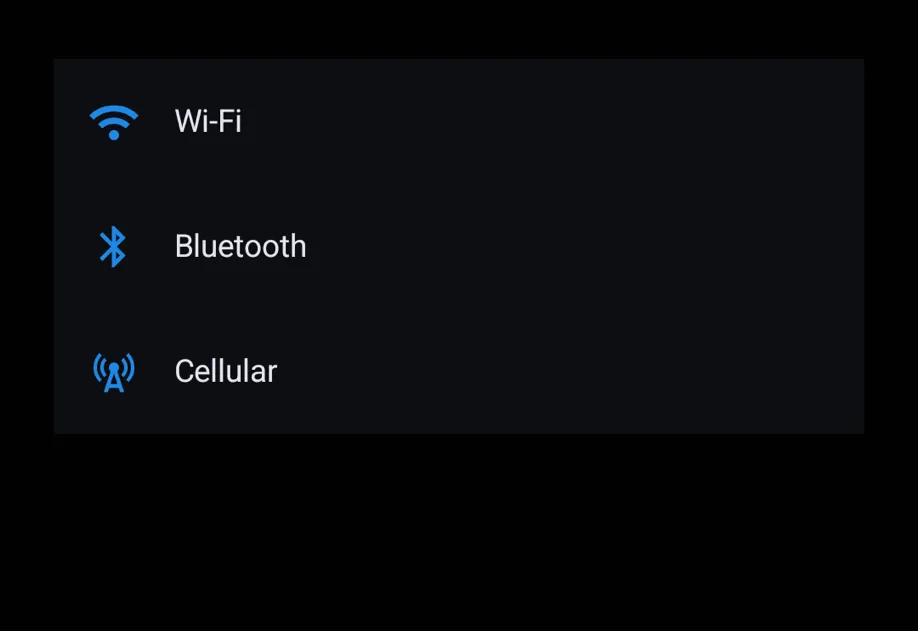
@expo/ui is a set of native input components that allows you to build fully native interfaces with Jetpack Compose and SwiftUI. It aims to provide the commonly used features and components that a typical app will need.
Available platforms
Components are available for the following platforms:
- Jetpack Compose: Build native Android interfaces with Jetpack Compose components
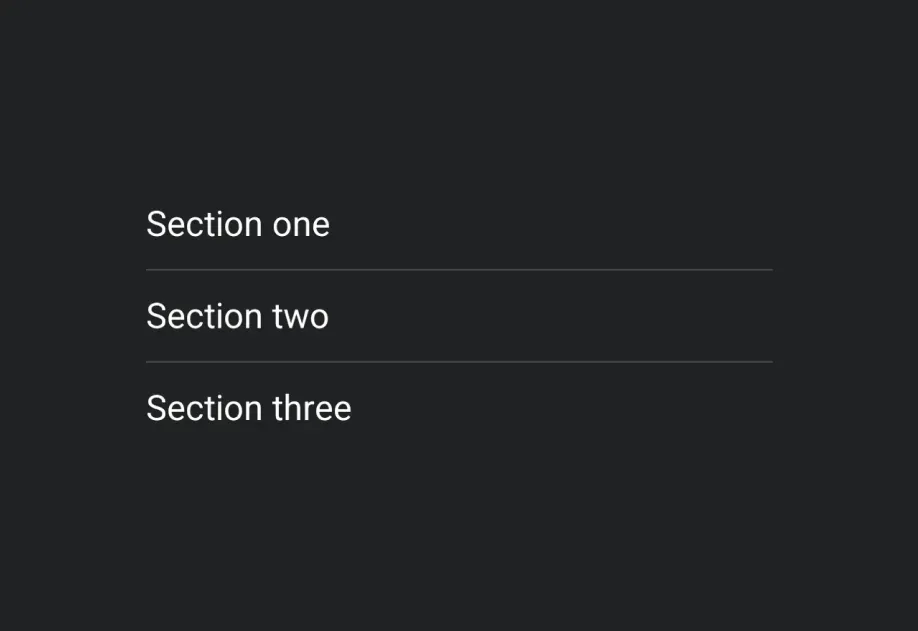
- SwiftUI: Build native iOS interfaces with SwiftUI components
- Universal: Cross-platform components that run on Android, iOS, and web from a single source
- Jetpack Compose: Build native Android interfaces with Jetpack Compose components
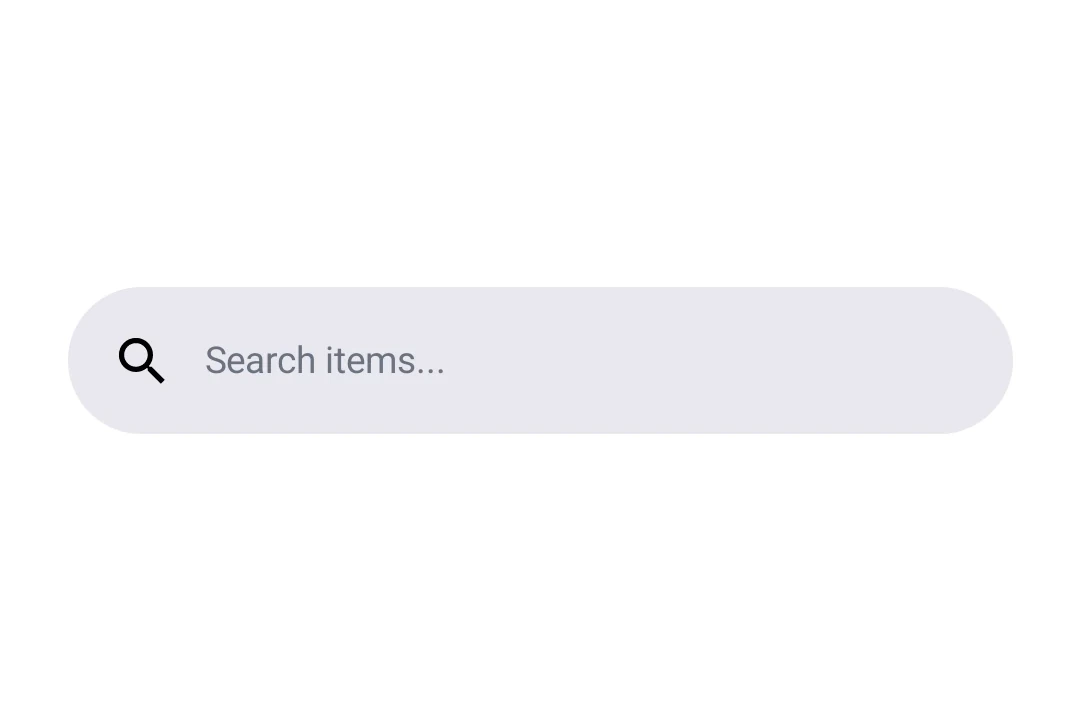
- SwiftUI: Build native iOS interfaces with SwiftUI components
Drop-in replacements
See Drop-in replacements for API-compatible replacements for popular React Native community libraries.
Available components
Drop-in replacements
| Component | Description |
|---|---|
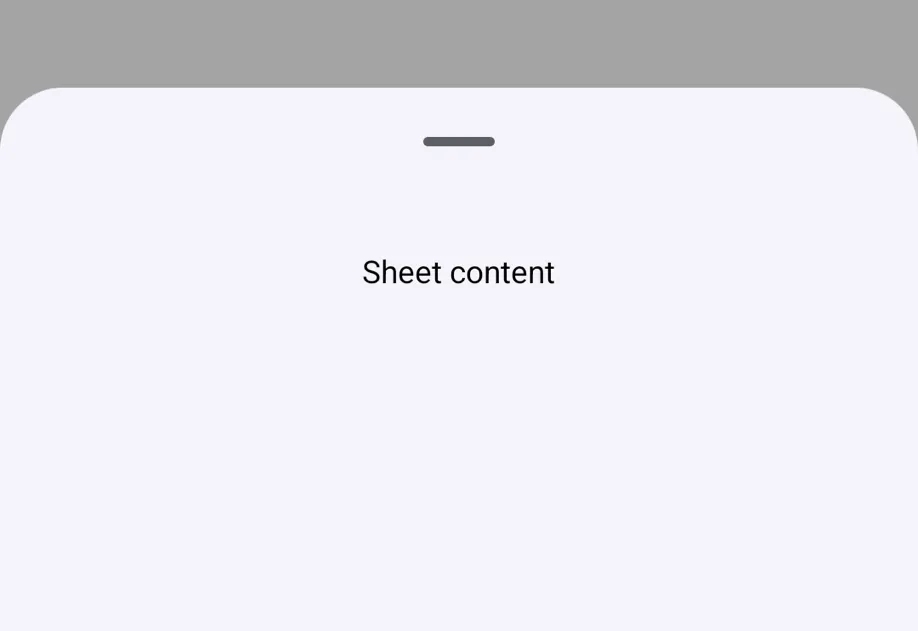
BottomSheet | A bottom sheet compatible with @gorhom/bottom-sheet. |
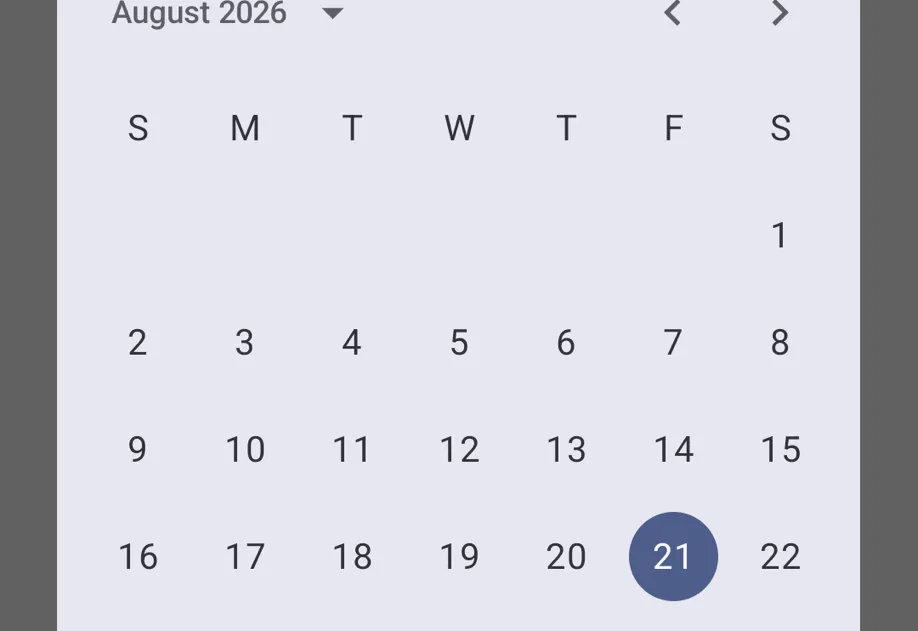
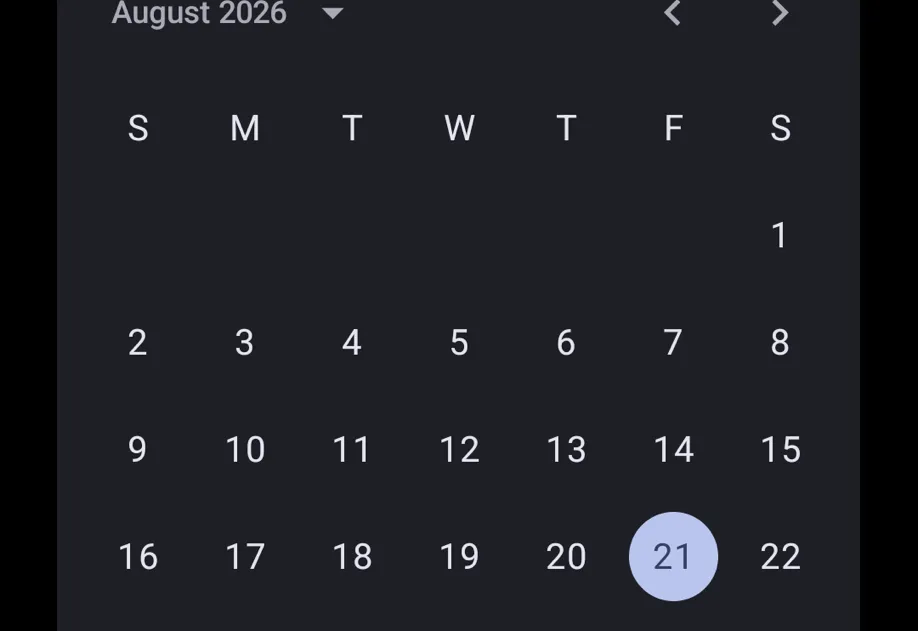
DateTimePicker | A date and time picker compatible with @react-native-community/datetimepicker. |
MaskedView | A masked view compatible with @react-native-masked-view/masked-view. |
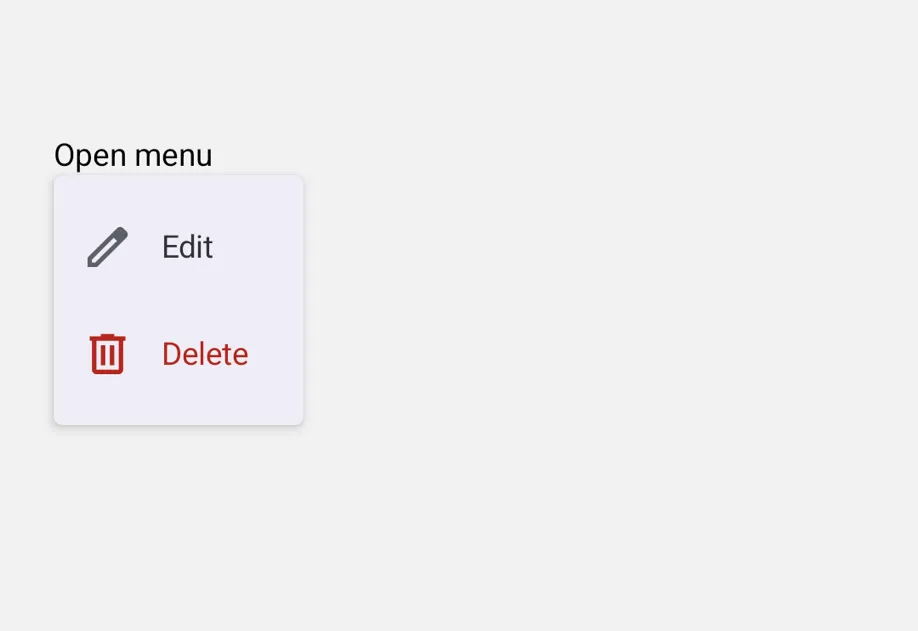
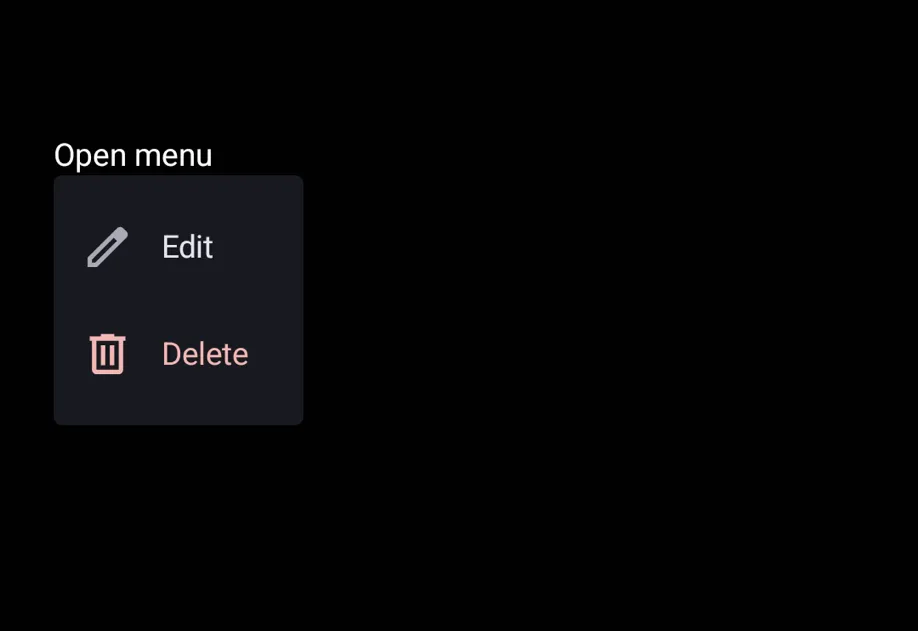
Menu | A menu compatible with @react-native-menu/menu. |
PagerView | A horizontally paged view compatible with react-native-pager-view. |
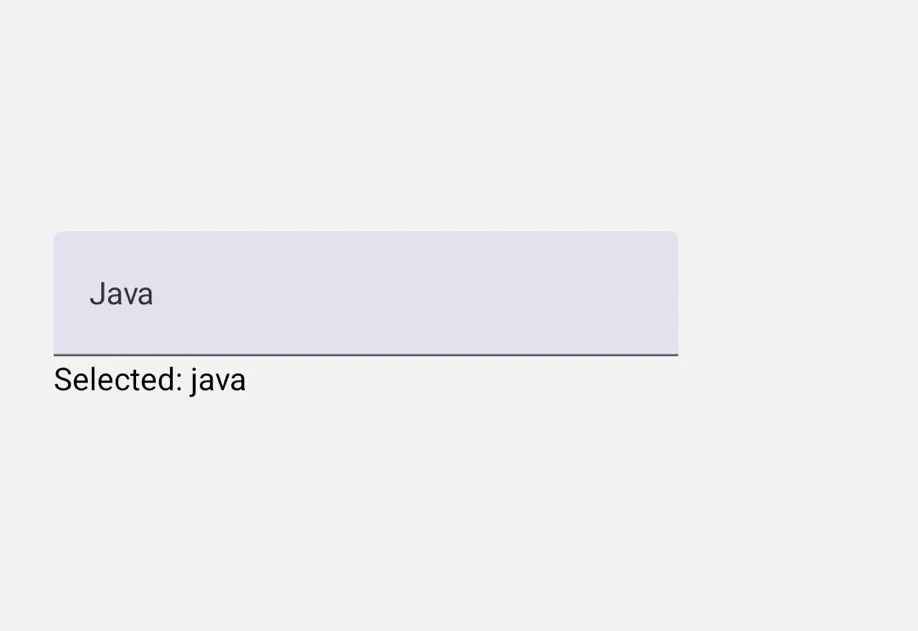
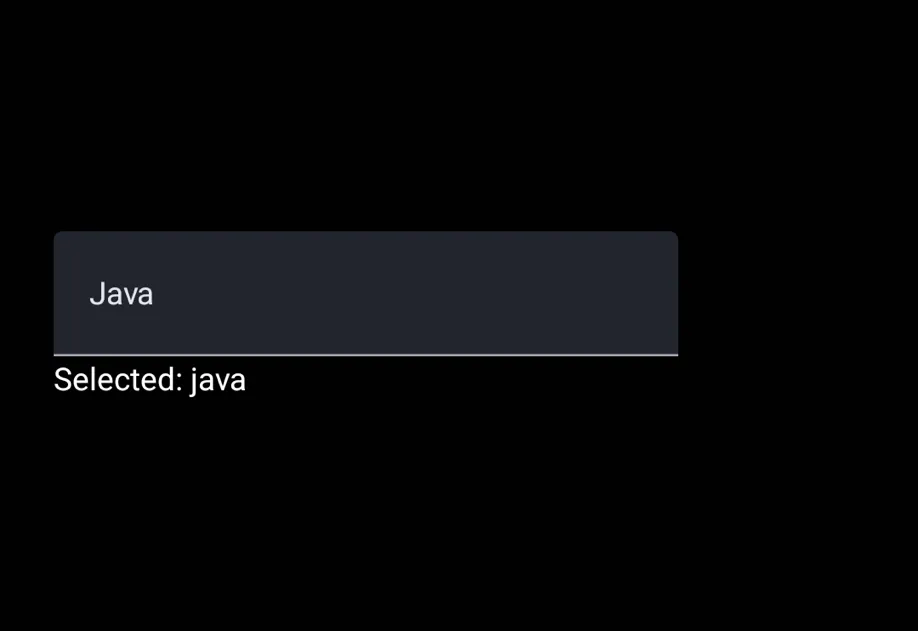
Picker | A picker compatible with @react-native-picker/picker. |
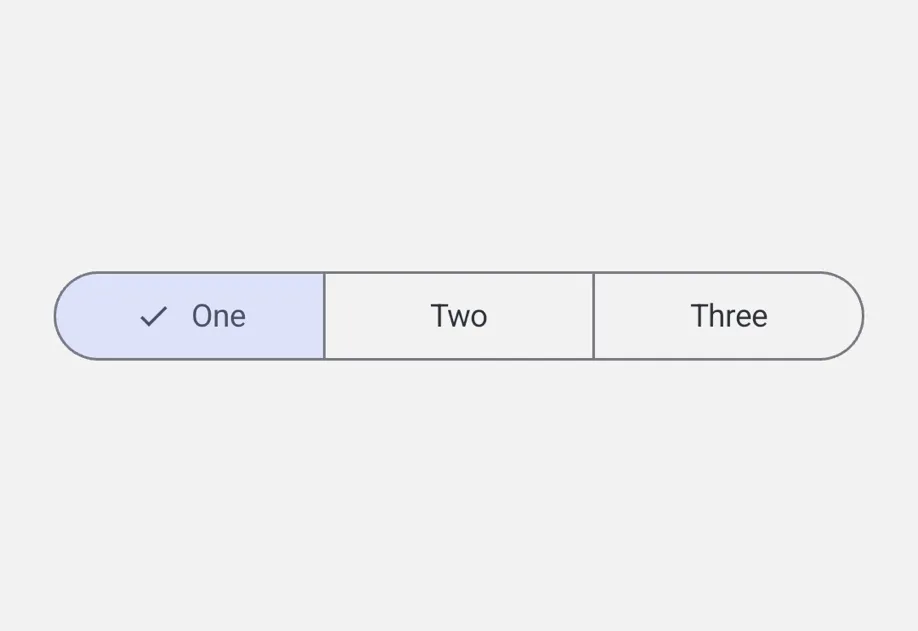
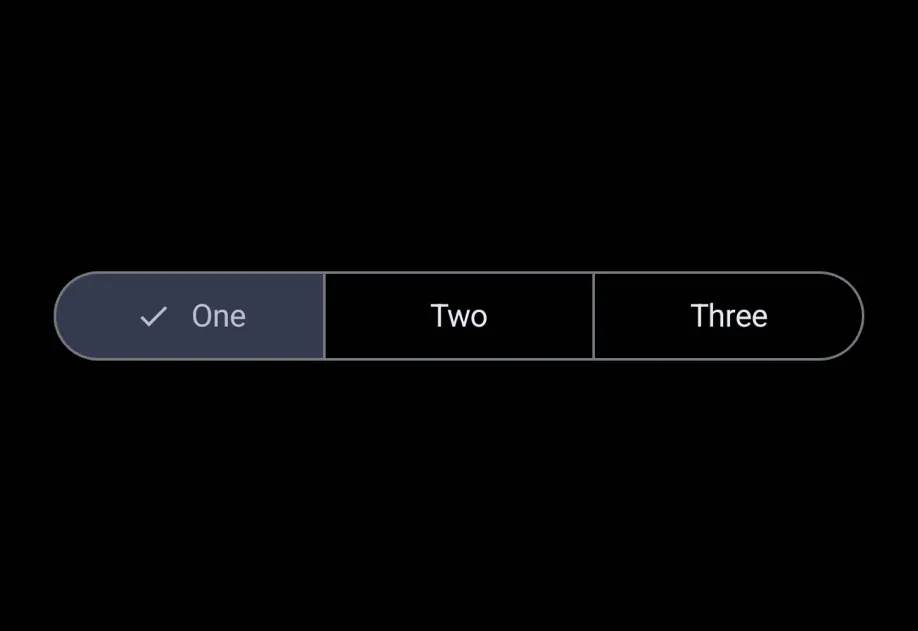
SegmentedControl | A segmented control compatible with @react-native-segmented-control/segmented-control. |
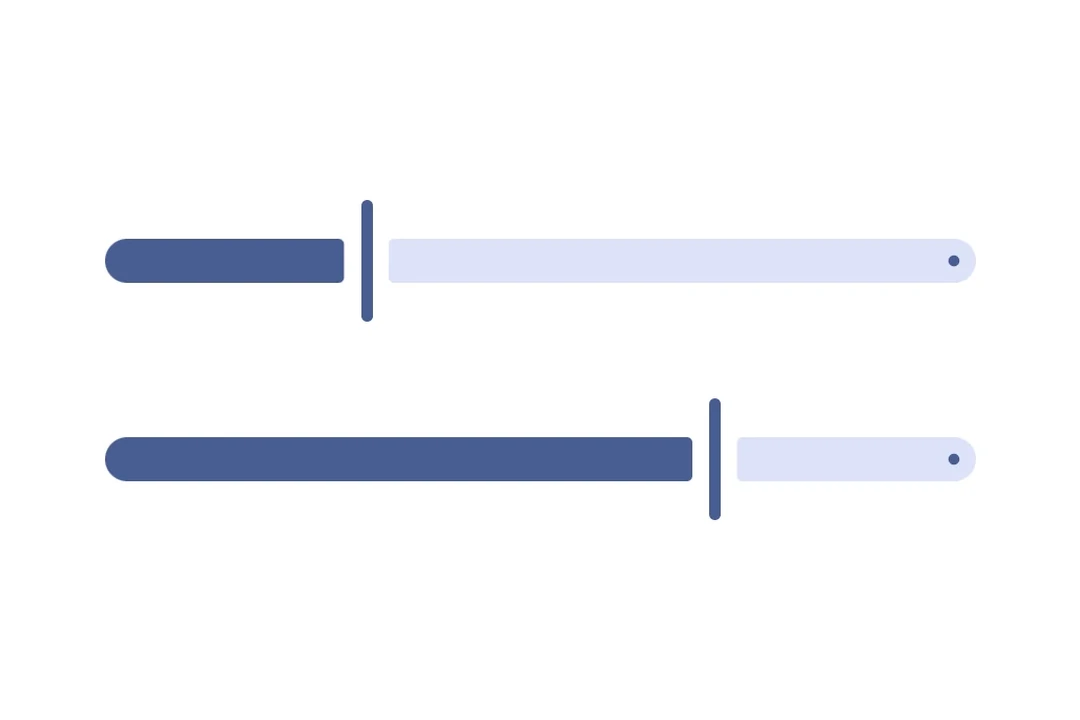
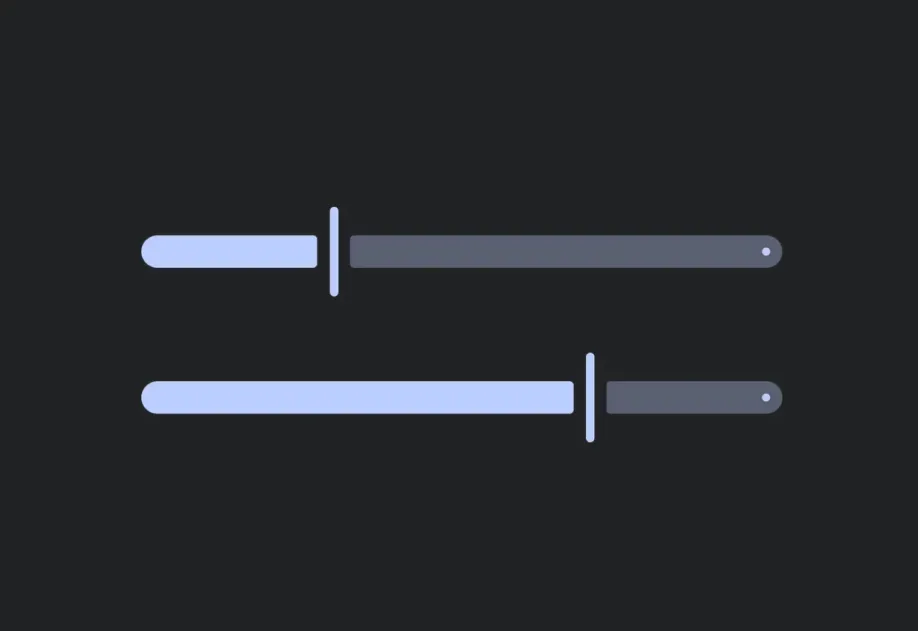
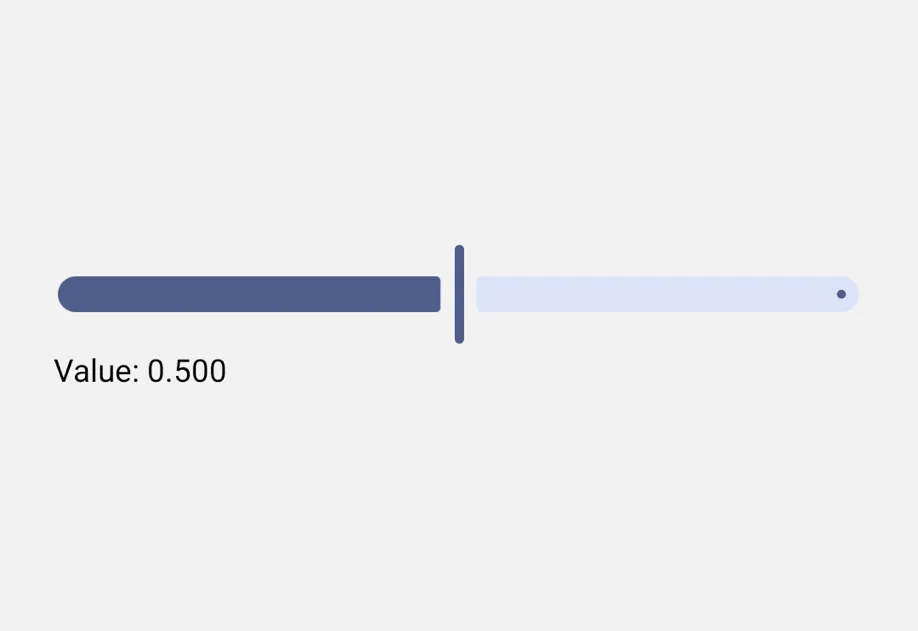
Slider | A slider compatible with @react-native-community/slider. |
Universal
| Component | Description |
|---|---|
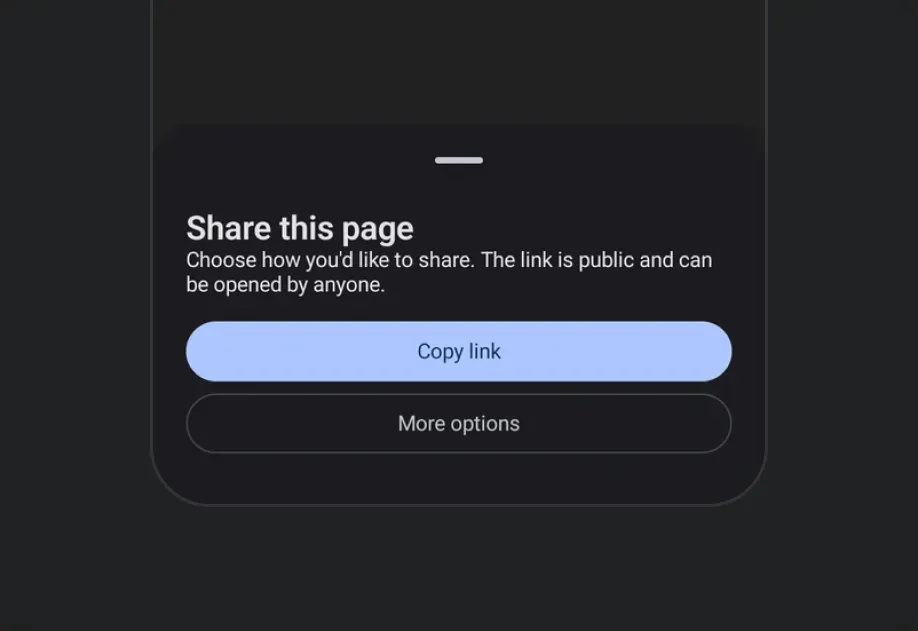
BottomSheet | A modal sheet that slides up from the bottom of the screen. |
Button | A pressable button with multiple visual variants. |
Checkbox | A toggle control that represents a checked or unchecked state. |
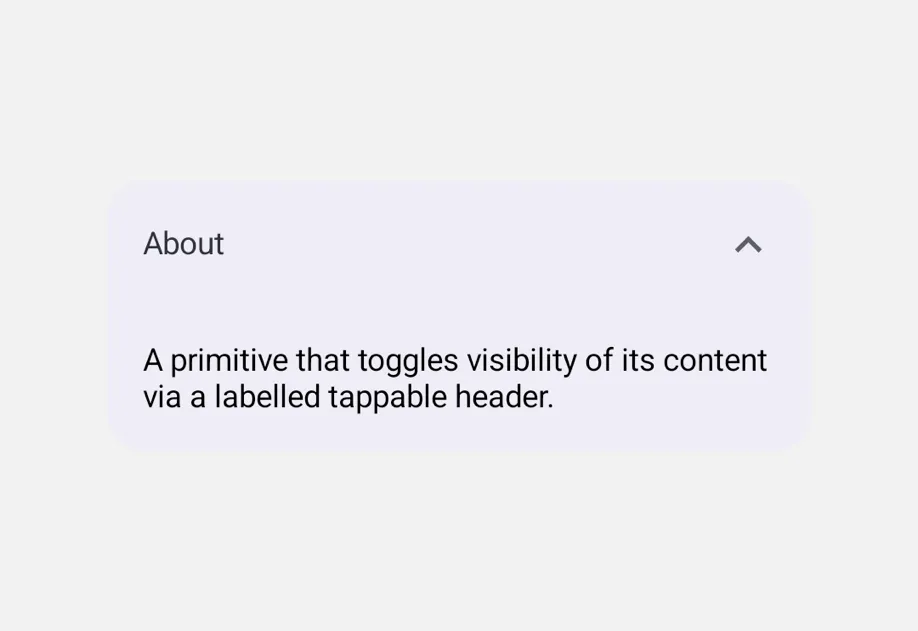
Collapsible | A labelled tappable header that toggles visibility of its content. |
Column | A vertical layout container for universal @expo/ui components. |
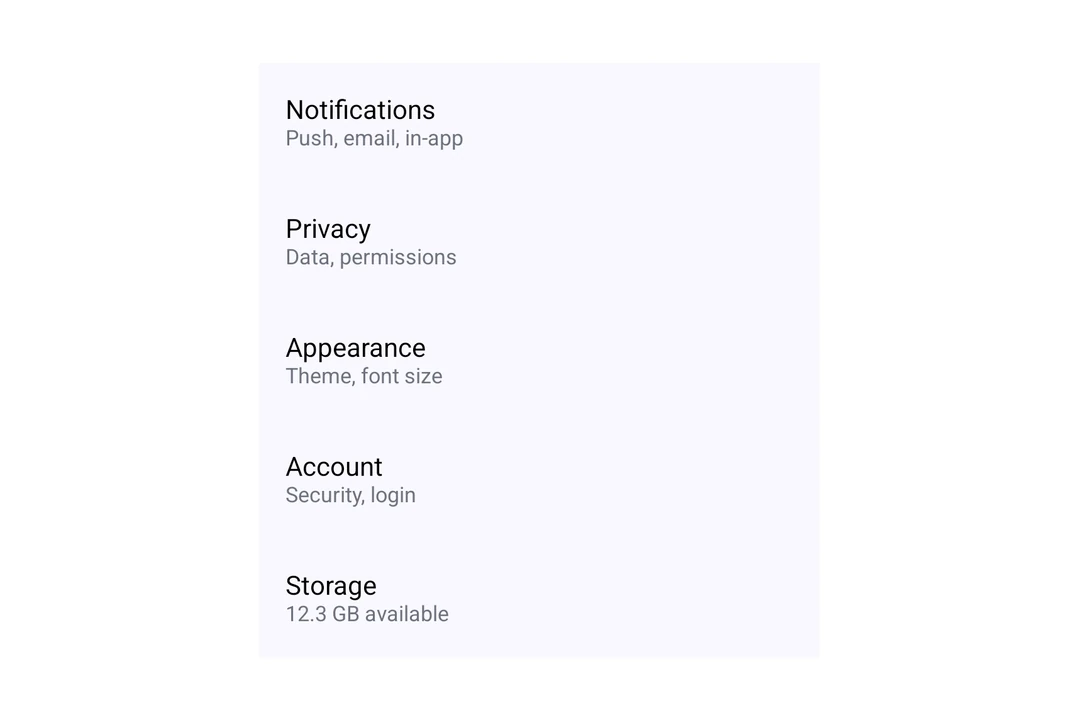
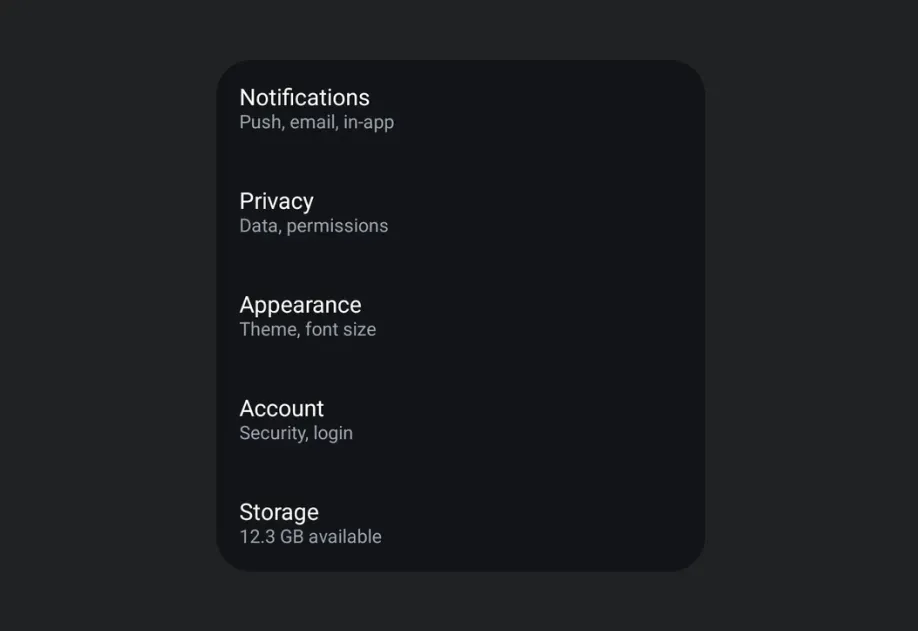
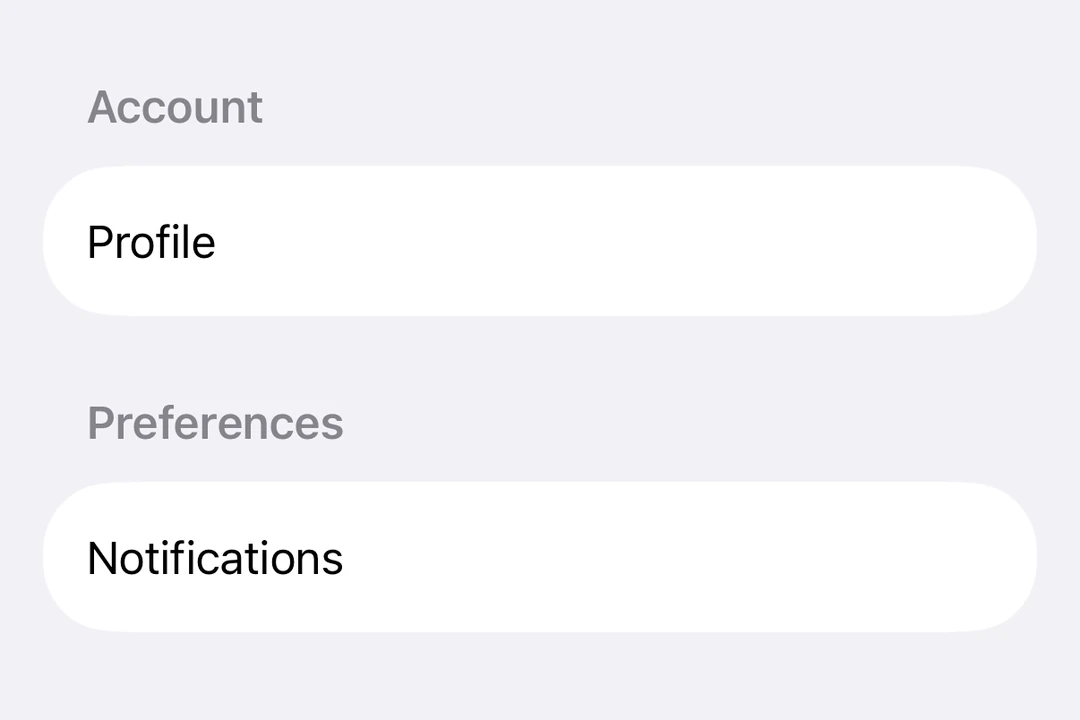
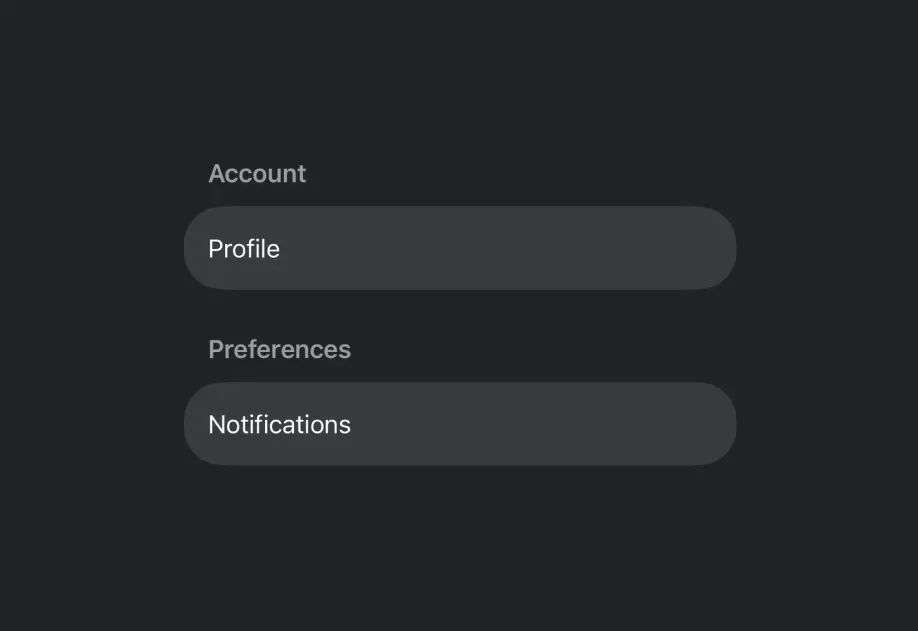
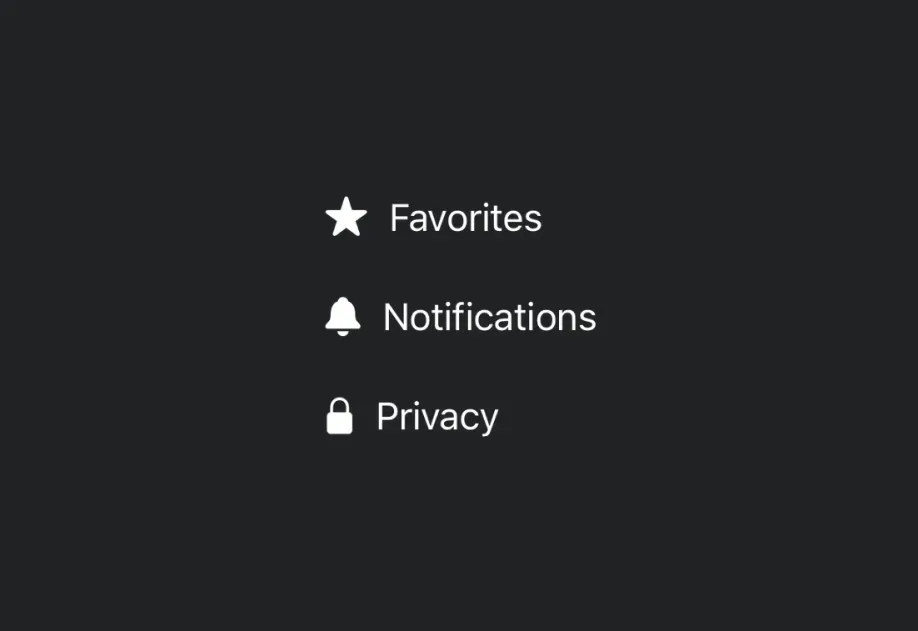
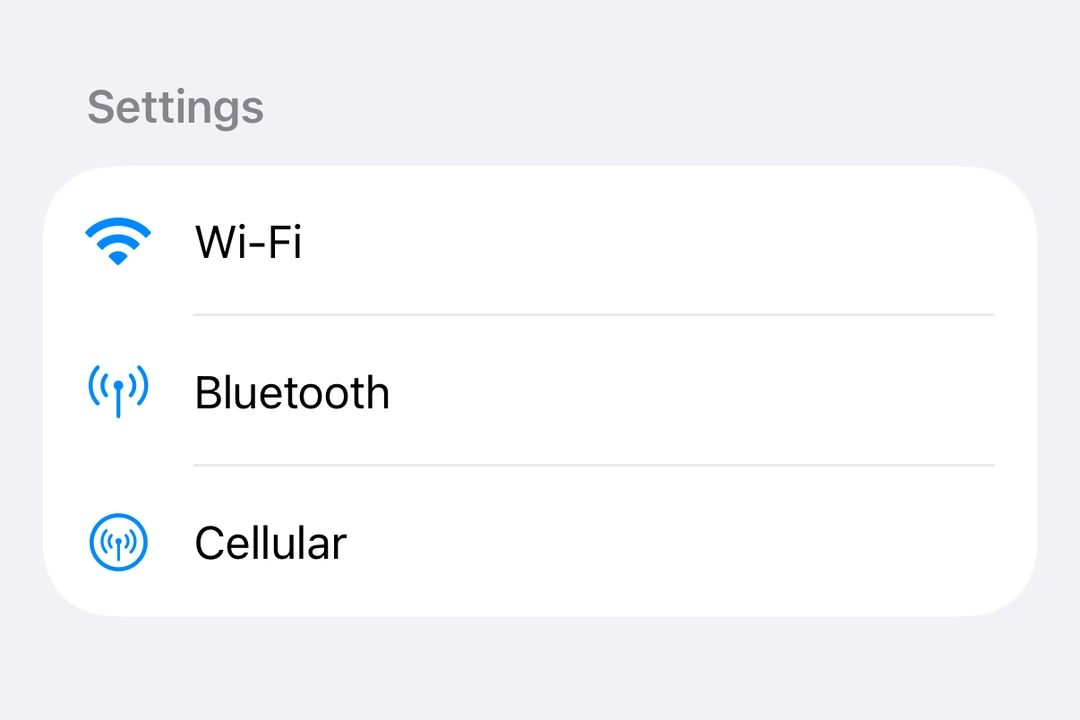
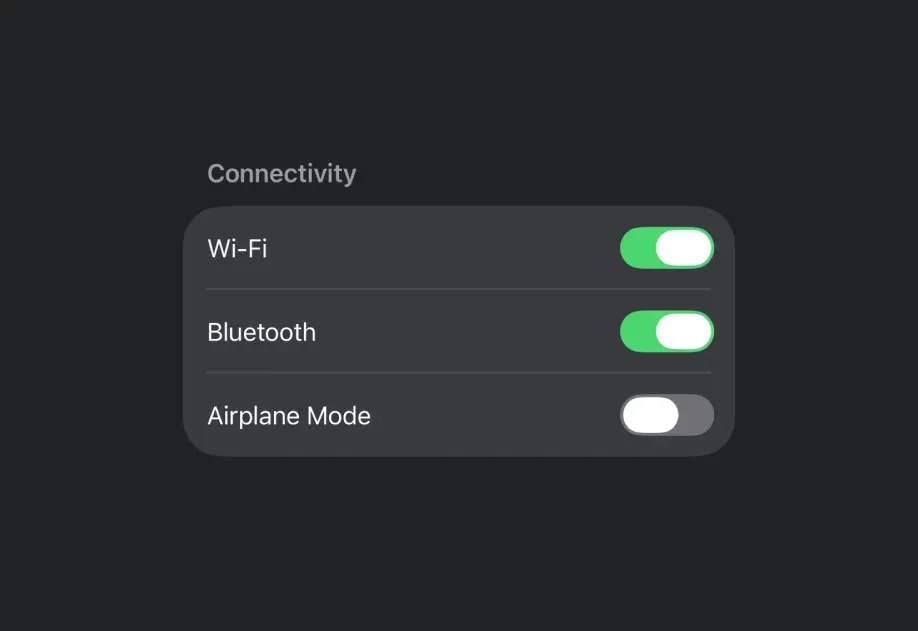
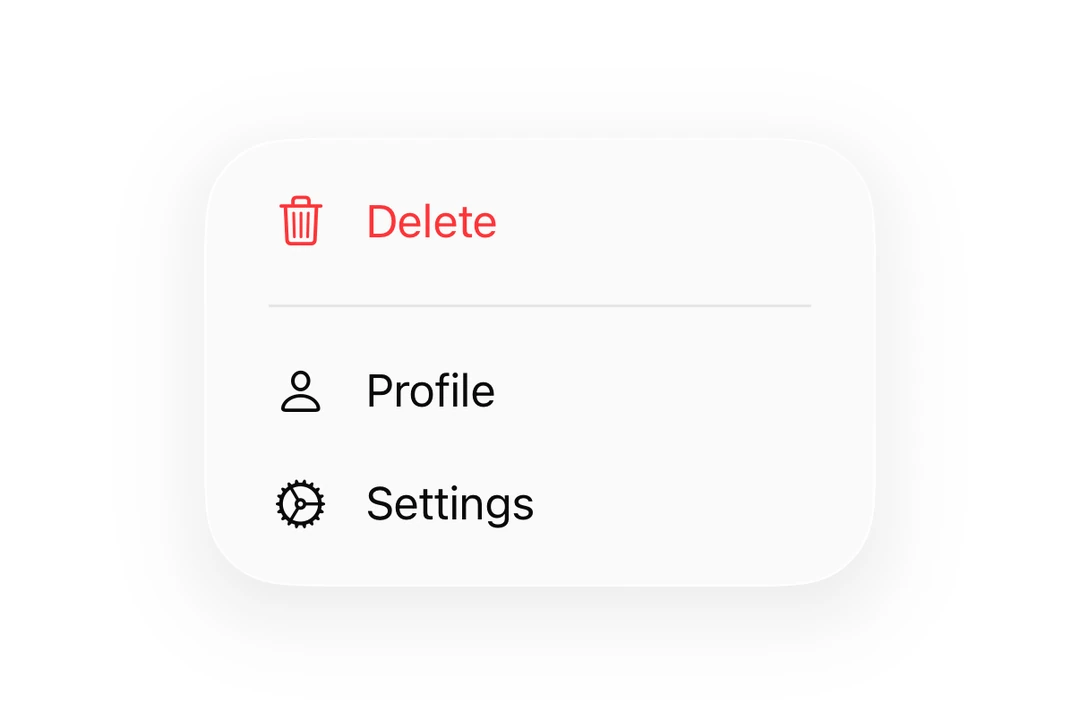
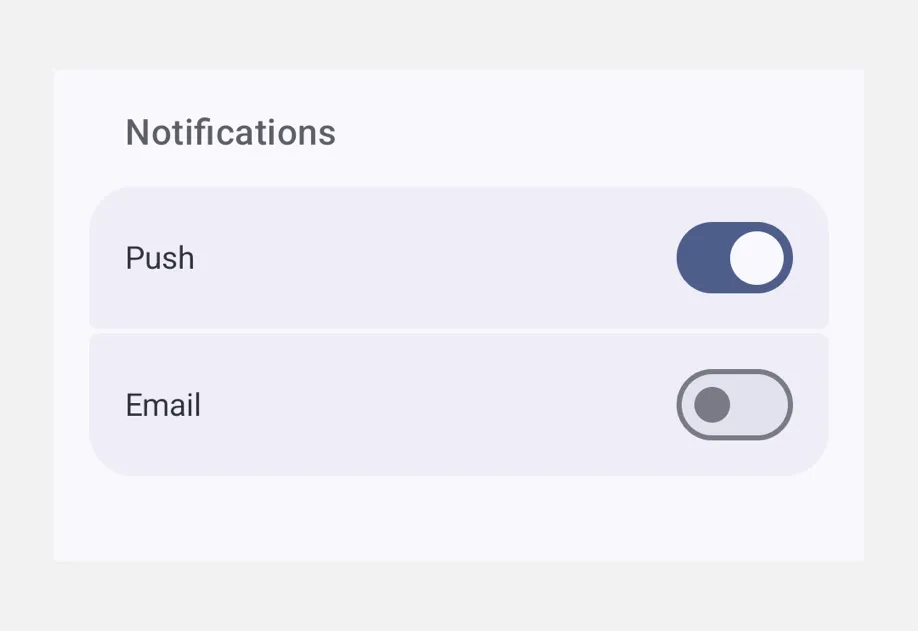
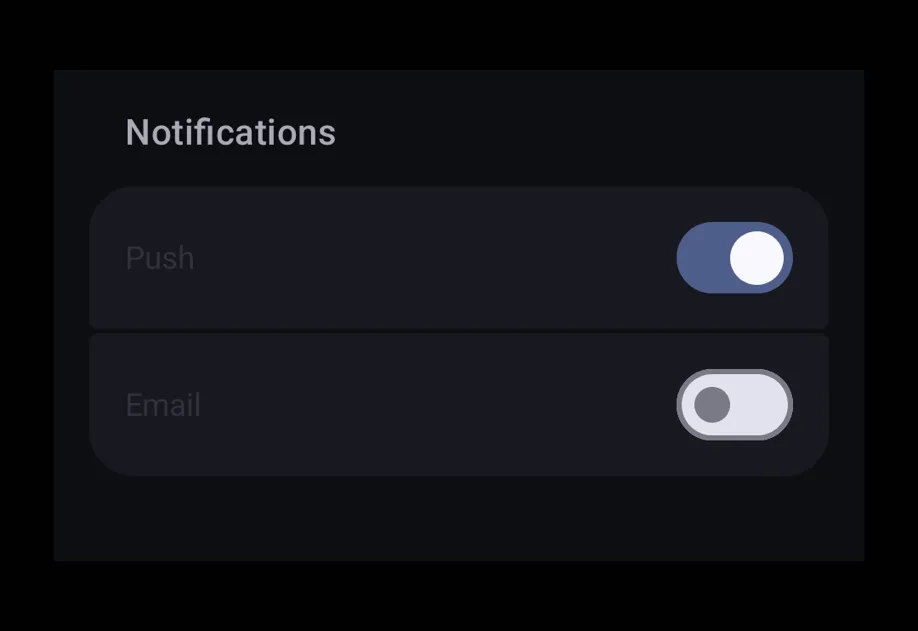
FieldGroup | A scrollable container of grouped settings-style rows. |
Host | A cross-platform Host component that wraps universal @expo/ui content. |
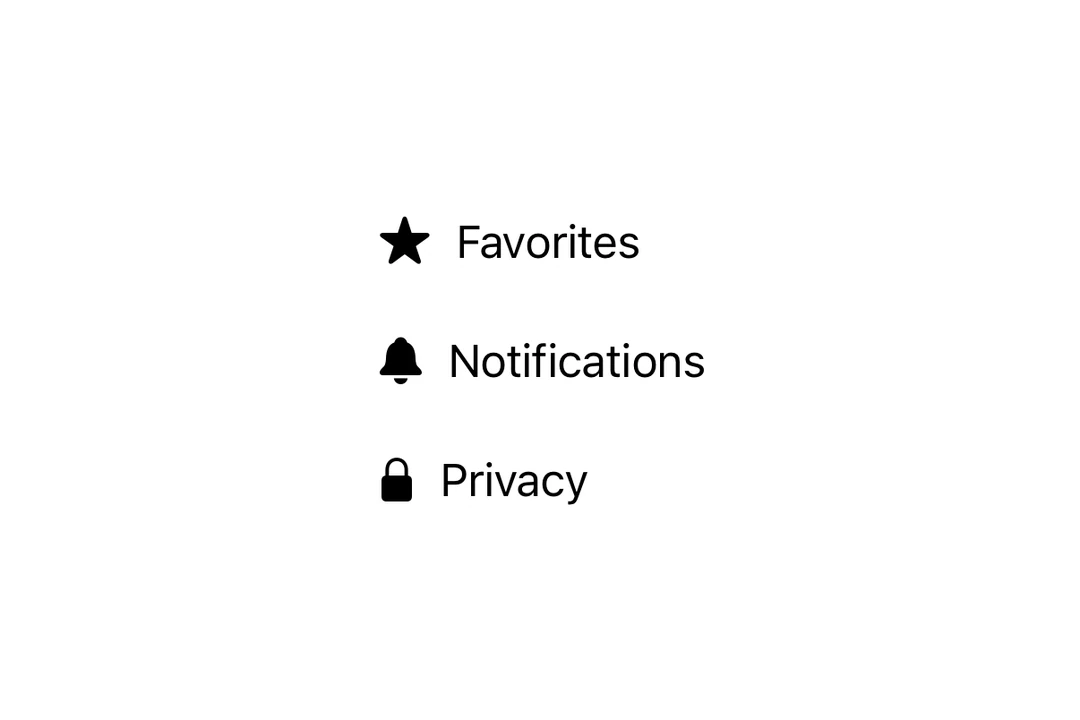
Icon | A platform-native icon — SF Symbol on iOS, Material Symbol on Android. |
List | A virtualized vertical container of rows, paired with a tappable ListItem primitive. |
Picker | A single-selection input with menu and wheel appearances. |
RNHostView | A cross-platform component for hosting React Native views inside @expo/ui views. |
Row | A horizontal layout container for universal @expo/ui components. |
ScrollView | A scrollable container that supports vertical or horizontal scrolling. |
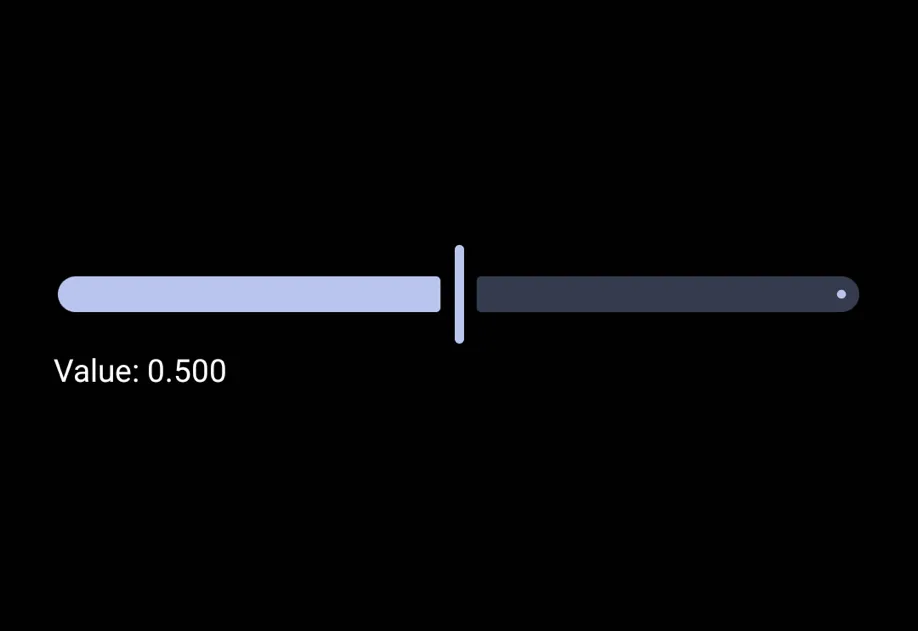
Slider | A control for selecting a value from a continuous or stepped range. |
Spacer | A layout spacer that produces empty space between siblings. |
Switch | A toggle control that switches between on and off states. |
Text | A component for displaying styled text content. |
TextInput | A text input backed by native SwiftUI and Jetpack Compose components, with a React Native-compatible API. |
Jetpack Compose
| Component | Description |
|---|---|
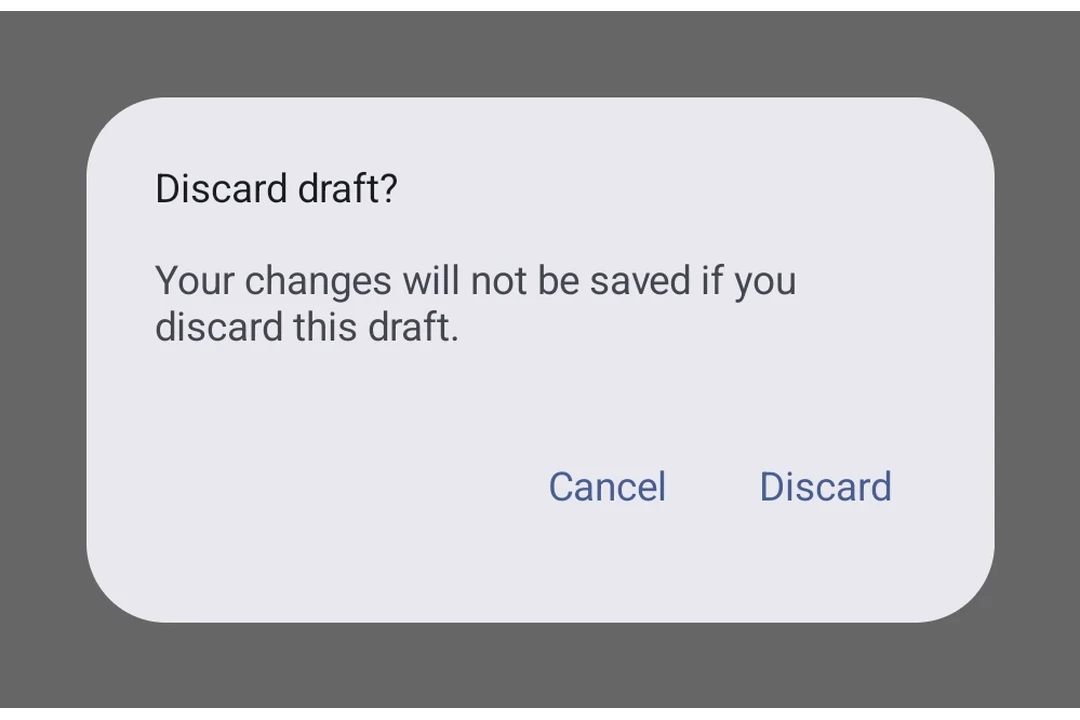
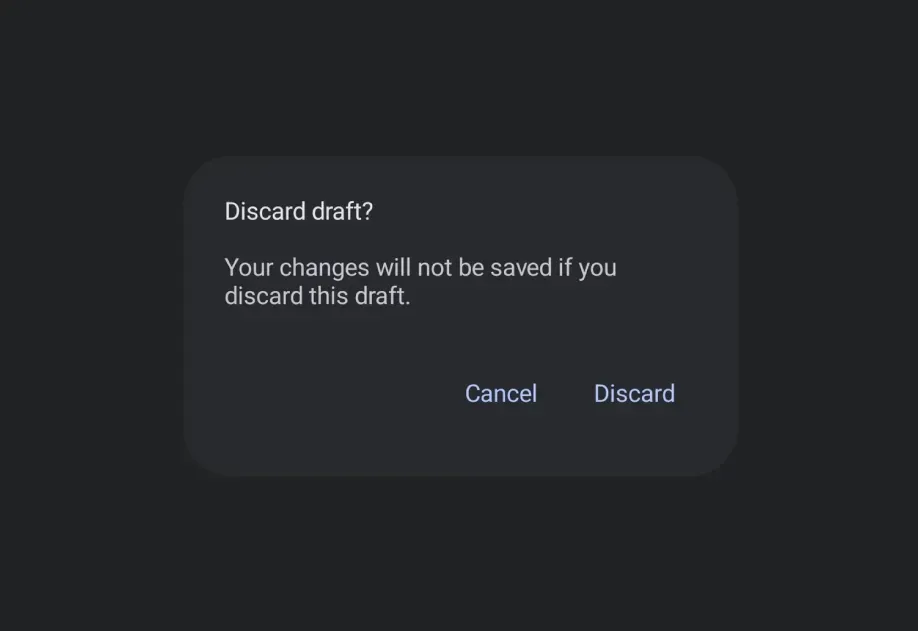
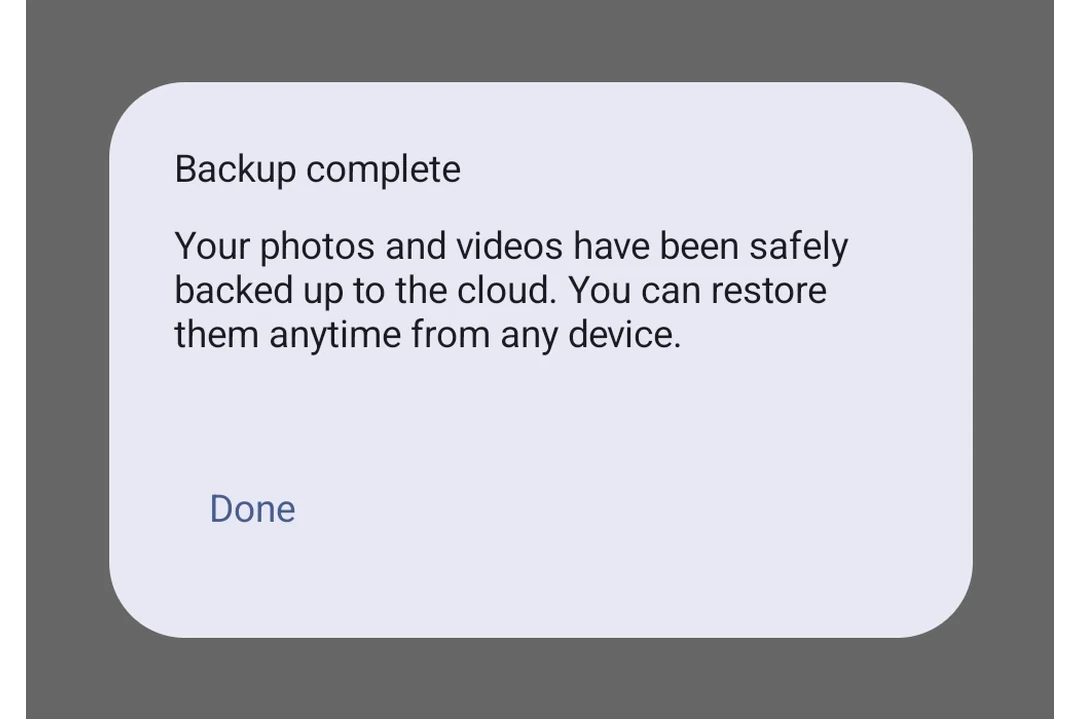
AlertDialog | AlertDialog component for displaying native alert dialogs. |
Badge | Badge component for displaying status indicators and counts. |
BadgedBox | BadgedBox component for overlaying badges on content. |
BasicAlertDialog | BasicAlertDialog component for displaying dialogs with custom content. |
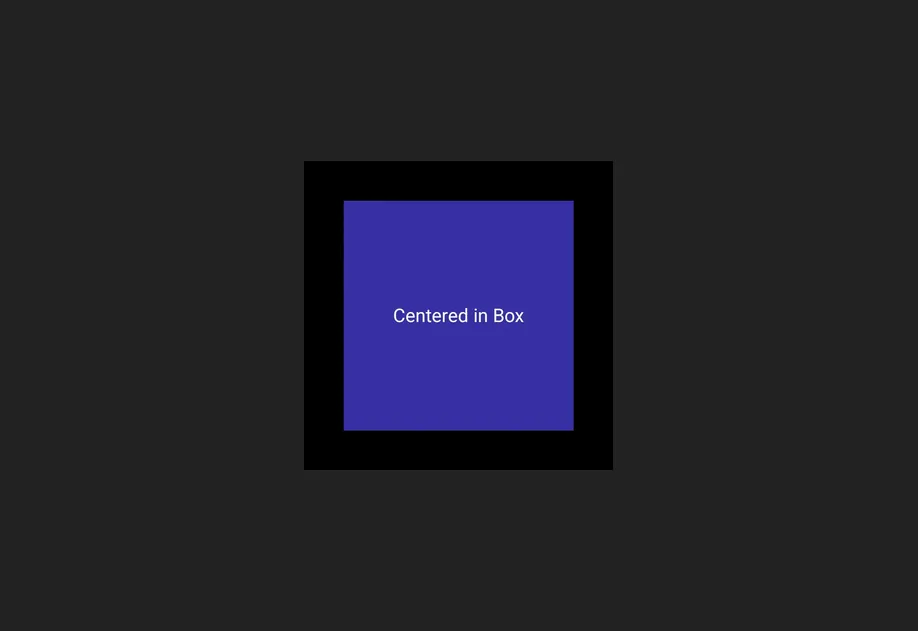
Box | Box component for stacking child elements. |
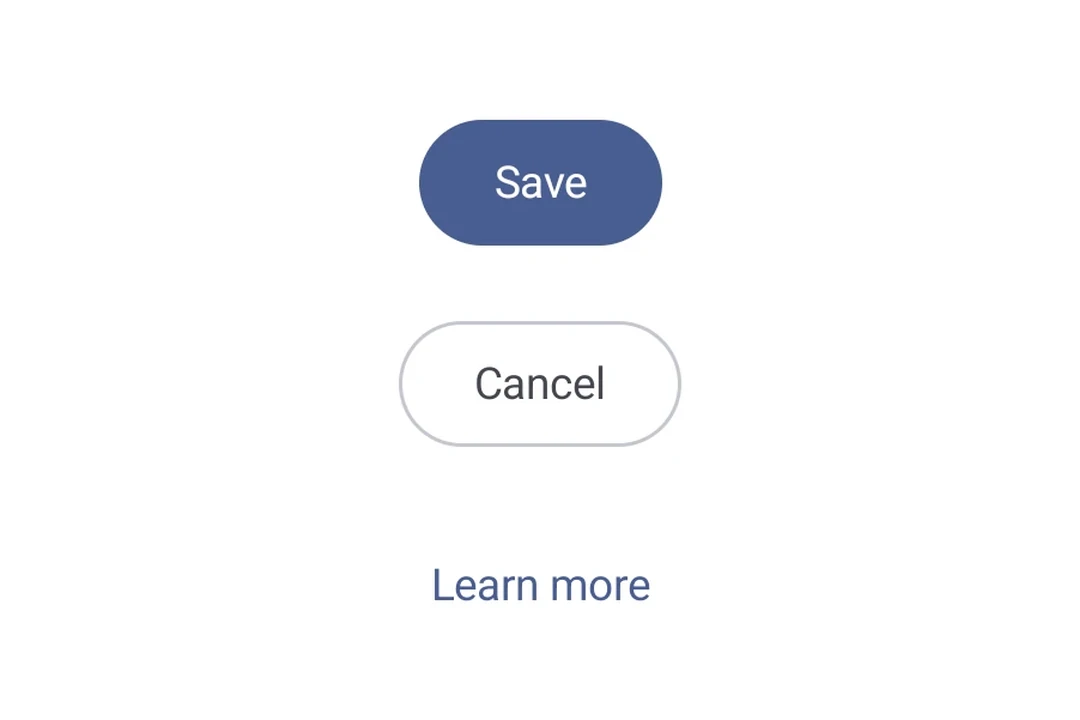
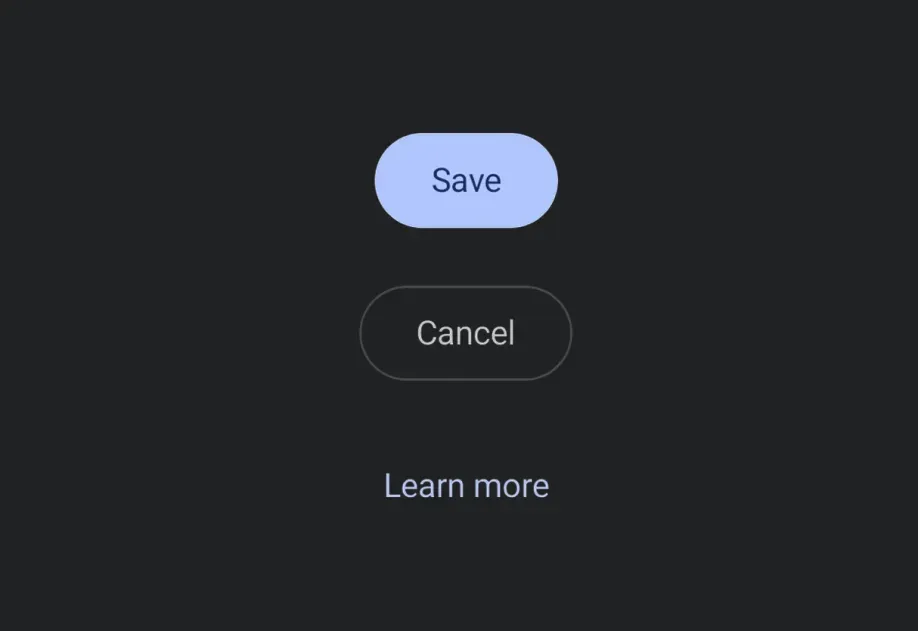
Button | Button components for displaying native Material3 buttons. |
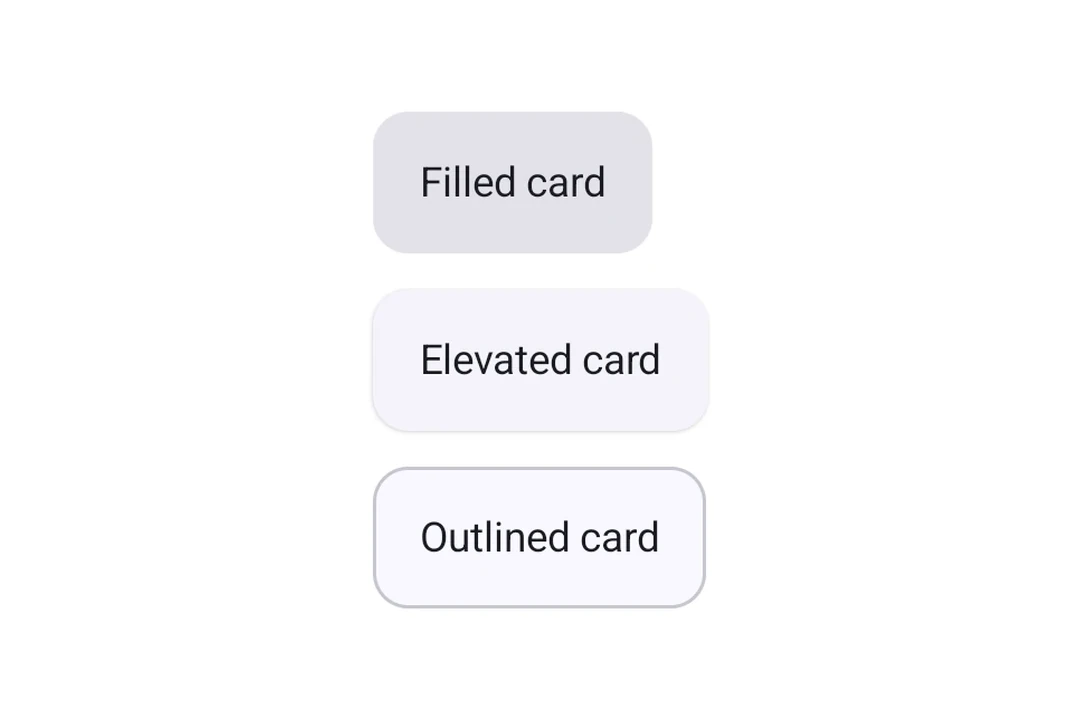
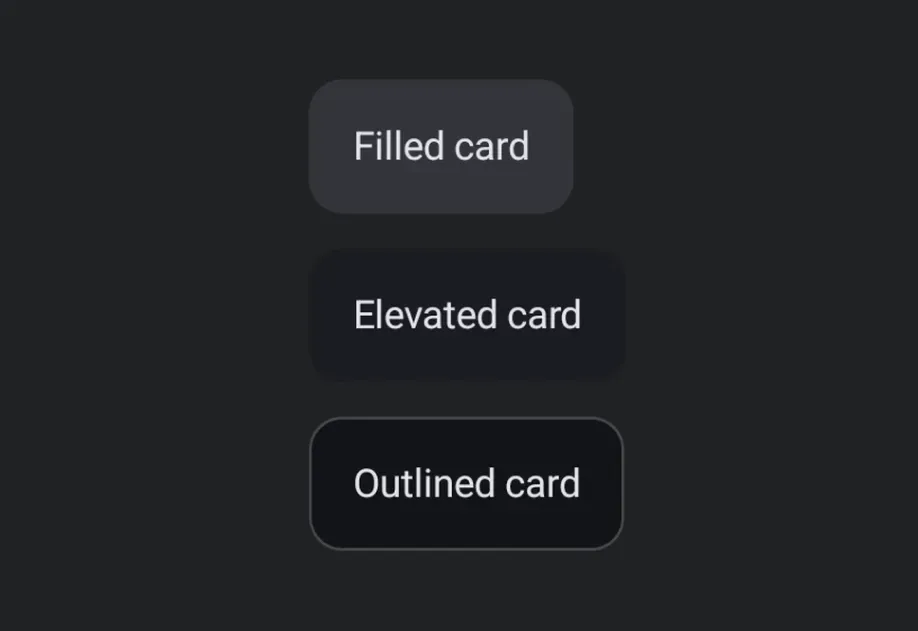
Card | Card component for displaying content in a styled container. |
Carousel | Carousel components for displaying scrollable collections of items. |
Checkbox | Checkbox component for selection controls. |
Chip | Chip components for displaying compact elements. |
Column | Column component for placing children vertically. |
DateTimePicker | DateTimePicker component for selecting dates and times. |
Divider | Divider components for creating visual separators. |
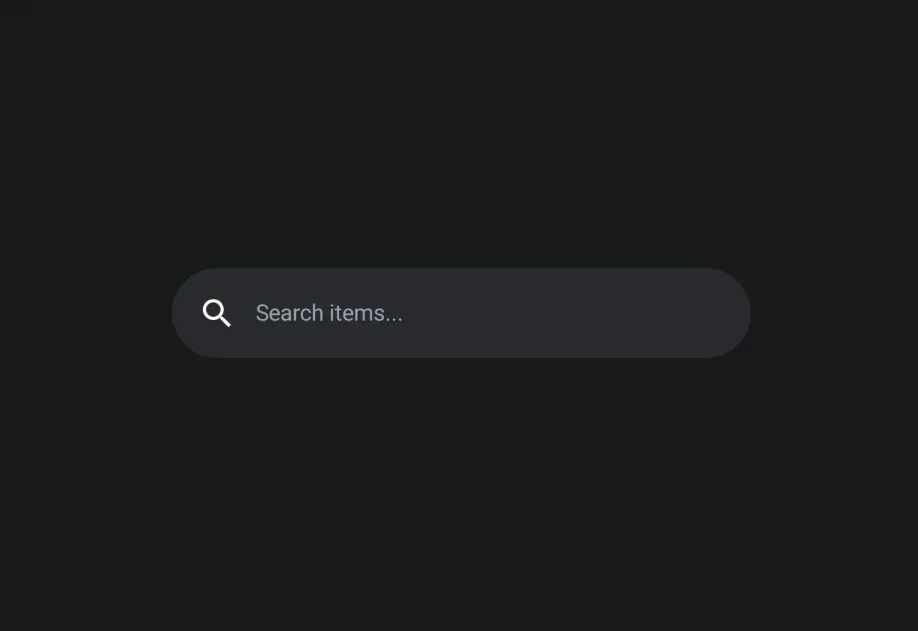
DockedSearchBar | DockedSearchBar component for displaying an inline search input. |
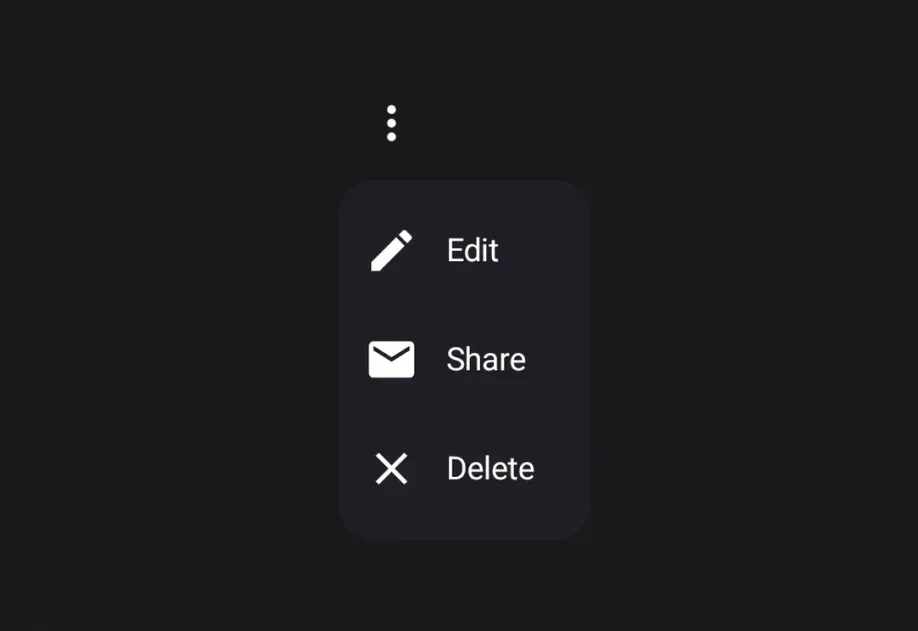
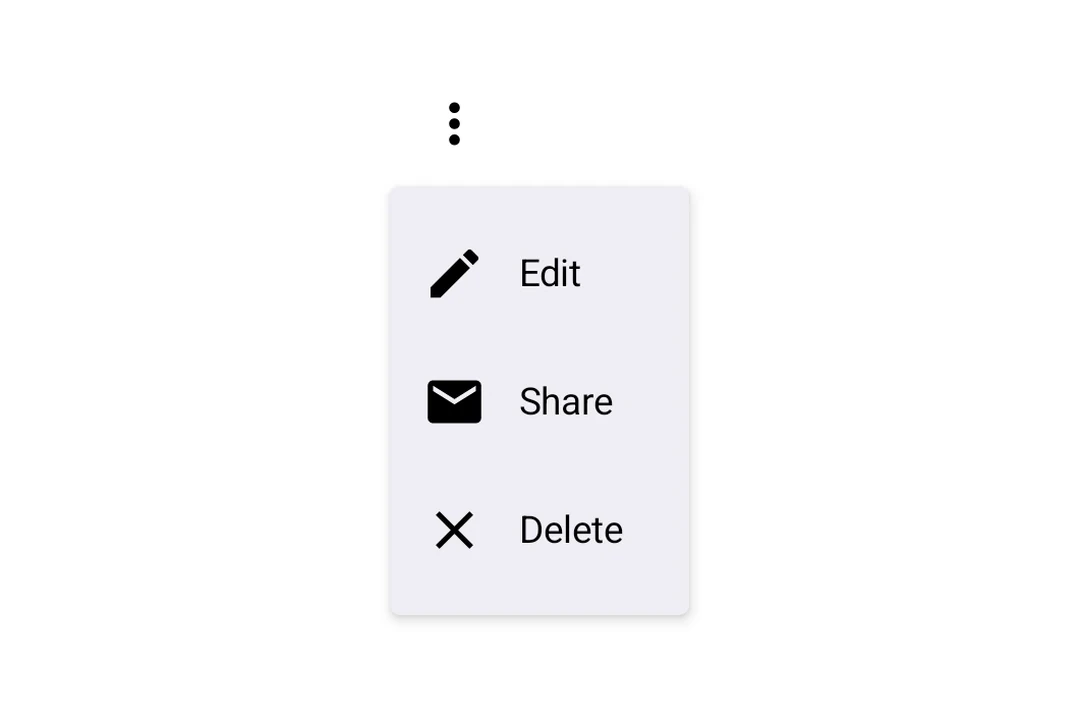
DropdownMenu | DropdownMenu component for displaying dropdown menus. |
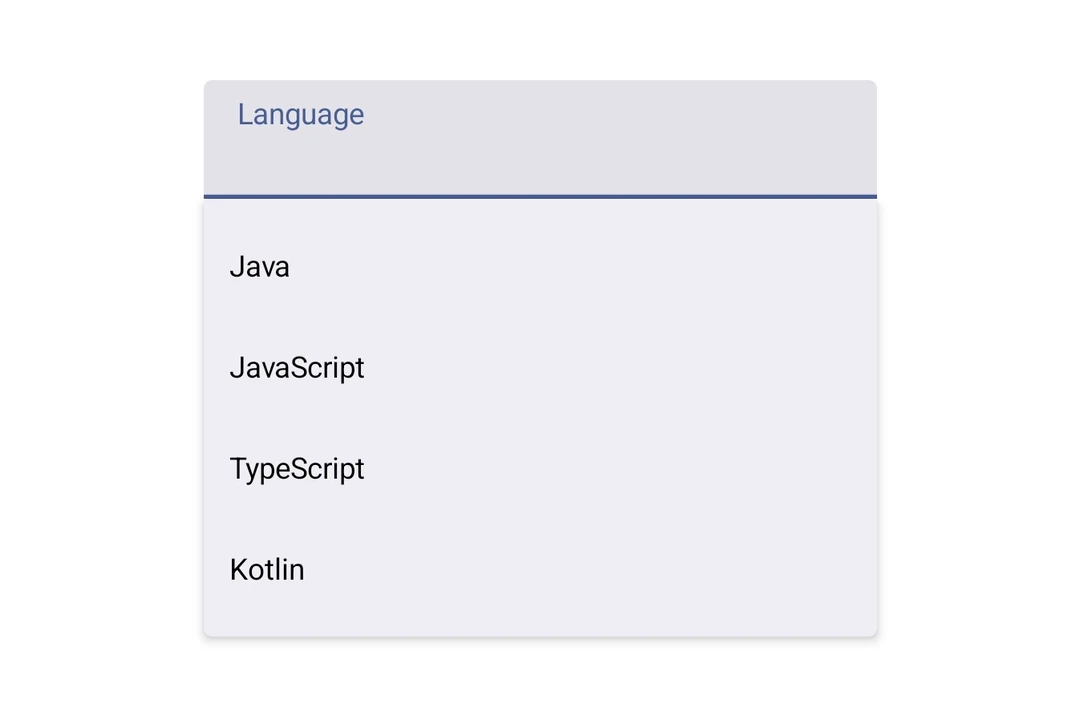
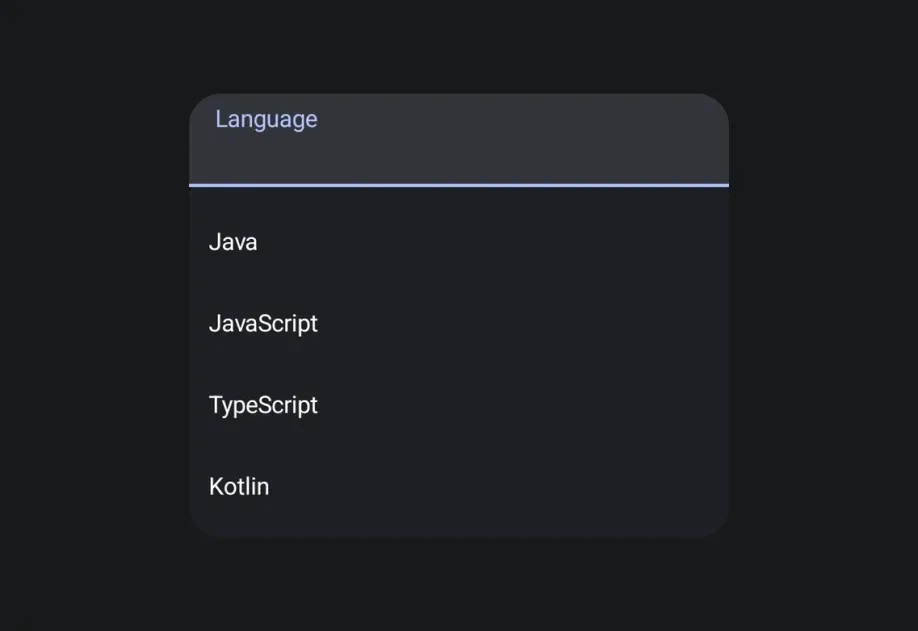
ExposedDropdownMenuBox | ExposedDropdownMenuBox component for displaying a dropdown menu with a customizable anchor. |
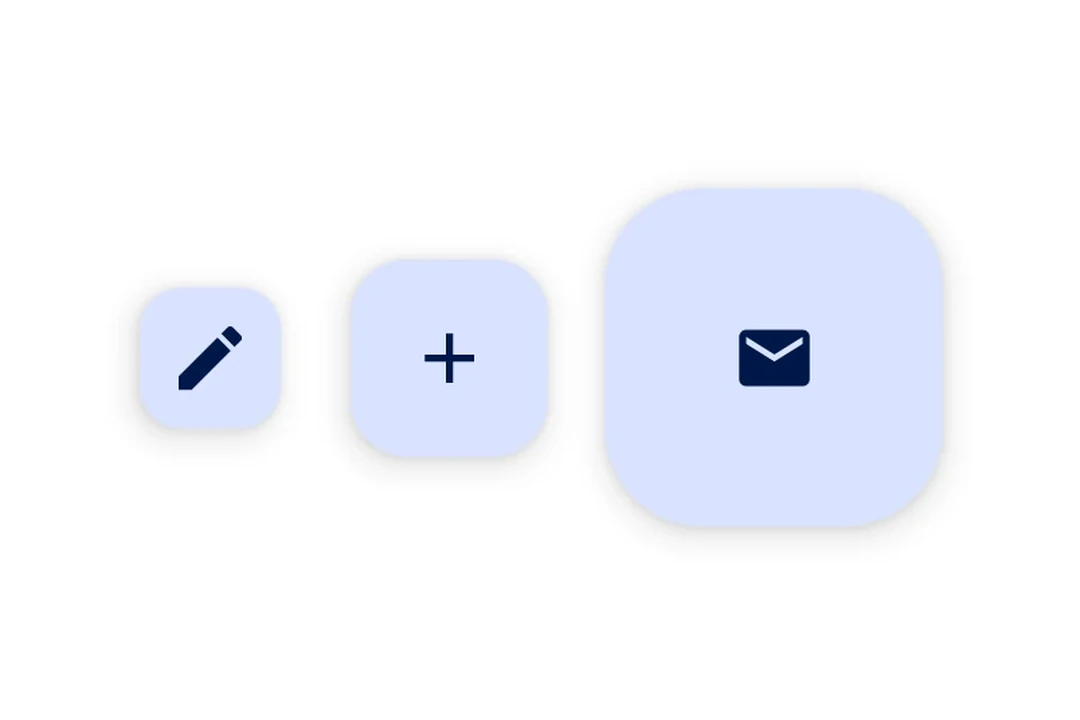
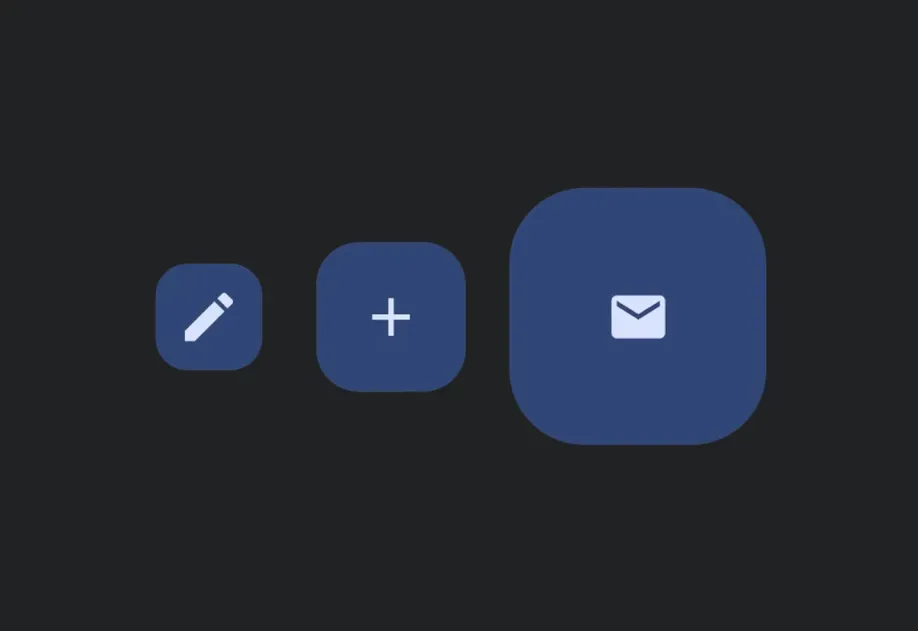
FloatingActionButton | FloatingActionButton components following Material Design 3. |
FlowRow | FlowRow component for wrapping children horizontally. |
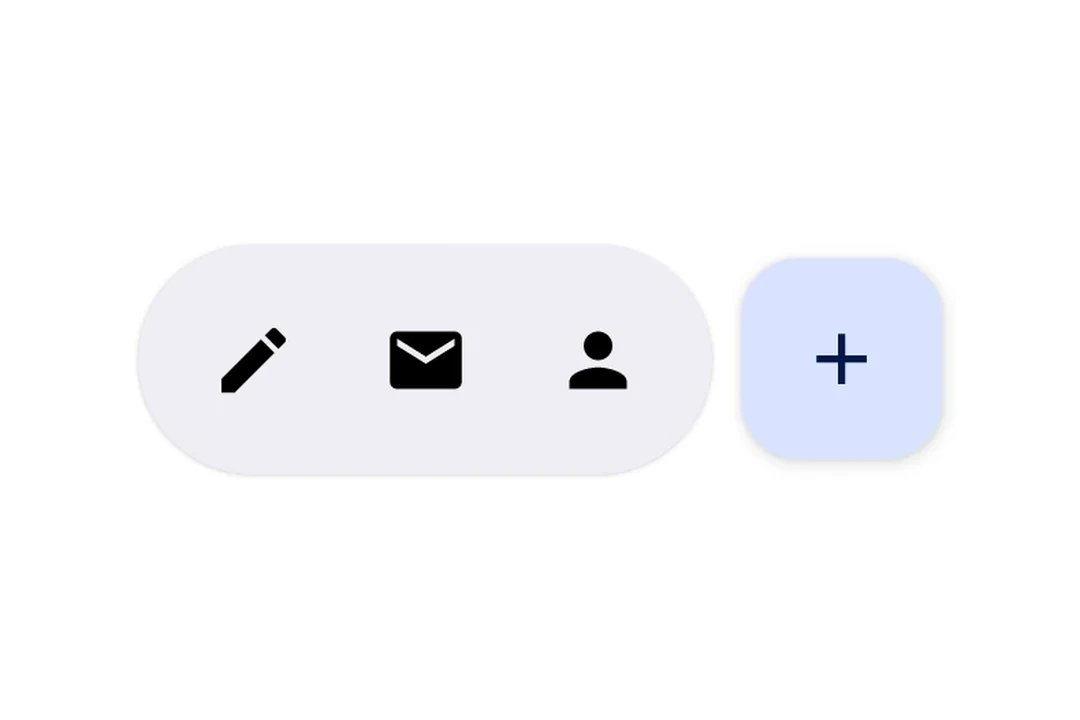
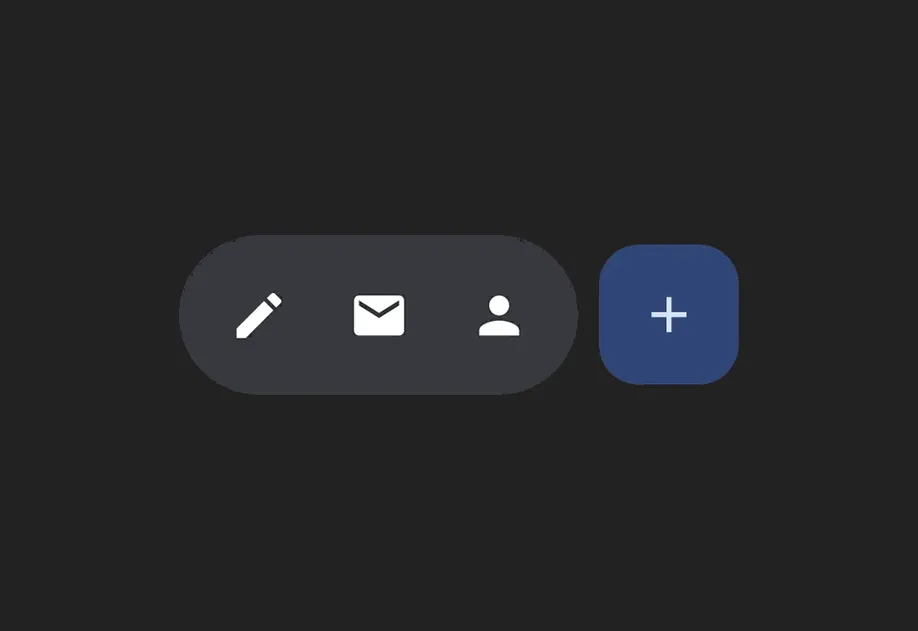
HorizontalFloatingToolbar | HorizontalFloatingToolbar component for displaying a floating action bar. |
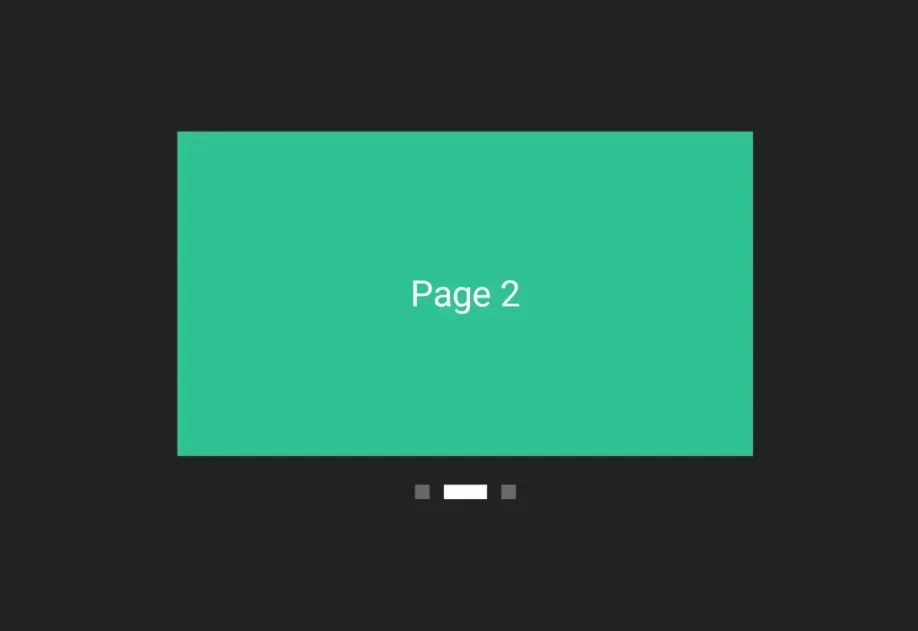
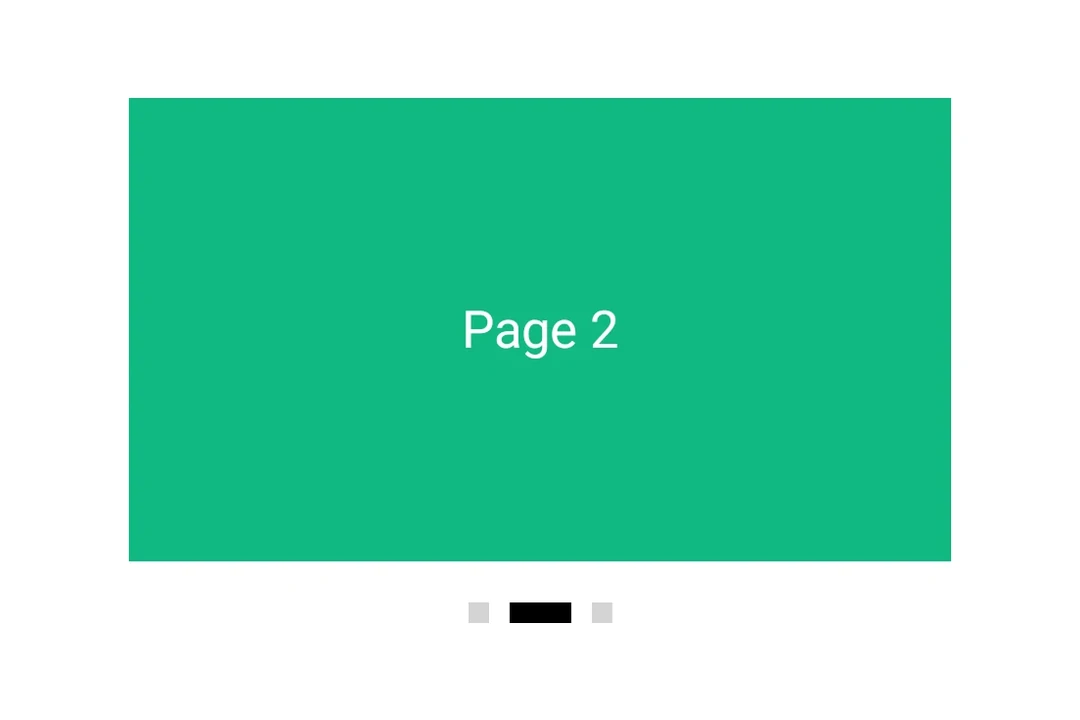
HorizontalPager | HorizontalPager component for swipeable pages. |
Host | Host component for bridging React Native and Jetpack Compose. |
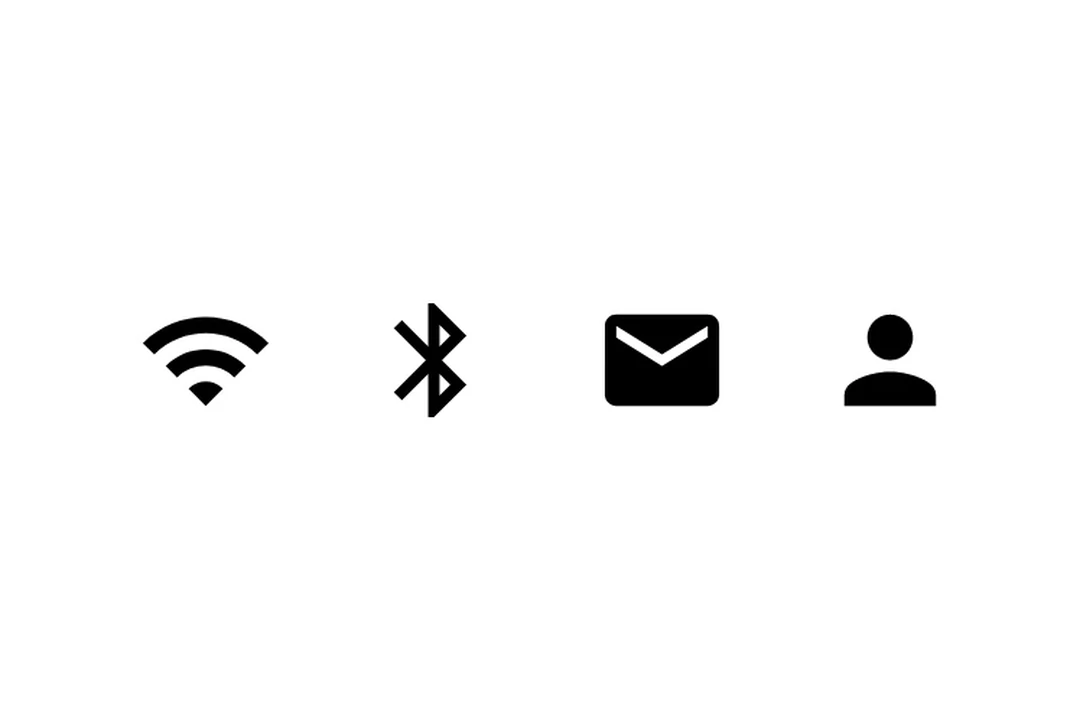
Icon | Icon component for displaying icons. |
IconButton | IconButton components for displaying native Material3 icon buttons. |
LazyColumn | LazyColumn component for displaying scrollable lists. |
LazyRow | LazyRow component for displaying horizontally scrolling lists. |
ListItem | ListItem component for displaying structured list entries. |
ModalBottomSheet | ModalBottomSheet component that presents content from the bottom of the screen. |
NavigationBar | NavigationBar component for Material 3 bottom navigation. |
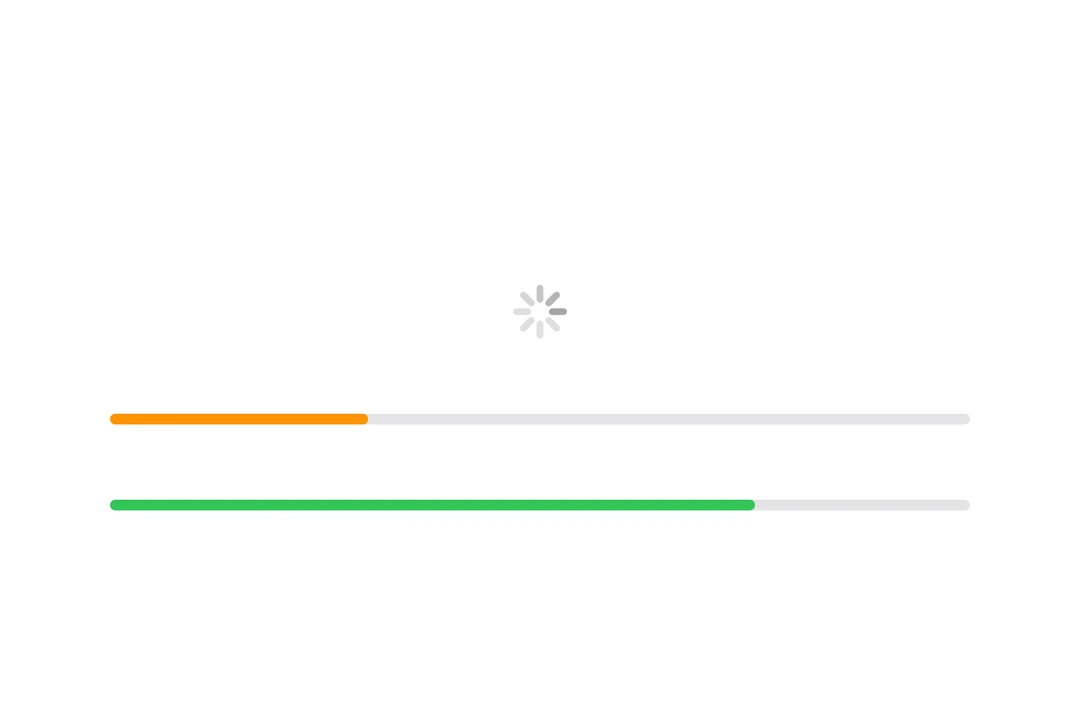
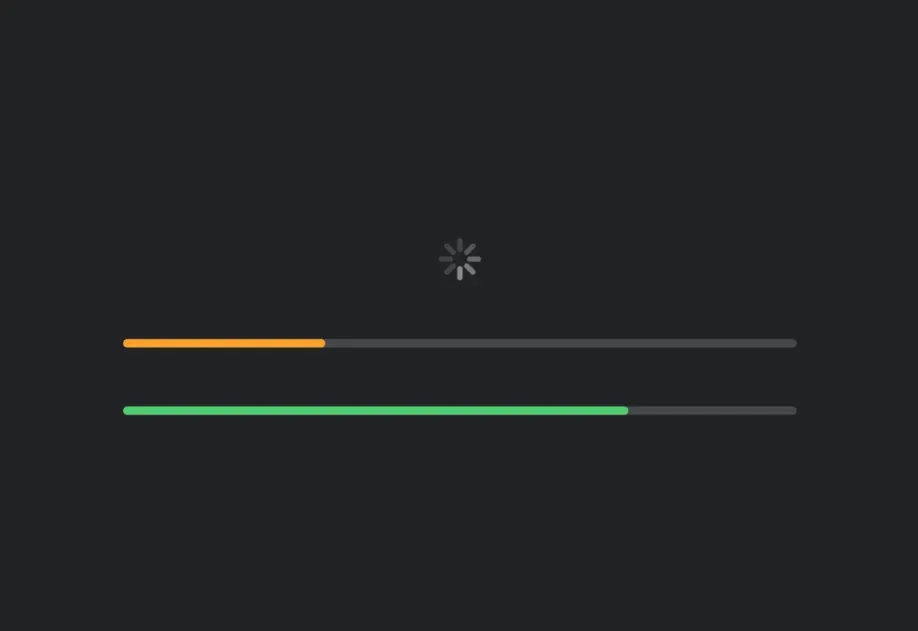
Progress Indicators | Progress indicator components for displaying operation status. |
PullToRefreshBox | PullToRefreshBox component for pull-to-refresh interactions. |
RadioButton | RadioButton component for single-selection controls. |
RNHostView | A component that enables React Native views inside Jetpack Compose. |
Row | Row component for placing children horizontally. |
SearchBar | SearchBar component for search input functionality. |
SegmentedButton | Segmented Button components for single or multi-choice selection. |
Shape | Shape component for drawing geometric shapes. |
Slider | Slider component for selecting values from a range. |
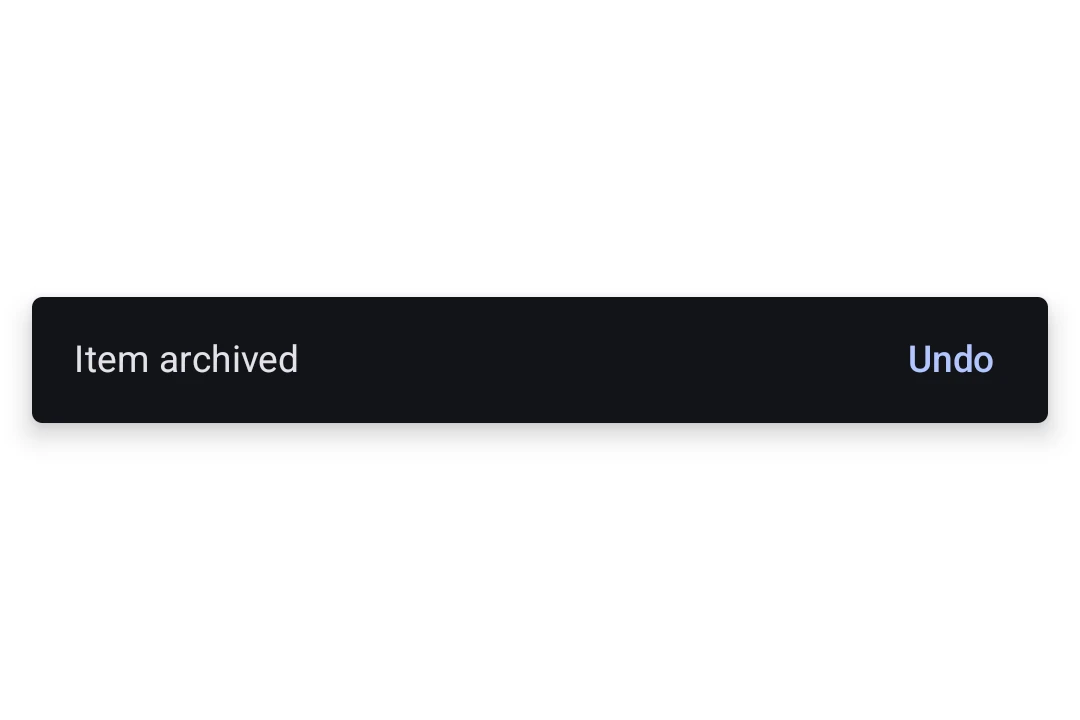
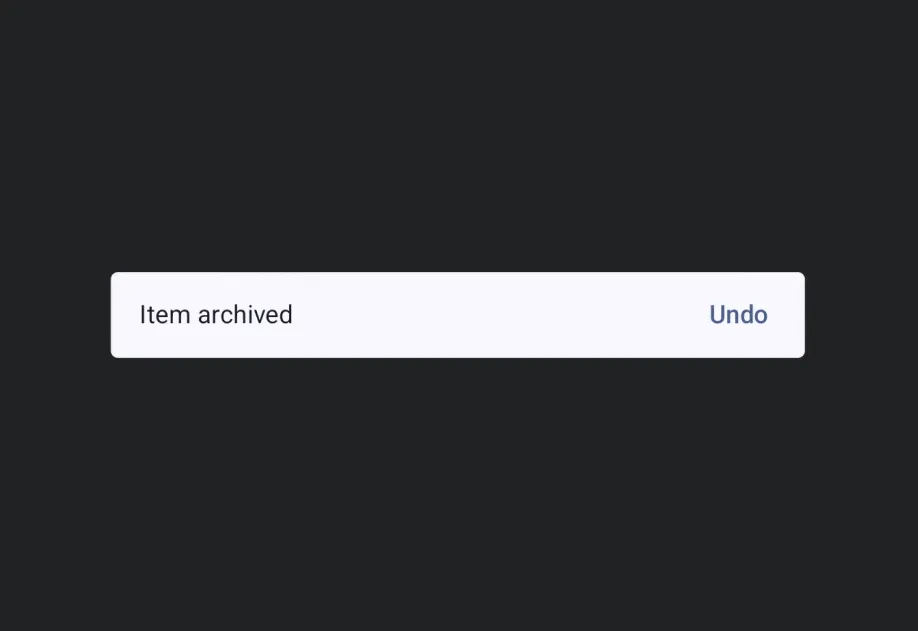
Snackbar | A brief notification that appears at the bottom of the screen to provide feedback without interrupting the user. |
Spacer | Spacer component for adding flexible space between elements. |
Surface | Surface component for styled content containers. |
Switch | Switch component for toggle controls. |
Text | Text component for displaying styled text. |
TextField | TextField components for native Material3 text input. |
ToggleButton | ToggleButton components for displaying native Material3 toggle buttons. |
Tooltip | Tooltip components for displaying contextual information on long-press. |
SwiftUI
| Component | Description |
|---|---|
AccessoryWidgetBackground | Adaptive background view that provides a standard appearance based on the the widget's environment. |
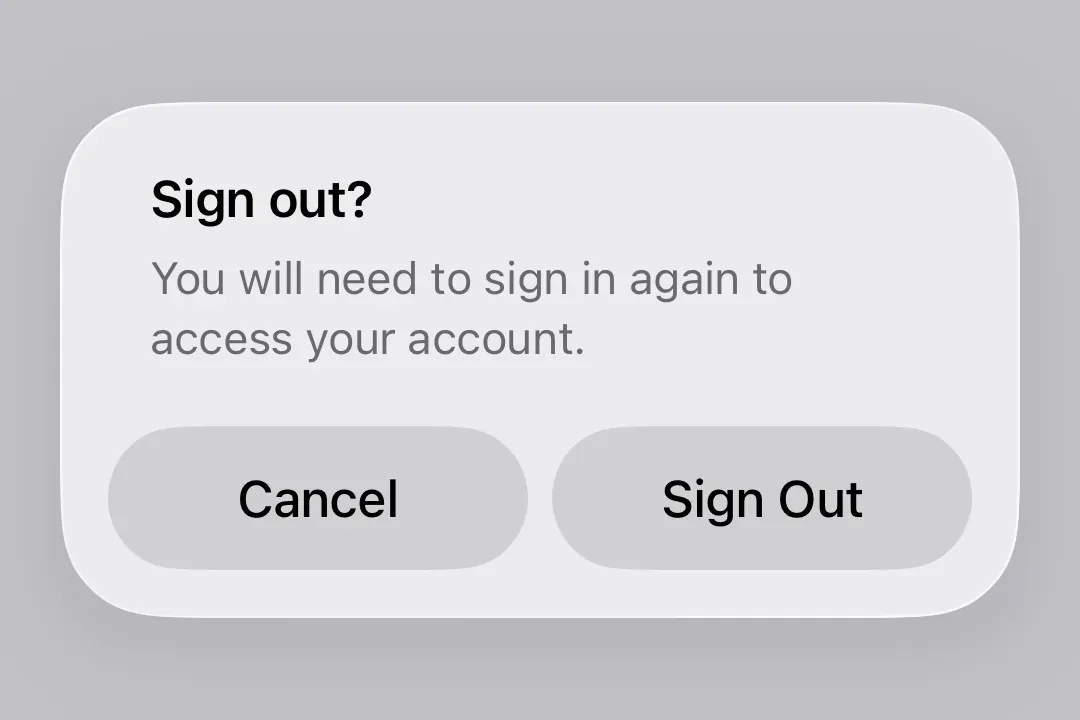
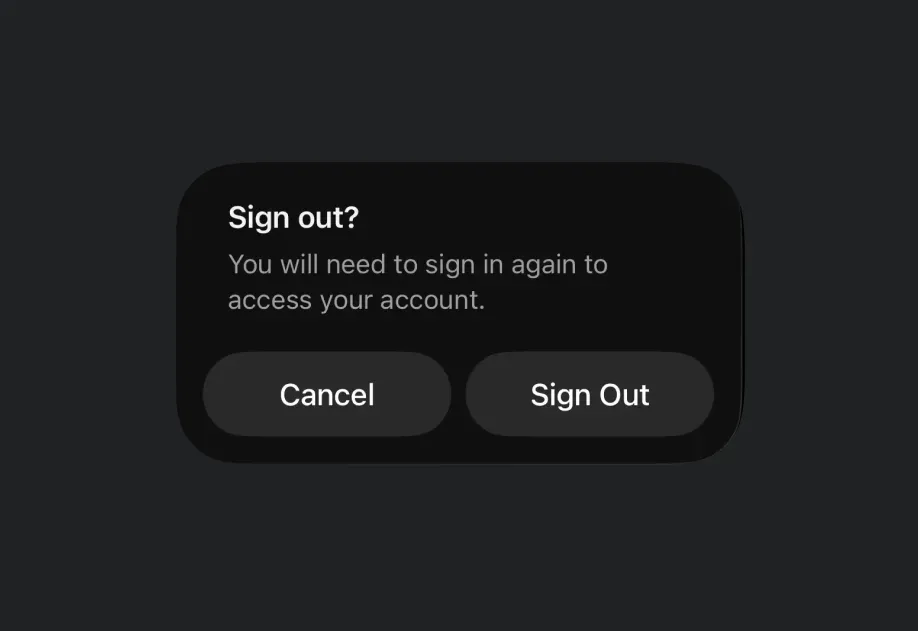
Alert | Alert component for presenting native iOS alert dialogs. |
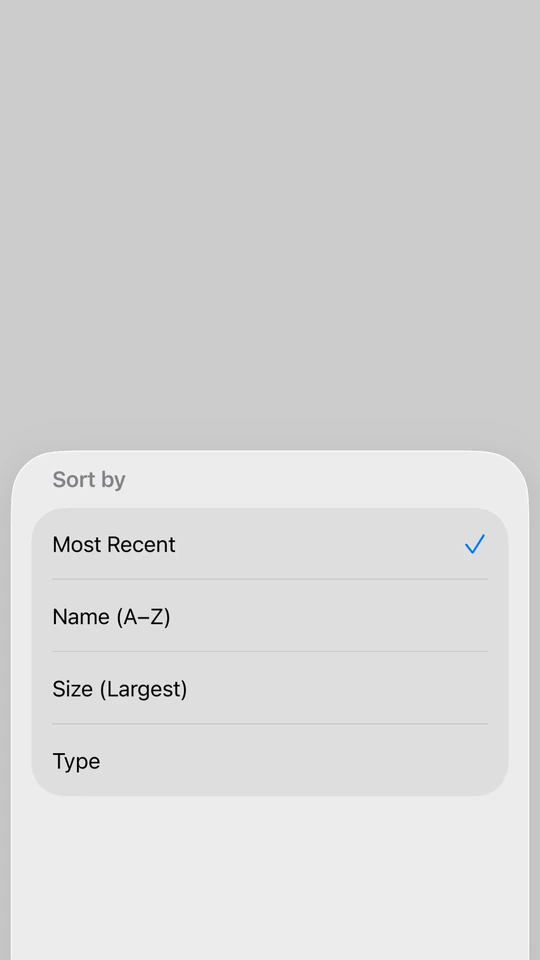
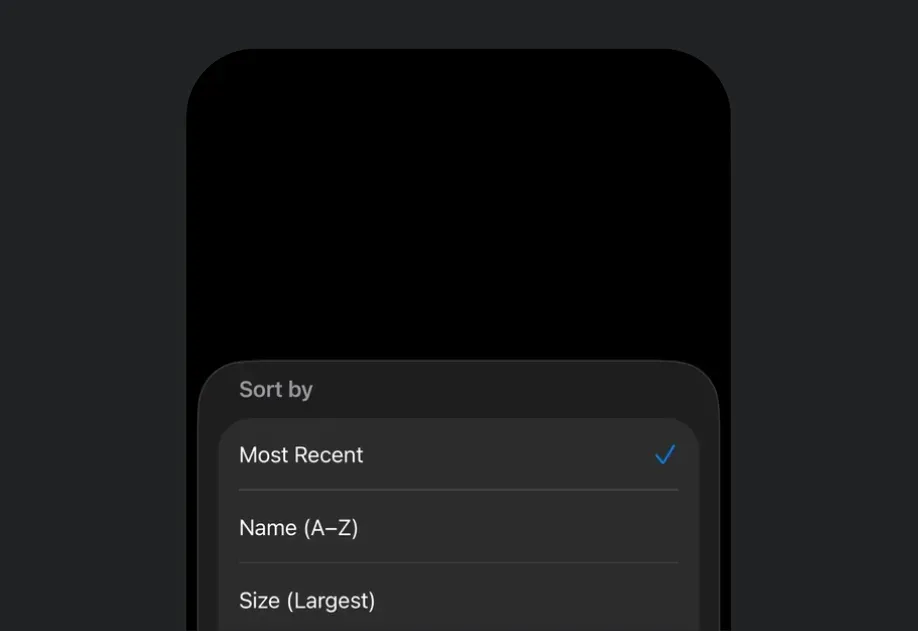
BottomSheet | BottomSheet component that presents content from the bottom of the screen. |
Button | Button component for displaying native buttons. |
ColorPicker | ColorPicker component for selecting colors. |
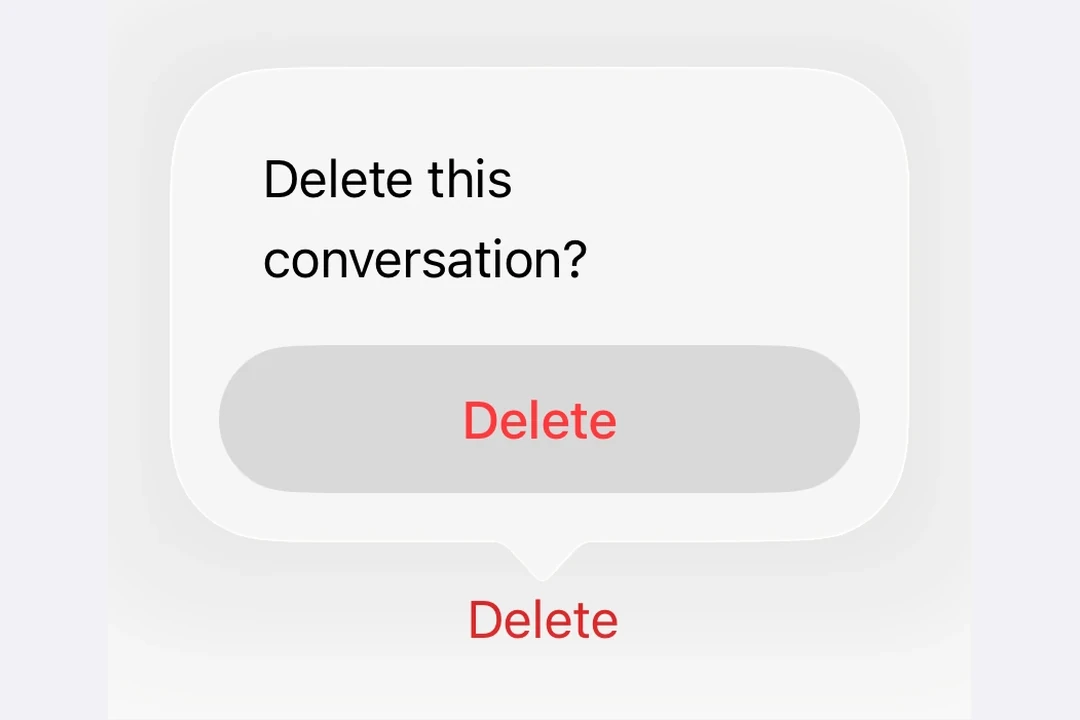
ConfirmationDialog | ConfirmationDialog component for presenting confirmation prompts. |
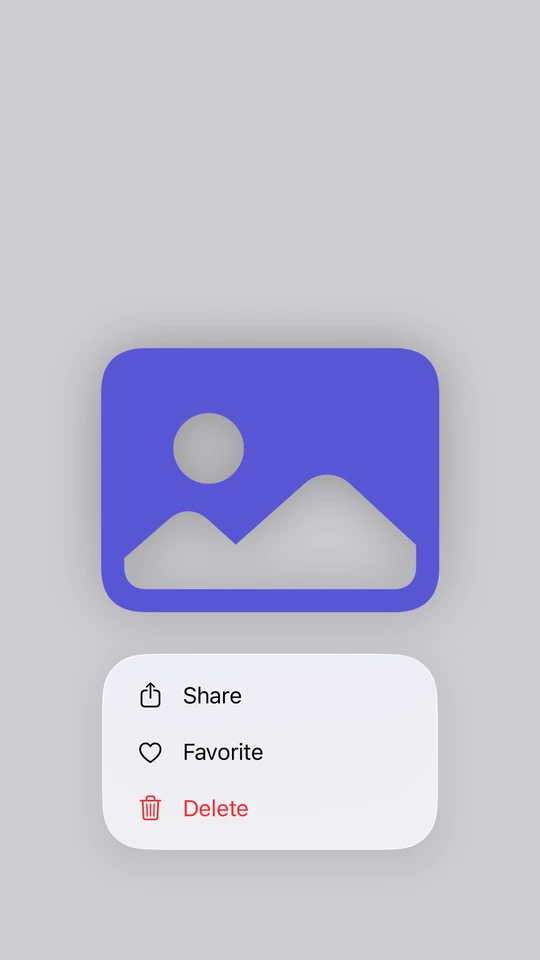
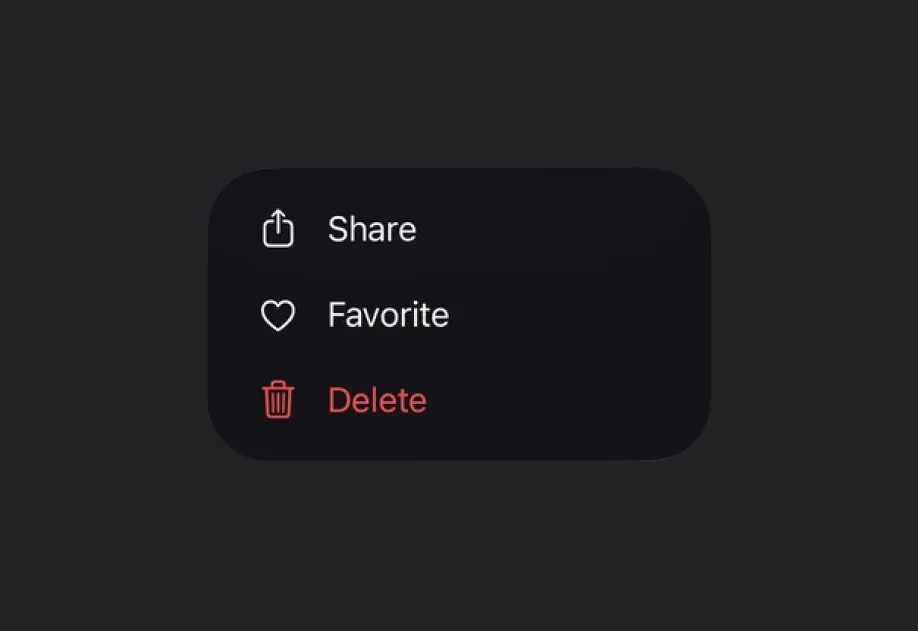
ContextMenu | ContextMenu component for displaying context menus. |
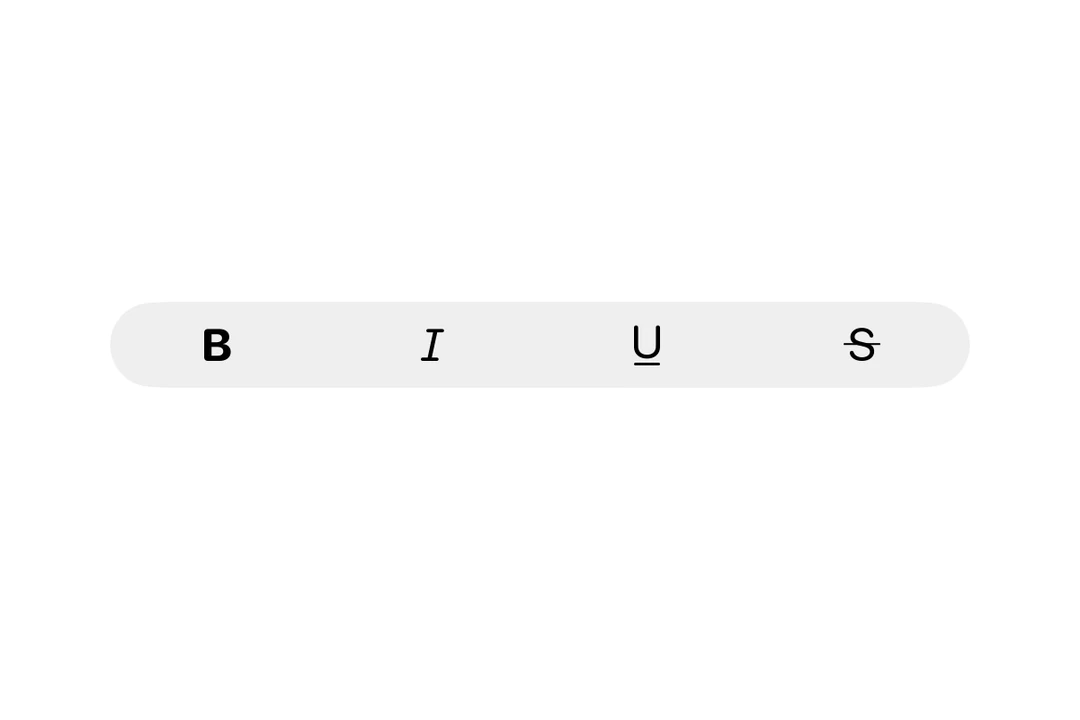
ControlGroup | ControlGroup component for grouping interactive controls. |
DatePicker | DatePicker component for selecting dates and times. |
DisclosureGroup | DisclosureGroup component for displaying expandable content. |
Divider | Divider component for creating visual separators. |
Form | Form component for collecting user input in a structured layout. |
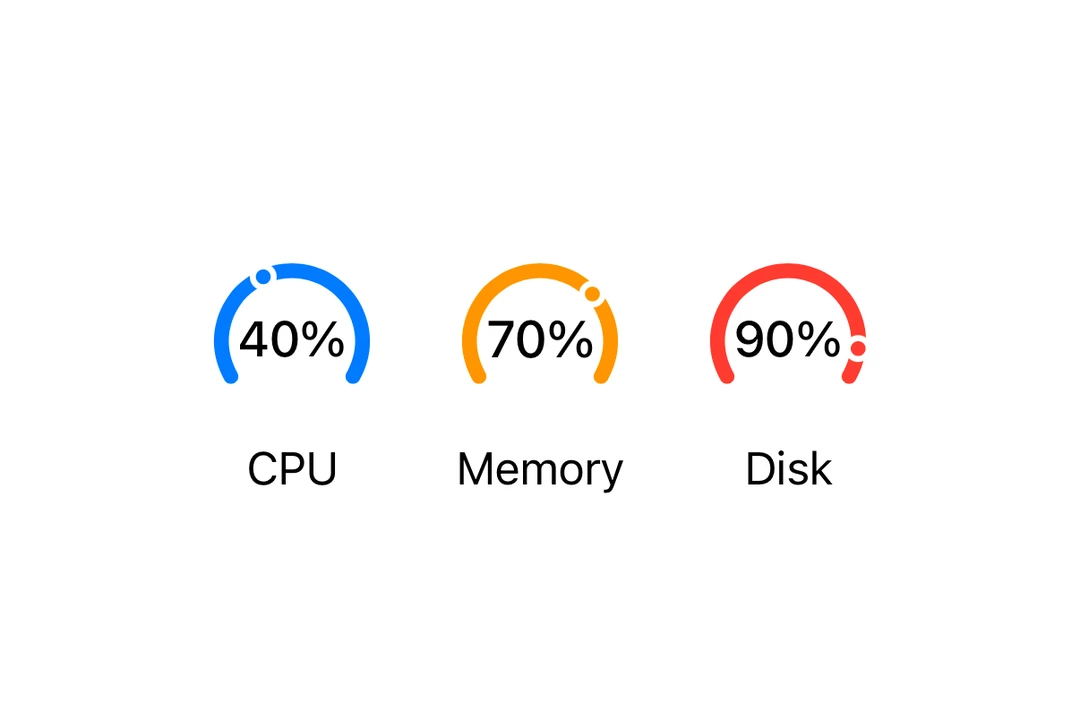
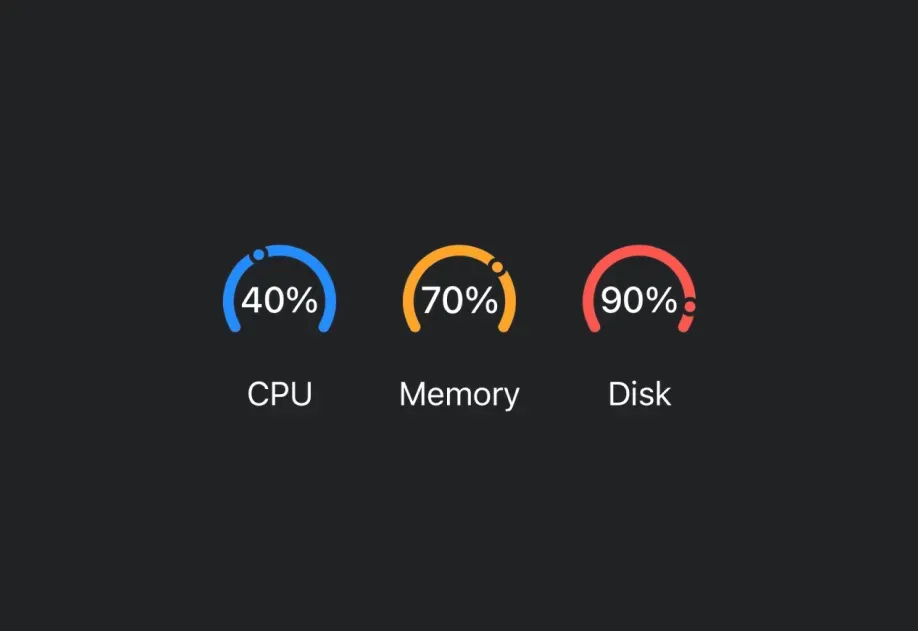
Gauge | Gauge component for displaying progress with visual indicators. |
Group | Group component for grouping views without affecting layout. |
Host | Host component that enables SwiftUI components in React Native. |


HStack | HStack component for horizontal layouts. |
Image | Image component for displaying SF Symbols. |
Label | Label component for displaying text with an icon. |
LazyHStack | LazyHStack component for lazy horizontal layouts. |
LazyVStack | LazyVStack component for lazy vertical layouts. |
Link | Link component for displaying clickable links. |
List | List component for displaying scrollable lists of items. |
Menu | Menu component for displaying dropdown menus. |
Namespace | A Namespace component that allows you create Namespaces in SwiftUI |
Overlay | Overlay component for layering content on top of another view. |
Picker | Picker component for selecting options from a list. |
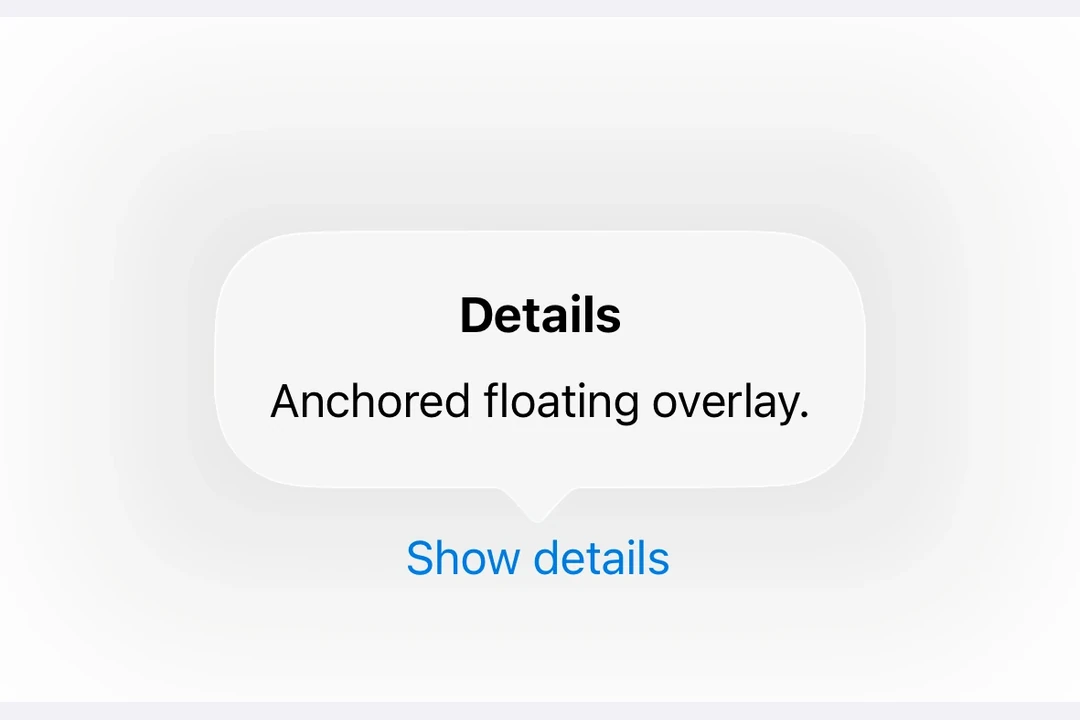
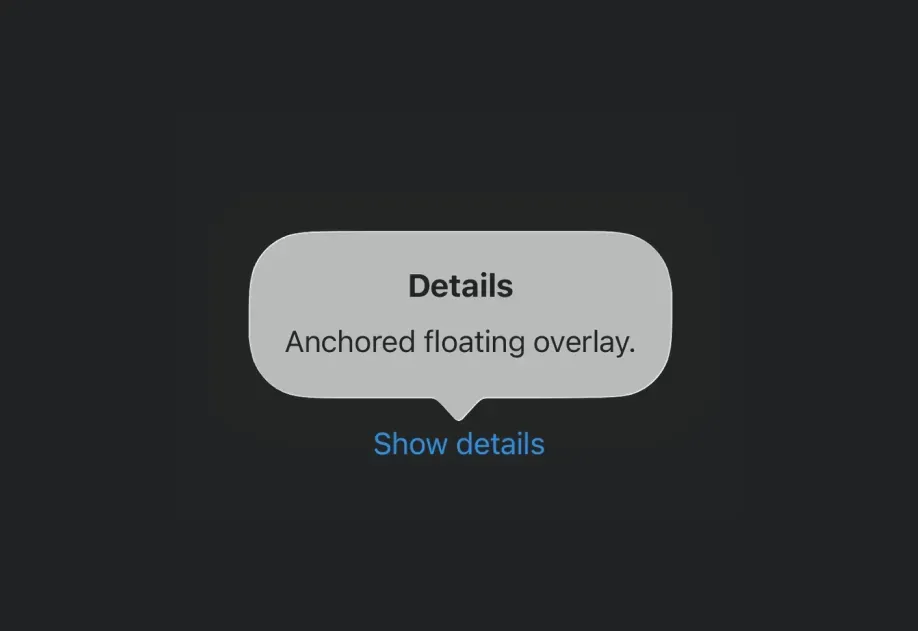
Popover | Popover component for displaying content in a floating overlay. |
ProgressView | ProgressView component for displaying progress indicators. |
RNHostView | A component that enables React Native views inside SwiftUI. |
ScrollView | ScrollView component for scrollable content. |
Section | Section component for grouping content within lists and forms. |
SecureField | SecureField component for password input. |
Slider | Slider component for selecting values from a range. |
Spacer | Spacer component for flexible spacing. |
SwipeActions | SwipeActions component for adding leading and trailing swipe actions to row content. |
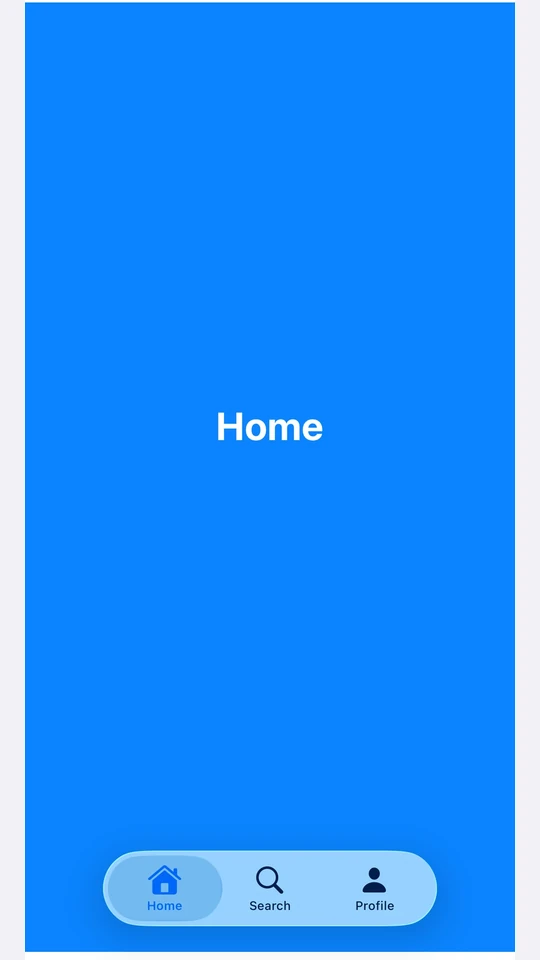
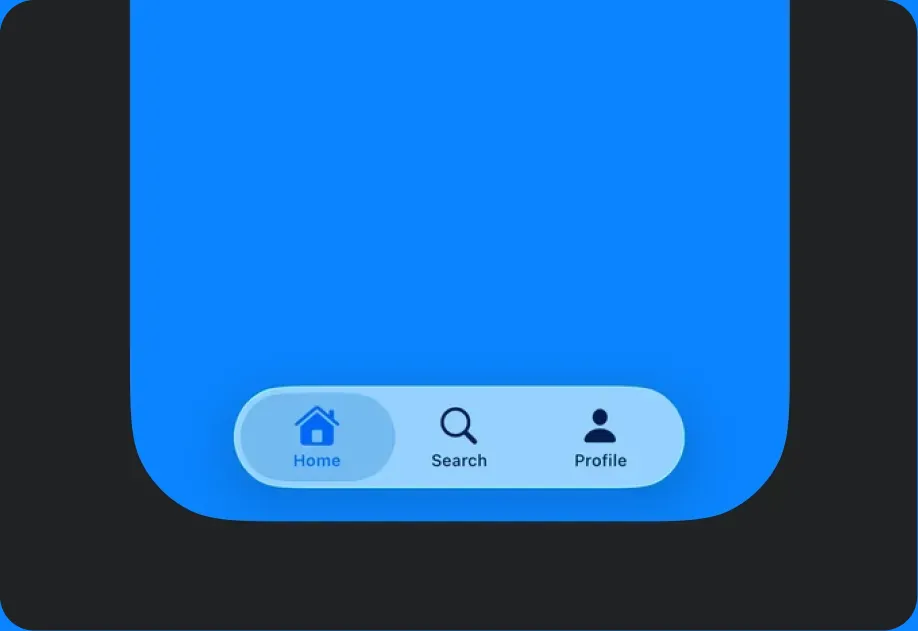
TabView | TabView component for paged or tabbed content. |
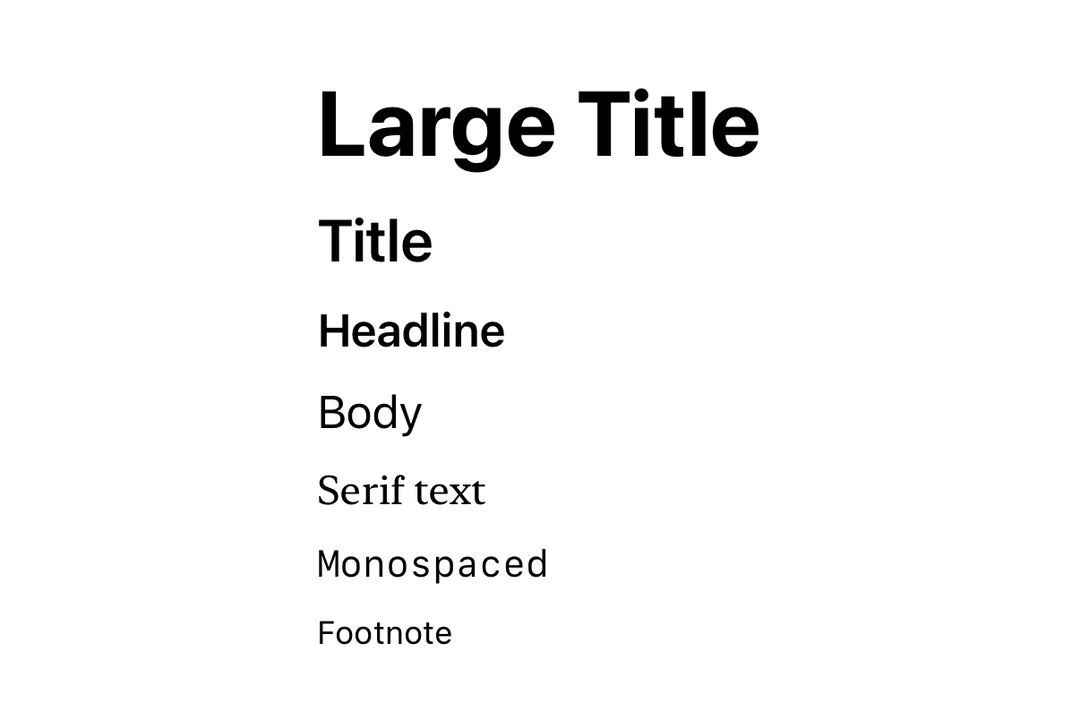
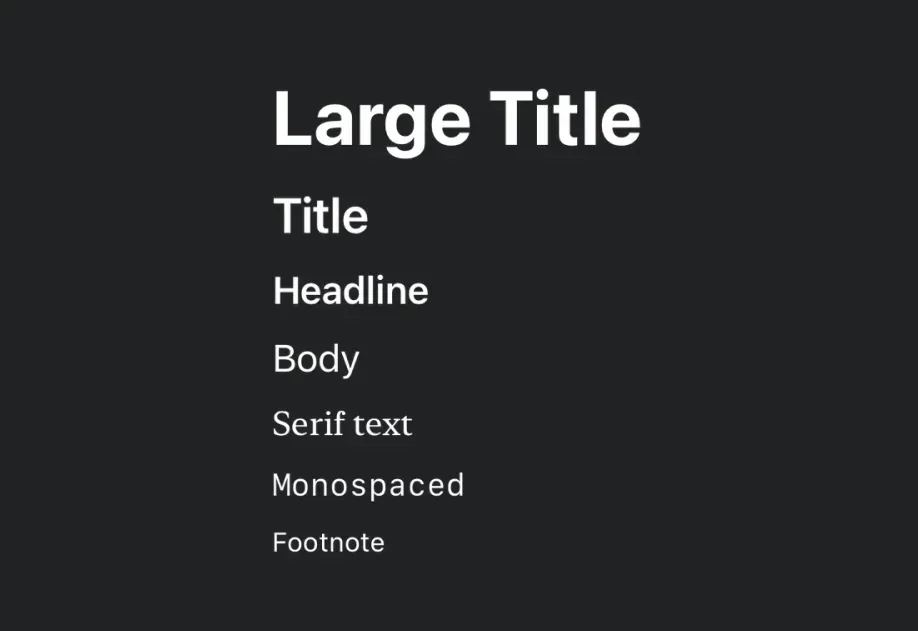
Text | Text component for displaying styled text with support for nested texts. |
TextField | TextField component for text input. |
Toggle | Toggle component for displaying native toggles. |
VStack | VStack component for vertical layouts. |
ZStack | ZStack component for overlapping layouts. |