Reference version

Switch

A Jetpack Compose Switch component for toggle controls.

Android
Bundled version:
~55.0.12

For the complete documentation index, see llms.txt. Use this Use this file to discover all available pages.

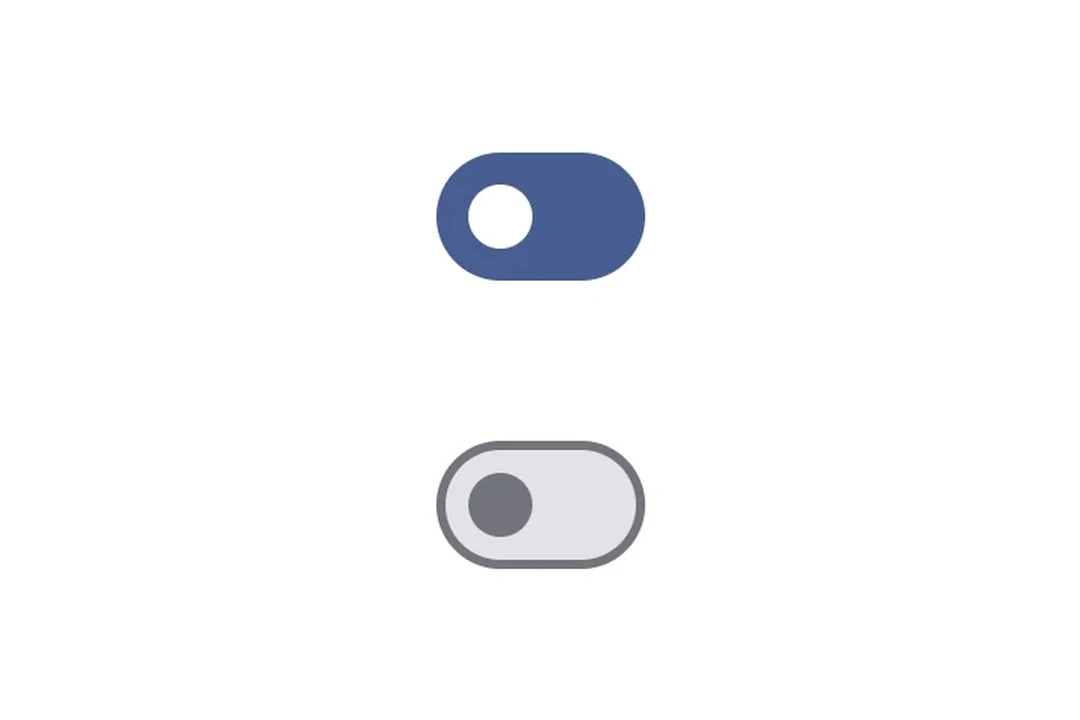
Expo UI Switch matches the official Jetpack Compose Switch API.
Installation

Terminal
npx expo install @expo/ui

If you are installing this in an existing React Native app, make sure to install expo in your project.

Usage

Toggle switch

ToggleSwitchExample.tsx
import { useState } from 'react'; import { Host, Switch } from '@expo/ui/jetpack-compose'; export default function ToggleSwitchExample() { const [checked, setChecked] = useState(false); return ( <Host matchContents> <Switch value={checked} onCheckedChange={setChecked} /> </Host> ); }

Custom colors

CustomColorsExample.tsx
import { useState } from 'react'; import { Host, Switch } from '@expo/ui/jetpack-compose'; export default function CustomColorsExample() { const [checked, setChecked] = useState(false); return ( <Host matchContents> <Switch value={checked} onCheckedChange={setChecked} colors={{ checkedThumbColor: '#6200EE', checkedTrackColor: '#EDE9FE', uncheckedThumbColor: '#9CA3AF', uncheckedTrackColor: '#F3F4F6', uncheckedBorderColor: '#D1D5DB', }} /> </Host> ); }

Custom thumb content

Use Switch.ThumbContent to render a custom element inside the thumb. Switch.DefaultIconSize gives you the M3 default icon size so your content fits perfectly.

ThumbContentExample.tsx
import { useState } from 'react'; import { Host, Switch, Box } from '@expo/ui/jetpack-compose'; import { size, clip, background, Shapes } from '@expo/ui/jetpack-compose/modifiers'; export default function ThumbContentExample() { const [checked, setChecked] = useState(false); return ( <Host matchContents> <Switch value={checked} onCheckedChange={setChecked} colors={{ checkedThumbColor: '#7C3AED', checkedTrackColor: '#EDE9FE', checkedIconColor: '#7C3AED', uncheckedThumbColor: '#9CA3AF', uncheckedTrackColor: '#F3F4F6', uncheckedBorderColor: '#D1D5DB', uncheckedIconColor: '#9CA3AF', }}> <Switch.ThumbContent> <Box modifiers={[ size(Switch.DefaultIconSize, Switch.DefaultIconSize), clip(Shapes.Circle), background(checked ? '#FFFFFF' : '#E5E7EB'), ]} /> </Switch.ThumbContent> </Switch> </Host> ); }

API

import { Switch } from '@expo/ui/jetpack-compose';

Components

Switch

Android

Type: React.Element<SwitchProps>

SwitchProps

children

Android
Optional • Type: React.ReactNode

Children containing ThumbContent slot.

color

Android
Optional • Type: ColorValue

Picker color.

enabled

Android
Optional • Type: boolean • Default: true

Whether the switch is enabled.

label

Android
Optional • Type: string

Label for the switch.

On Android, the label has an effect only when the Switch is used inside a ContextMenu.

modifiers

Android
Optional • Type: ExpoModifier[]

Modifiers for the component.

onValueChange

Android
Optional • Type: (value: boolean) => void

Callback function that is called when the checked state changes.

value

Android
Type: boolean

Indicates whether the switch is checked.

variant

Android
Optional • Literal type: string • Default: 'switch'

Type of the switch component. Can be 'checkbox', 'switch', or 'button'.

Acceptable values are: 'checkbox' | 'switch' | 'button'

SwitchThumbContent

Android

Type: React.Element<ThumbContentProps>

Custom content to be displayed inside the switch thumb.