Reference version

Alert

A SwiftUI Alert component for presenting native iOS alert dialogs.

iOS
tvOS
Bundled version:
~55.0.16

For the complete documentation index, see llms.txt. Use this file to discover all available pages.

Expo UI Alert matches the official SwiftUI alert API and presents a native iOS alert dialog with a title, actions, and an optional message.
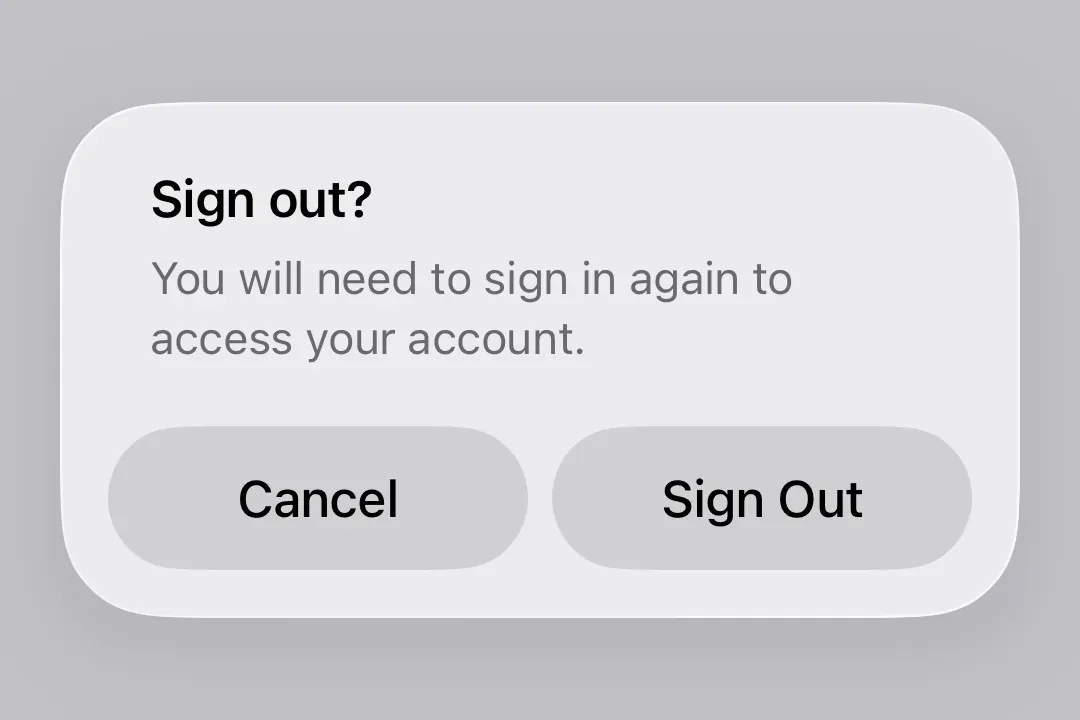
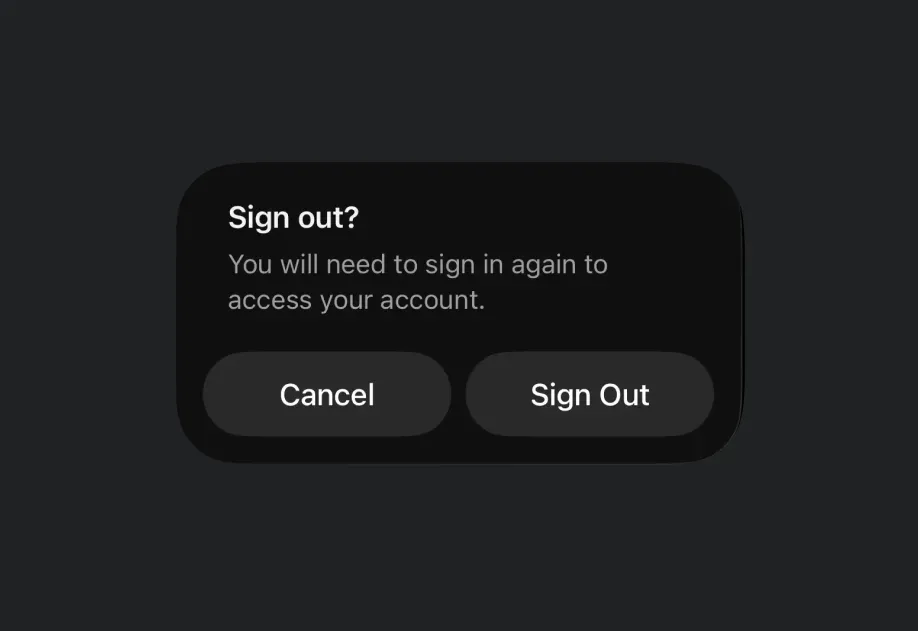
Alert asking the user to confirm signing out

Alert is the centered modal counterpart to ConfirmationDialog, which renders as an action sheet from the bottom of the screen. Both share the same trigger/actions/message slot model so callers can swap between them by changing the component name.

Installation

Terminal
npx expo install @expo/ui

If you are installing this in an existing React Native app, make sure to install expo in your project.

Usage

Basic alert

Use Alert.Trigger to define the visible element and Alert.Actions to provide the dialog buttons.

BasicAlertExample.tsx
import { useState } from 'react'; import { Host, Alert, Button } from '@expo/ui/swift-ui'; export default function BasicAlertExample() { const [isPresented, setIsPresented] = useState(false); return ( <Host matchContents> <Alert title="Saved" isPresented={isPresented} onIsPresentedChange={setIsPresented}> <Alert.Trigger> <Button label="Show alert" onPress={() => setIsPresented(true)} /> </Alert.Trigger> <Alert.Actions> <Button label="OK" onPress={() => setIsPresented(false)} /> </Alert.Actions> </Alert> </Host> ); }

Cancel and confirm

Combine role="cancel" with a confirm button to build a standard yes/no alert.

CancelConfirmAlertExample.tsx
import { useState } from 'react'; import { Host, Alert, Button, Text } from '@expo/ui/swift-ui'; export default function CancelConfirmAlertExample() { const [isPresented, setIsPresented] = useState(false); return ( <Host matchContents> <Alert title="Sign out?" isPresented={isPresented} onIsPresentedChange={setIsPresented}> <Alert.Trigger> <Button label="Sign out" onPress={() => setIsPresented(true)} /> </Alert.Trigger> <Alert.Actions> <Button label="Sign Out" onPress={() => console.log('Signed out')} /> <Button label="Cancel" role="cancel" /> </Alert.Actions> <Alert.Message> <Text>You will need to sign in again to access your account.</Text> </Alert.Message> </Alert> </Host> ); }

Destructive action

Use role="destructive" on a Button inside Alert.Actions to style it as a destructive action.

DestructiveAlertExample.tsx
import { useState } from 'react'; import { Host, Alert, Button, Text } from '@expo/ui/swift-ui'; export default function DestructiveAlertExample() { const [isPresented, setIsPresented] = useState(false); return ( <Host matchContents> <Alert title="Delete account?" isPresented={isPresented} onIsPresentedChange={setIsPresented}> <Alert.Trigger> <Button label="Delete account" role="destructive" onPress={() => setIsPresented(true)} /> </Alert.Trigger> <Alert.Actions> <Button label="Delete" role="destructive" onPress={() => { console.log('Deleted'); setIsPresented(false); }} /> <Button label="Cancel" role="cancel" /> </Alert.Actions> <Alert.Message> <Text>This permanently deletes your account and all data. This cannot be undone.</Text> </Alert.Message> </Alert> </Host> ); }

API

import { Alert } from '@expo/ui/swift-ui';

Component

Alert

iOS
tvOS

Type: React.Element<AlertProps>

Alert presents a SwiftUI alert with a title, optional message, and action buttons.

See: Official SwiftUI documentation.

Props of the Alert component.

AlertProps

children

iOS
tvOS
Type: React.ReactNode

The contents of the alert. Should include Alert.Trigger, Alert.Actions, and optionally Alert.Message.

isPresented

iOS
tvOS
Optional • Type: boolean

Whether the alert is presented.

onIsPresentedChange

iOS
tvOS
Optional • Type: (isPresented: boolean) => void

A callback that is called when the isPresented state changes.

title

iOS
tvOS
Type: string

The title of the alert.