This documentation is available as Markdown for AI agents and LLMs. See the full Markdown index or append .md to any documentation URL.
SegmentedControl
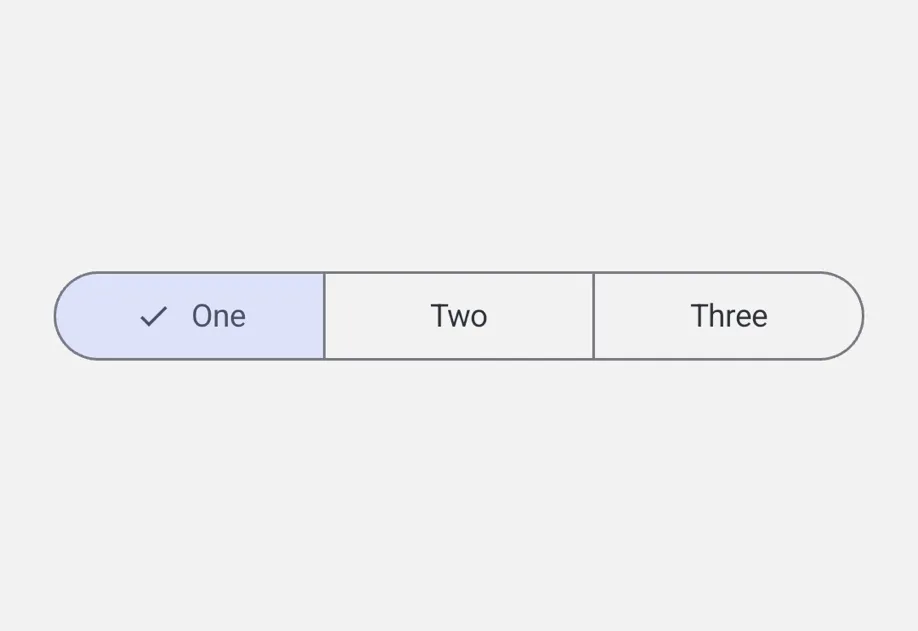
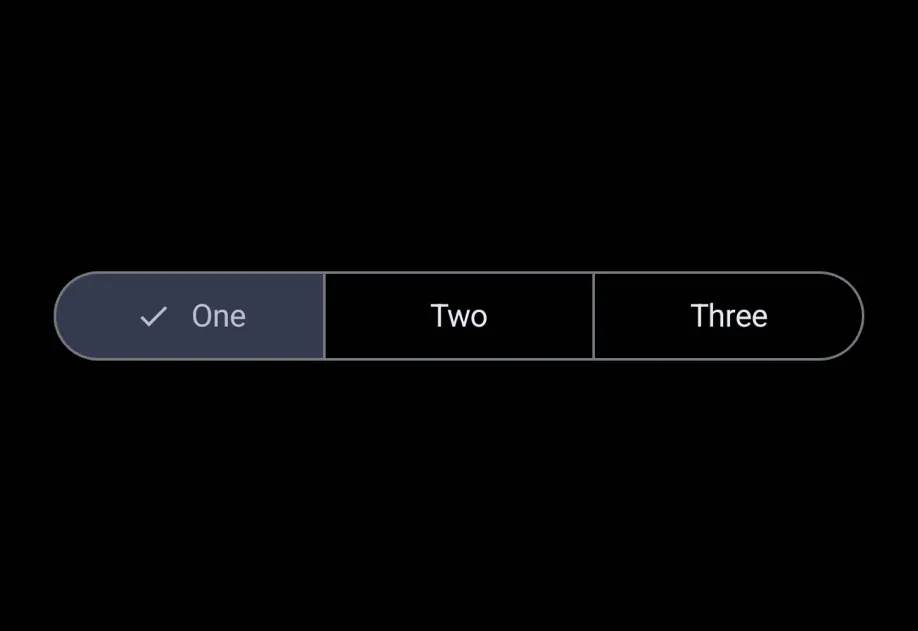
A segmented control compatible with @react-native-segmented-control/segmented-control.
A SegmentedControl component with an API compatible with @react-native-segmented-control/segmented-control. It uses Jetpack Compose SingleChoiceSegmentedButtonRow on Android and SwiftUI Picker with segmented style on iOS.
Under the hood this component wraps the platform-specific @expo/ui primitives:
- Android: Jetpack Compose SegmentedButton
- iOS: SwiftUI Picker with
pickerStyle('segmented')
If you need lower-level control (custom modifiers, styles, or layouts), use those primitives directly.
Installation
If you are installing this in an existing React Native app, make sure to install expo in your project.
Migrating from @react-native-segmented-control/segmented-control
- Update the import from
import SegmentedControl from '@react-native-segmented-control/segmented-control'toimport SegmentedControl from '@expo/ui/community/segmented-control'. - Image values in the
valuesarray are not supported, only strings. momentary,backgroundColor,fontStyle, andactiveFontStyleprops are not supported.tintColoronly works on Android (sets the active segment container color). On iOS, it has no effect.
Basic usage
API
import SegmentedControl from '@expo/ui/community/segmented-control';
Component
Type: React.Element<SegmentedControlProps>
stringOverrides the control's appearance irrespective of the system theme.
Acceptable values are: 'light' | 'dark'
boolean • Default: trueIf false, the user cannot interact with the control.
(event: NativeSegmentedControlChangeEvent) => voidCalled when the user taps a segment.
The event carries nativeEvent.selectedSegmentIndex and nativeEvent.value.
(value: string) => voidCalled when the user taps a segment. Receives the segment's string value.
StyleProp<ViewStyle>Types
Shape of the native event passed to onChange.
Matches @react-native-segmented-control/segmented-control.
Deprecated: use NativeSegmentedControlChangeEvent
Type: NativeSegmentedControlChangeEvent
Shape of the native event passed to onChange.
Matches @react-native-segmented-control/segmented-control.