Reference version

PullToRefreshBox

A Jetpack Compose PullToRefreshBox component for pull-to-refresh interactions.

Android
Bundled version:
~55.0.12

For the complete documentation index, see llms.txt. Use this Use this file to discover all available pages.

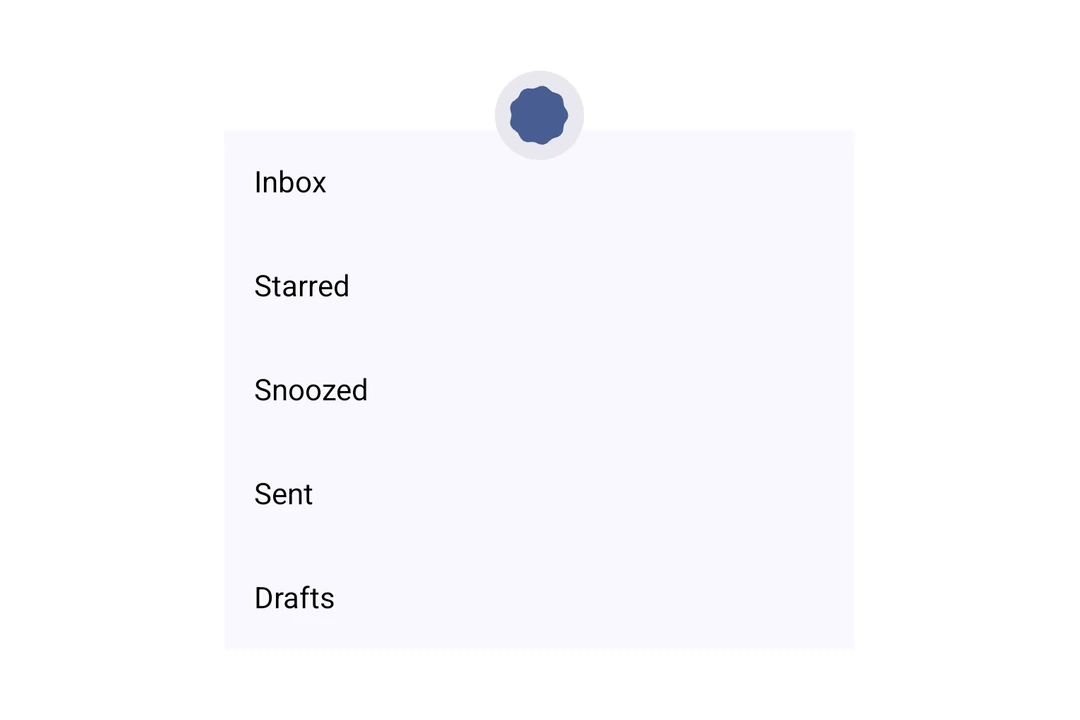
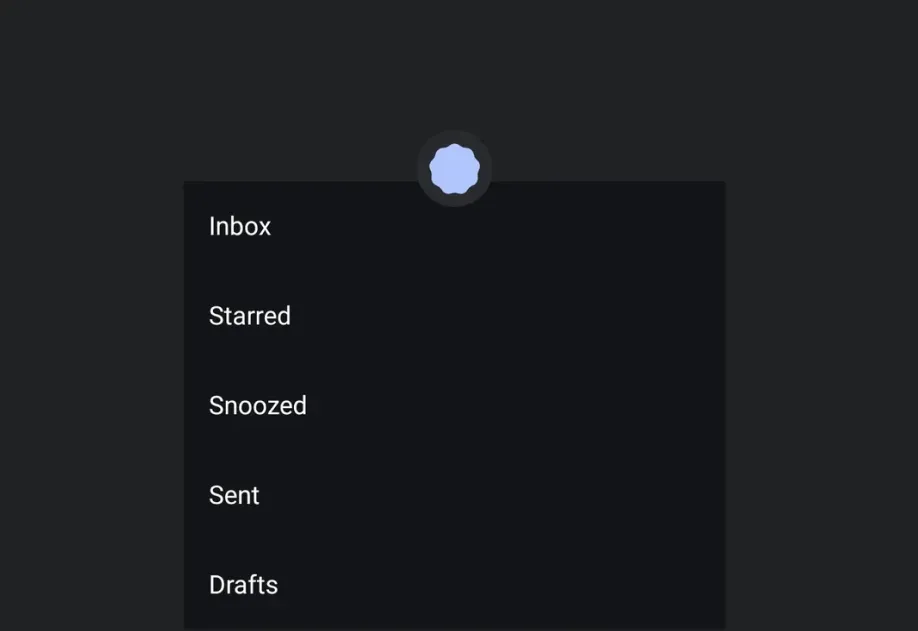
Expo UI PullToRefreshBox matches the official Jetpack Compose PullToRefreshBox API. It wraps scrollable content and shows a refresh indicator when pulled.
Installation

Terminal
npx expo install @expo/ui

If you are installing this in an existing React Native app, make sure to install expo in your project.

Usage

Basic pull to refresh

Wrap scrollable content in a PullToRefreshBox to add pull-to-refresh behavior.

BasicPullToRefresh.tsx
import { useState, useCallback } from 'react'; import { Host, PullToRefreshBox, LazyColumn, ListItem } from '@expo/ui/jetpack-compose'; export default function BasicPullToRefresh() { const [refreshing, setRefreshing] = useState(false); const onRefresh = useCallback(() => { setRefreshing(true); setTimeout(() => { setRefreshing(false); }, 2000); }, []); return ( <Host style={{ height: 400 }}> <PullToRefreshBox isRefreshing={refreshing} onRefresh={onRefresh}> <LazyColumn> <ListItem> <ListItem.HeadlineContent>Item 1</ListItem.HeadlineContent> </ListItem> <ListItem> <ListItem.HeadlineContent>Item 2</ListItem.HeadlineContent> </ListItem> <ListItem> <ListItem.HeadlineContent>Item 3</ListItem.HeadlineContent> </ListItem> <ListItem> <ListItem.HeadlineContent>Item 4</ListItem.HeadlineContent> </ListItem> <ListItem> <ListItem.HeadlineContent>Item 5</ListItem.HeadlineContent> </ListItem> </LazyColumn> </PullToRefreshBox> </Host> ); }

Custom indicator colors

Use the indicator prop to customize the spinner and container colors.

CustomIndicatorColors.tsx
import { useState, useCallback } from 'react'; import { Host, PullToRefreshBox, LazyColumn, ListItem } from '@expo/ui/jetpack-compose'; export default function CustomIndicatorColors() { const [refreshing, setRefreshing] = useState(false); const onRefresh = useCallback(() => { setRefreshing(true); setTimeout(() => { setRefreshing(false); }, 2000); }, []); return ( <Host style={{ height: 400 }}> <PullToRefreshBox isRefreshing={refreshing} onRefresh={onRefresh} indicator={{ color: '#6200EE', containerColor: '#F5F5F5' }}> <LazyColumn> <ListItem> <ListItem.HeadlineContent>Item 1</ListItem.HeadlineContent> </ListItem> <ListItem> <ListItem.HeadlineContent>Item 2</ListItem.HeadlineContent> </ListItem> <ListItem> <ListItem.HeadlineContent>Item 3</ListItem.HeadlineContent> </ListItem> </LazyColumn> </PullToRefreshBox> </Host> ); }

API

import { PullToRefreshBox } from '@expo/ui/jetpack-compose';

Component

PullToRefreshBox

Android

Type: React.Element<PullToRefreshBoxProps>

A pull-to-refresh container that wraps scrollable content and shows a refresh indicator when pulled, matching Compose's PullToRefreshBox.

PullToRefreshBoxProps

children

Android
Type: React.ReactNode

The content to refresh.

contentAlignment

Android
Optional • Type: ContentAlignment • Default: 'topStart'

Alignment of children within the box.

indicator

Android
Optional • Type: PullToRefreshIndicatorProps

Configuration for the loading indicator shown during pull-to-refresh.

isRefreshing

Android
Optional • Type: boolean • Default: false

Whether the content is refreshing.

modifiers

Android
Optional • Type: ModifierConfig[]

Modifiers for the component.

onRefresh

Android
Optional • Type: () => void

Callback that is called when the user pulls to refresh.