This documentation is available as Markdown for AI agents and LLMs. See the full Markdown index or append .md to any documentation URL.
This is documentation for the next SDK version. For up-to-date documentation, see the latest version (SDK 57).
SearchBar
A Jetpack Compose SearchBar component for search input functionality.
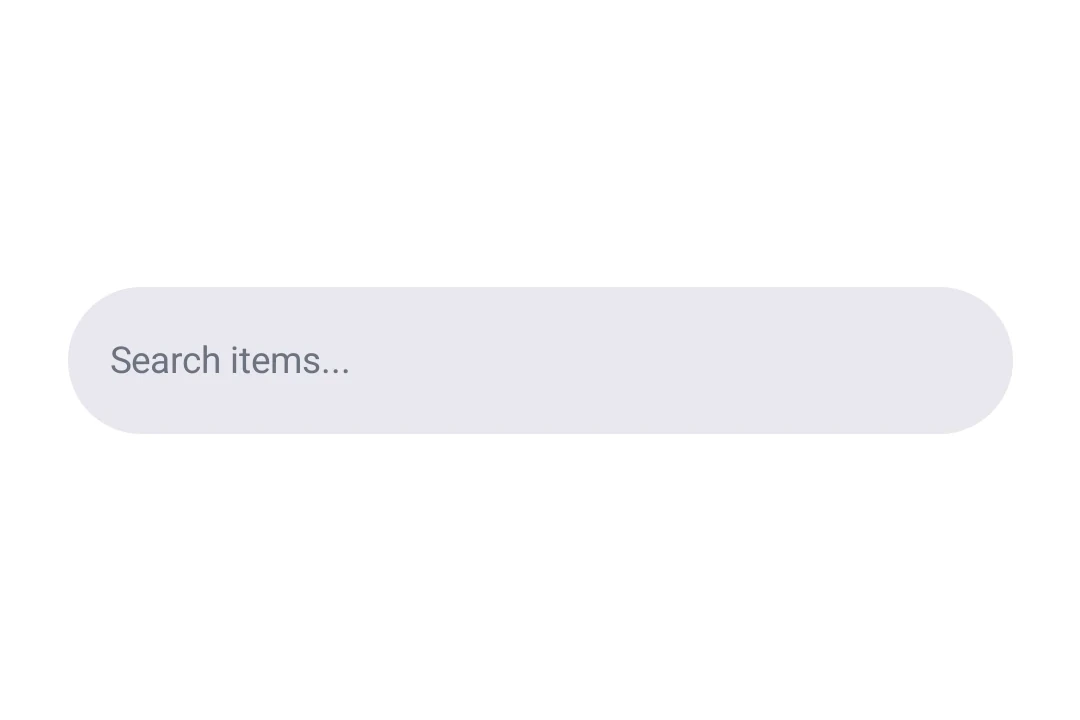
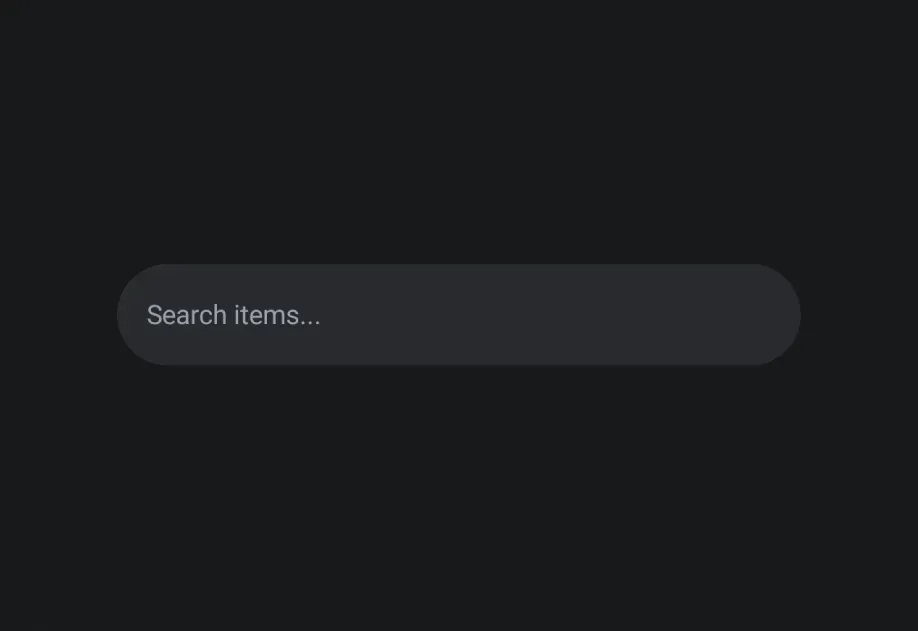
Expo UI SearchBar matches the official Jetpack Compose Search API and provides a search input with support for placeholder text and expanded full-screen search.
Installation
If you are installing this in an existing React Native app, make sure to install expo in your project.
Usage
Basic search bar
Search bar with placeholder
Use the SearchBar.Placeholder sub-component to display hint text when the search field is empty.
API
import { SearchBar } from '@expo/ui/jetpack-compose';
Components
Type: React.Element<ExpandedFullScreenSearchBarProps>
ExpandedFullScreenSearchBar component for SearchBar. This component marks its children to be rendered in the expanded full-screen search bar.
Type: React.Element<PlaceholderProps>
Placeholder component for SearchBar. This component marks its children to be rendered in the placeholder slot.