This documentation is available as Markdown for AI agents and LLMs. See the full Markdown index or append .md to any documentation URL.
This is documentation for the next SDK version. For up-to-date documentation, see the latest version (SDK 57).
IconButton
Jetpack Compose IconButton components for displaying native Material3 icon buttons.
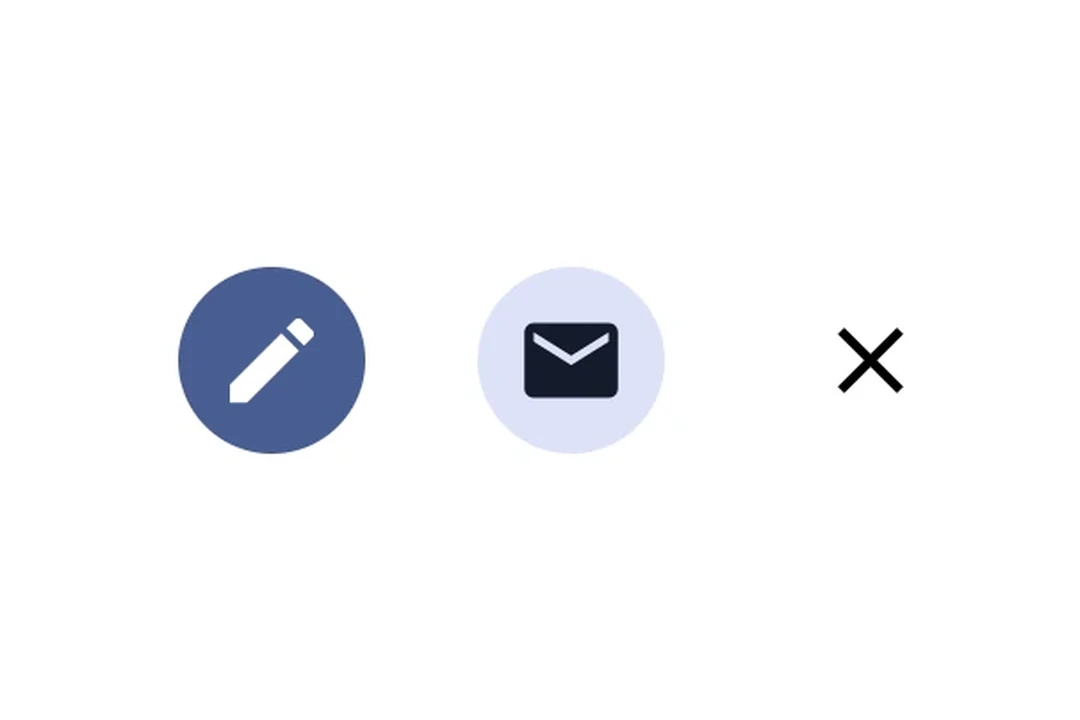
Expo UI provides four icon button components that match the official Jetpack Compose IconButton API: IconButton, FilledIconButton, FilledTonalIconButton, and OutlinedIconButton. All variants share the same props and accept composable children for content.

Installation
If you are installing this in an existing React Native app, make sure to install expo in your project.
Usage
Basic icon button
A standard icon button with no background, typically used for toolbar actions.
Icon button variants
Use different icon button components to convey varying levels of emphasis.
API
import {
  IconButton,
  FilledIconButton,
  FilledTonalIconButton,
  OutlinedIconButton,
} from '@expo/ui/jetpack-compose';
Components
Type: React.Element<IconButtonProps>
A filled icon button with a solid background.
Type: React.Element<IconButtonProps>
A filled tonal icon button with a muted background.
Type: React.Element<IconButtonProps>
A standard icon button with no background.
boolean • Default: trueWhether the icon button is enabled for user interaction.
Type: React.Element<IconButtonProps>
An outlined icon button with a border and no fill.