This documentation is available as Markdown for AI agents and LLMs. See the full Markdown index or append .md to any documentation URL.
This is documentation for the next SDK version. For up-to-date documentation, see the latest version (SDK 57).
Divider
Jetpack Compose Divider components for creating visual separators.
Expo UI provides HorizontalDivider and VerticalDivider matching the official Jetpack Compose Divider API.
Installation
- npx expo install @expo/uiIf you are installing this in an existing React Native app, make sure to install expo in your project.
Usage
Horizontal divider
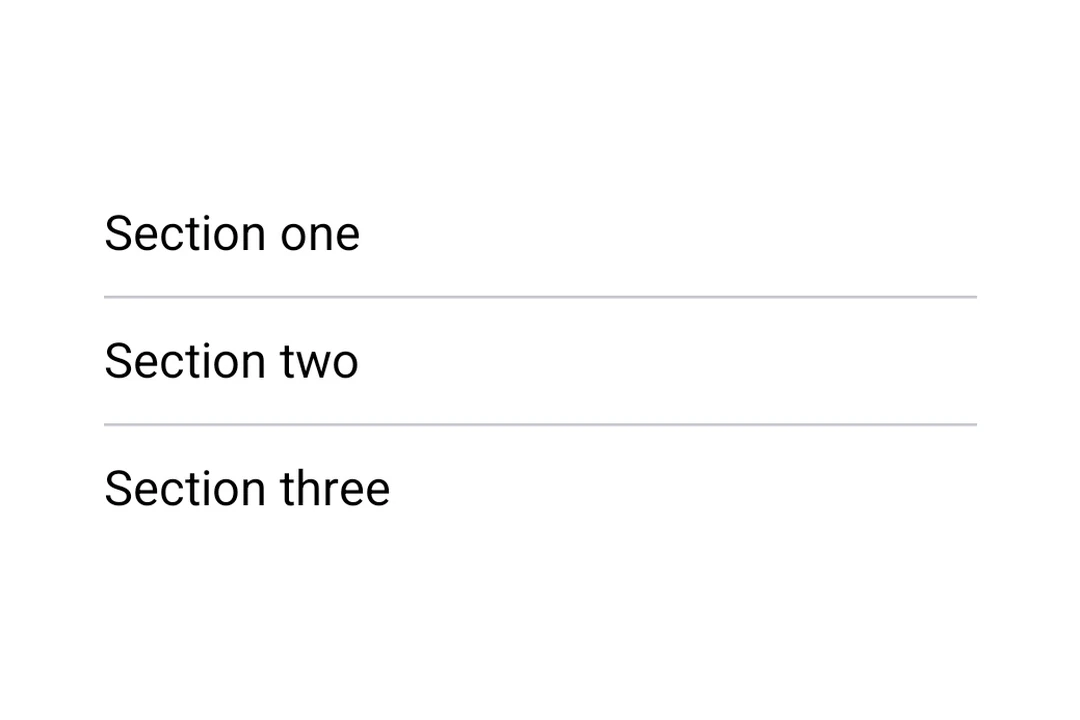
A thin horizontal line to visually separate content in lists and layouts.
import {
  Host,
  HorizontalDivider,
  Column,
  Text,
  useMaterialColors,
} from '@expo/ui/jetpack-compose';

export default function HorizontalDividerExample() {
  const colors = useMaterialColors();

  return (
    <Host style={{ flex: 1 }}>
      <Column>
        <Text style={{ fontSize: 28 }} color={colors.onBackground}>
          First section
        </Text>
        <HorizontalDivider />
        <Text style={{ fontSize: 28 }} color={colors.onBackground}>
          Second section
        </Text>
      </Column>
    </Host>
  );
}
Custom thickness and color
Both HorizontalDivider and VerticalDivider accept thickness and color props. Use StyleSheet.hairlineWidth for a single-pixel line, or set a custom thickness and color.
import {
  Host,
  HorizontalDivider,
  Column,
  Text,
  useMaterialColors,
} from '@expo/ui/jetpack-compose';
import { StyleSheet } from 'react-native';

export default function CustomDividerExample() {
  const colors = useMaterialColors();

  return (
    <Host style={{ flex: 1 }}>
      <Column>
        <Text style={{ fontSize: 28 }} color={colors.onBackground}>
          Hairline divider (1 pixel)
        </Text>
        <HorizontalDivider thickness={StyleSheet.hairlineWidth} />
        <Text style={{ fontSize: 28 }} color={colors.onBackground}>
          Thick colored divider
        </Text>
        <HorizontalDivider thickness={4} color="#E91E63" />
        <Text style={{ fontSize: 28 }} color={colors.onBackground}>
          Below
        </Text>
      </Column>
    </Host>
  );
}
Vertical divider
A vertical line to separate items side by side in a row layout.
import {
  Host,
  VerticalDivider,
  Row,
  Text,
  useMaterialColors,
} from '@expo/ui/jetpack-compose';
import { height } from '@expo/ui/jetpack-compose/modifiers';

export default function VerticalDividerExample() {
  const colors = useMaterialColors();

  return (
    <Host matchContents>
      <Row
        verticalAlignment="center"
        horizontalArrangement={{ spacedBy: 16 }}
        modifiers={[height(48)]}>
        <Text style={{ fontSize: 28 }} color={colors.onBackground}>
          Left
        </Text>
        <VerticalDivider />
        <Text style={{ fontSize: 28 }} color={colors.onBackground}>
          Right
        </Text>
      </Row>
    </Host>
  );
}
API
import {
  HorizontalDivider,
  VerticalDivider,
} from '@expo/ui/jetpack-compose';
Components
Type: React.Element<ComponentType<DividerCommonConfig>>
A horizontal divider line that groups content in lists and layouts,
matching Compose's HorizontalDivider.
Type: React.Element<ComponentType<DividerCommonConfig>>
A vertical divider line that groups content in layouts,
matching Compose's VerticalDivider.
Types
| Property | Type | Description |
|---|---|---|
| color(optional) | ColorValue | Color of the divider line. |
| modifiers(optional) | ModifierConfig[] | Modifiers for the component. |
| thickness(optional) | number | Thickness of the divider line. Accepts dp values; use |