Reference version

This is documentation for the next SDK version. For up-to-date documentation, see the latest version (SDK 55).

RadioButton

A Jetpack Compose RadioButton component for single-selection controls.

Android

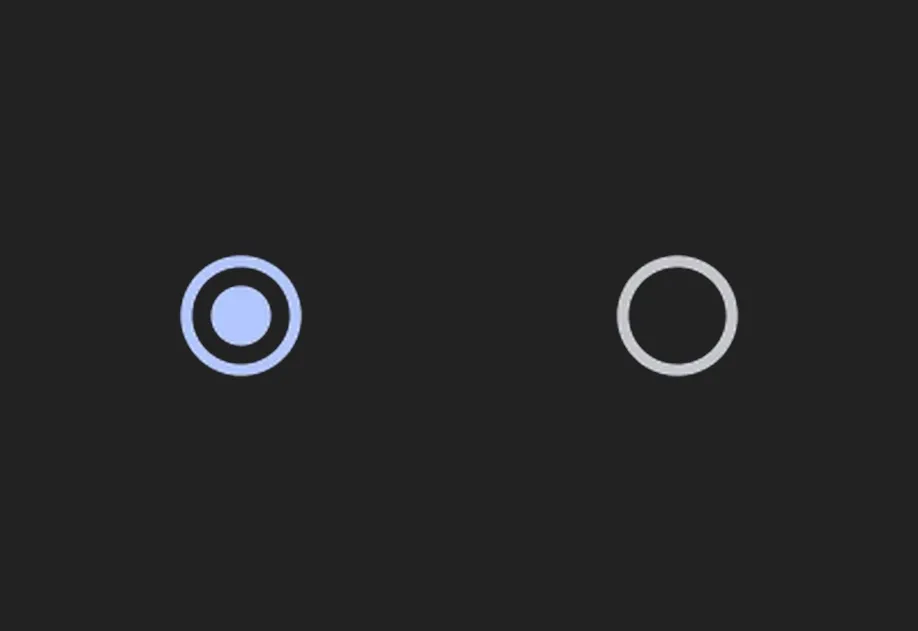
A radio button component for selecting a single option from a set. Maps to the official Jetpack Compose RadioButton API.

Installation

Terminal
npx expo install @expo/ui

If you are installing this in an existing React Native app, make sure to install expo in your project.

Usage

Basic radio button

A standalone radio button with an onClick handler.

BasicRadioButton.tsx
import { useState } from 'react'; import { Host, RadioButton } from '@expo/ui/jetpack-compose'; export default function BasicRadioButton() { const [selected, setSelected] = useState(false); return ( <Host matchContents> <RadioButton selected={selected} onClick={() => setSelected(!selected)} /> </Host> ); }

The recommended pattern for a radio group follows the Compose accessibility guidelines:

  • Wrap the group in a Column with the selectableGroup() modifier so screen readers treat the options as a group.
  • Apply the selectable modifier with role: 'radioButton' on each Row, making the entire row (including the label) tappable.
  • Pass no onClick to the RadioButton itself, the row handles the interaction. This provides a larger touch target.
RadioGroup.tsx
import { useState } from 'react'; import { Host, Column, Row, RadioButton, Text } from '@expo/ui/jetpack-compose'; import { selectable, selectableGroup, fillMaxWidth, height, padding, } from '@expo/ui/jetpack-compose/modifiers'; export default function RadioGroup() { const [selectedOption, setSelectedOption] = useState('Calls'); const options = ['Calls', 'Missed', 'Friends']; return ( <Host matchContents> <Column modifiers={[selectableGroup()]}> {options.map(label => ( <Row key={label} verticalAlignment="center" modifiers={[ fillMaxWidth(), height(56), selectable(label === selectedOption, () => setSelectedOption(label), 'radioButton'), padding(16, 0, 16, 0), ]}> <RadioButton selected={label === selectedOption} /> <Text modifiers={[padding(16, 0, 0, 0)]}>{label}</Text> </Row> ))} </Column> </Host> ); }

API

import { RadioButton } from '@expo/ui/jetpack-compose';

Component

RadioButton

Android

Type: React.Element<RadioButtonProps>

A Material Design radio button.

RadioButtonProps

modifiers

Android
Optional • Type: ModifierConfig[]

Modifiers for the component.

onClick

Android
Optional • Type: () => void

Callback that is called when the radio button is clicked.

selected

Android
Type: boolean

Whether the radio button is selected.