Reference version

This is documentation for the next SDK version. For up-to-date documentation, see the latest version (SDK 57).

Jetpack Compose

Jetpack Compose components for building native Android interfaces with @expo/ui.

Android
Included in Expo Go

The Jetpack Compose components in @expo/ui/jetpack-compose allow you to build fully native Android interfaces using Jetpack Compose from React Native.

Installation

Terminal
npx expo install @expo/ui

If you are installing this in an existing React Native app, make sure to install expo in your project.

Usage

Using a component from @expo/ui/jetpack-compose requires wrapping it in a Host component. The Host is a container for Jetpack Compose views.

import { Host, Button } from '@expo/ui/jetpack-compose'; export function SaveButton() { return ( <Host matchContents> <Button onClick={() => alert('Saved!')}>Save changes</Button> </Host> ); }

Available components
ComponentDescription
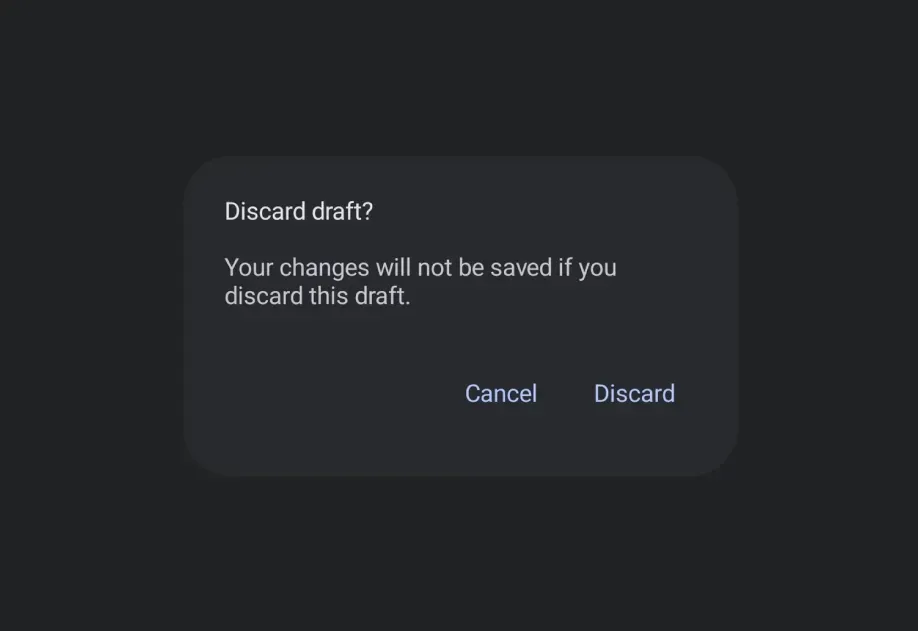
AlertDialogAlertDialog component for displaying native alert dialogs.
BadgeBadge component for displaying status indicators and counts.
BadgedBoxBadgedBox component for overlaying badges on content.
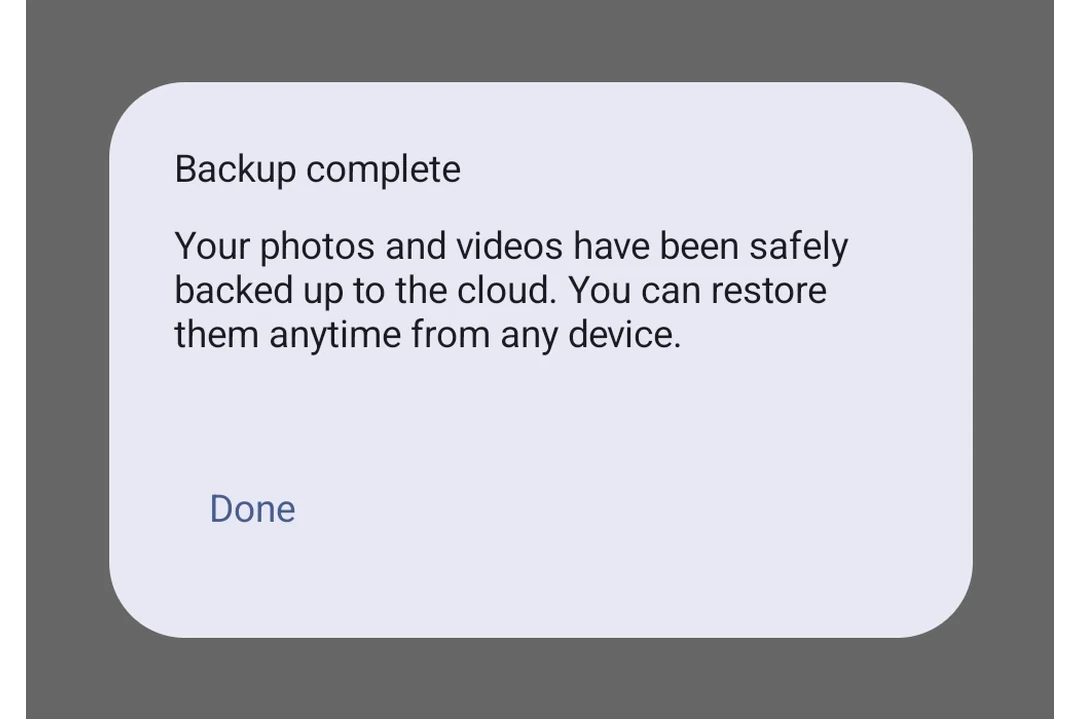
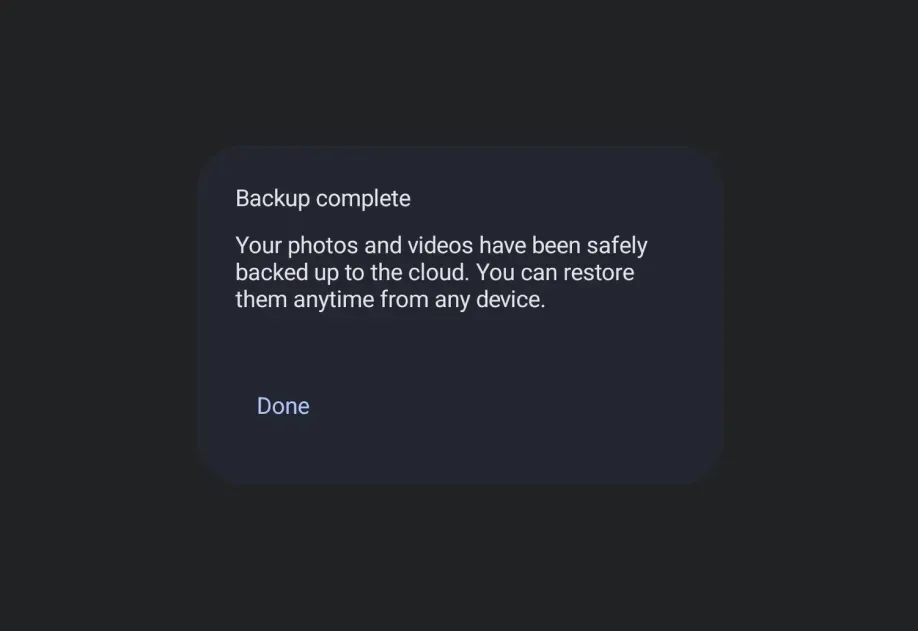
BasicAlertDialogBasicAlertDialog component for displaying dialogs with custom content.
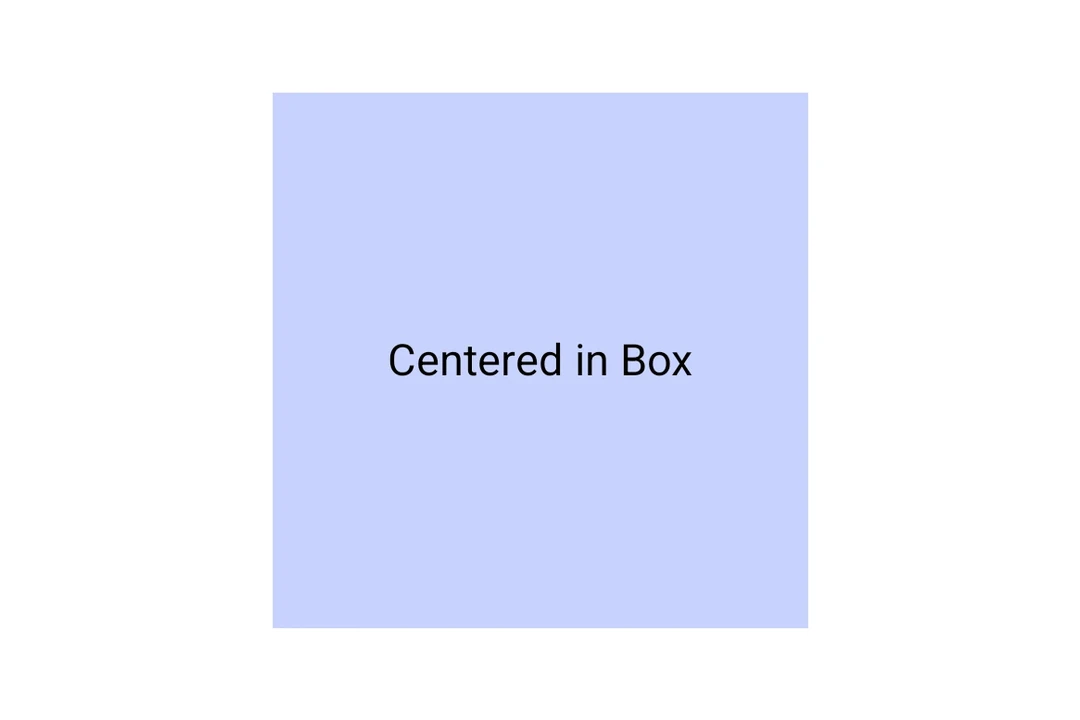
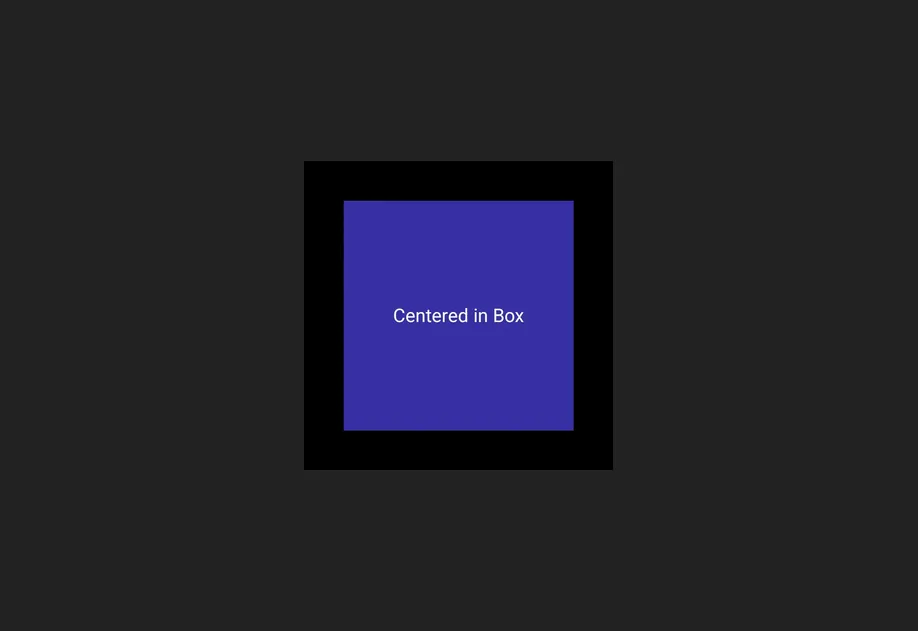
BoxBox component for stacking child elements.
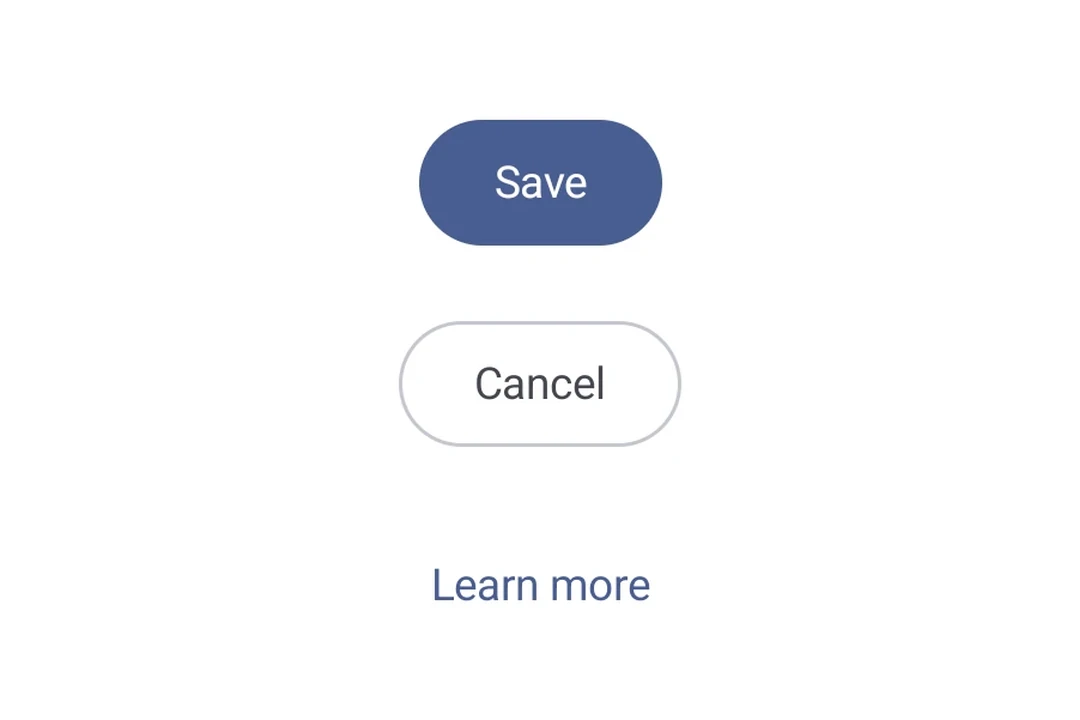
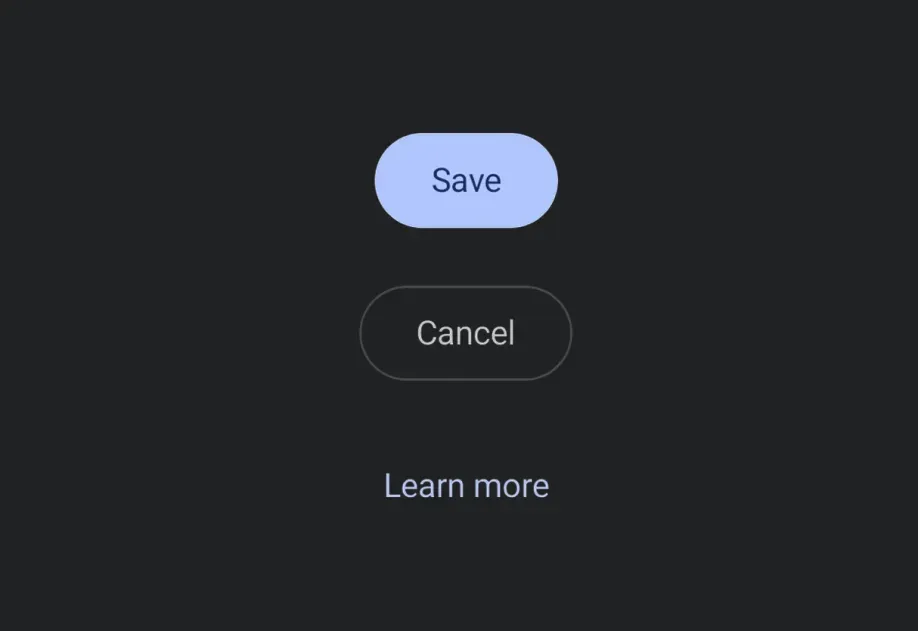
ButtonButton components for displaying native Material3 buttons.
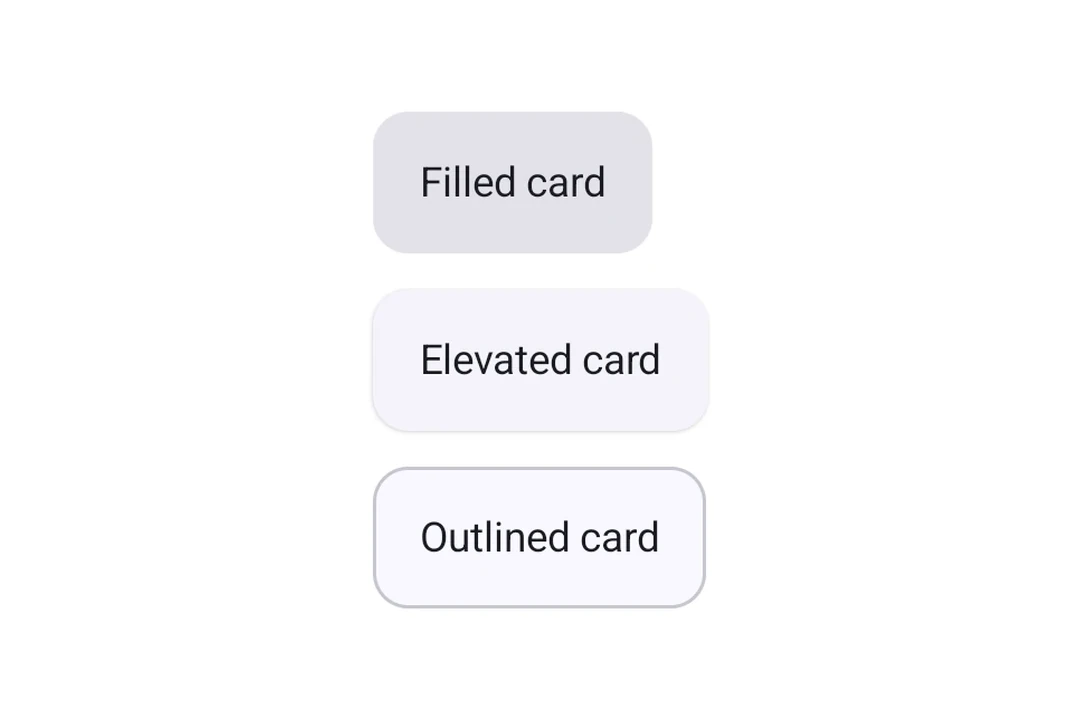
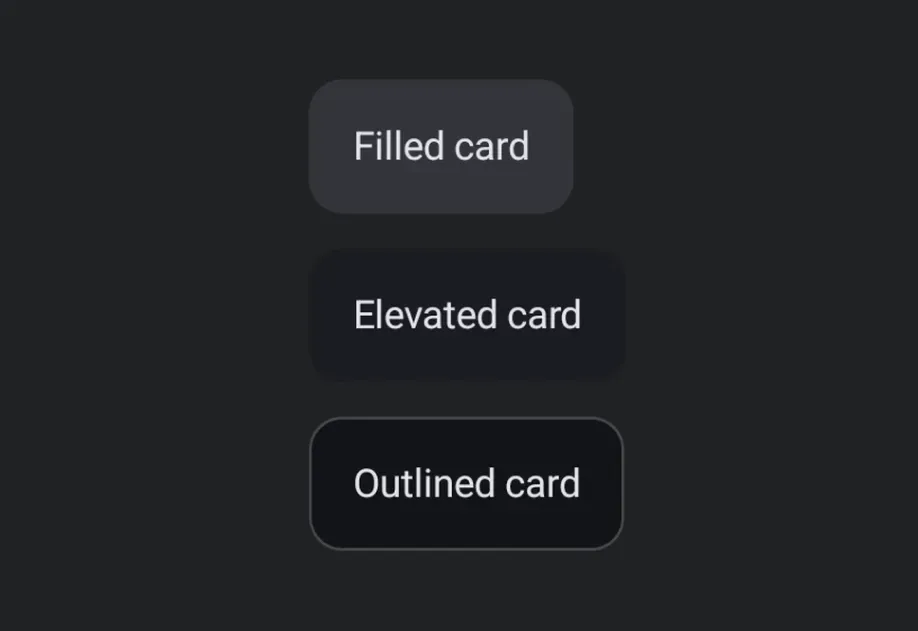
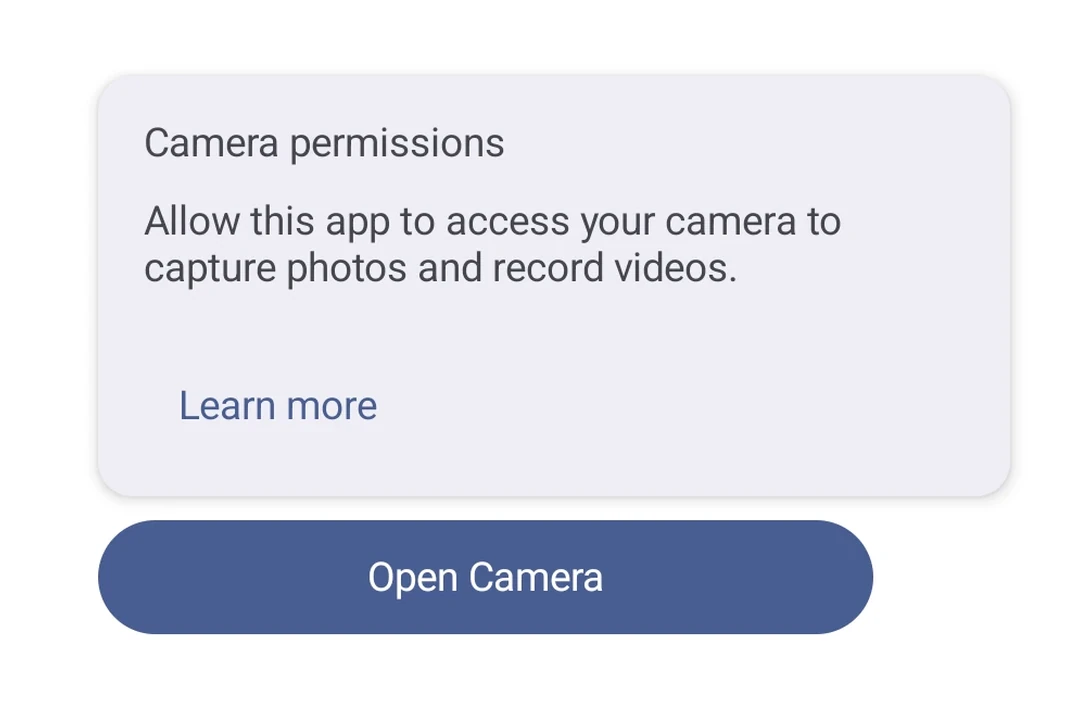
CardCard component for displaying content in a styled container.
CarouselCarousel components for displaying scrollable collections of items.
CheckboxCheckbox component for selection controls.
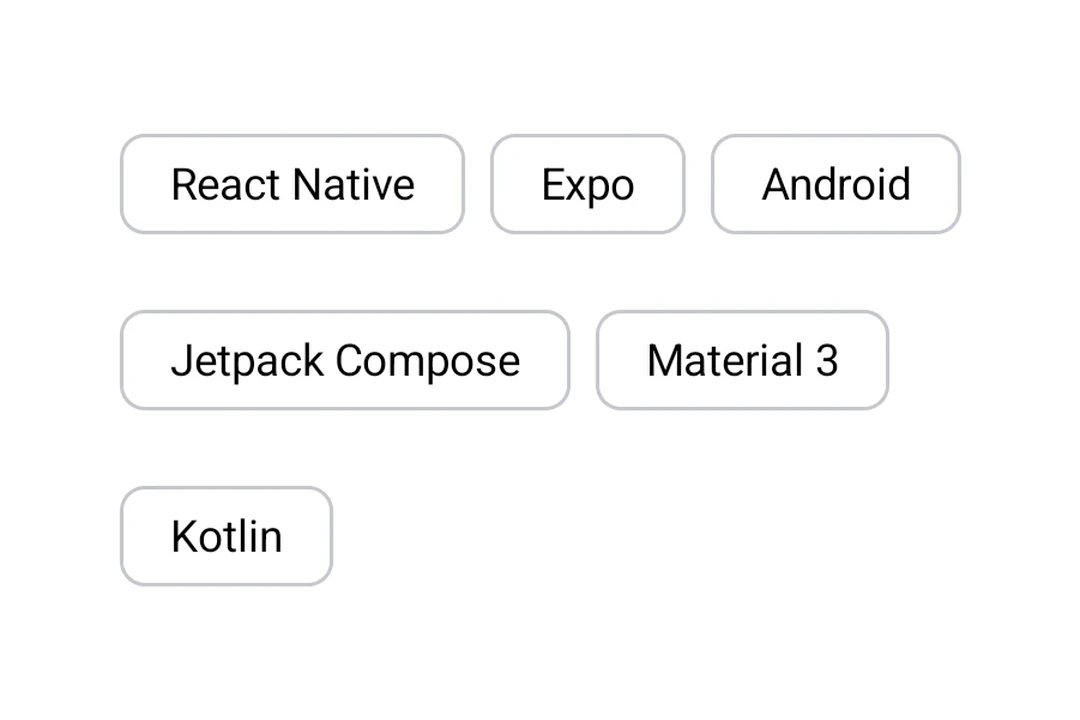
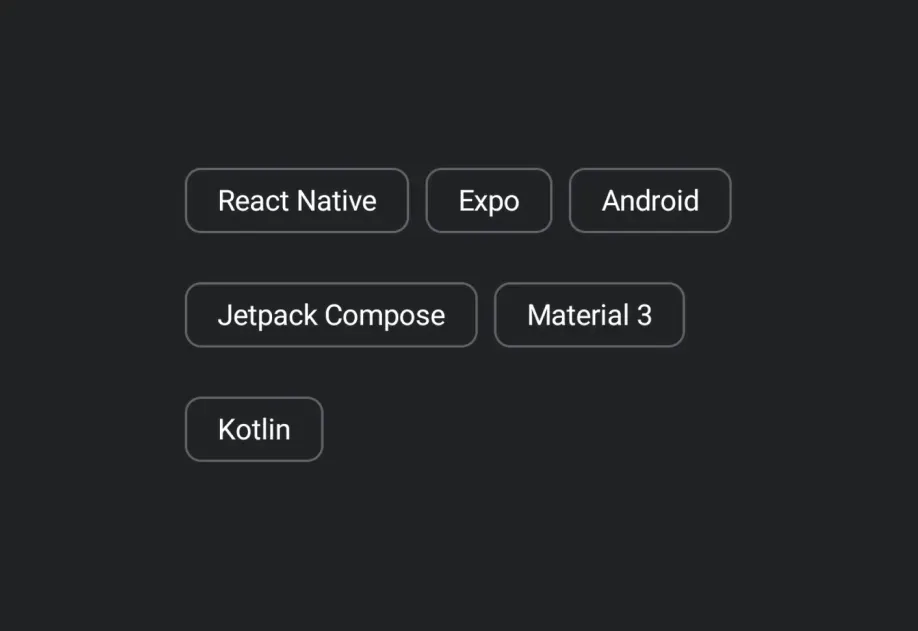
ChipChip components for displaying compact elements.
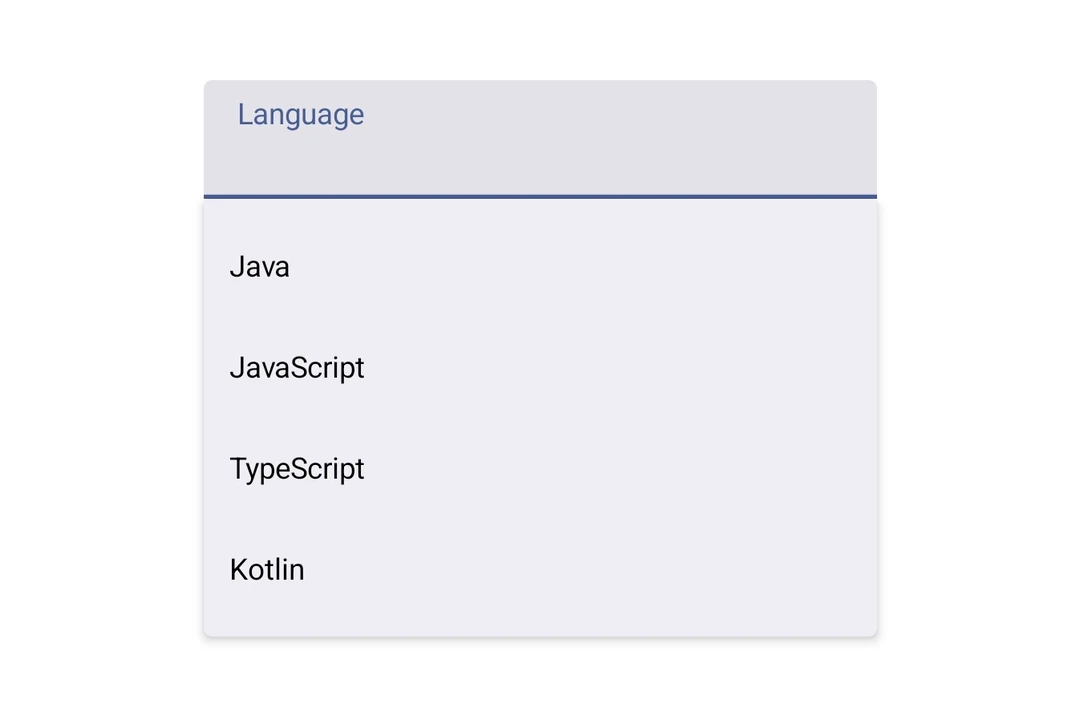
ColumnColumn component for placing children vertically.
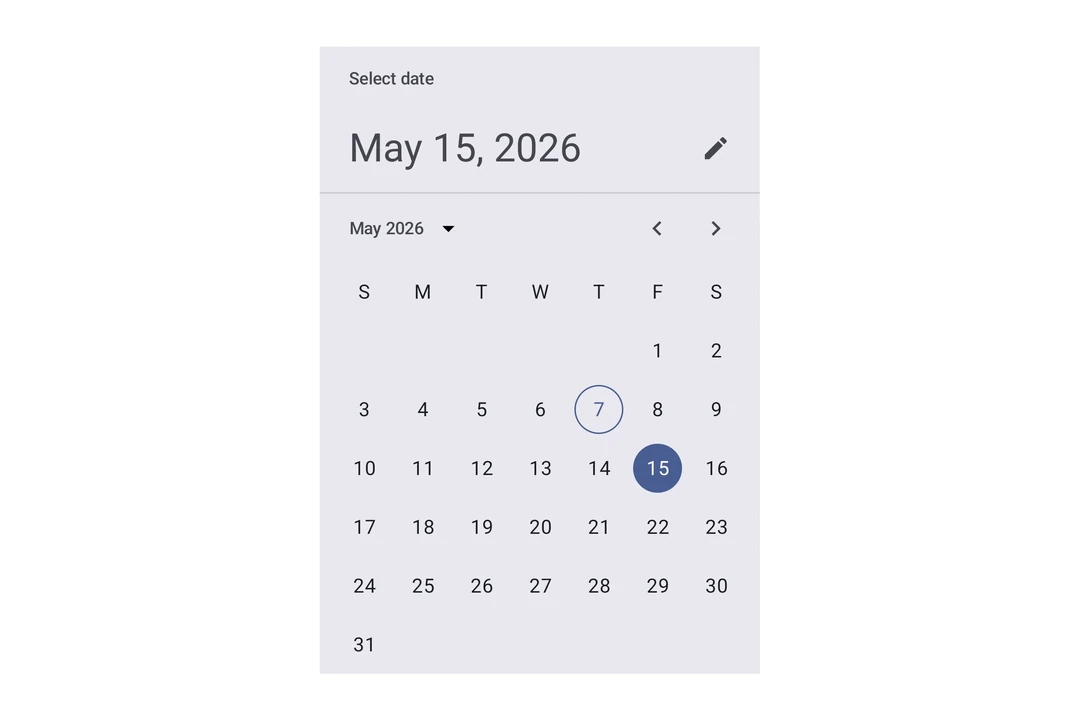
DateTimePickerDateTimePicker component for selecting dates and times.
DividerDivider components for creating visual separators.
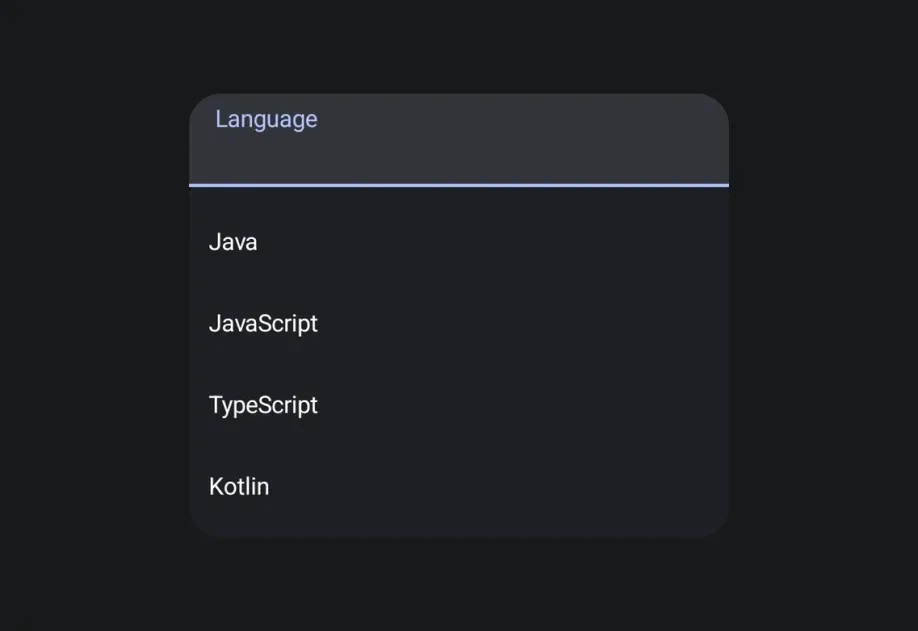
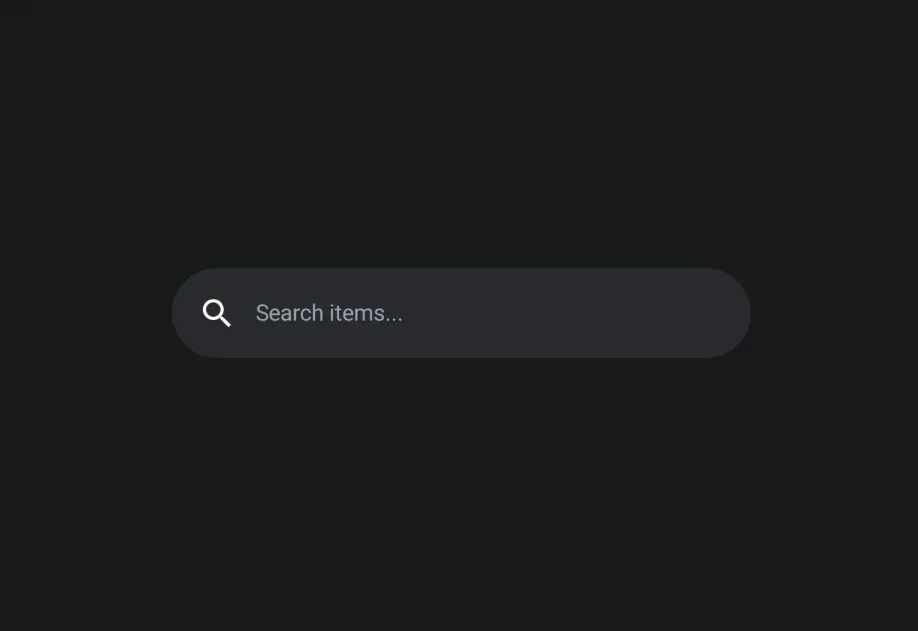
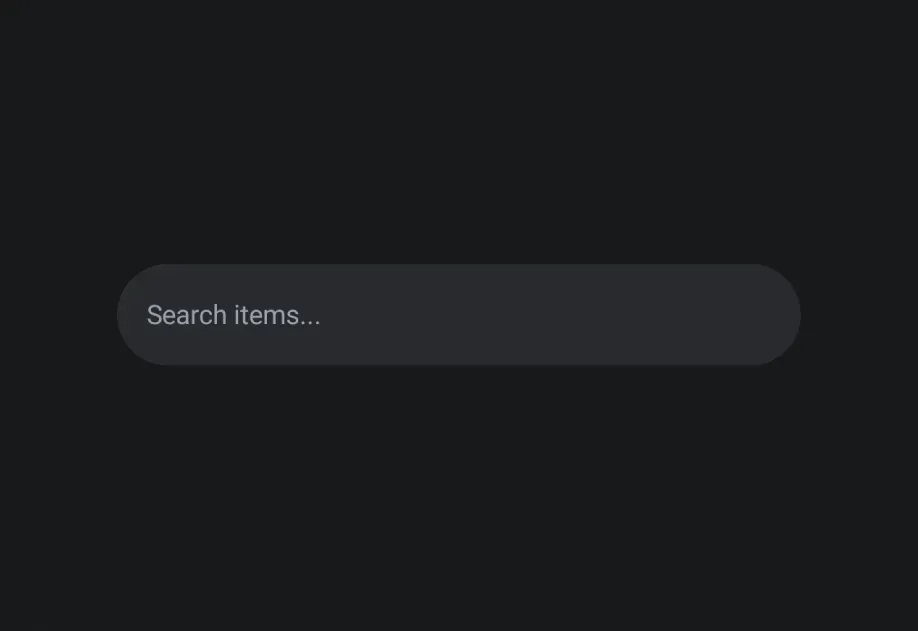
DockedSearchBarDockedSearchBar component for displaying an inline search input.
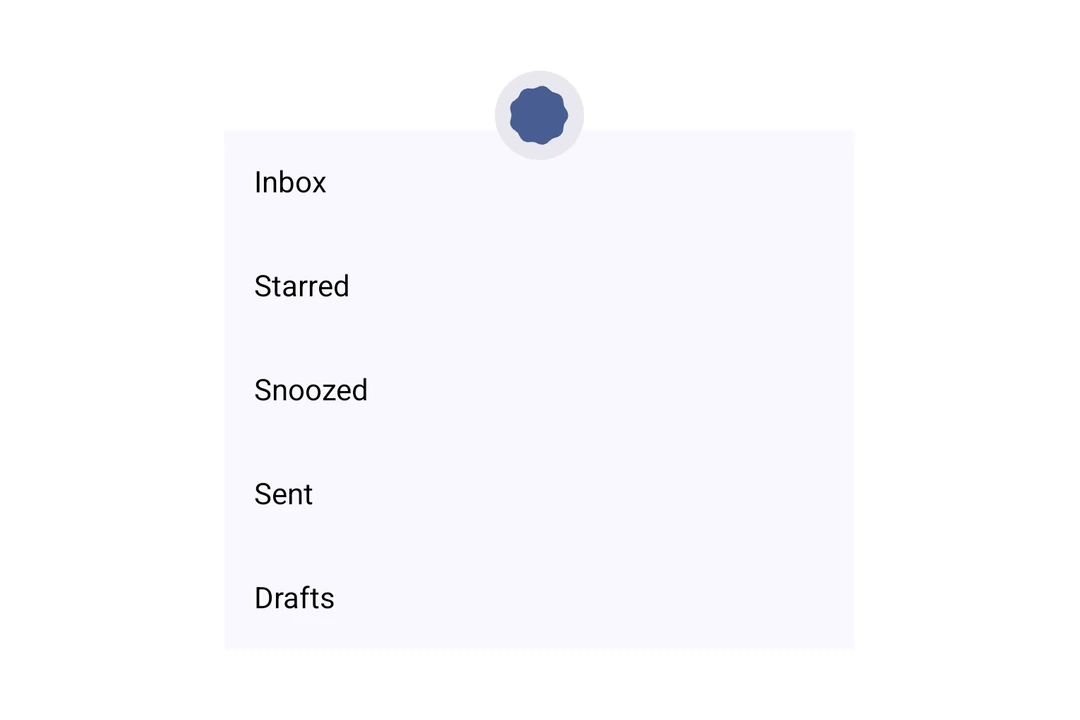
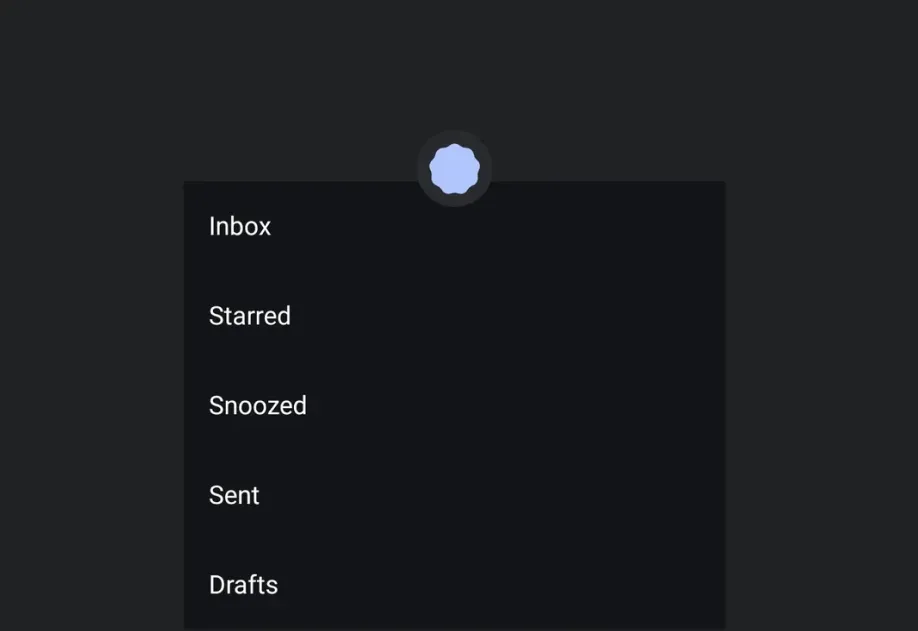
DropdownMenuDropdownMenu component for displaying dropdown menus.
ExposedDropdownMenuBoxExposedDropdownMenuBox component for displaying a dropdown menu with a customizable anchor.
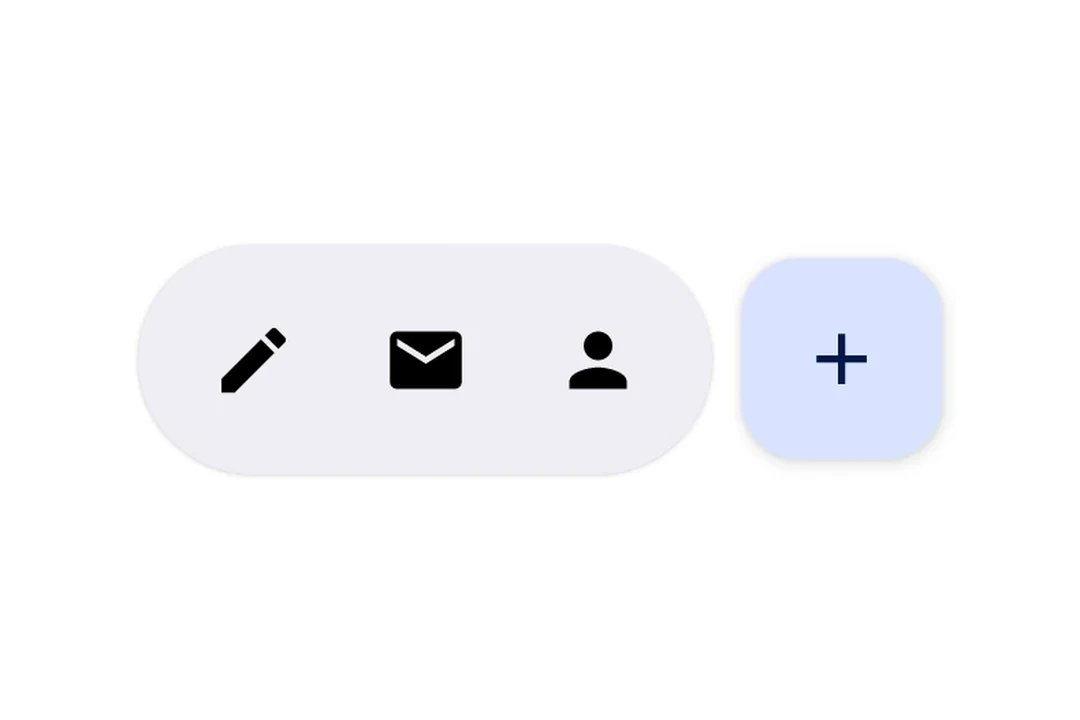
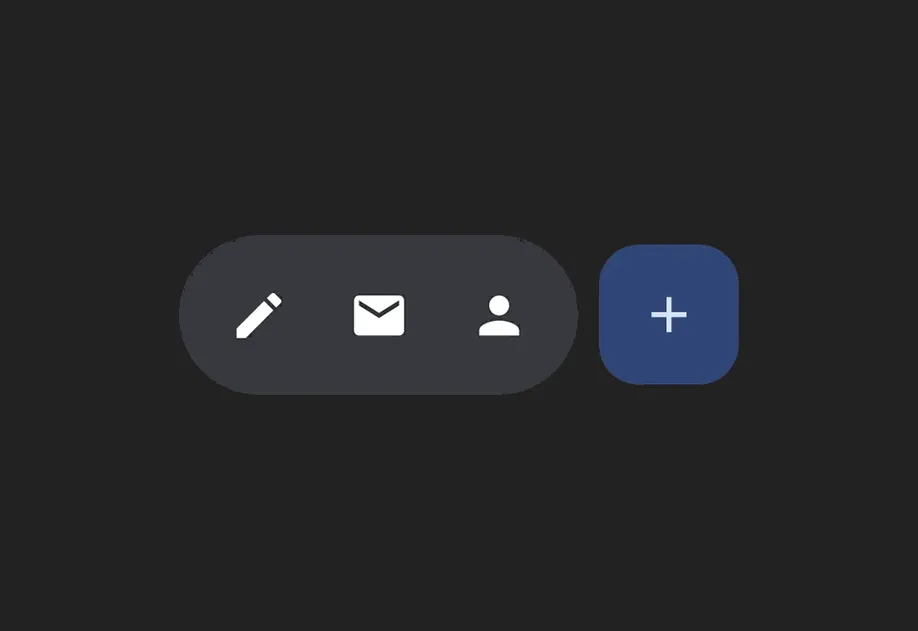
FloatingActionButtonFloatingActionButton components following Material Design 3.
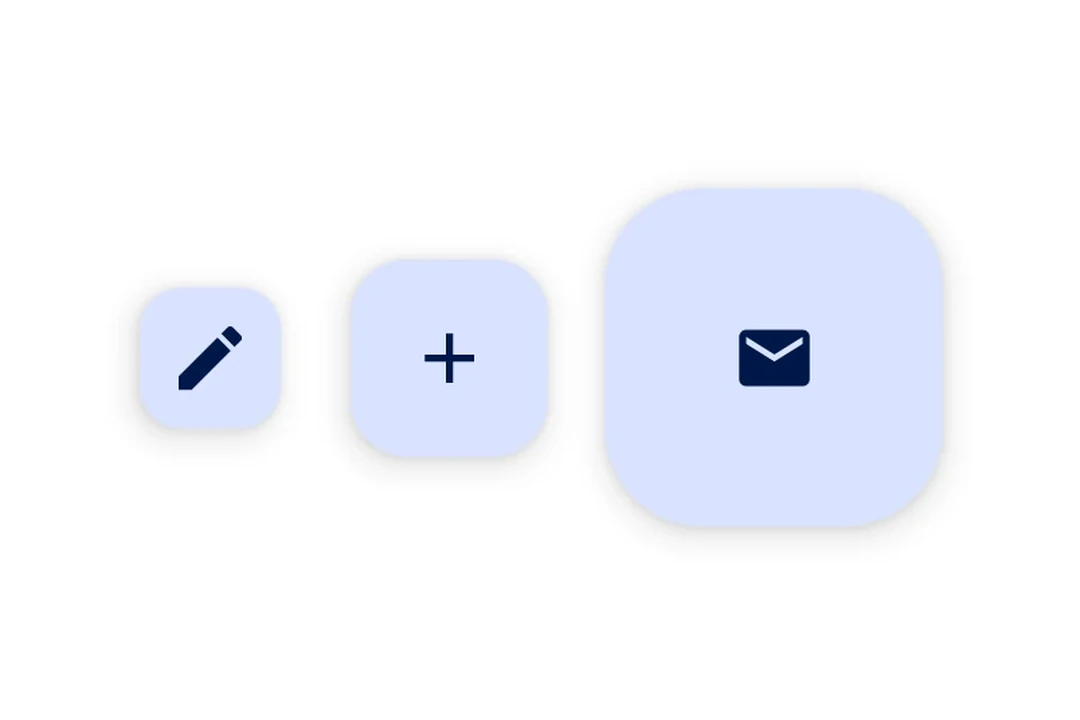
FlowRowFlowRow component for wrapping children horizontally.
HorizontalFloatingToolbarHorizontalFloatingToolbar component for displaying a floating action bar.
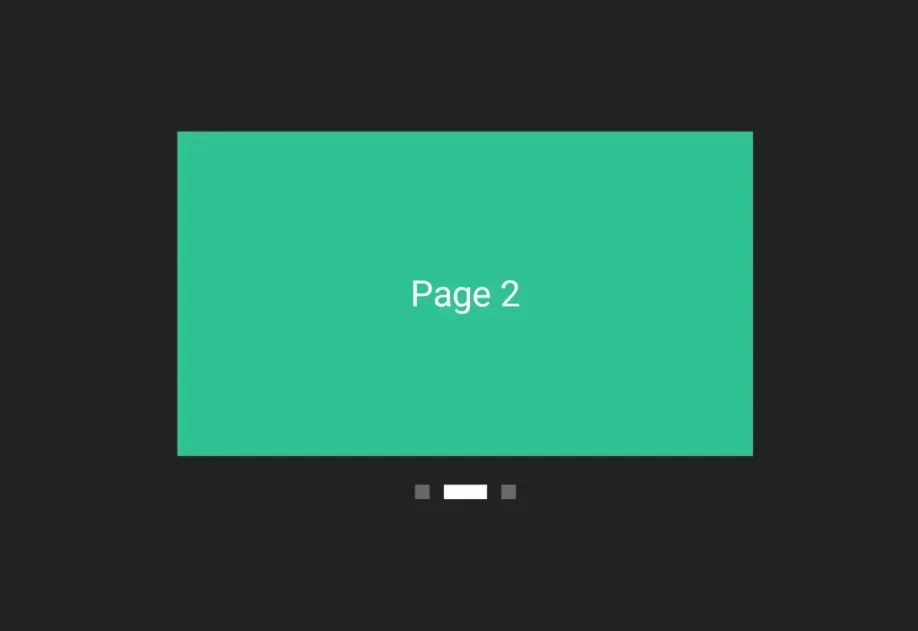
HorizontalPagerHorizontalPager component for swipeable pages.
HostHost component for bridging React Native and Jetpack Compose.
IconIcon component for displaying icons.
IconButtonIconButton components for displaying native Material3 icon buttons.
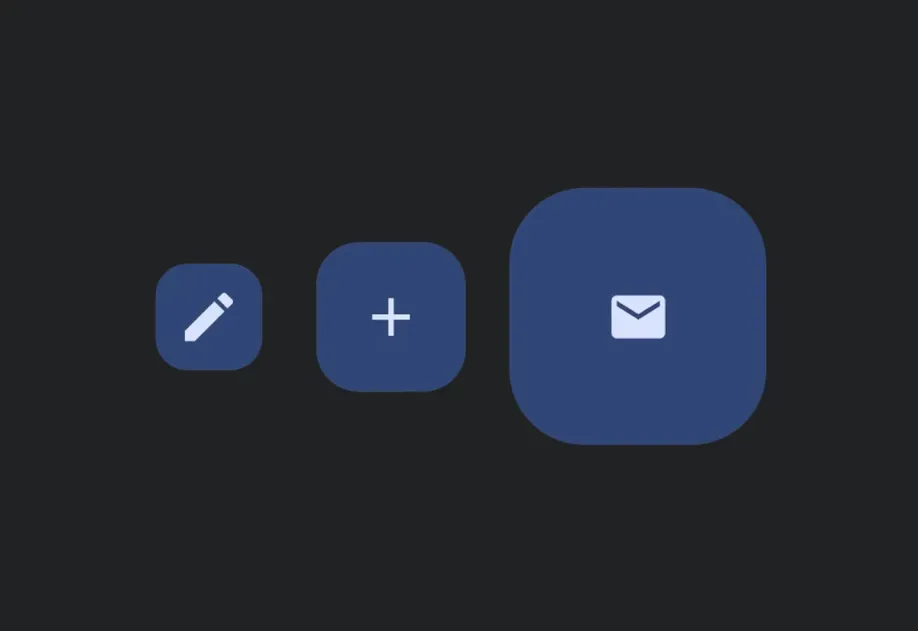
LazyColumnLazyColumn component for displaying scrollable lists.
LazyRowLazyRow component for displaying horizontally scrolling lists.
ListItemListItem component for displaying structured list entries.
LoadingIndicatorLoading indicator components for displaying loading state.
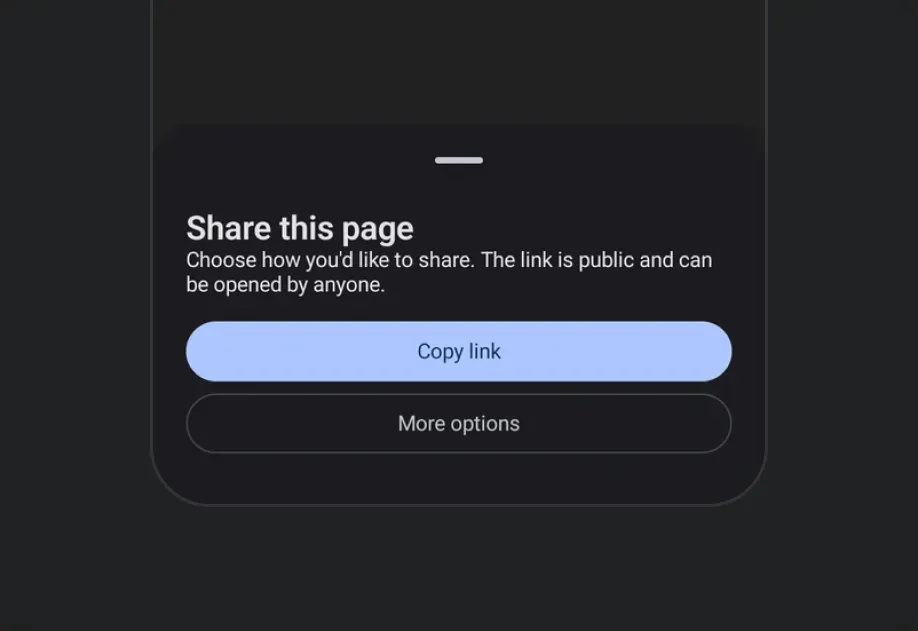
ModalBottomSheetModalBottomSheet component that presents content from the bottom of the screen.
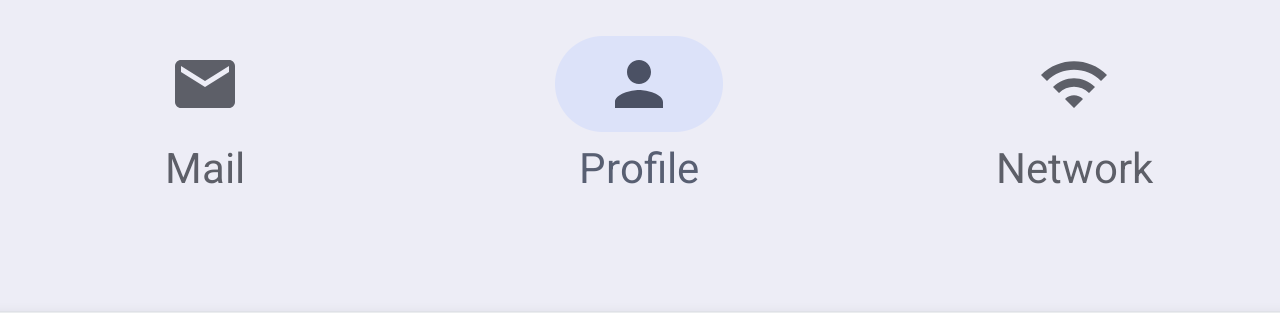
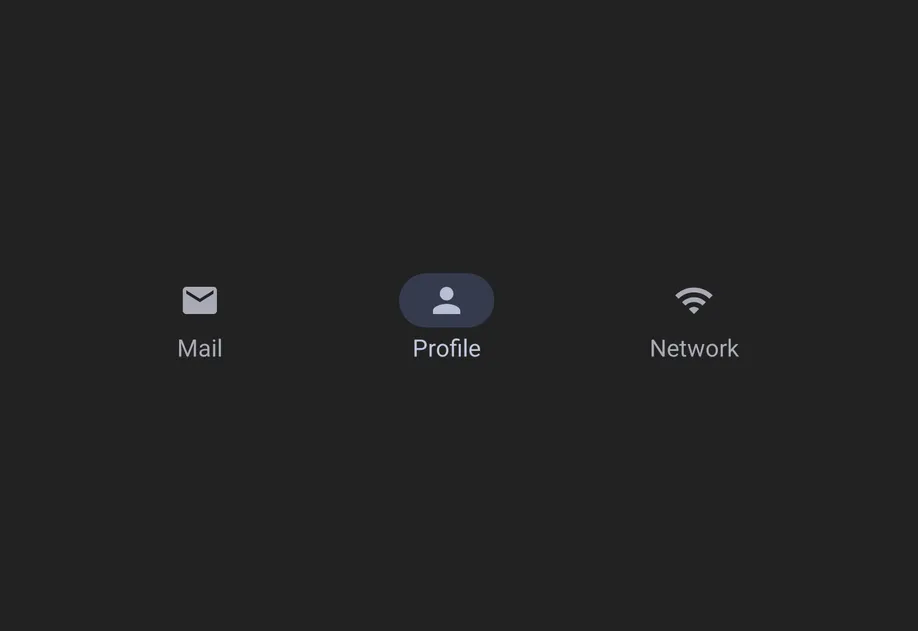
NavigationBarNavigationBar component for Material 3 bottom navigation.
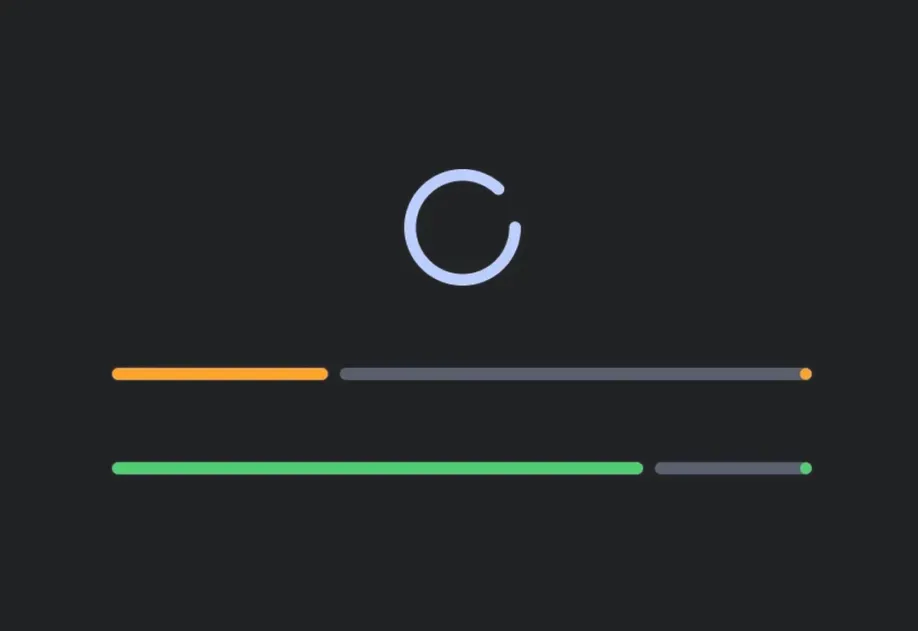
Progress IndicatorsProgress indicator components for displaying operation status.
PullToRefreshBoxPullToRefreshBox component for pull-to-refresh interactions.
RadioButtonRadioButton component for single-selection controls.
RNHostViewA component that enables React Native views inside Jetpack Compose.
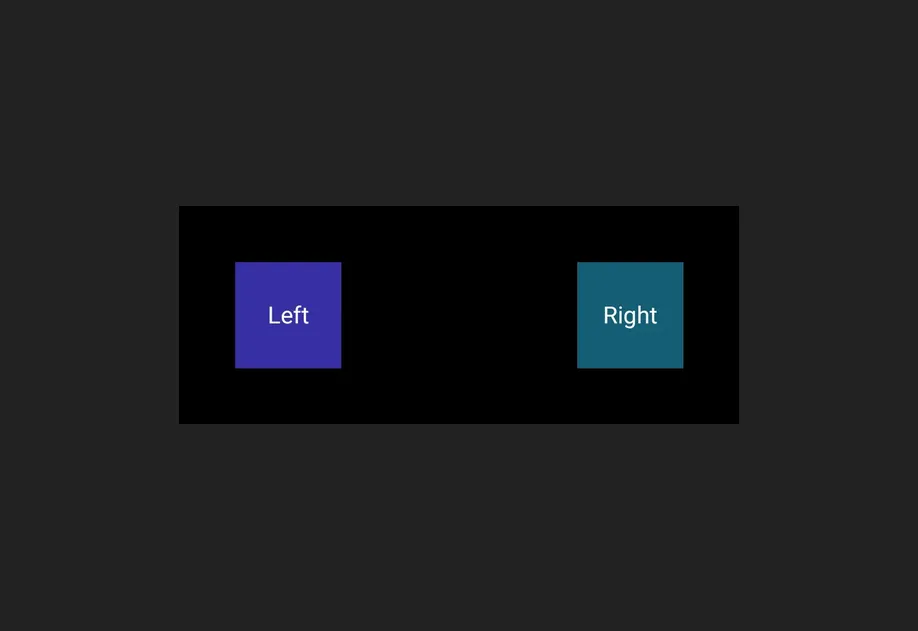
RowRow component for placing children horizontally.
SearchBarSearchBar component for search input functionality.
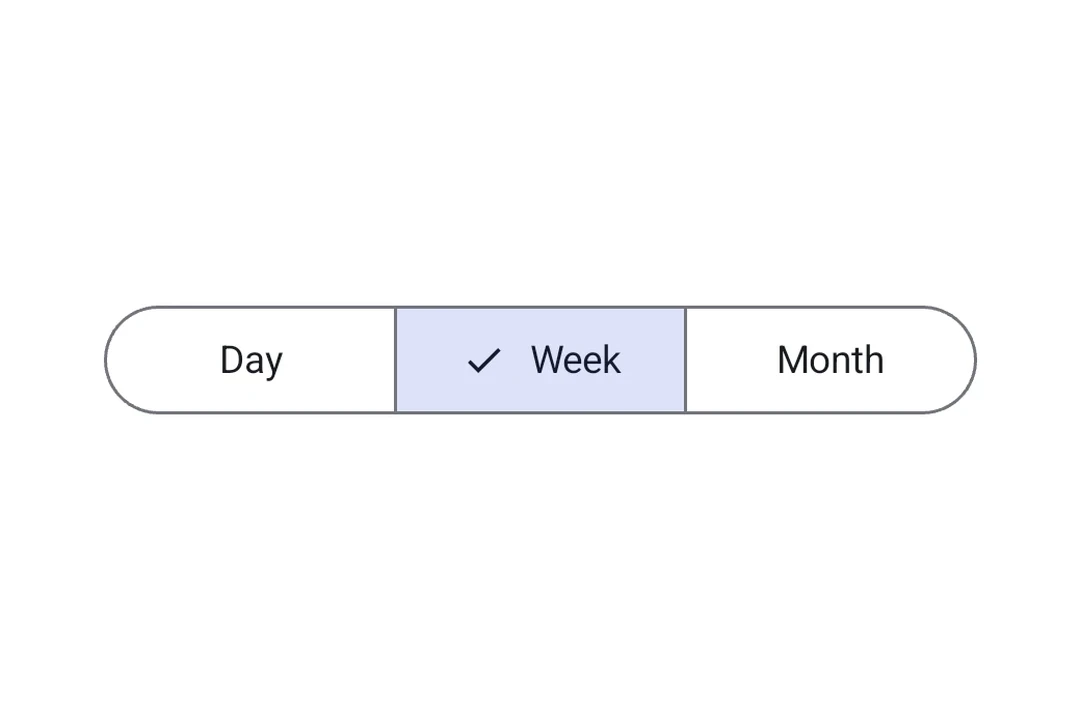
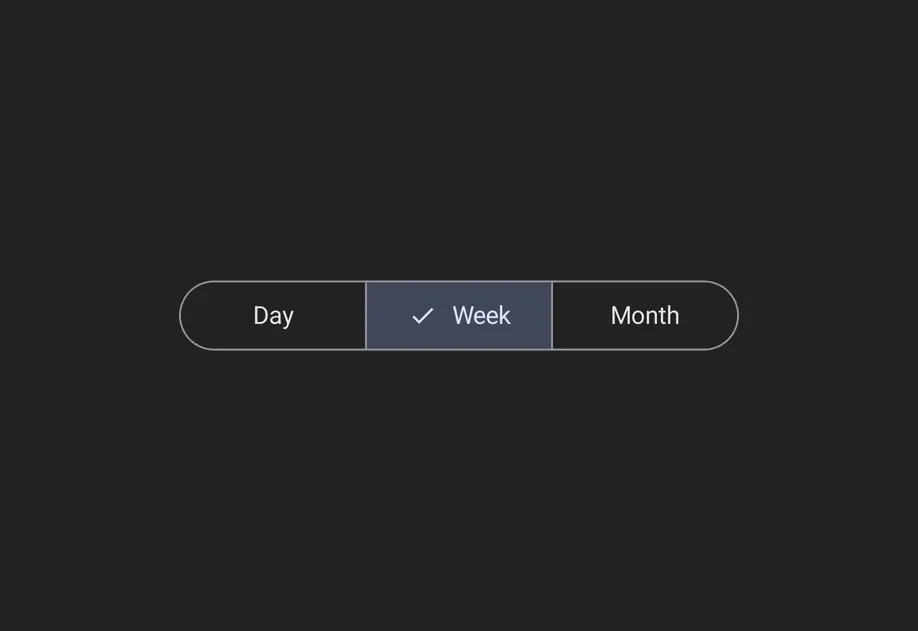
SegmentedButtonSegmented Button components for single or multi-choice selection.
ShapeShape component for drawing geometric shapes.
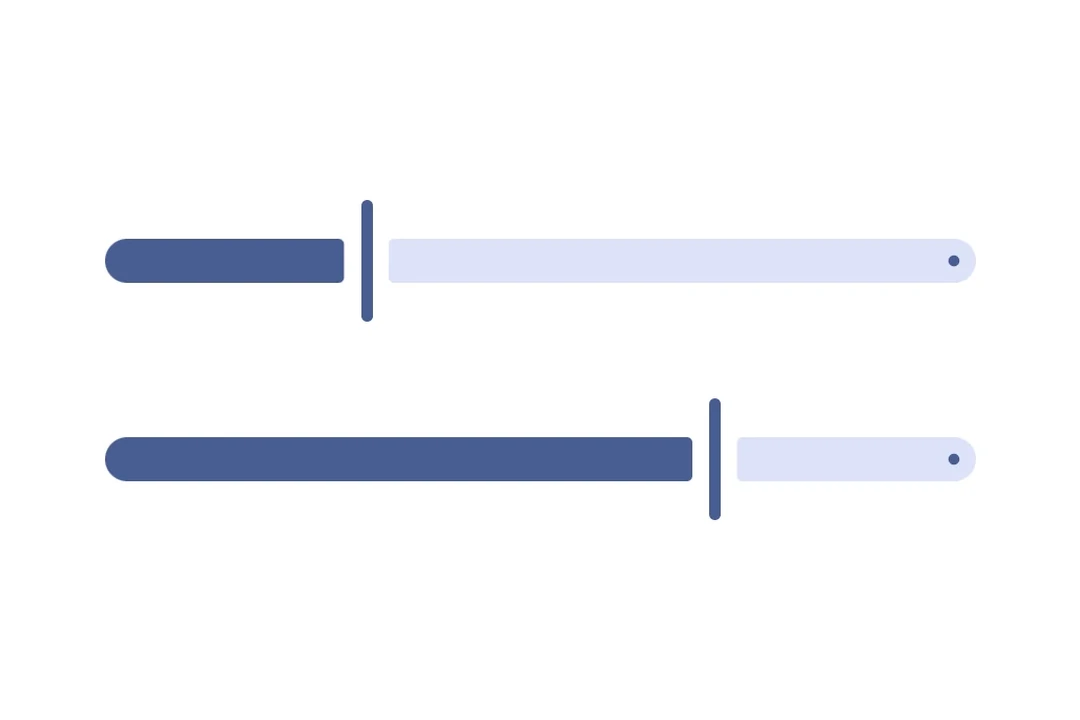
SliderSlider component for selecting values from a range.
SnackbarA brief notification that appears at the bottom of the screen to provide feedback without interrupting the user.
SpacerSpacer component for adding flexible space between elements.
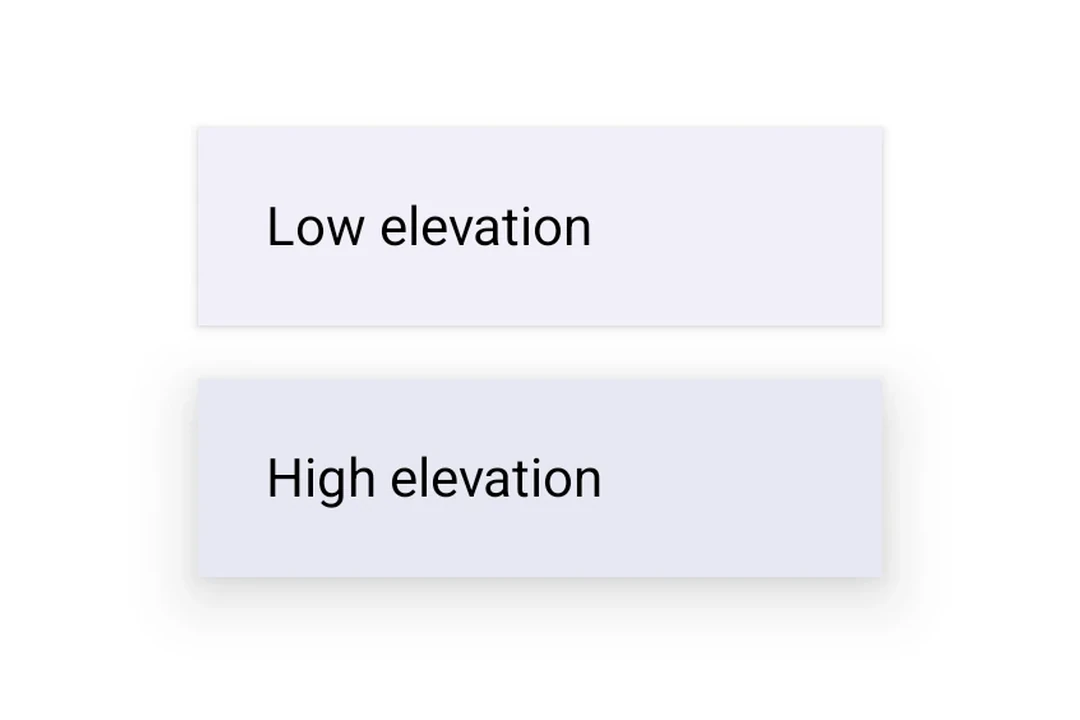
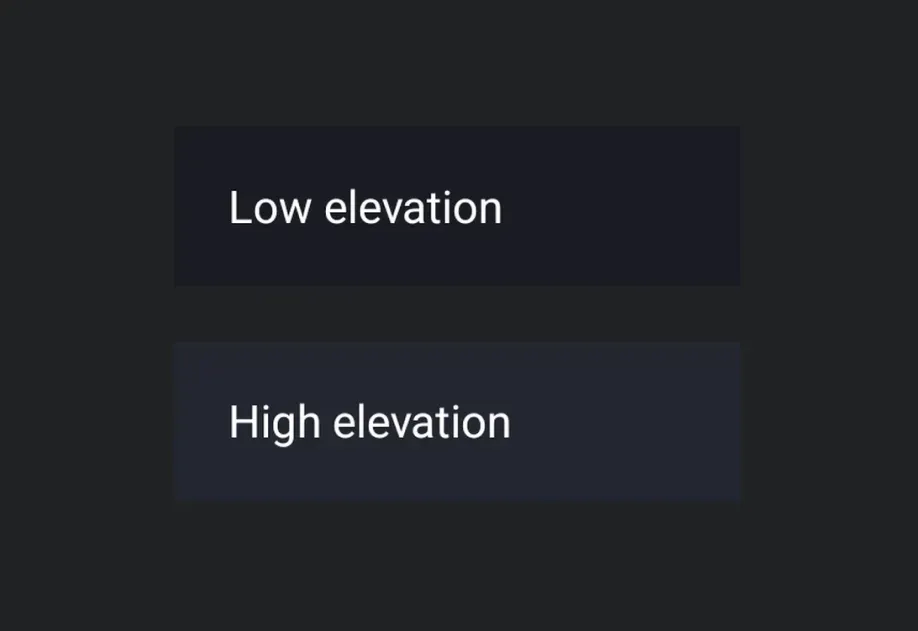
SurfaceSurface component for styled content containers.
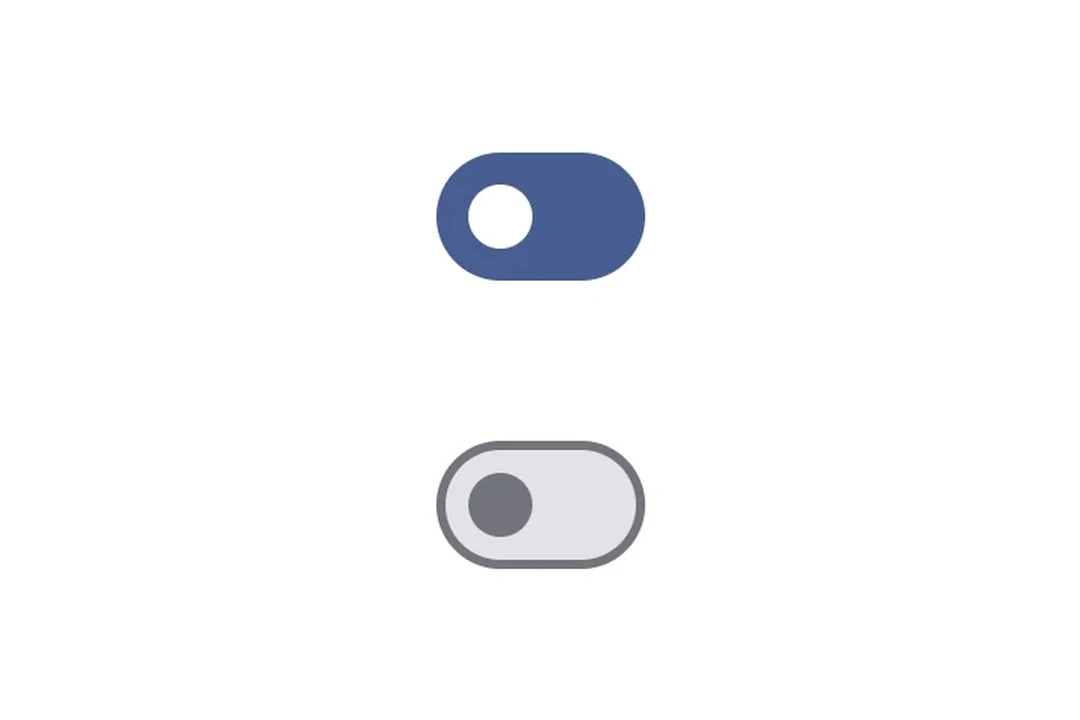
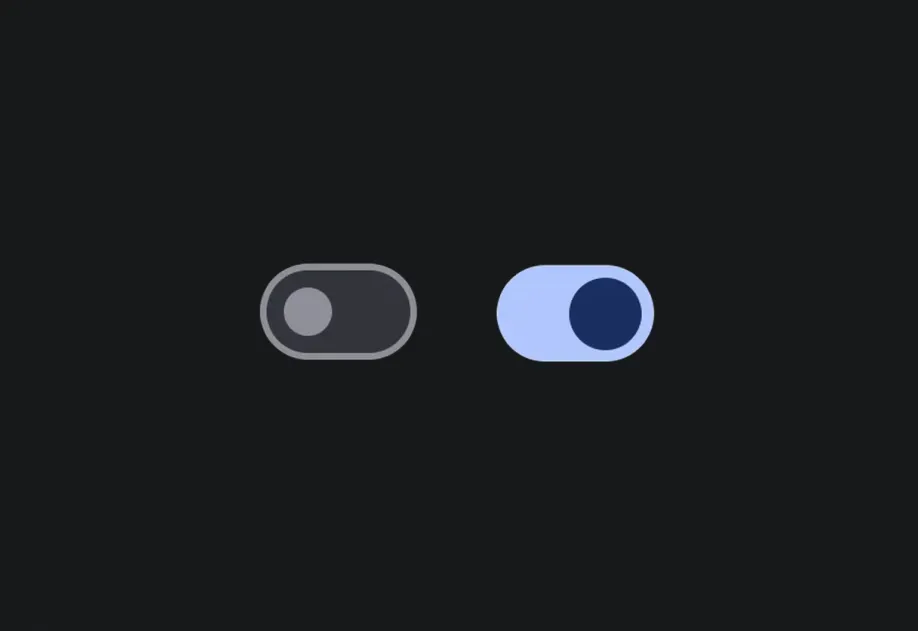
SwitchSwitch component for toggle controls.
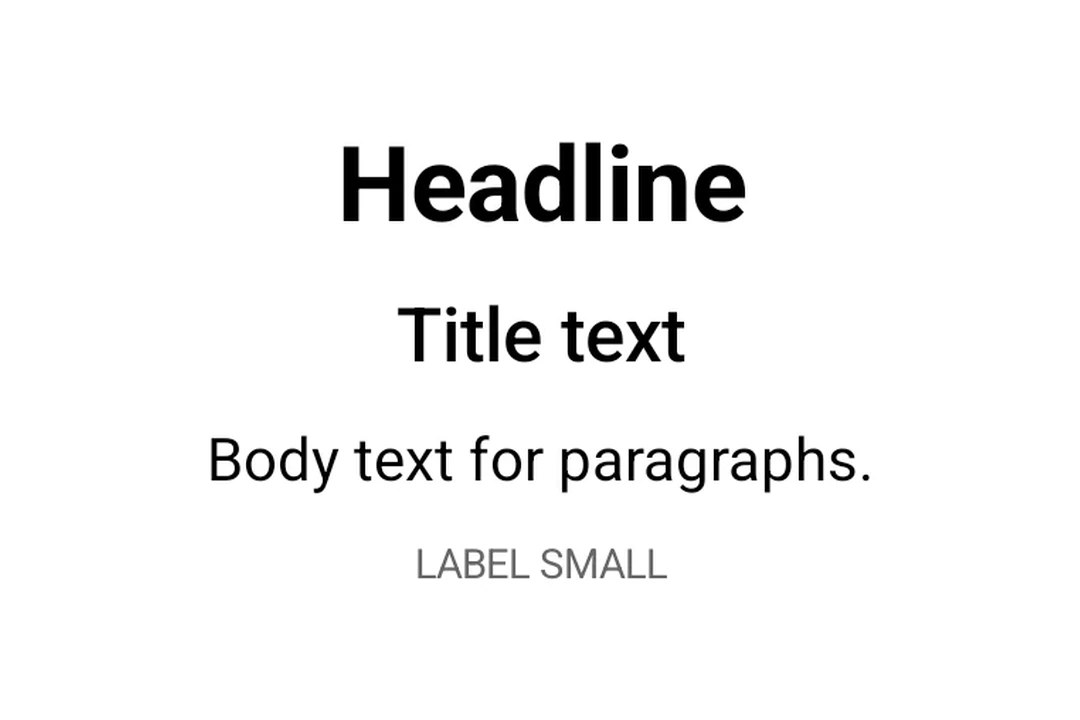
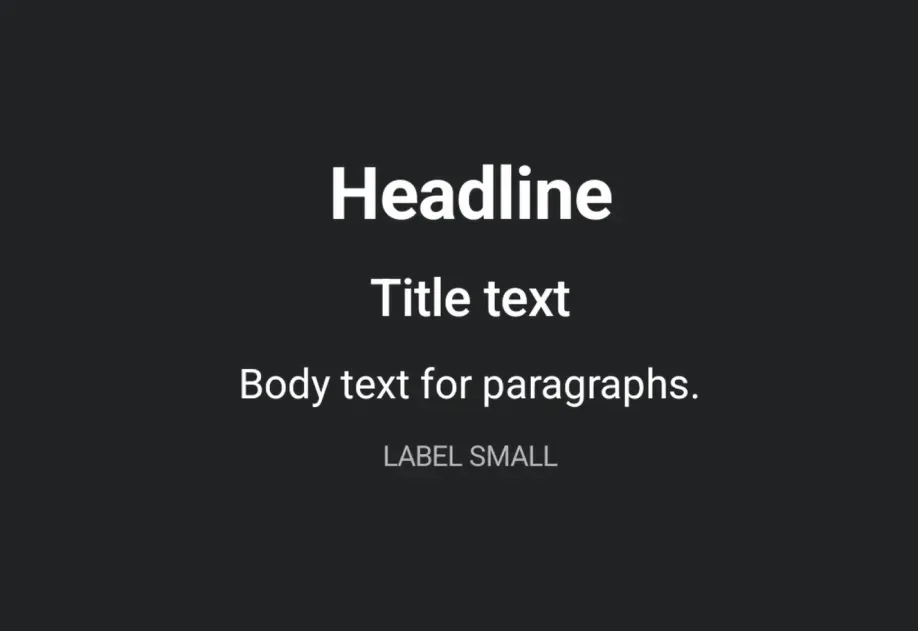
TextText component for displaying styled text.
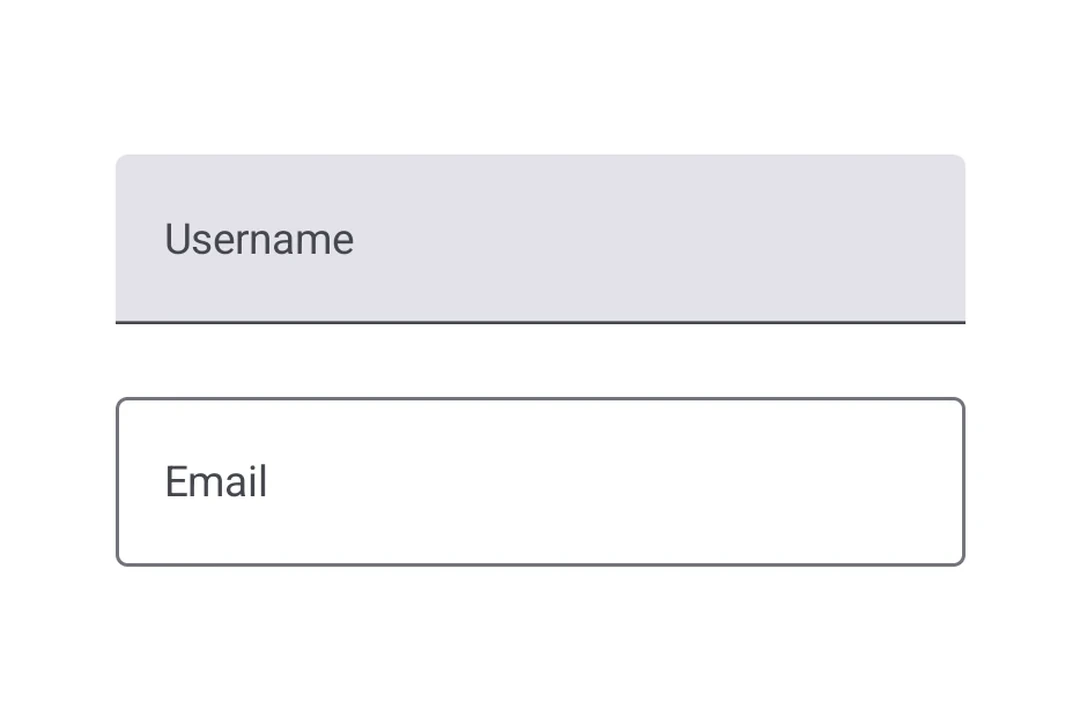
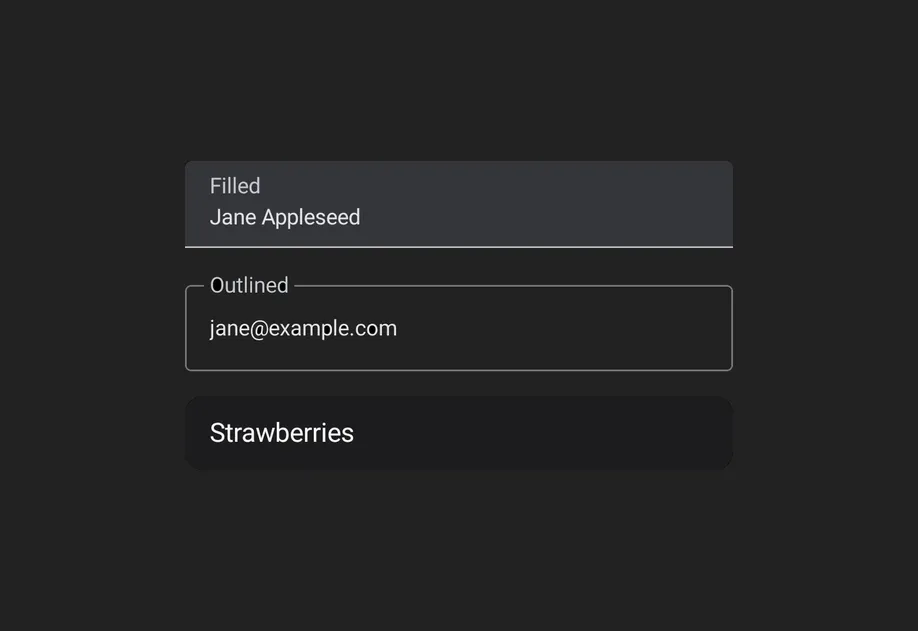
TextFieldTextField components for native Material3 text input.
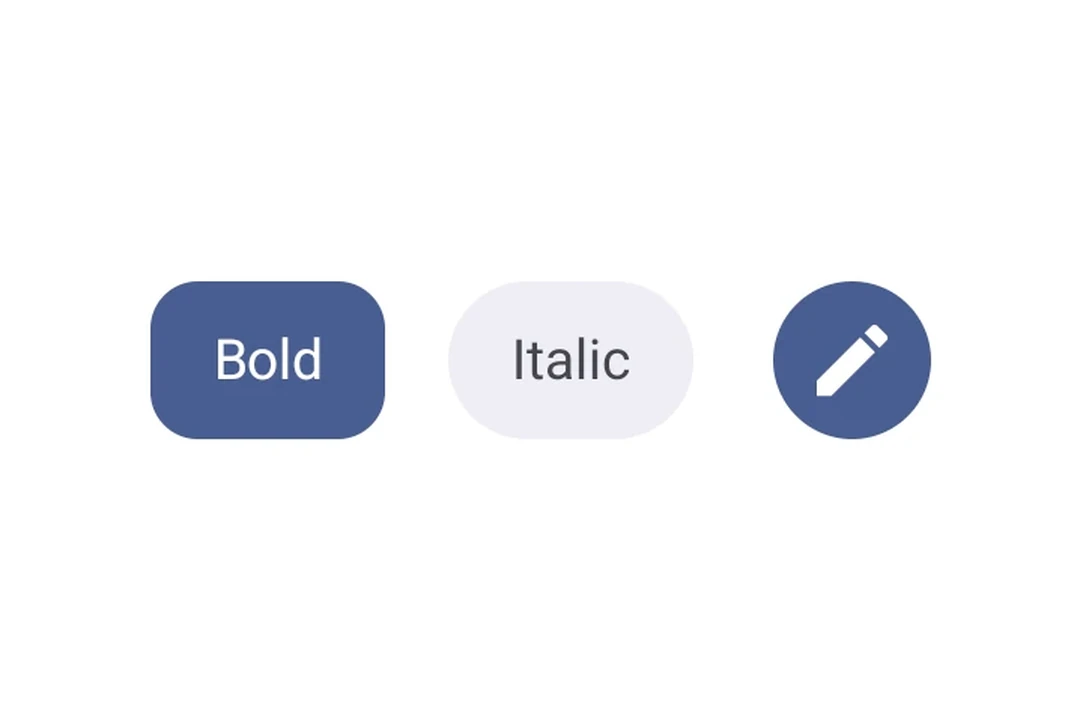
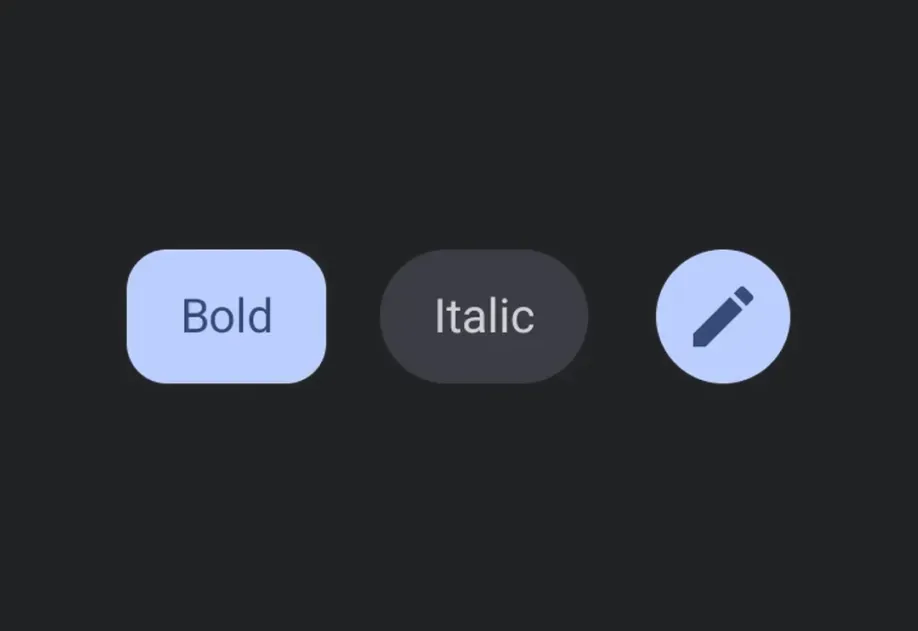
ToggleButtonToggleButton components for displaying native Material3 toggle buttons.
TooltipTooltip components for displaying contextual information on long-press.