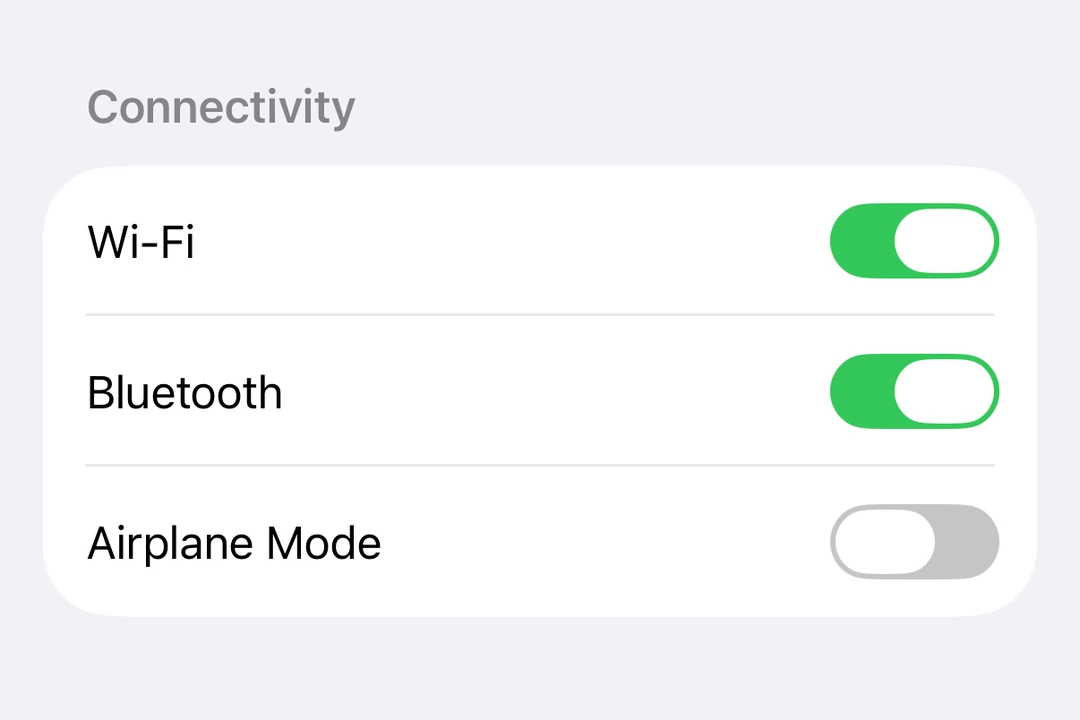
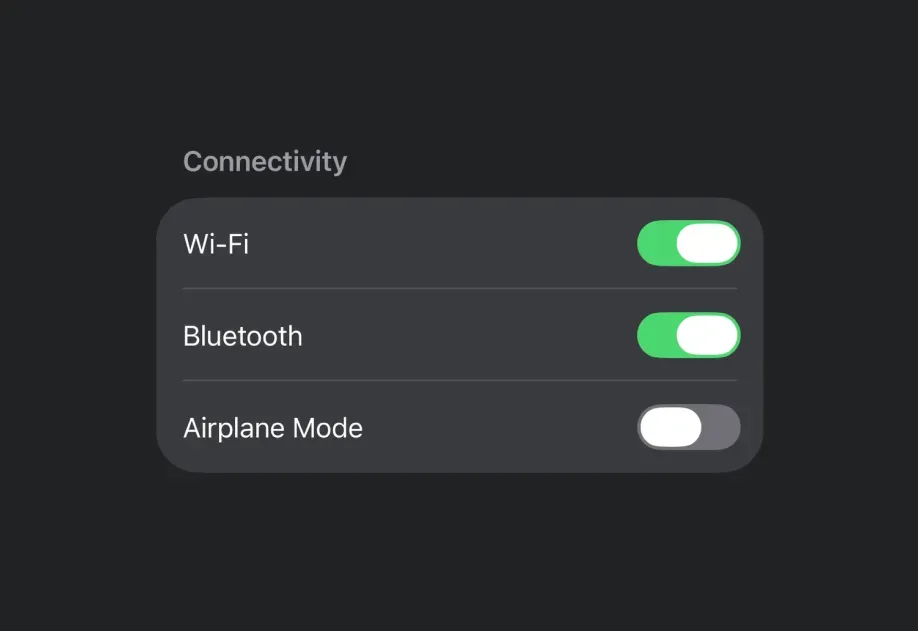
SwiftUI
SwiftUI components for building native iOS interfaces with @expo/ui.
iOS
tvOS
Included in Expo Go
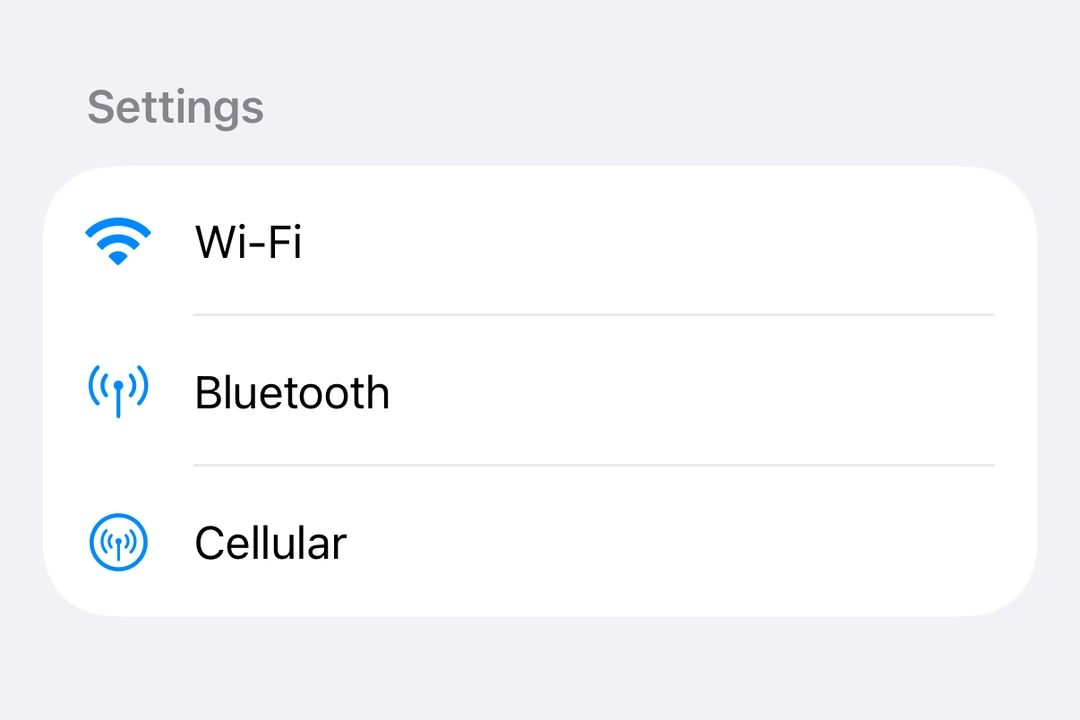
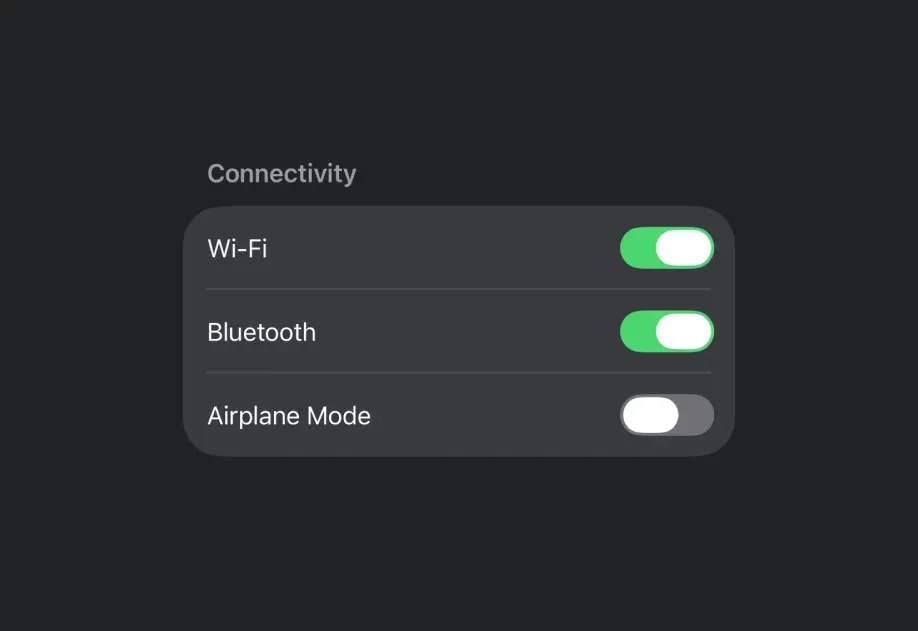
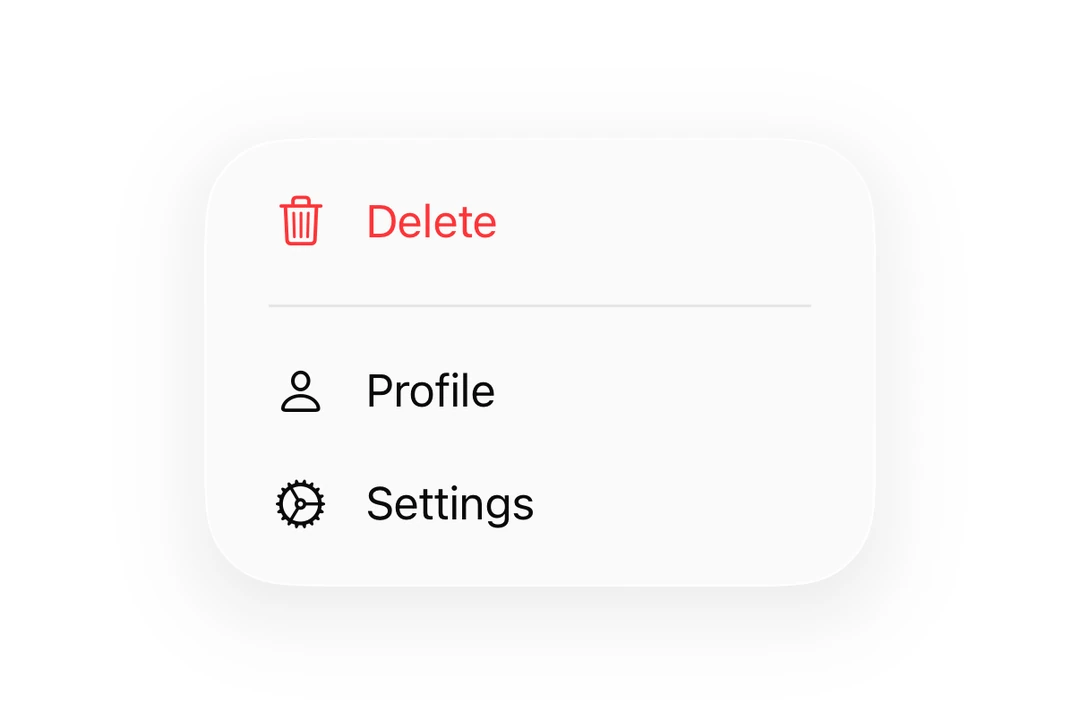
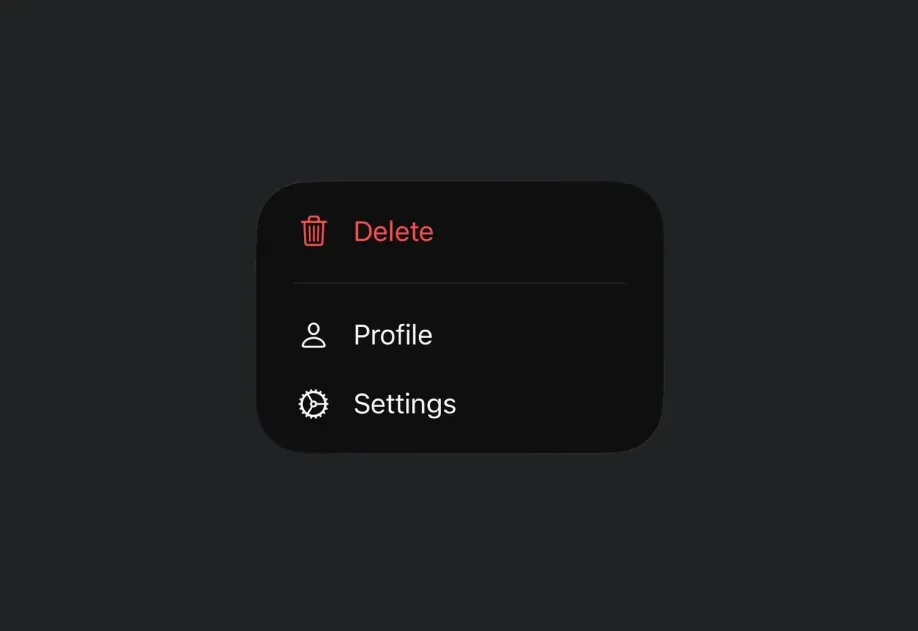
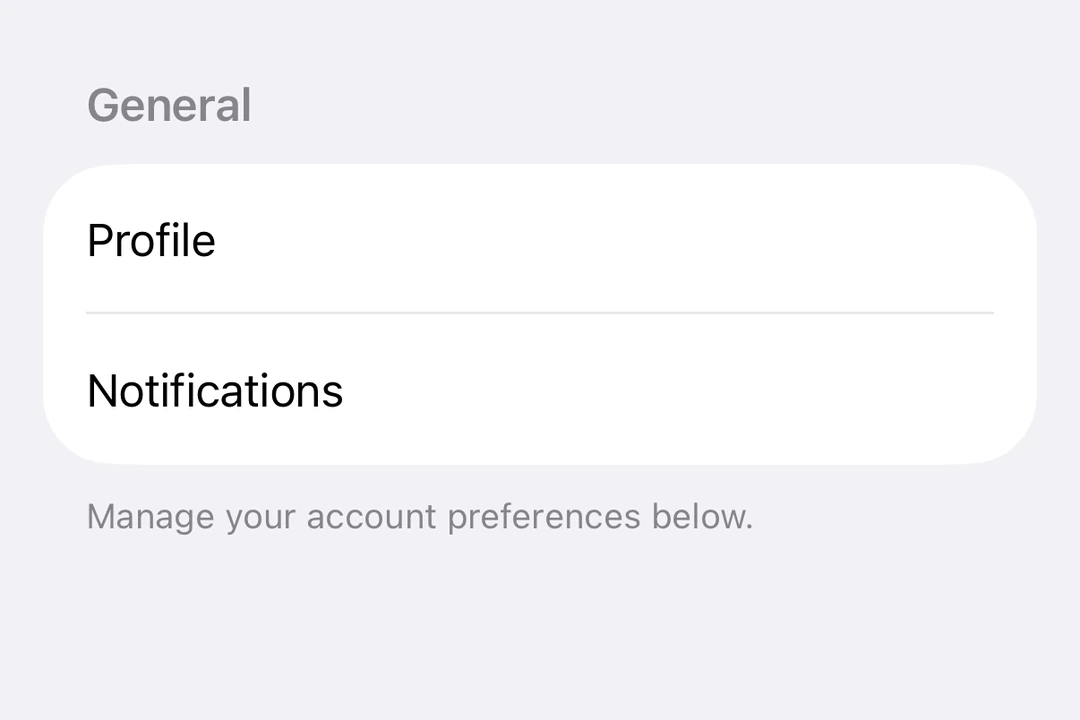
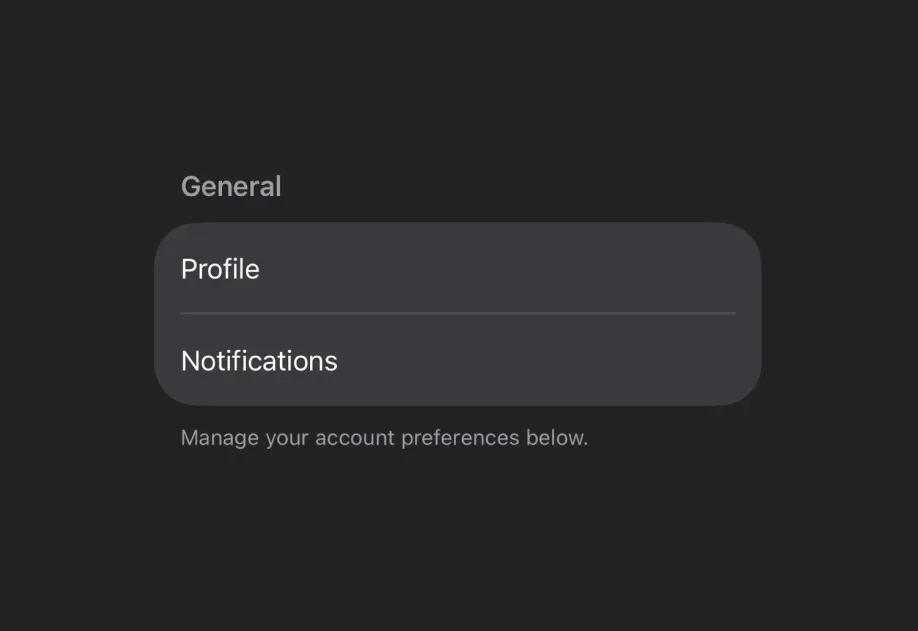
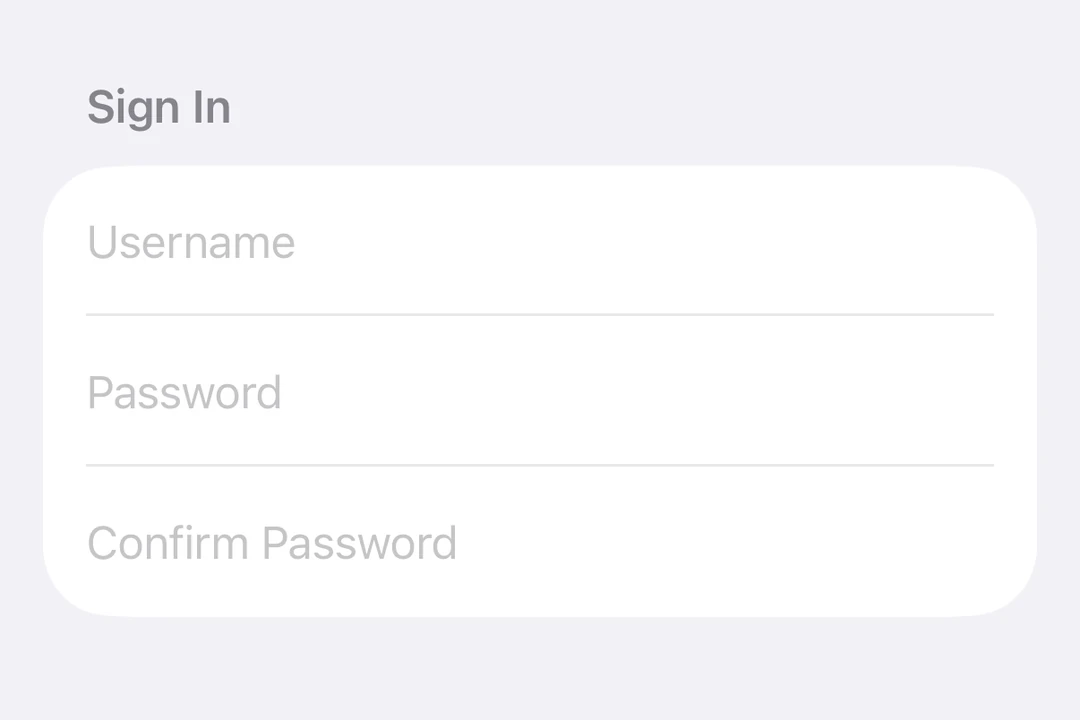
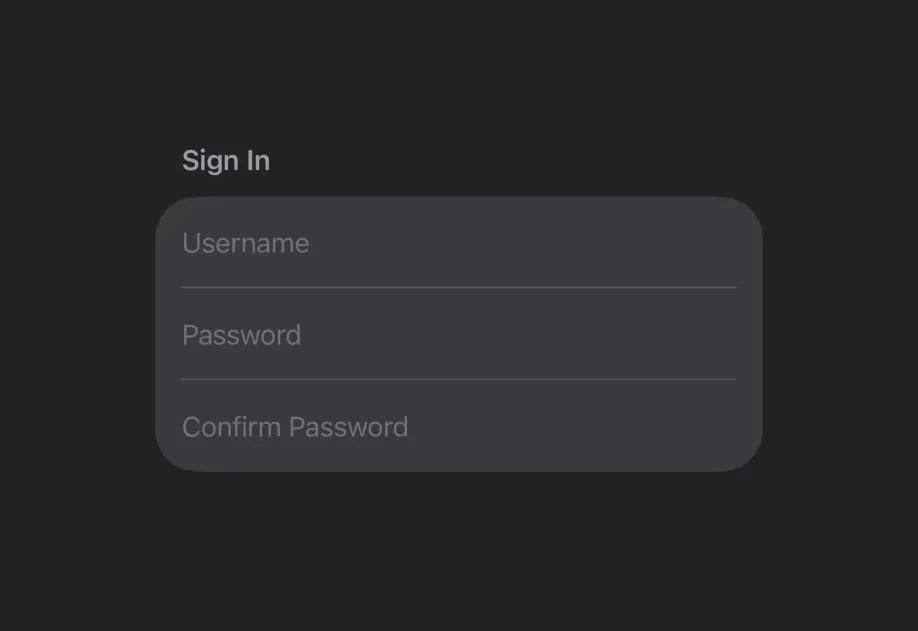
The SwiftUI components in @expo/ui/swift-ui allow you to build fully native iOS interfaces using SwiftUI from React Native.
Installation
Terminal
- npx expo install @expo/uiIf you are installing this in an existing React Native app, make sure to install expo in your project.
Usage
Using a component from @expo/ui/swift-ui requires wrapping it in a Host component. The Host is a container for SwiftUI views.
import { Host, Button } from '@expo/ui/swift-ui'; export function SaveButton() { return ( <Host style={{ flex: 1 }}> <Button label="Save changes" /> </Host> ); }
For more information, see the following resources:
Expo UI guide for Swift UI
Learn about the basics of @expo/ui/swift-ui
Extending with SwiftUI
Create custom SwiftUI components and modifiers that integrate with Expo UI.

Expo UI iOS Liquid Glass Tutorial
Learn how to build real SwiftUI views in your React Native app with the new Expo UI.
Available components

| Component | Description |
|---|---|
AccessoryWidgetBackground | Adaptive background view that provides a standard appearance based on the the widget's environment. |
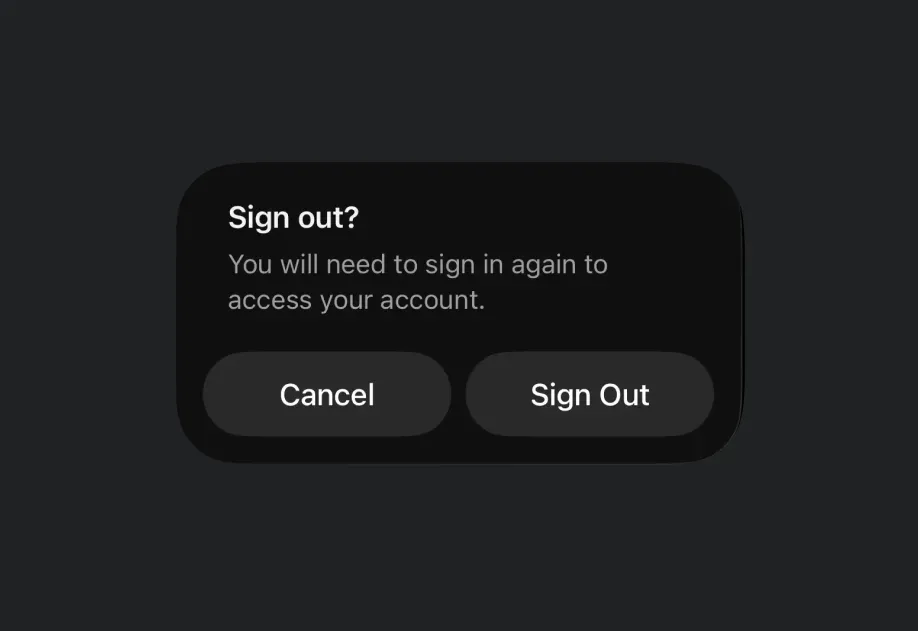
Alert | Alert component for presenting native iOS alert dialogs. |
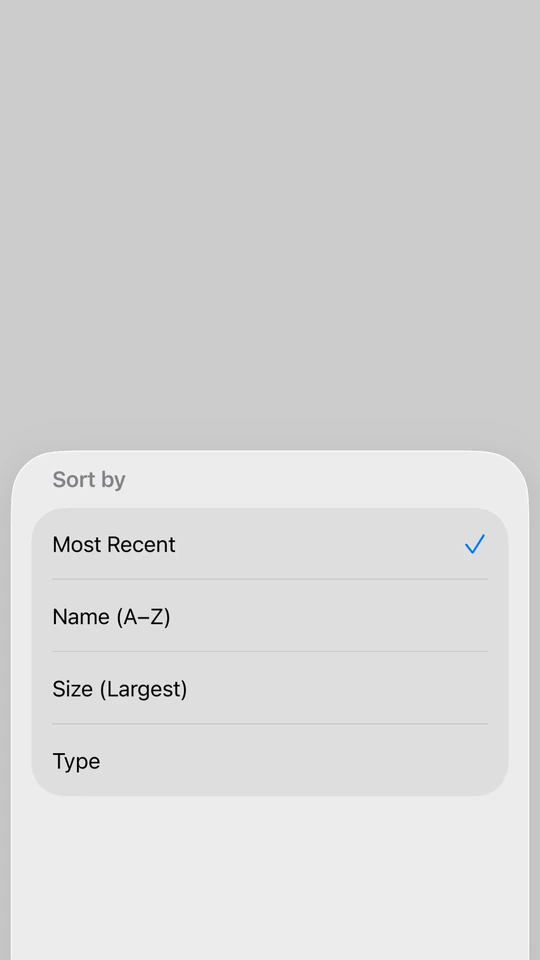
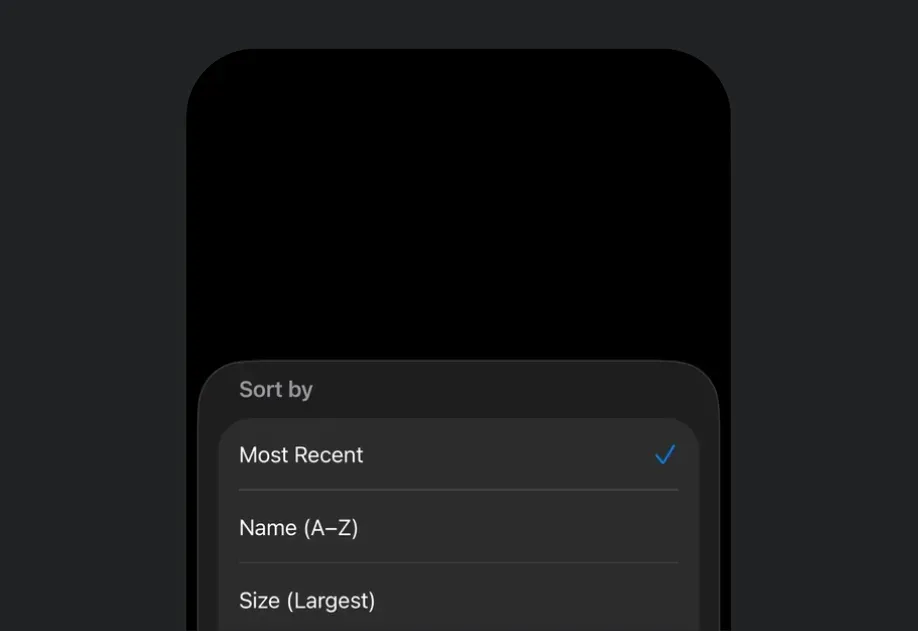
BottomSheet | BottomSheet component that presents content from the bottom of the screen. |
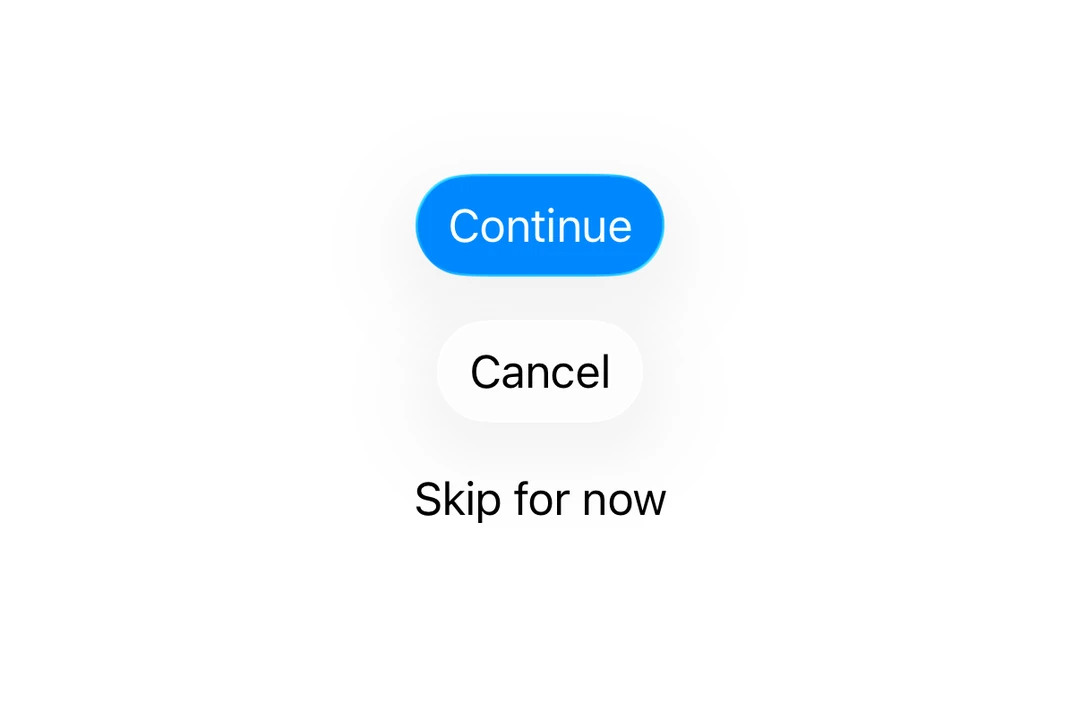
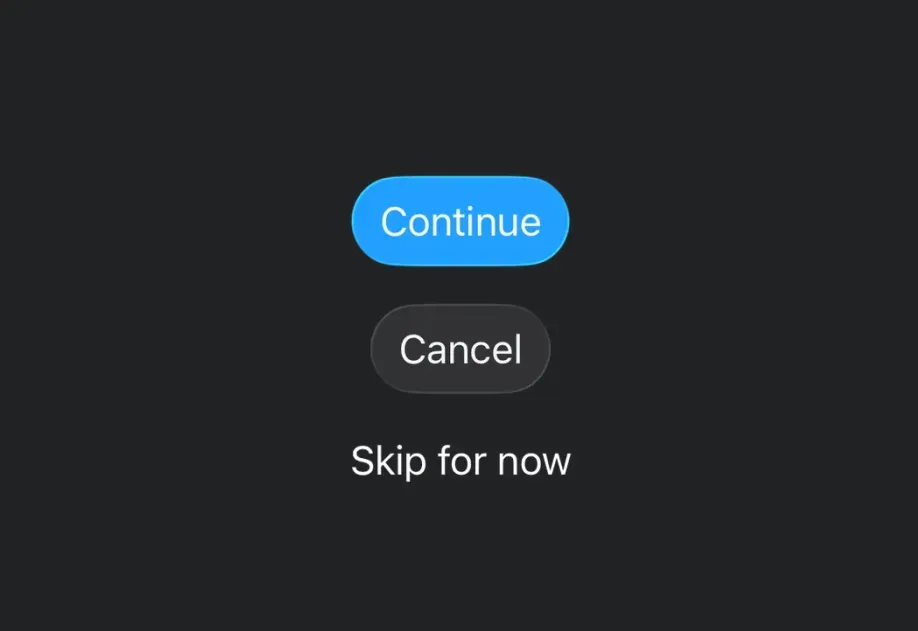
Button | Button component for displaying native buttons. |
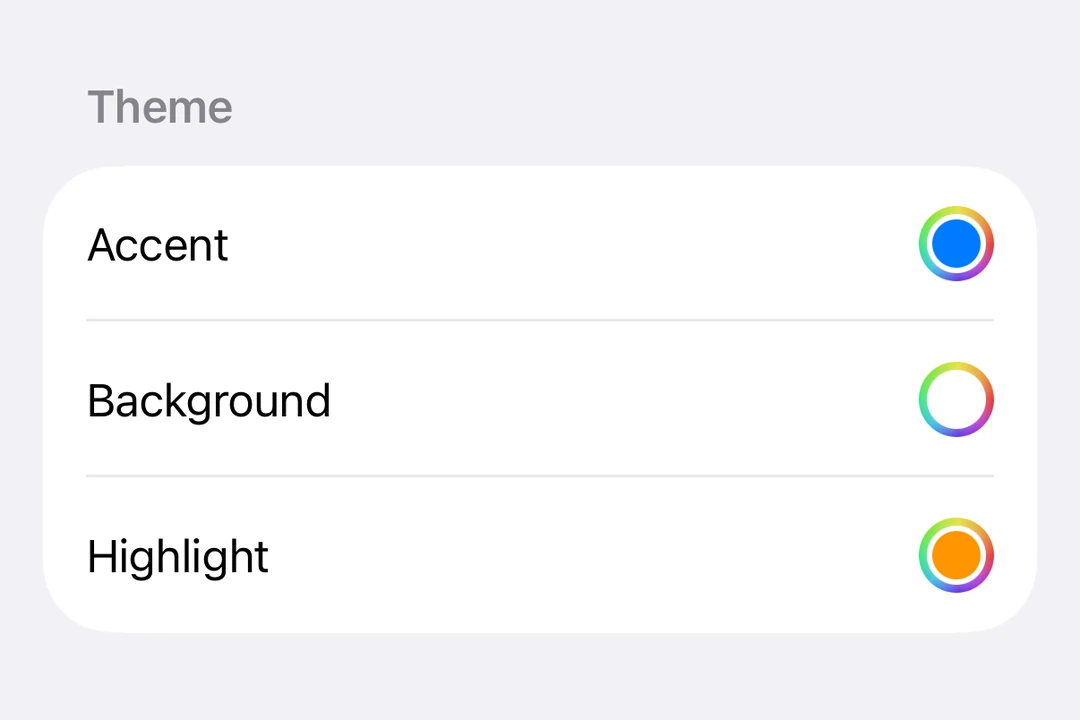
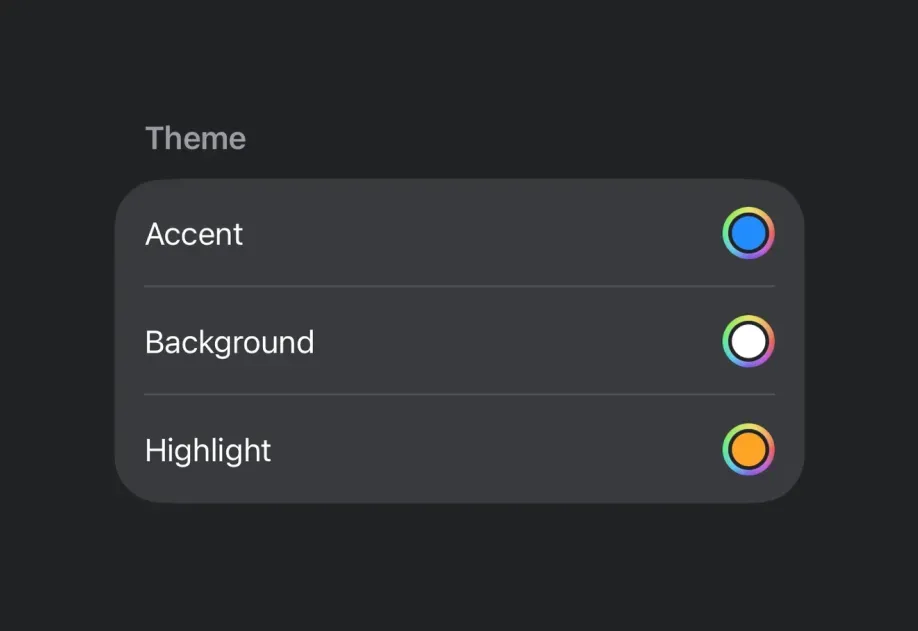
ColorPicker | ColorPicker component for selecting colors. |
ConfirmationDialog | ConfirmationDialog component for presenting confirmation prompts. |
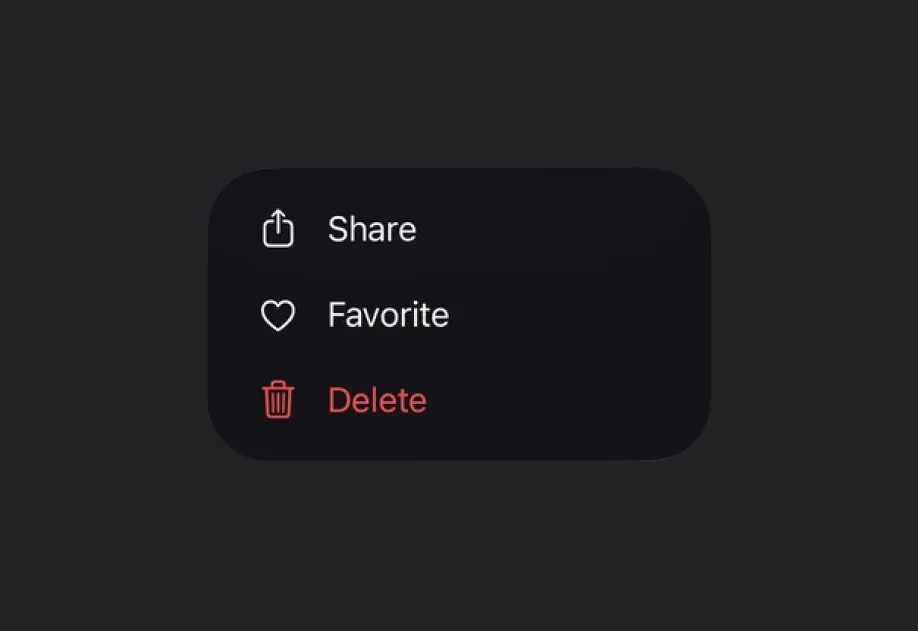
ContextMenu | ContextMenu component for displaying context menus. |
ControlGroup | ControlGroup component for grouping interactive controls. |
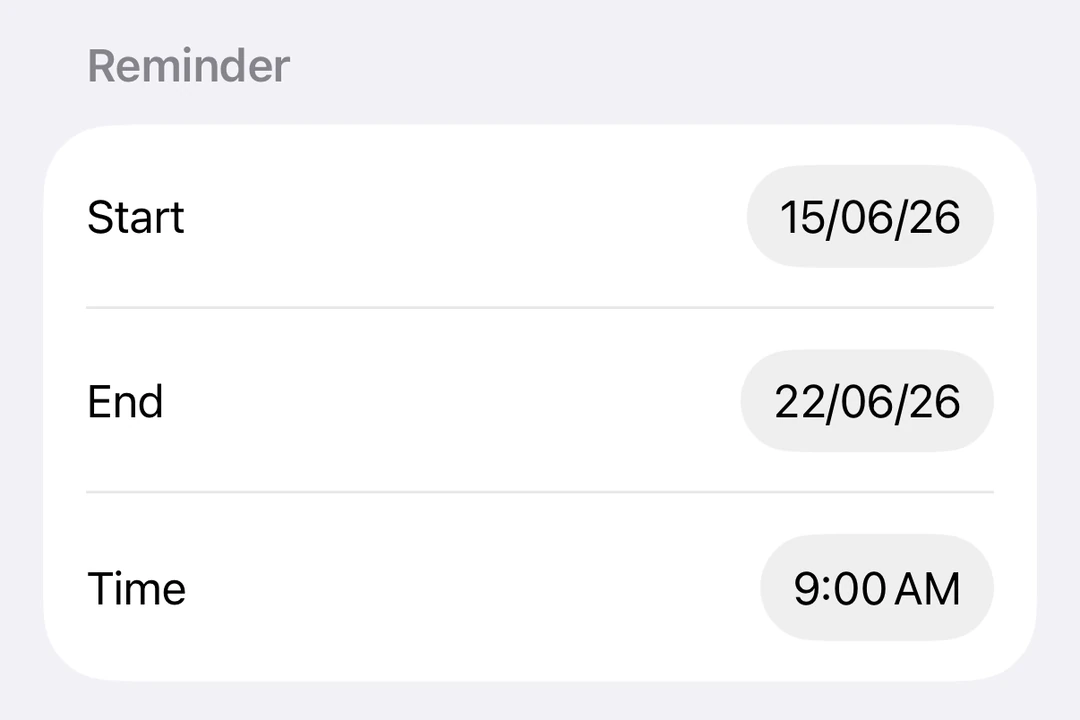
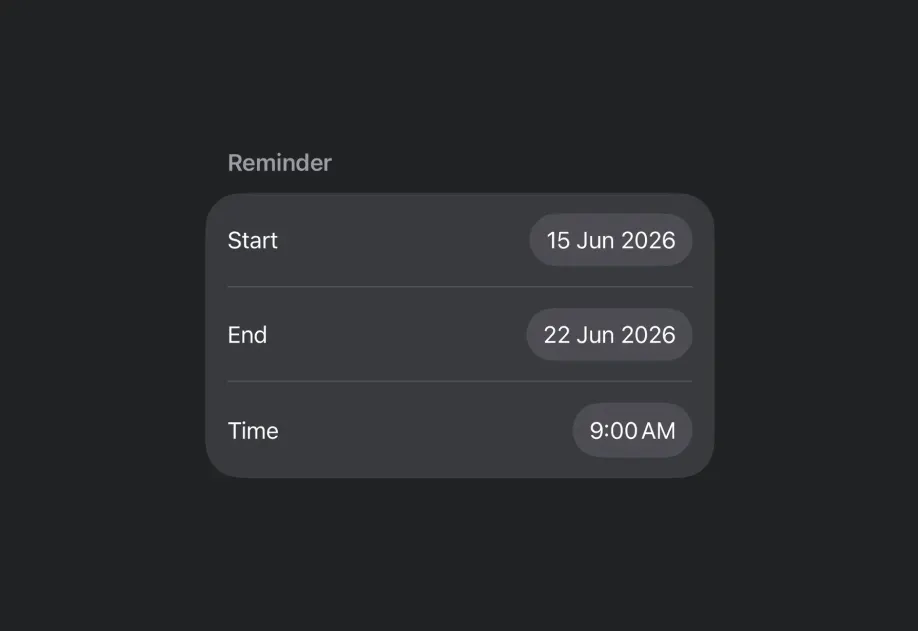
DatePicker | DatePicker component for selecting dates and times. |
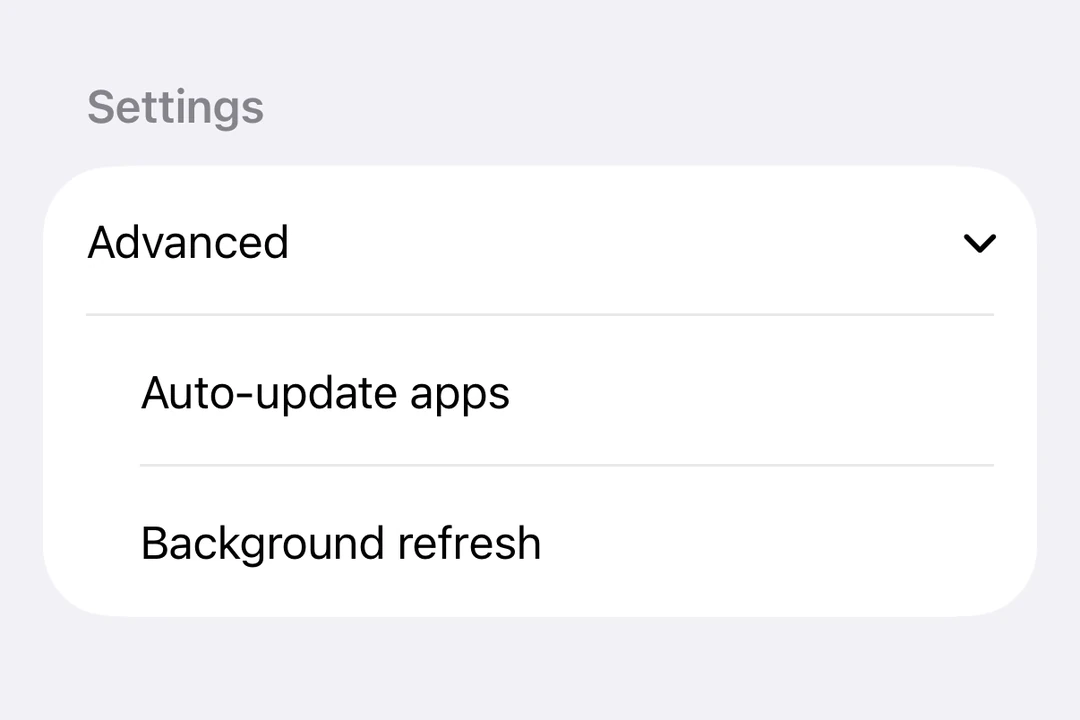
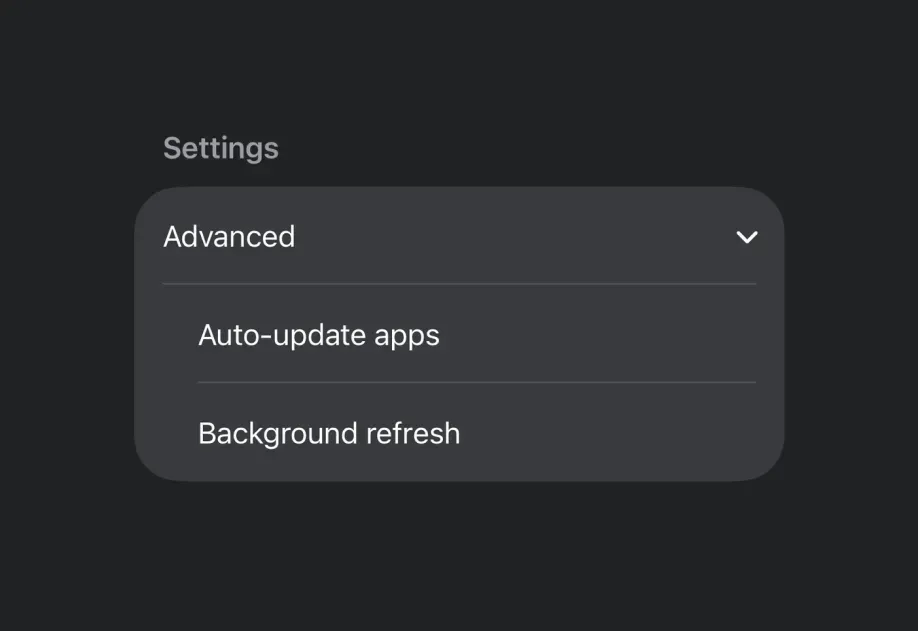
DisclosureGroup | DisclosureGroup component for displaying expandable content. |
Divider | Divider component for creating visual separators. |
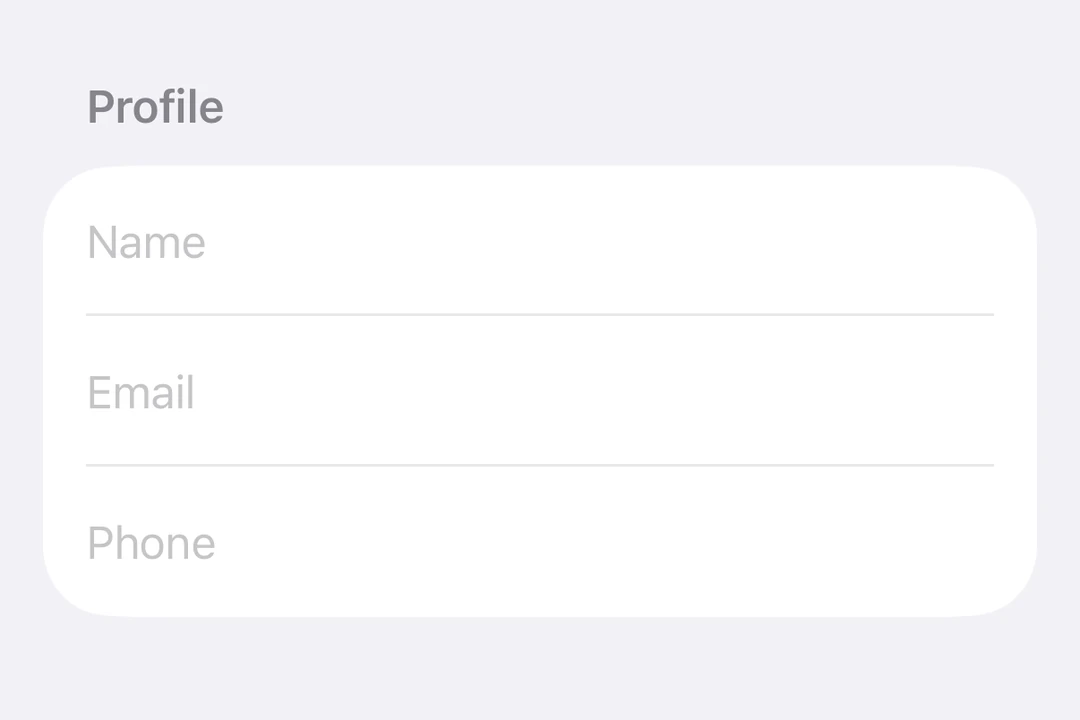
Form | Form component for collecting user input in a structured layout. |
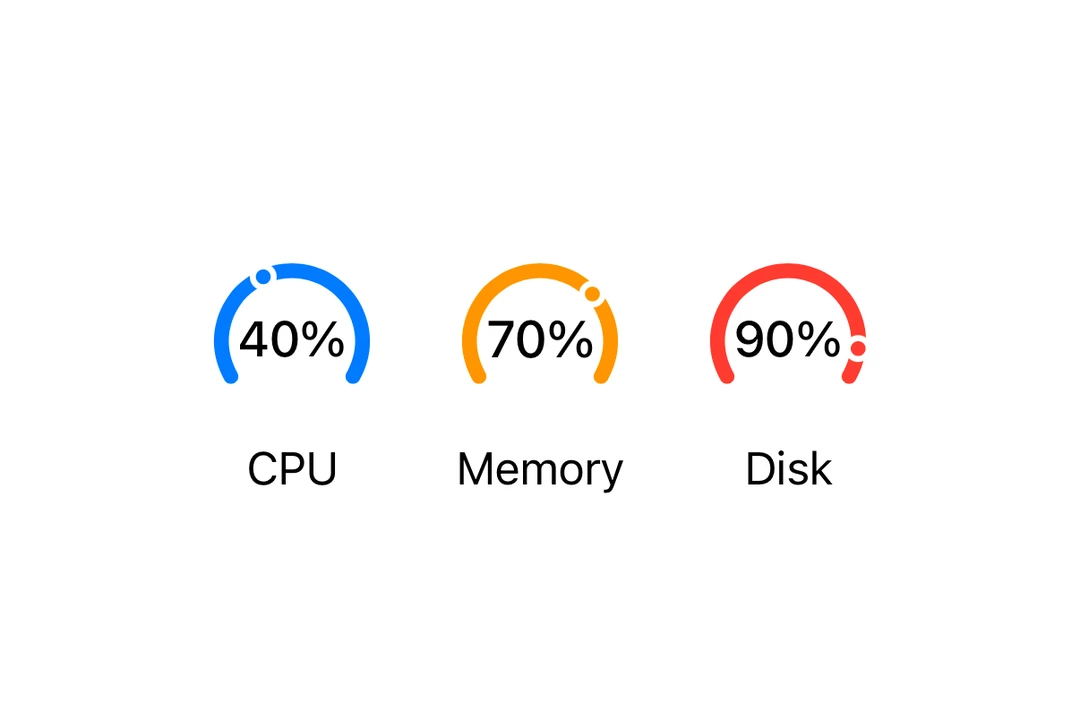
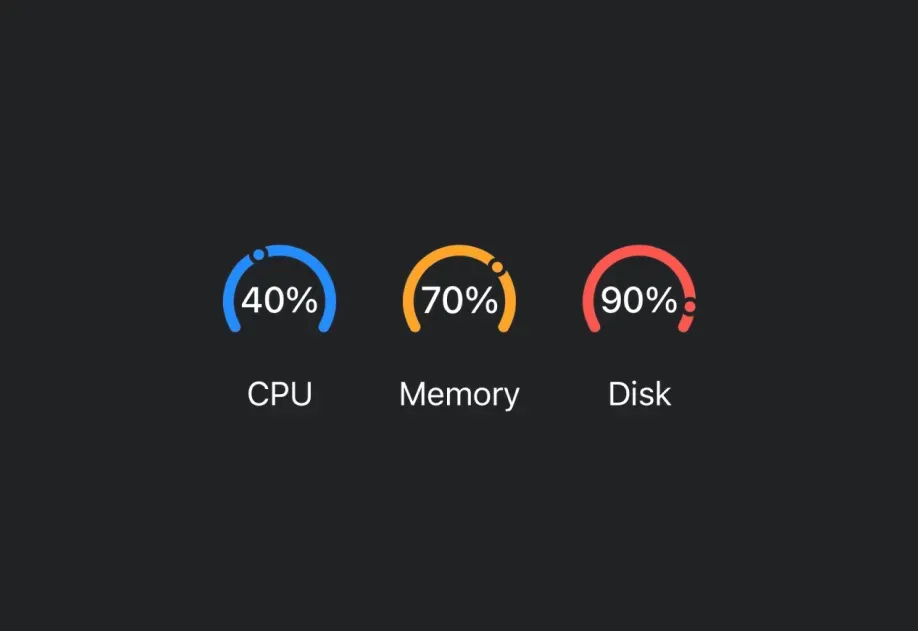
Gauge | Gauge component for displaying progress with visual indicators. |
Group | Group component for grouping views without affecting layout. |
Host | Host component that enables SwiftUI components in React Native. |
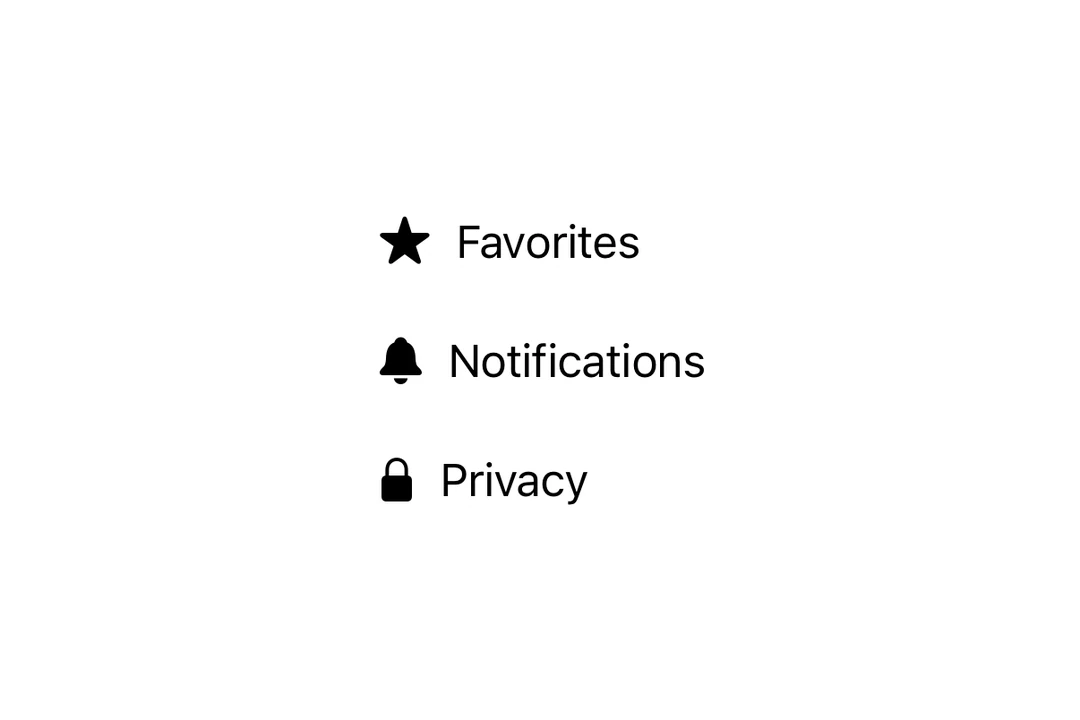
HStack | HStack component for horizontal layouts. |
Image | Image component for displaying SF Symbols. |
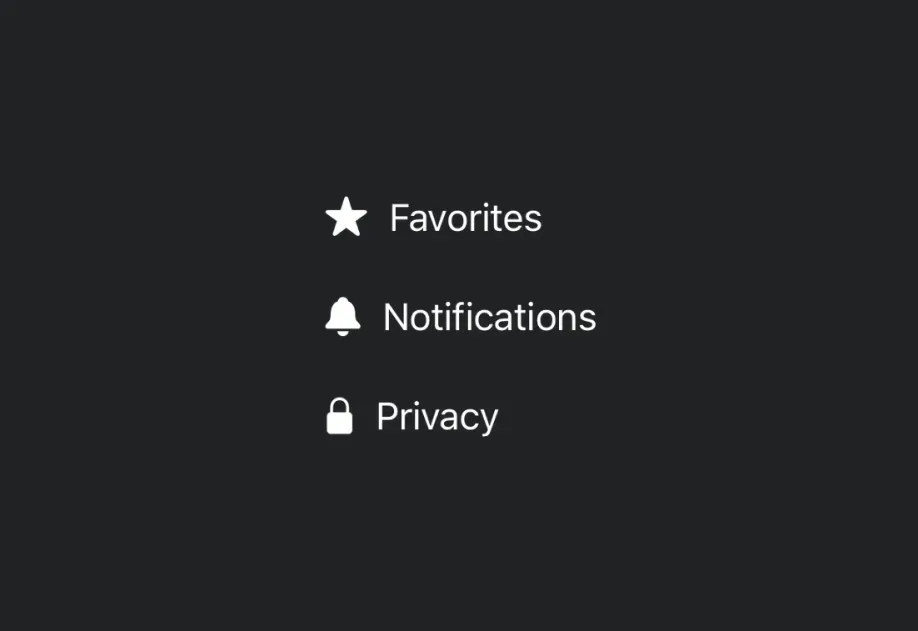
Label | Label component for displaying text with an icon. |
LazyHStack | LazyHStack component for lazy horizontal layouts. |
LazyVStack | LazyVStack component for lazy vertical layouts. |
Link | Link component for displaying clickable links. |
List | List component for displaying scrollable lists of items. |

Menu | Menu component for displaying dropdown menus. |
Namespace | A Namespace component that allows you create Namespaces in SwiftUI |
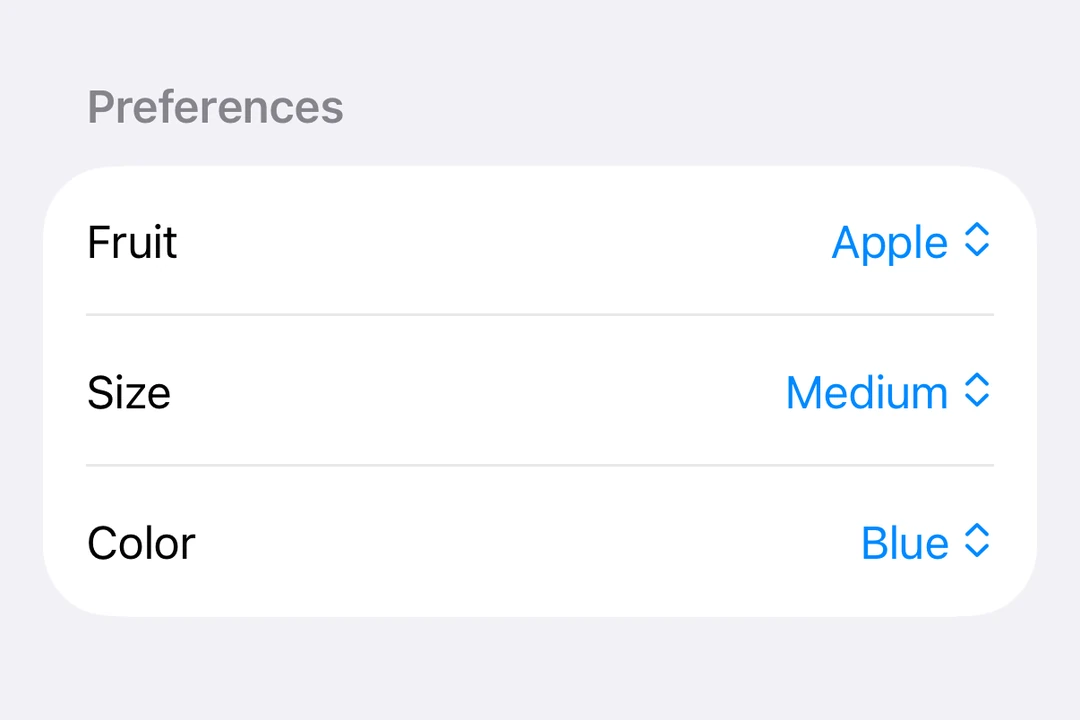
Overlay | Overlay component for layering content on top of another view. |
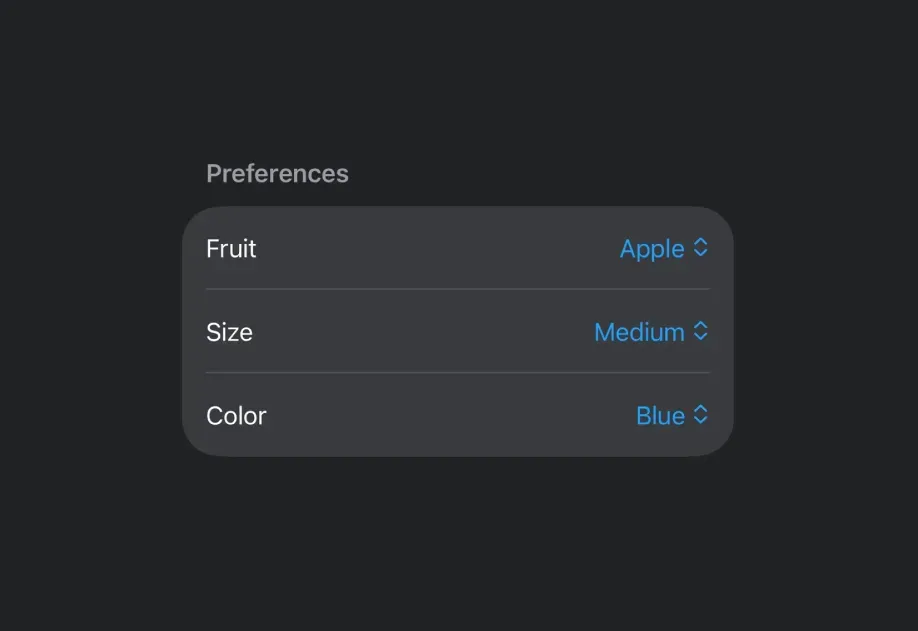
Picker | Picker component for selecting options from a list. |
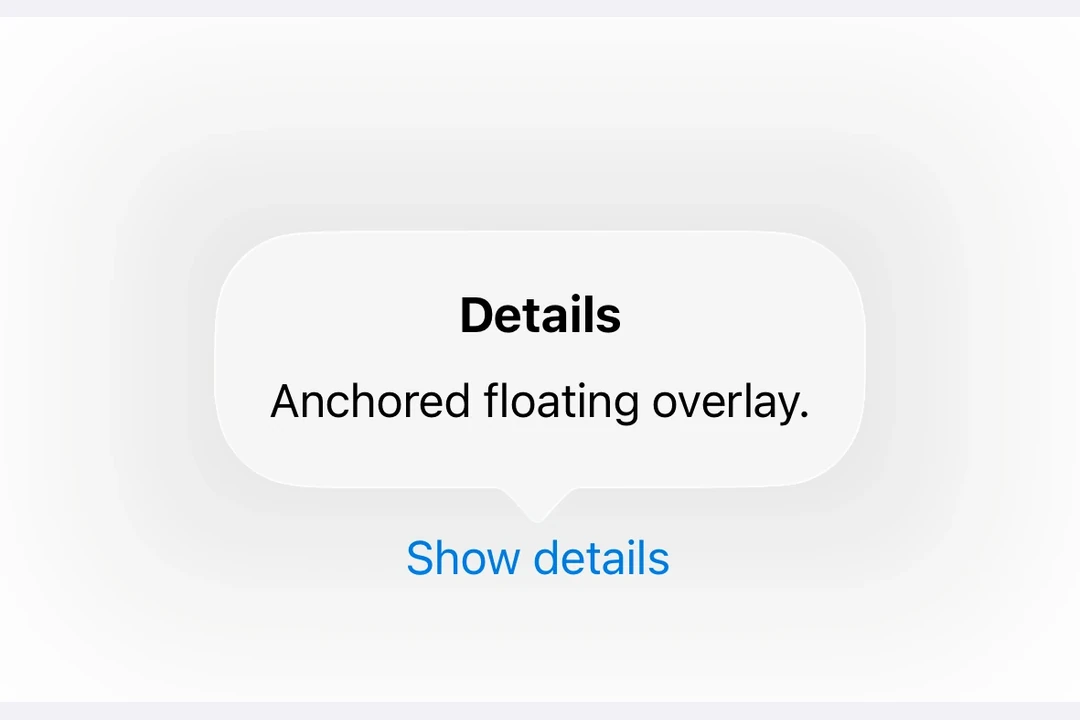
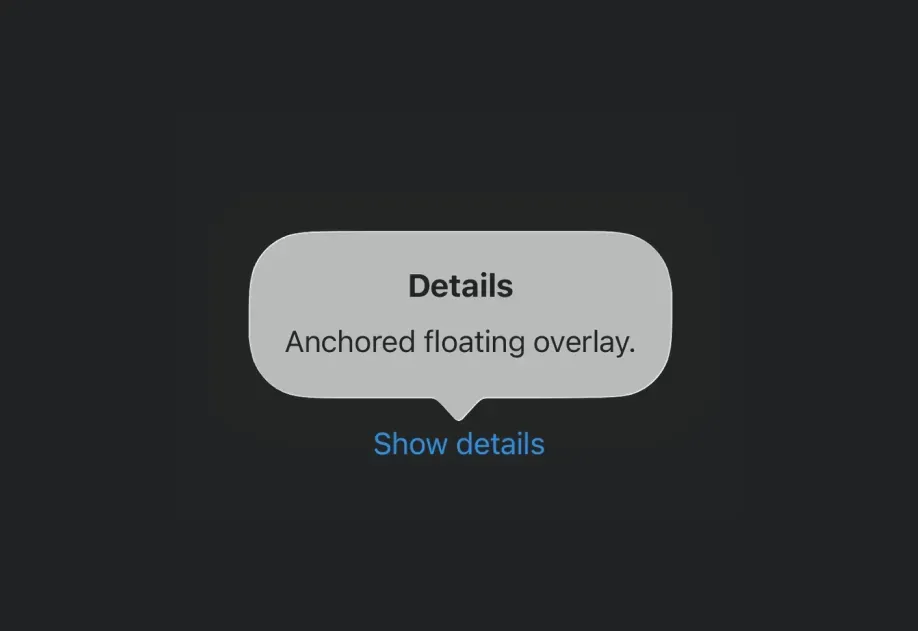
Popover | Popover component for displaying content in a floating overlay. |
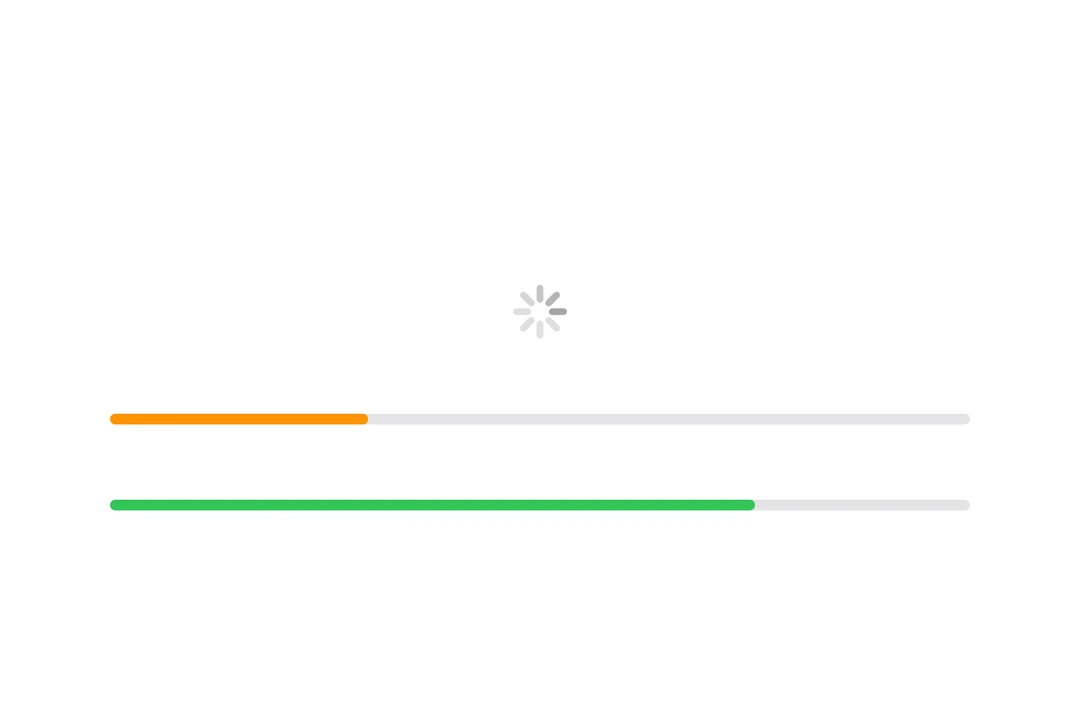
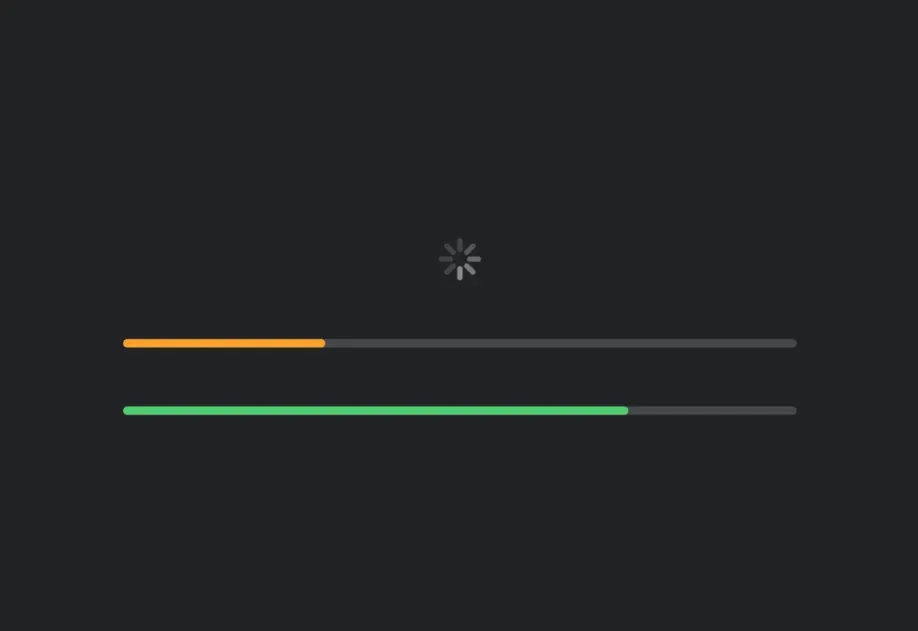
ProgressView | ProgressView component for displaying progress indicators. |
RNHostView | A component that enables React Native views inside SwiftUI. |
ScrollView | ScrollView component for scrollable content. |
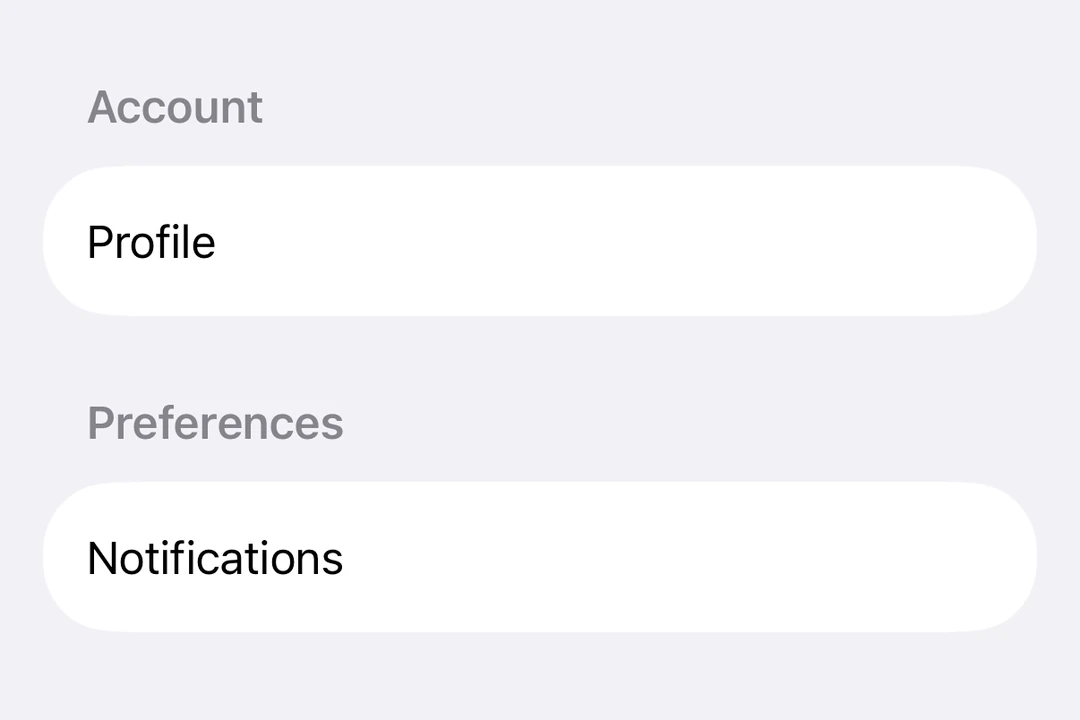
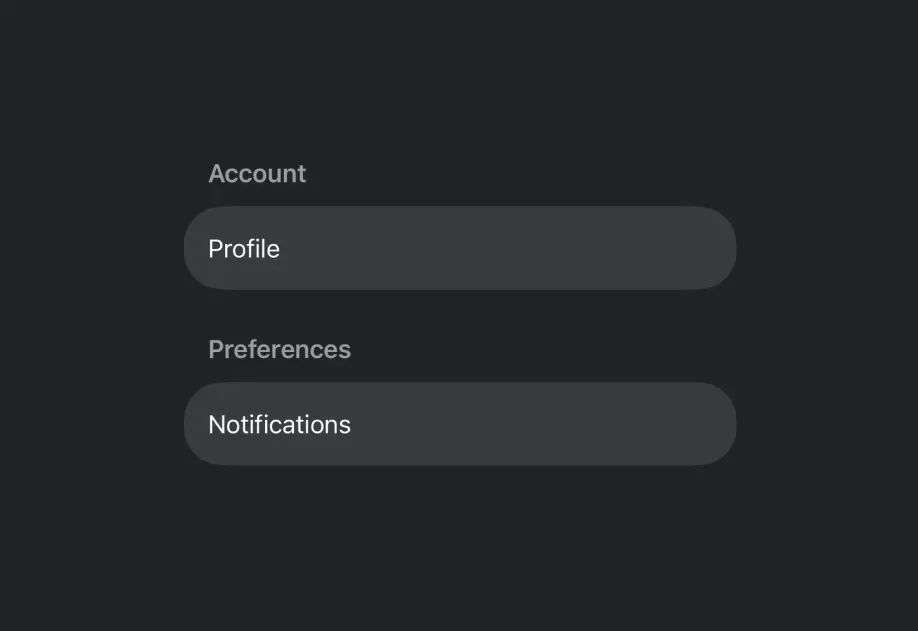
Section | Section component for grouping content within lists and forms. |
SecureField | SecureField component for password input. |
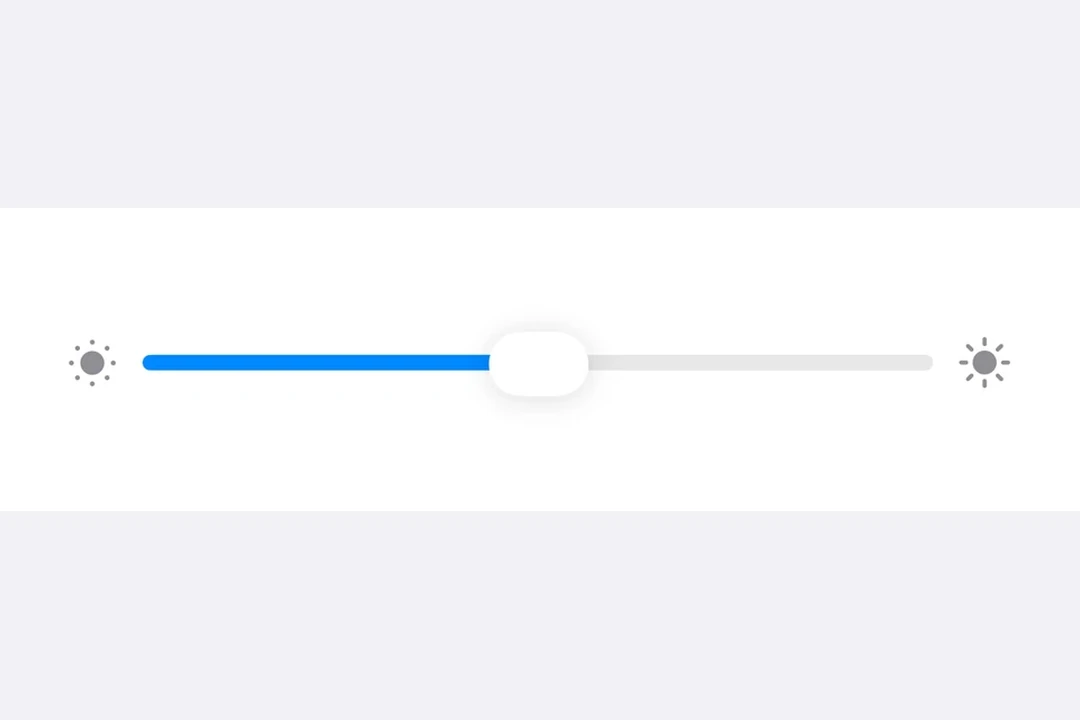
Slider | Slider component for selecting values from a range. |
Spacer | Spacer component for flexible spacing. |
SwipeActions | SwipeActions component for adding leading and trailing swipe actions to row content. |
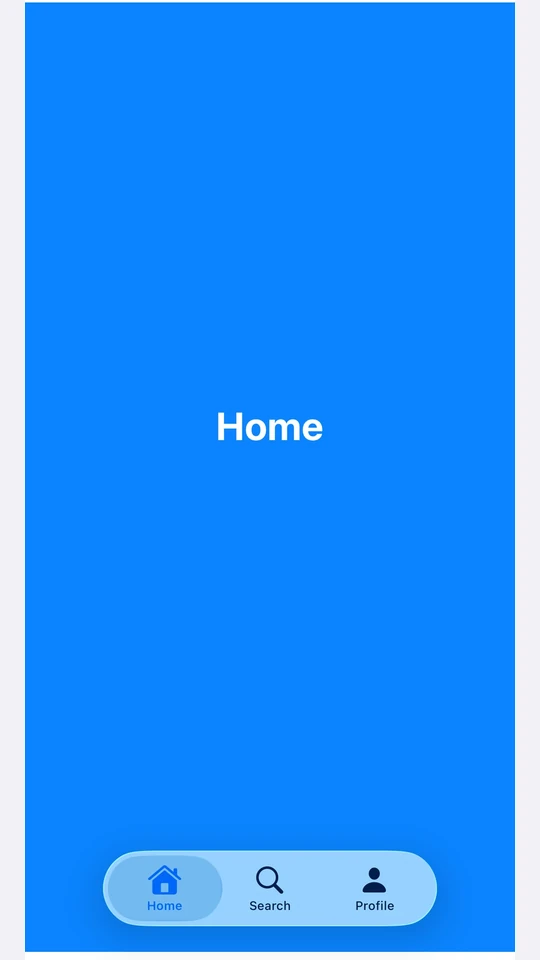
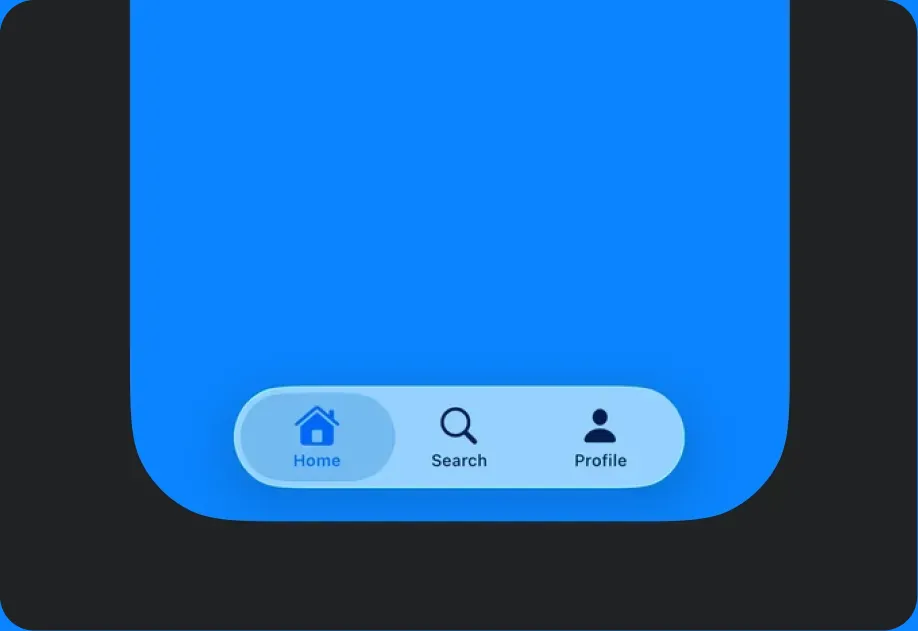
TabView | TabView component for paged or tabbed content. |
Text | Text component for displaying styled text with support for nested texts. |
TextField | TextField component for text input. |
Toggle | Toggle component for displaying native toggles. |
VStack | VStack component for vertical layouts. |
ZStack | ZStack component for overlapping layouts. |