This documentation is available as Markdown for AI agents and LLMs. See the full Markdown index or append .md to any documentation URL.
Form
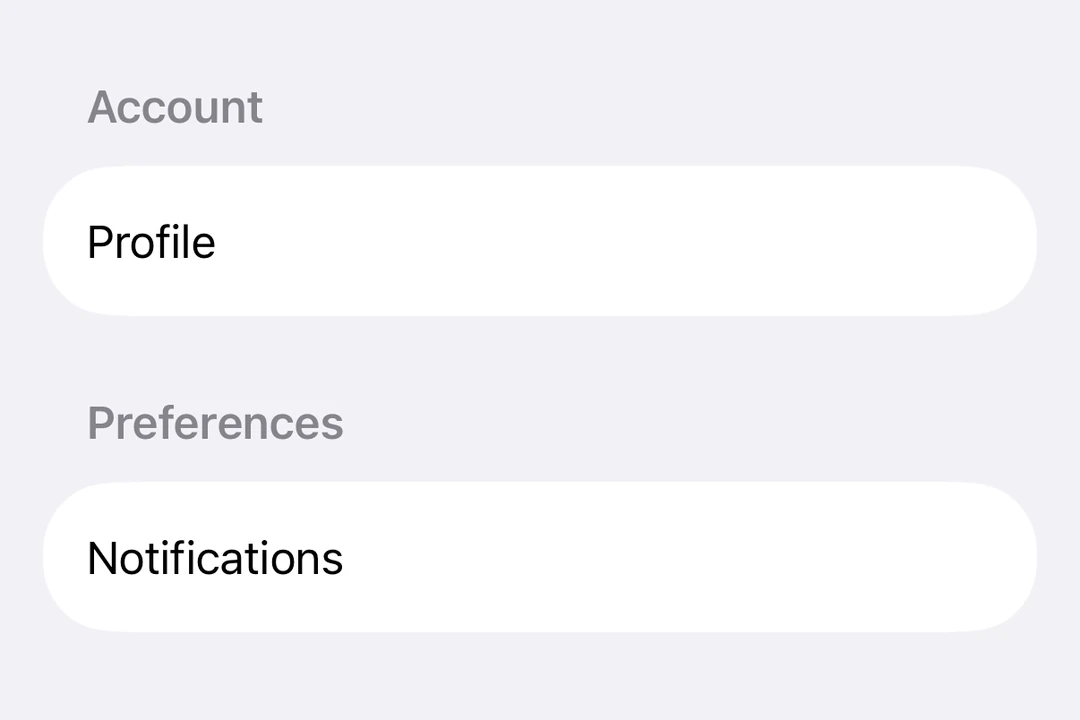
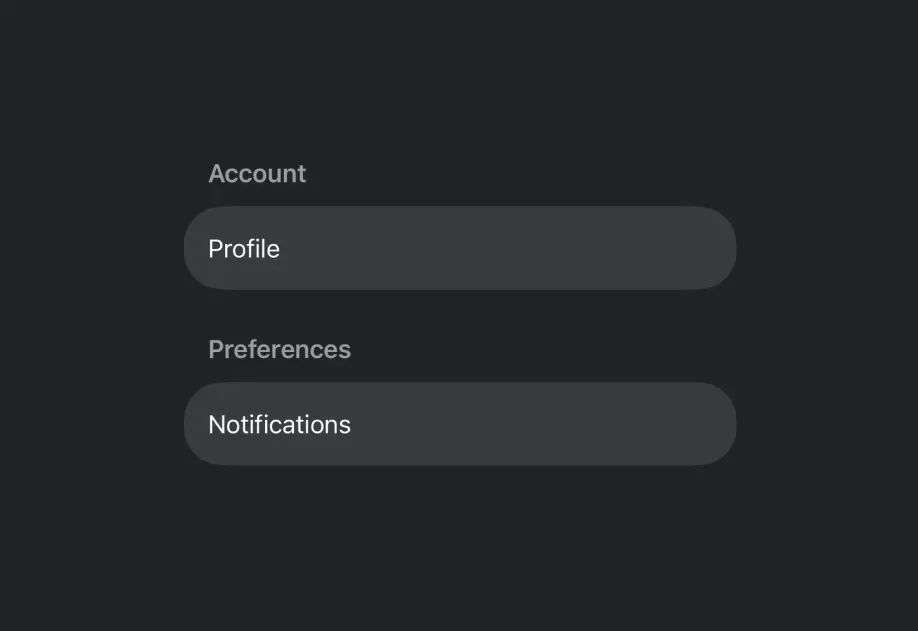
A SwiftUI Form component for collecting user input in a structured layout.
Expo UI Form matches the official SwiftUI Form API. It provides a container for grouping controls used for data entry, such as in settings or inspection panes.
Installation
If you are installing this in an existing React Native app, make sure to install expo in your project.
Usage
Basic form
Form with sections
Use the Section component to group related controls within a form.
Form with custom background
Use the scrollContentBackground modifier to customize or hide the form's background.
Non-scrollable form
Use the scrollDisabled modifier to prevent the form from scrolling.
Note: The
scrollDisabledmodifier is only available on iOS 16+ and tvOS 16+.
Pull-to-refresh form
Use the refreshable modifier to add pull-to-refresh functionality.
API
import { Form } from '@expo/ui/swift-ui';