This documentation is available as Markdown for AI agents and LLMs. See the full Markdown index or append .md to any documentation URL.
Spacer
A Jetpack Compose Spacer component for adding flexible space between elements.
For cross-platform usage, see the universal
Spacer— it renders the appropriate native component per platform.
Expo UI Spacer matches the official Jetpack Compose Spacer API and is used to add flexible or fixed-size space between elements in a layout.
Installation
If you are installing this in an existing React Native app, make sure to install expo in your project.
Usage
Spacer with weight
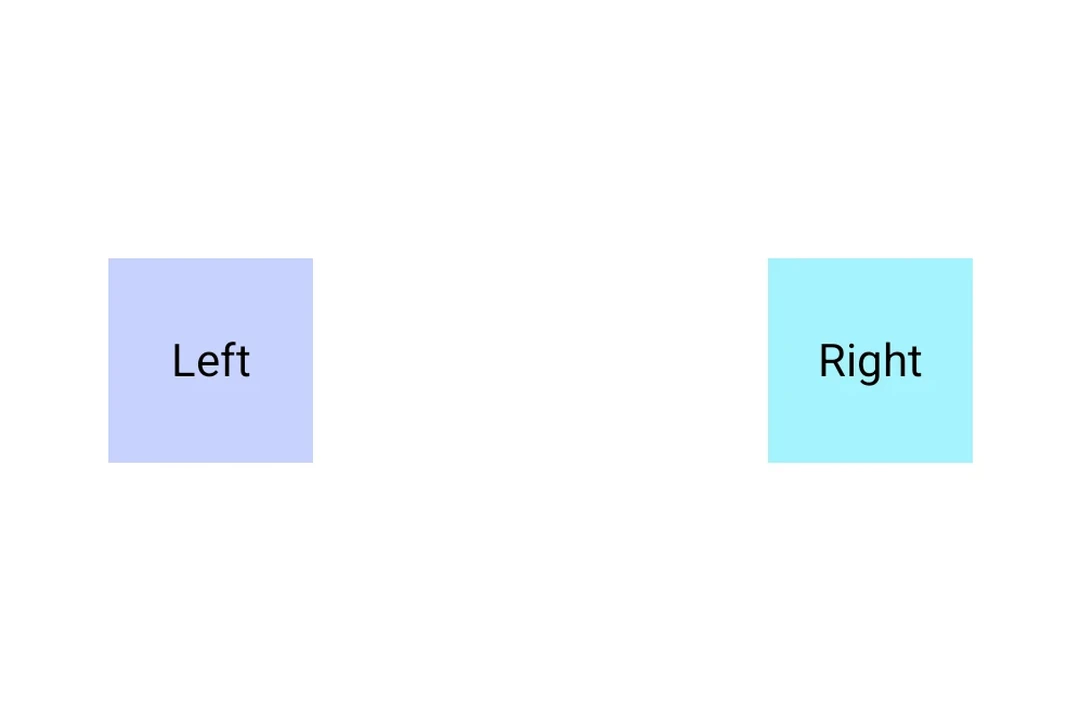
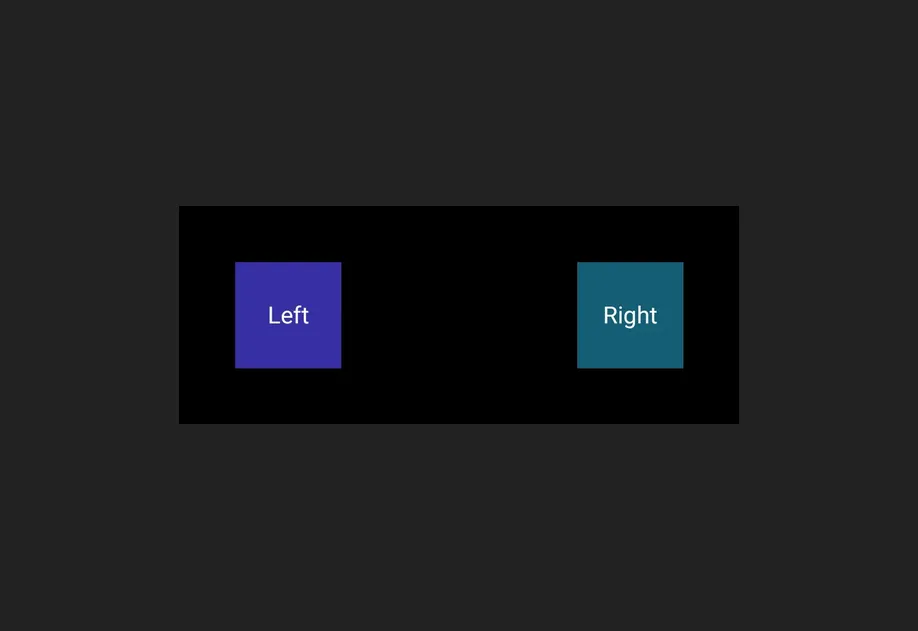
Use the weight() modifier to make the spacer fill available space proportionally within a Row or Column.
Spacer with fixed size
Use a height or width modifier to create a spacer with a fixed dimension.
API
import { Spacer } from '@expo/ui/jetpack-compose';
Component
Type: React.Element<SpacerProps>
A spacer component that fills available space.
Use with the weight() modifier to create flexible spacing in Row or Column layouts.
Example
<Row>
  <Text>Left</Text>
  <Spacer modifiers={[weight(1)]} />
  <Text>Right</Text>
</Row>
ExpoModifier[]Modifiers for the component. Use weight() modifier to make the spacer flexible.