Reference version

This is documentation for the next SDK version. For up-to-date documentation, see the latest version (SDK 54).

Form

A SwiftUI Form component for collecting user input in a structured layout.

iOS
tvOS

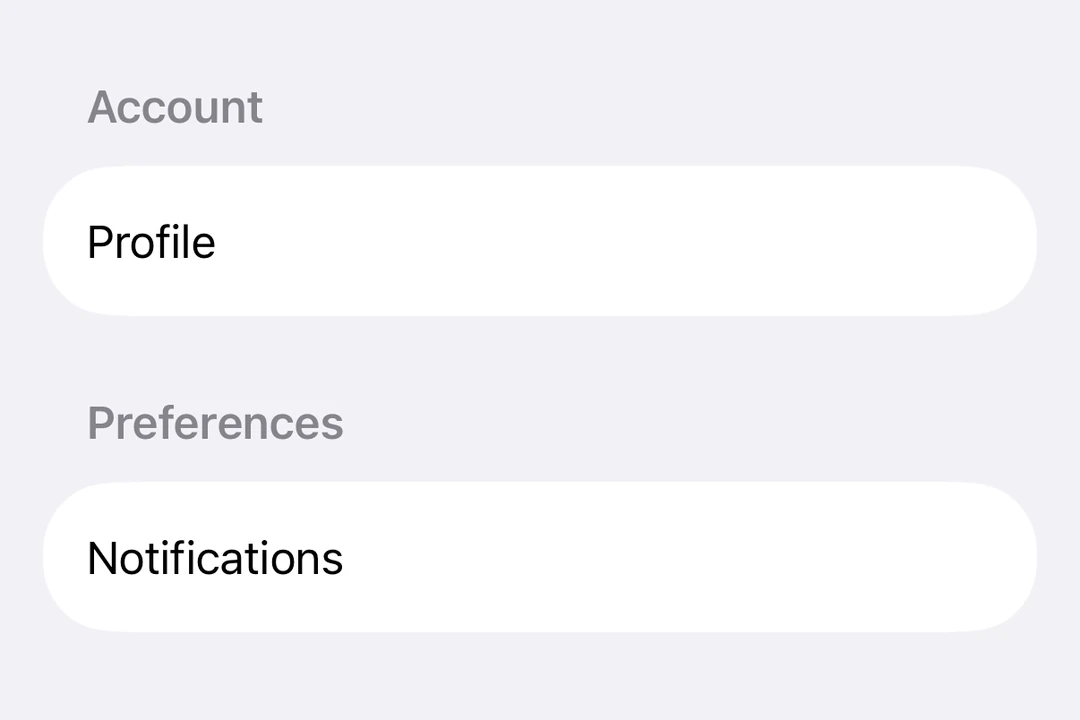
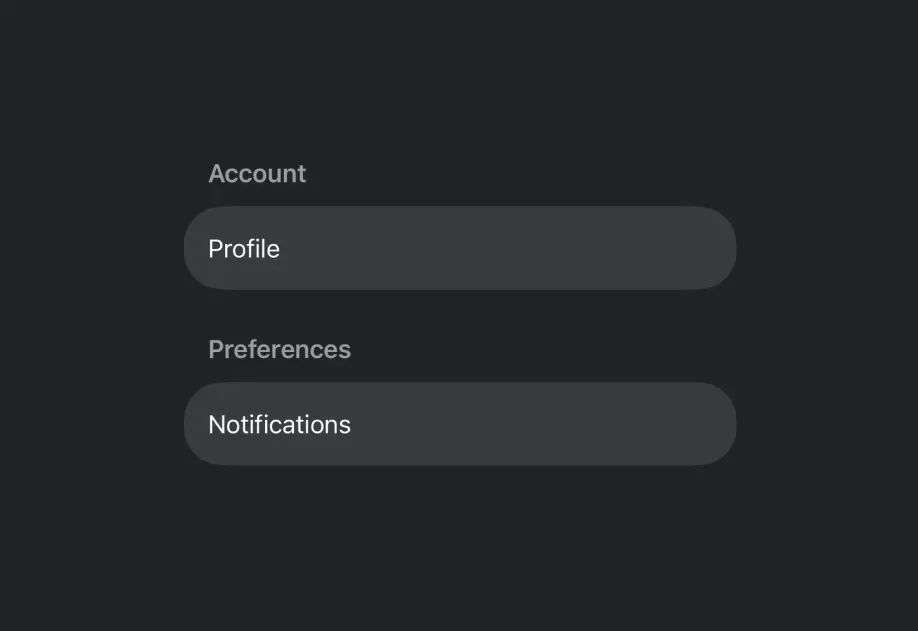
Expo UI Form matches the official SwiftUI Form API. It provides a container for grouping controls used for data entry, such as in settings or inspection panes.
Installation

Terminal
- npx expo install @expo/ui

If you are installing this in an existing React Native app, make sure to install expo in your project.

Usage

Basic form

BasicFormExample.tsx
import { useState } from 'react'; import { Host, Form, TextField } from '@expo/ui/swift-ui'; export default function BasicFormExample() { return ( <Host style={{ flex: 1 }}> <Form> <TextField placeholder="Enter your name" /> </Form> </Host> ); }

Form with sections

Use the Section component to group related controls within a form.

FormWithSectionsExample.tsx
import { useState } from 'react'; import { Host, Form, Section, TextField, Toggle, Button } from '@expo/ui/swift-ui'; export default function FormWithSectionsExample() { const [notifications, setNotifications] = useState(false); const [darkMode, setDarkMode] = useState(false); return ( <Host style={{ flex: 1 }}> <Form> <Section title="Profile"> <TextField placeholder="Name" /> <TextField placeholder="Email" /> </Section> <Section title="Preferences"> <Toggle label="Enable notifications" isOn={notifications} onIsOnChange={setNotifications} /> <Toggle label="Dark mode" isOn={darkMode} onIsOnChange={setDarkMode} /> </Section> <Section> <Button label="Save Changes" onPress={() => console.log('Saved!')} /> </Section> </Form> </Host> ); }

Form with custom background

Use the scrollContentBackground modifier to customize or hide the form's background.

FormBackgroundExample.tsx
import { useState } from 'react'; import { Host, Form, Section, TextField } from '@expo/ui/swift-ui'; import { scrollContentBackground, background } from '@expo/ui/swift-ui/modifiers'; export default function FormBackgroundExample() { return ( <Host style={{ flex: 1 }}> <Form modifiers={[scrollContentBackground('hidden'), background('#F0F0F0')]}> <Section title="Custom Background"> <TextField placeholder="Enter text" /> </Section> </Form> </Host> ); }

Non-scrollable form

Use the scrollDisabled modifier to prevent the form from scrolling.

Note: The scrollDisabled modifier is only available on iOS 16+ and tvOS 16+.

NonScrollableFormExample.tsx
import { useState } from 'react'; import { Host, Form, Section, TextField, Toggle } from '@expo/ui/swift-ui'; import { scrollDisabled } from '@expo/ui/swift-ui/modifiers'; export default function NonScrollableFormExample() { const [isOn, setIsOn] = useState(false); return ( <Host style={{ flex: 1 }}> <Form modifiers={[scrollDisabled()]}> <Section title="Settings"> <Toggle label="Enable feature" isOn={isOn} onIsOnChange={setIsOn} /> </Section> </Form> </Host> ); }

Pull-to-refresh form

Use the refreshable modifier to add pull-to-refresh functionality.

RefreshableFormExample.tsx
import { useState, useCallback } from 'react'; import { Host, Form, Section, Text } from '@expo/ui/swift-ui'; import { refreshable } from '@expo/ui/swift-ui/modifiers'; export default function RefreshableFormExample() { const [lastRefresh, setLastRefresh] = useState(new Date()); const handleRefresh = useCallback(async () => { // Simulate network request await new Promise(resolve => setTimeout(resolve, 1500)); setLastRefresh(new Date()); }, []); return ( <Host style={{ flex: 1 }}> <Form modifiers={[refreshable(handleRefresh)]}> <Section title="Pull to Refresh"> <Text>Last refreshed: {lastRefresh.toLocaleTimeString()}</Text> </Section> </Form> </Host> ); }

API

Component

Form

iOS
tvOS

Type: React.Element<FormProps>

FormProps

children

iOS
tvOS
Type: ReactNode

The content of the form.