This documentation is available as Markdown for AI agents and LLMs. See the full Markdown index or append .md to any documentation URL.
This is documentation for the next SDK version. For up-to-date documentation, see the latest version (SDK 57).
ConfirmationDialog
A SwiftUI ConfirmationDialog component for presenting confirmation prompts.
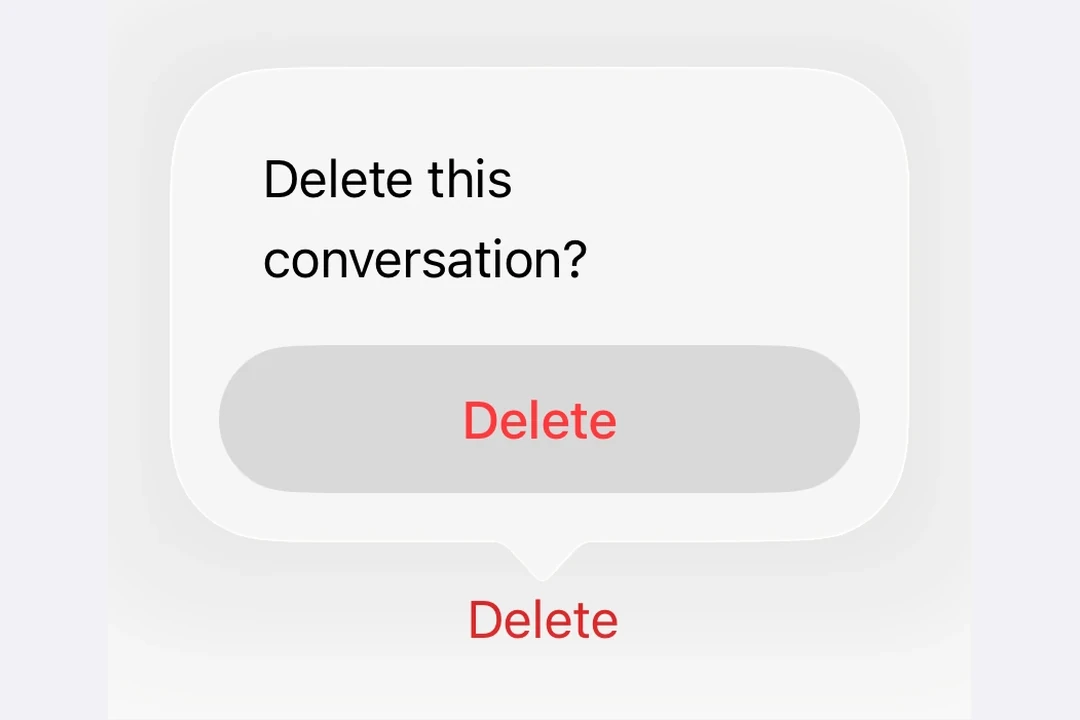
Expo UI ConfirmationDialog matches the official SwiftUI confirmationDialog API and presents an action sheet-style dialog with a title, actions, and an optional message.
Installation
- npx expo install @expo/uiIf you are installing this in an existing React Native app, make sure to install expo in your project.
Usage
Basic confirmation dialog
Use ConfirmationDialog.Trigger to define the visible element and ConfirmationDialog.Actions to provide the dialog buttons.
import { useState } from 'react';
import {
  Host,
  ConfirmationDialog,
  Button,
} from '@expo/ui/swift-ui';

export default function BasicConfirmationDialogExample() {
  const [isPresented, setIsPresented] = useState(false);

  return (
    <Host style={{ flex: 1 }}>
      <ConfirmationDialog
        title="Are you sure?"
        isPresented={isPresented}
        onIsPresentedChange={setIsPresented}
        titleVisibility="visible">
        <ConfirmationDialog.Trigger>
          <Button
            label="Show dialog"
            onPress={() => setIsPresented(true)}
          />
        </ConfirmationDialog.Trigger>
        <ConfirmationDialog.Actions>
          <Button
            label="Confirm"
            onPress={() => setIsPresented(false)}
          />
          <Button label="Cancel" role="cancel" />
        </ConfirmationDialog.Actions>
      </ConfirmationDialog>
    </Host>
  );
}
Destructive action confirmation
Use role="destructive" on a Button inside ConfirmationDialog.Actions to style it as a destructive action.
import { useState } from 'react';
import {
  Host,
  ConfirmationDialog,
  Button,
  Text,
} from '@expo/ui/swift-ui';

export default function DestructiveConfirmationDialogExample() {
  const [isPresented, setIsPresented] = useState(false);

  return (
    <Host style={{ flex: 1 }}>
      <ConfirmationDialog
        title="Delete Item?"
        isPresented={isPresented}
        onIsPresentedChange={setIsPresented}
        titleVisibility="visible">
        <ConfirmationDialog.Trigger>
          <Button
            label="Delete"
            role="destructive"
            onPress={() => setIsPresented(true)}
          />
        </ConfirmationDialog.Trigger>
        <ConfirmationDialog.Actions>
          <Button
            label="Delete"
            role="destructive"
            onPress={() => {
              console.log('Deleted');
              setIsPresented(false);
            }}
          />
          <Button label="Cancel" role="cancel" />
        </ConfirmationDialog.Actions>
        <ConfirmationDialog.Message>
          <Text>This action cannot be undone.</Text>
        </ConfirmationDialog.Message>
      </ConfirmationDialog>
    </Host>
  );
}
With message and multiple actions
Use ConfirmationDialog.Message to display a descriptive message below the title, and include multiple action buttons for different choices.
import { useState } from 'react';
import {
  Host,
  ConfirmationDialog,
  Button,
  Text,
} from '@expo/ui/swift-ui';

export default function MultiActionConfirmationDialogExample() {
  const [isPresented, setIsPresented] = useState(false);

  return (
    <Host style={{ flex: 1 }}>
      <ConfirmationDialog
        title="Save Changes?"
        isPresented={isPresented}
        onIsPresentedChange={setIsPresented}
        titleVisibility="visible">
        <ConfirmationDialog.Trigger>
          <Button
            label="Close document"
            onPress={() => setIsPresented(true)}
          />
        </ConfirmationDialog.Trigger>
        <ConfirmationDialog.Actions>
          <Button
            label="Save"
            onPress={() => console.log('Saved')}
          />
          <Button
            label="Discard"
            role="destructive"
            onPress={() => console.log('Discarded')}
          />
          <Button label="Cancel" role="cancel" />
        </ConfirmationDialog.Actions>
        <ConfirmationDialog.Message>
          <Text>
            You have unsaved changes. What would you like to do?
          </Text>
        </ConfirmationDialog.Message>
      </ConfirmationDialog>
    </Host>
  );
}
Hidden title
Set titleVisibility="hidden" to hide the dialog title while still showing the actions and message. You should still provide a title for accessibility.
import { useState } from 'react';
import {
  Host,
  ConfirmationDialog,
  Button,
  Text,
} from '@expo/ui/swift-ui';

export default function HiddenTitleConfirmationDialogExample() {
  const [isPresented, setIsPresented] = useState(false);

  return (
    <Host style={{ flex: 1 }}>
      <ConfirmationDialog
        title="Hidden Title"
        isPresented={isPresented}
        onIsPresentedChange={setIsPresented}
        titleVisibility="hidden">
        <ConfirmationDialog.Trigger>
          <Button
            label="Show dialog"
            onPress={() => setIsPresented(true)}
          />
        </ConfirmationDialog.Trigger>
        <ConfirmationDialog.Actions>
          <Button
            label="OK"
            onPress={() => setIsPresented(false)}
          />
          <Button label="Cancel" role="cancel" />
        </ConfirmationDialog.Actions>
        <ConfirmationDialog.Message>
          <Text>Only the message and actions are visible.</Text>
        </ConfirmationDialog.Message>
      </ConfirmationDialog>
    </Host>
  );
}
API
import { ConfirmationDialog } from '@expo/ui/swift-ui';
Component
Type: React.Element<ConfirmationDialogProps>
ConfirmationDialog presents a confirmation dialog with a title, optional message, and action buttons.
ReactNodeThe contents of the confirmation dialog.
Should include ConfirmationDialog.Trigger, ConfirmationDialog.Actions, and optionally ConfirmationDialog.Message.
(isPresented: boolean) => voidA callback that is called when the isPresented state changes.
string • Default: 'automatic'The visibility of the dialog title.
Acceptable values are: 'automatic' | 'visible' | 'hidden'