This documentation is available as Markdown for AI agents and LLMs. See the full Markdown index or append .md to any documentation URL.
Row
A Jetpack Compose Row component for placing children horizontally.
Android
Included in Expo Go
For cross-platform usage, see the universal
Row— it renders the appropriate native component per platform.
Expo UI Row matches the official Jetpack Compose Row API and places children horizontally with configurable arrangement and alignment.
Installation
Terminal
If you are installing this in an existing React Native app, make sure to install expo in your project.
Usage
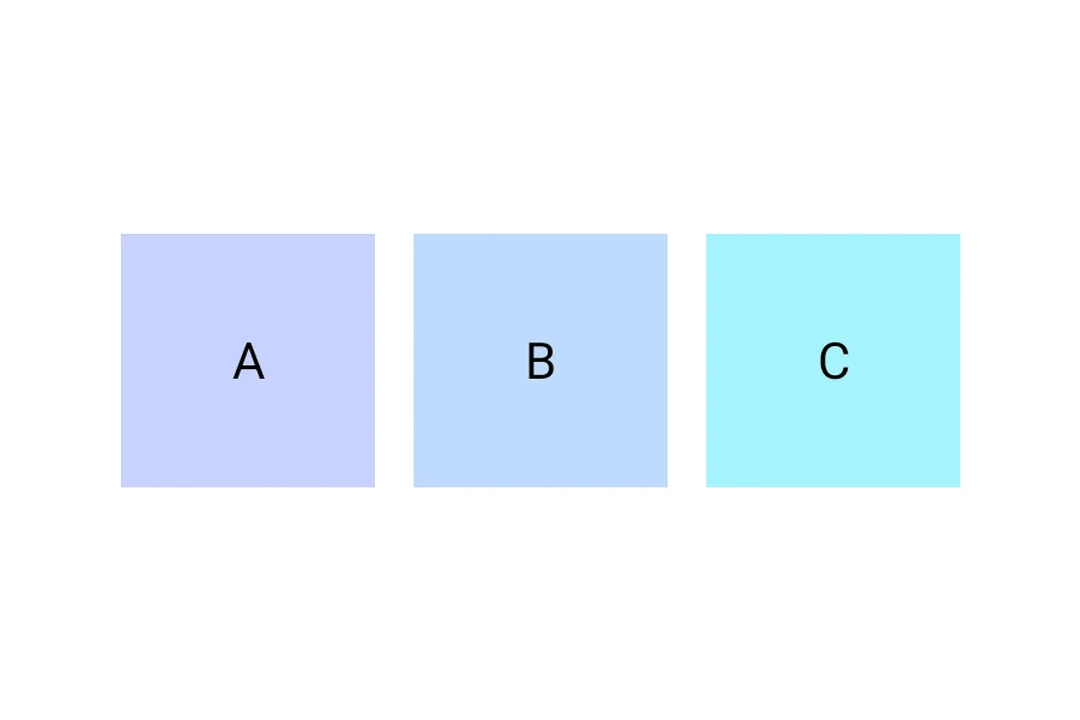
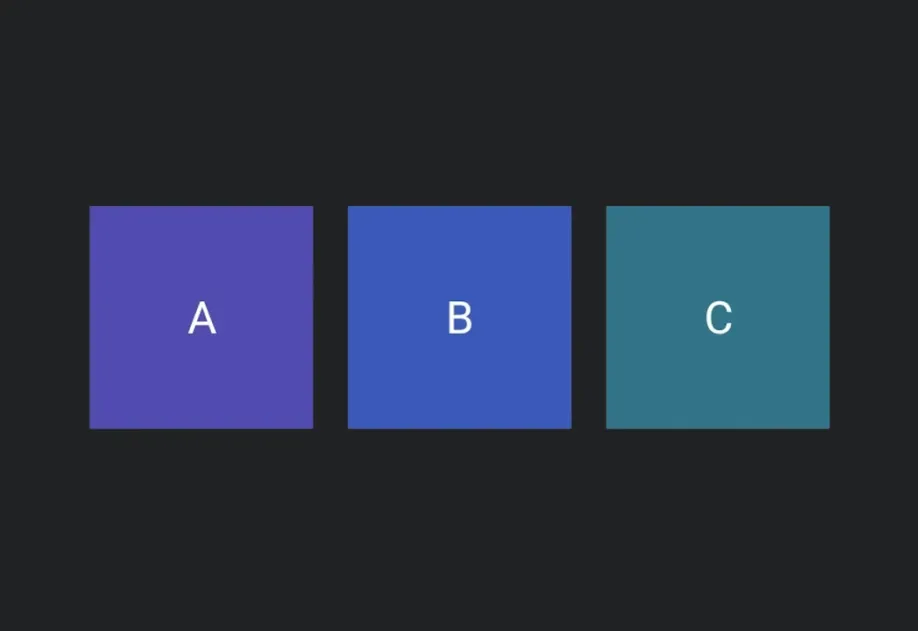
Row places children horizontally. Use horizontalArrangement and verticalAlignment to control spacing and alignment.
RowExample.tsx
API
import { Row } from '@expo/ui/jetpack-compose';
Component
Optional • Type:
ReactNodeOptional • Type:
HorizontalArrangementHorizontal arrangement of children.