This documentation is available as Markdown for AI agents and LLMs. See the full Markdown index or append .md to any documentation URL.
Chip Jetpack Compose Chip components for displaying compact elements.
Recommended version:
~57.0.22
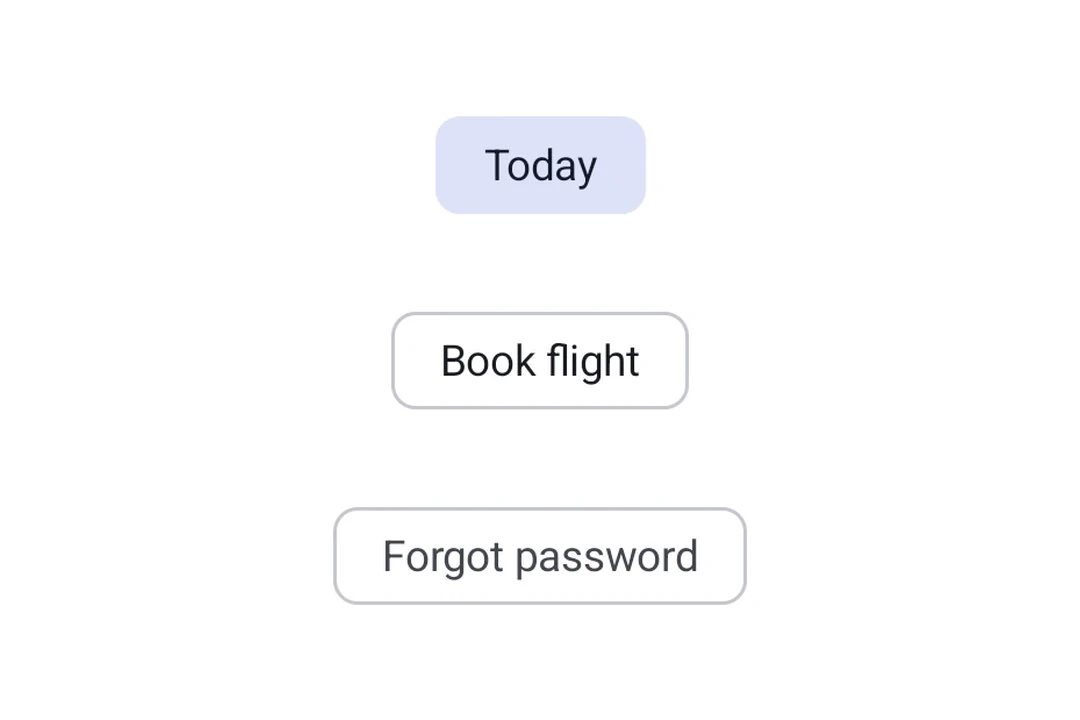
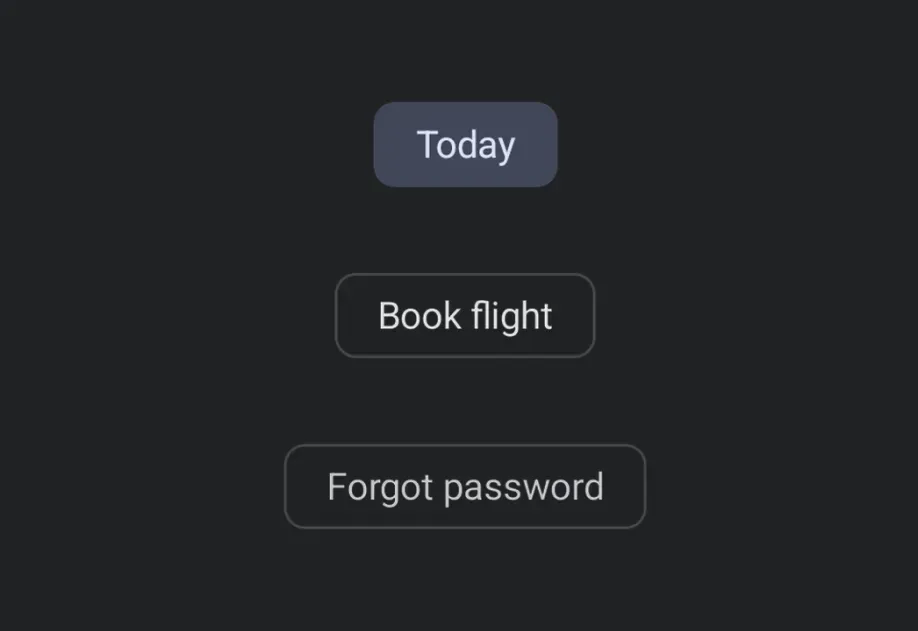
Expo UI Chips match the official Jetpack Compose Chip API . Each chip type is a separate component: AssistChip, FilterChip, InputChip, and SuggestionChip.
Installation
- npx expo install @expo/ui
- yarn expo install @expo/ui
- pnpm expo install @expo/ui
- bun expo install @expo/ui
If you are installing this in an existing React Native app , make sure to install expo in your project.
Usage
Assist chip
Assist chips help users take actions or start tasks, such as booking a flight or opening a map. They often appear as temporary UI elements in response to user input.
import {
Host ,
AssistChip ,
Icon ,
Text ,
} from '@expo/ui/jetpack-compose' ;
export default function AssistChipExample ( ) {
return (
< Host matchContents >
< AssistChip onClick = { ( ) => console . log ( 'Opening flight booking...' ) } >
< AssistChip.Label >
< Text > Book flight </ Text >
</ AssistChip.Label >
< AssistChip.LeadingIcon >
< Icon source = { require ( './assets/flight.xml' ) } size = { 18 } />
</ AssistChip.LeadingIcon >
</ AssistChip >
</ Host > ) ;
}
Filter chip
Filter chips allow users to refine content from a set of options. They support a selected state and are commonly used in search bars or content filtering.
import { useState } from 'react' ;
import { Host , FilterChip , Text } from '@expo/ui/jetpack-compose' ;
export default function FilterChipExample ( ) {
const [ selected, setSelected] = useState ( false ) ;
return (
< Host matchContents >
< FilterChip selected = { selected} onClick = { ( ) => setSelected ( ! selected) } >
< FilterChip.Label >
< Text > Images </ Text >
</ FilterChip.Label >
</ FilterChip >
</ Host > ) ;
}
Input chips represent discrete pieces of information entered by a user, such as tags in a text field. They support avatars, trailing icons, and can be dismissed.
import { useState } from 'react' ;
import {
Host ,
InputChip ,
Icon ,
Text ,
FlowRow ,
} from '@expo/ui/jetpack-compose' ;
export default function InputChipExample ( ) {
const [ chips, setChips] = useState ( [ 'Work' , 'Travel' , 'News' ] ) ;
return (
< Host matchContents >
< FlowRow horizontalArrangement = { { spacedBy: 8 } } >
{ chips. map ( label => (
< InputChip key = { label} selected
onClick = { ( ) =>
setChips ( prev => prev. filter ( c => c !== label) )
} >
< InputChip.Label >
< Text > { label} </ Text >
</ InputChip.Label >
< InputChip.TrailingIcon >
< Icon source = { require ( './assets/close.xml' ) } size = { 18 } />
</ InputChip.TrailingIcon >
</ InputChip > ) ) }
</ FlowRow >
</ Host > ) ;
}
Suggestion chip
Suggestion chips help narrow a user's intent by presenting dynamically generated suggestions, such as quick-reply options in a chat or search refinements.
SuggestionChipExample.tsx import {
Host ,
SuggestionChip ,
Text ,
} from '@expo/ui/jetpack-compose' ;
export default function SuggestionChipExample ( ) {
return (
< Host matchContents >
< SuggestionChip onClick = { ( ) => console . log ( 'Searching nearby...' ) } >
< SuggestionChip.Label >
< Text > Nearby </ Text >
</ SuggestionChip.Label >
</ SuggestionChip >
</ Host > ) ;
}
API
import {
AssistChip ,
FilterChip ,
InputChip ,
SuggestionChip ,
} from '@expo/ui/jetpack-compose' ;
Components Type: React.Element < AssistChipProps >
An assist chip that helps users complete actions and primary tasks.
Children containing Label, LeadingIcon, and TrailingIcon slots.
Optional • Type:
AssistChipColors Colors for the chip's container, label, and icons.
Optional • Type: boolean • Default: true
Whether the chip is enabled and can be clicked.
Optional • Type: ModifierConfig[]
Modifiers for the component.
Optional • Type: ( ) => void
Callback fired when the chip is clicked.
Type: React.Element < FilterChipProps >
A filter chip component for refining content with selection/deselection.
Children containing Label, LeadingIcon, and TrailingIcon slots.
Optional • Type:
FilterChipColors Colors for the chip's container, label, icon, and selected states.
Optional • Type: boolean
Whether the chip is enabled and can be interacted with.
Optional • Type: ModifierConfig[]
Modifiers for the component.
Optional • Type: ( ) => void
Callback fired when the chip is clicked.
Type: boolean
Whether the chip is currently selected.
Type: React.Element < InputChipProps >
An input chip that represents user input and can be dismissed.
Children containing Label, Avatar, and TrailingIcon slots.
Optional • Type:
InputChipColors Colors for the chip's container, label, icons, and selected states.
Optional • Type: boolean • Default: true
Whether the chip is enabled and can be interacted with.
Optional • Type: ModifierConfig[]
Modifiers for the component.
Optional • Type: ( ) => void
Callback fired when the chip is clicked.
Optional • Type: boolean • Default: false
Whether the chip is selected.
Type: React.Element < SuggestionChipProps >
A suggestion chip that offers contextual suggestions and recommendations.
Children containing Label and Icon slots.
Colors for the chip's container, label, and icon.
Optional • Type: boolean • Default: true
Whether the chip is enabled and can be clicked.
Optional • Type: ModifierConfig[]
Modifiers for the component.
Optional • Type: ( ) => void
Callback fired when the chip is clicked.
Types Border configuration for chips.
Colors for SuggestionChip.