This documentation is available as Markdown for AI agents and LLMs. See the full Markdown index or append .md to any documentation URL.
FlowRow
A Jetpack Compose FlowRow component for wrapping children horizontally.
Android
Included in Expo Go
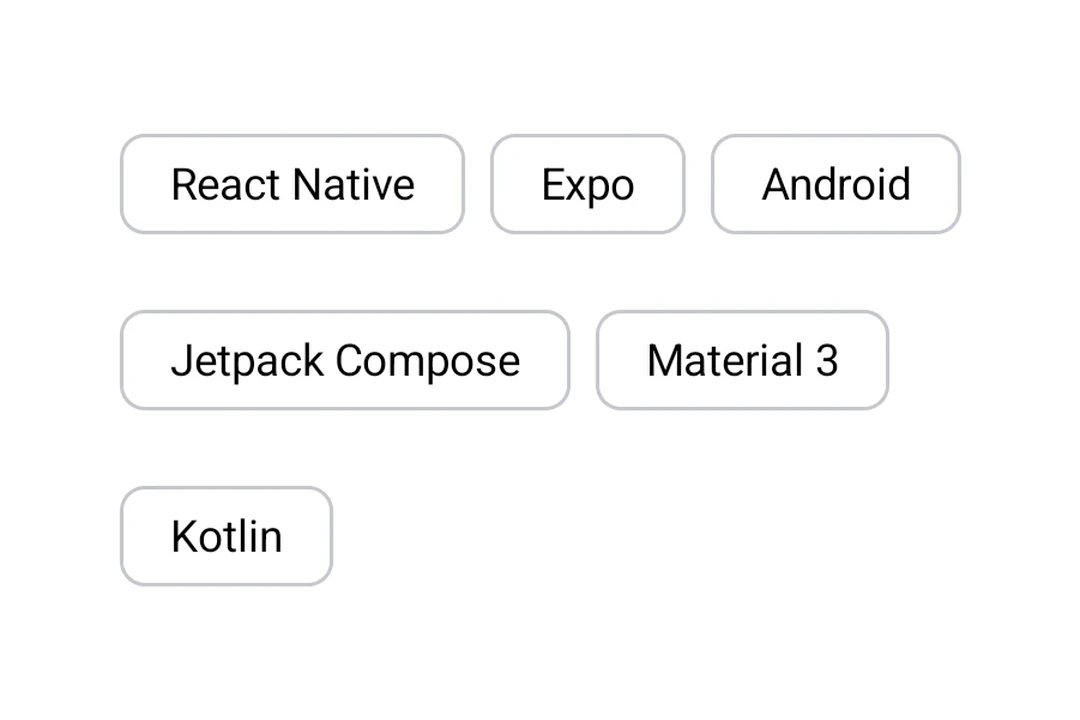
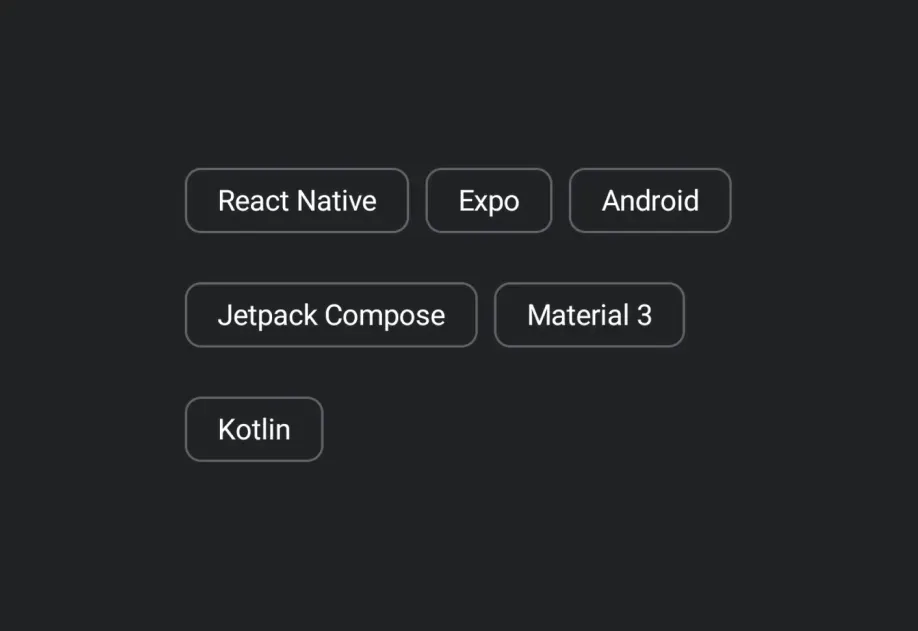
Expo UI FlowRow matches the official Jetpack Compose FlowRow API and arranges children in a horizontal flow that wraps to the next line when it runs out of space.
Installation
Terminal
If you are installing this in an existing React Native app, make sure to install expo in your project.
Usage
FlowRow arranges children in a horizontal flow that wraps to the next line when it runs out of space.
FlowRowExample.tsx
API
import { FlowRow } from '@expo/ui/jetpack-compose';
Component
Type: React.Element<FlowRowProps>
Optional • Type:
ReactNodeOptional • Type:
HorizontalArrangementHorizontal arrangement of children.