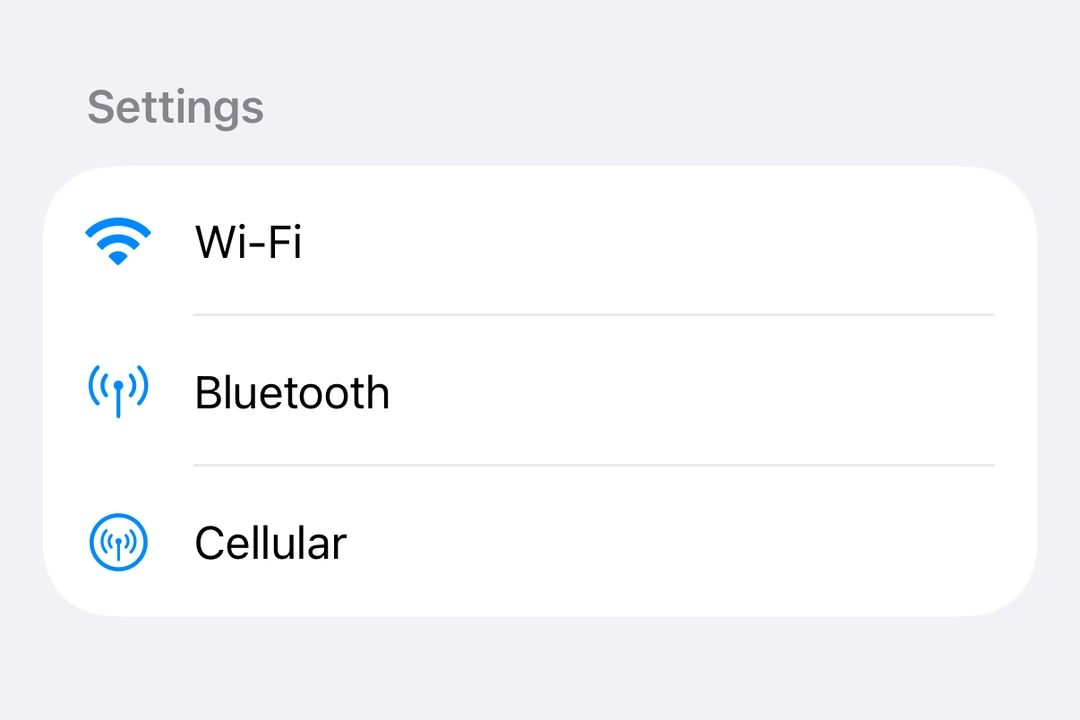
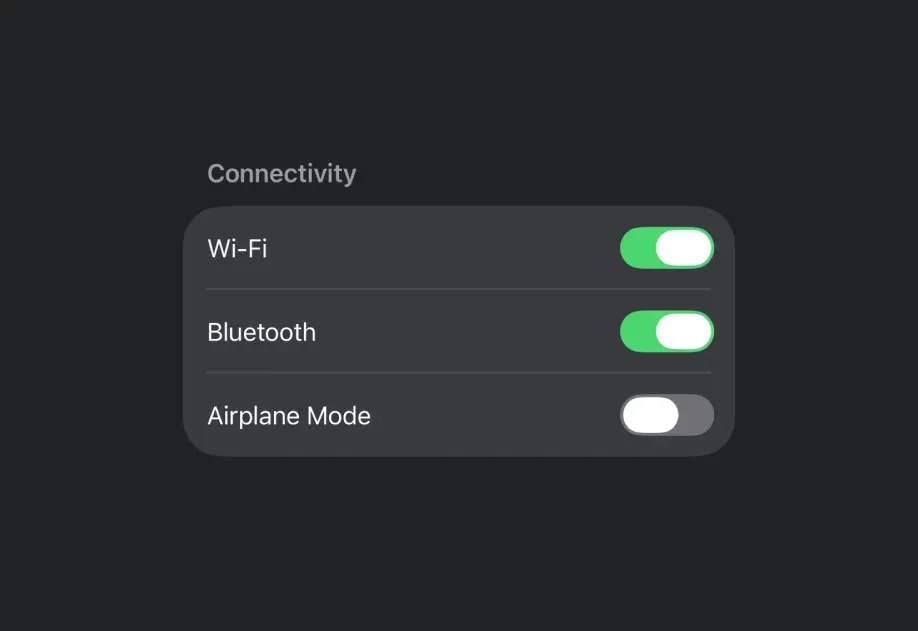
For cross-platform usage, see the universal List — it renders the appropriate native component per platform.
Expo UI List matches the official SwiftUI List API and supports styling via the listStyle modifier, various row/section modifiers, as well as selection, reordering, and editing capabilities.
Use List.ForEach to render rows from an array. Pass the items as data, a unique key for each item with keyExtractor, and a children function that returns the row for an item. List.ForEach renders only the rows near the visible area and reuses them while you scroll.
Define the children function outside the component, or wrap it in useCallback. Otherwise, the rows near the visible area render again each time the component renders.
A reused row keeps the local state (useState) of the item it showed before. Reset the state when the item changes, or keep the state outside the row.
A row that is not ready yet shows an empty placeholder. Set estimatedItemSize close to the height of your row content, excluding the List insets, in points.
Use overscanCount to prepare more rows above and below the visible rows.
To update the rows, pass a new data array. Do not change the array in place.
Set recycling={false} to render every row up front.
List styles
Use the listStyle modifier to change the list's appearance.
Note: The inset, insetGrouped, and sidebar styles are not available on tvOS.
Use the refreshable modifier to enable pull-to-refresh functionality.
RefreshableListExample.tsx
import{ useState }from'react';import{Host,List,Text,Section}from'@expo/ui/swift-ui';import{ refreshable }from'@expo/ui/swift-ui/modifiers';exportdefaultfunctionRefreshableListExample(){const[lastRefresh, setLastRefresh]=useState<Date |null>(null);consthandleRefresh=async()=>{// Simulate async data fetchingawaitnewPromise(resolve =>setTimeout(resolve,1500));setLastRefresh(newDate());};return(<Hoststyle={{ flex:1}}><Listmodifiers={[refreshable(handleRefresh)]}><Sectiontitle="Data"><Text>Pull down to refresh</Text>{lastRefresh &&(<Text>
Last refresh: {lastRefresh.toLocaleTimeString()}</Text>)}</Section></List></Host>);}
Use the headerProminence modifier to adjust the visual prominence of section headers.
HeaderProminenceExample.tsx
import{Host,List,Text,Section}from'@expo/ui/swift-ui';import{ headerProminence }from'@expo/ui/swift-ui/modifiers';exportdefaultfunctionHeaderProminenceExample(){return(<Hoststyle={{ flex:1}}><Listmodifiers={[headerProminence('increased')]}><Sectiontitle="Important Section"><Text>This section has increased header prominence</Text></Section><Sectiontitle="Another Section"><Text>Headers are more prominent</Text></Section></List></Host>);}
A group of rows inside List, with optional deletion and reordering.
Pass data with keyExtractor, and render each row from a children function.
Recycles rows unless recycling is false.
ListForEachProps
children
iOS
tvOS
Type: (info:{
index: number,
item: T
}) => ReactElement
Renders a row. When recycling is true, wrap it in useCallback, or every row
re-renders on each parent render.
Recycled rows are reused for other items, so their local state (useState) carries over.
Reset it when the item changes, or keep the state outside the row.
data
iOS
tvOS
Type: readonly T[]
Items to display. Replace the array when updating data.
estimatedItemSize
iOS
tvOS
Optional • Type: number • Default: 64
Placeholder height in points, excluding List insets, until a row is measured.
Must be positive. Ignored when recycling is false.
keyExtractor
iOS
tvOS
Type: (item: T, index: number) => string
Returns a stable, unique string key, also used for List selection.
onDelete
iOS
tvOS
Optional • Type: (indices: number[]) => void
Called with deleted indices from this group's data array.
Called with the source indices and the destination index. The destination index counts
positions before the moved items are removed, so it can equal data.length.
overscanCount
iOS
tvOS
Optional • Type: number • Default: 10
Extra rows to prepare on each side of the visible rows. Must be a non-negative integer.
Ignored when recycling is false.
recycling
iOS
tvOS
Optional • Type: boolean • Default: true
Renders only the rows near the visible range and reuses them while scrolling. Set to false to
render every row at once. Set it once; changing it remounts the rows.