This documentation is available as Markdown for AI agents and LLMs. See the full Markdown index or append .md to any documentation URL.
This is documentation for the next SDK version. For up-to-date documentation, see the
latest version (SDK 58).
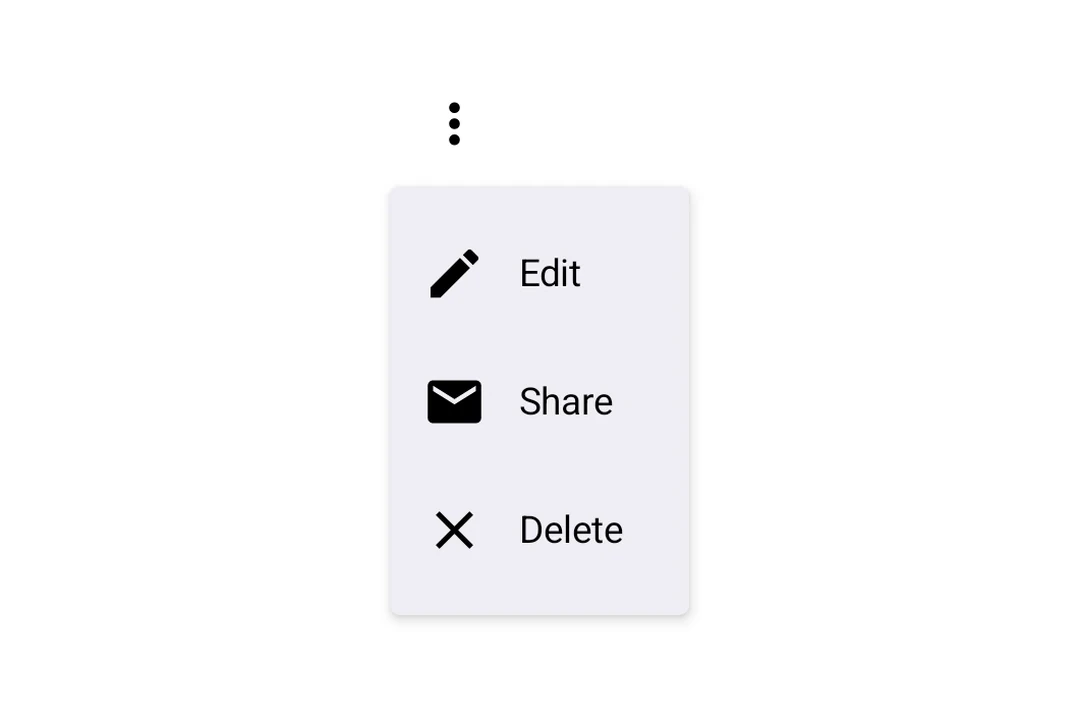
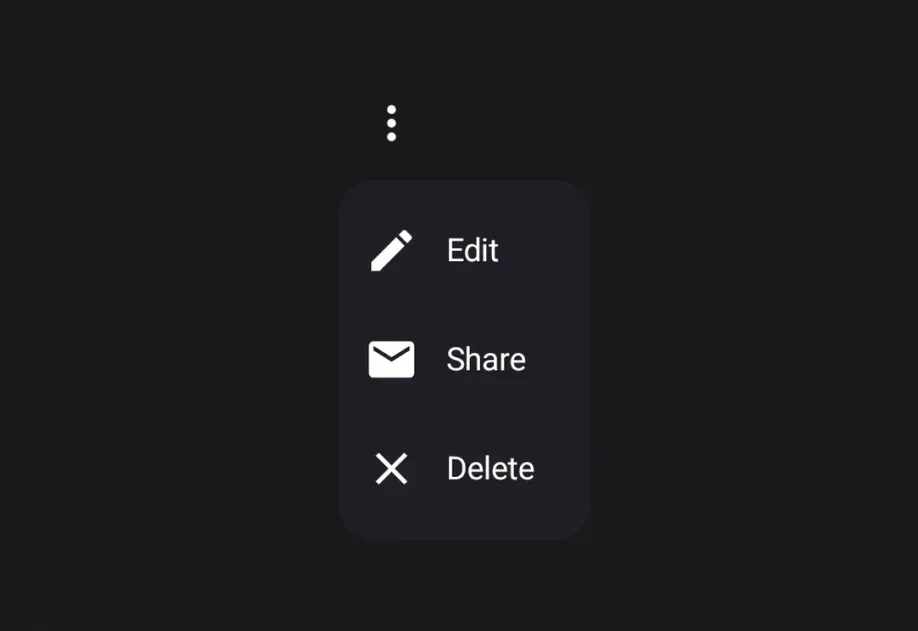
DropdownMenu A Jetpack Compose DropdownMenu component for displaying dropdown menus.
Expo UI DropdownMenu matches the official Jetpack Compose Menu API and displays a dropdown menu when a trigger element is pressed.
Installation
- npx expo install @expo/ui
- yarn expo install @expo/ui
- pnpm expo install @expo/ui
- bun expo install @expo/ui
If you are installing this in an existing React Native app , make sure to install expo in your project.
Usage
BasicDropdownMenuExample.tsx import {
Host ,
DropdownMenu ,
DropdownMenuItem ,
OutlinedButton ,
Text ,
Icon ,
} from '@expo/ui/jetpack-compose' ;
import { useState } from 'react' ;
const homeIcon = require ( './assets/home.xml' ) ;
export default function BasicDropdownMenuExample ( ) {
const [ isExpanded, setIsExpanded] = useState ( false ) ;
return (
< Host matchContents >
< DropdownMenu expanded = { isExpanded} onDismissRequest = { ( ) => setIsExpanded ( false ) } >
< DropdownMenu.Trigger >
< OutlinedButton onClick = { ( ) => setIsExpanded ( true ) } >
< Text > Show menu </ Text >
</ OutlinedButton >
</ DropdownMenu.Trigger >
< DropdownMenu.Items >
< DropdownMenuItem onClick = { ( ) => {
setIsExpanded ( false ) ;
console . log ( 'Home pressed' ) ;
} } >
< DropdownMenuItem.Text >
< Text > Home </ Text >
</ DropdownMenuItem.Text >
< DropdownMenuItem.LeadingIcon >
< Icon source = { homeIcon} size = { 24 } />
</ DropdownMenuItem.LeadingIcon >
</ DropdownMenuItem >
</ DropdownMenu.Items >
</ DropdownMenu >
</ Host > ) ;
}
React Native components as trigger
You can use a React Native view (such as Pressable) as the dropdown's trigger by wrapping it in RNHostView
RNTriggerDropdownMenuExample.tsx import {
Host ,
DropdownMenu ,
DropdownMenuItem ,
Text as ComposeText ,
RNHostView ,
} from '@expo/ui/jetpack-compose' ;
import { useState } from 'react' ;
import { Pressable , Text } from 'react-native' ;
export default function RNTriggerDropdownMenuExample ( ) {
const [ isExpanded, setIsExpanded] = useState ( false ) ;
return (
< Host matchContents >
< DropdownMenu expanded = { isExpanded} onDismissRequest = { ( ) => setIsExpanded ( false ) } >
< DropdownMenu.Trigger >
< RNHostView matchContents >
< Pressable onPress = { ( ) => setIsExpanded ( true ) } style = { {
alignSelf: 'flex-start' ,
paddingHorizontal: 16 ,
paddingVertical: 10 ,
borderRadius: 8 ,
backgroundColor: '#9B59B6' ,
} } >
< Text style = { { color: 'white' , fontWeight: '600' } } >
RN Pressable Trigger
</ Text >
</ Pressable >
</ RNHostView >
</ DropdownMenu.Trigger >
< DropdownMenu.Items >
< DropdownMenuItem onClick = { ( ) => setIsExpanded ( false ) } >
< DropdownMenuItem.Text >
< ComposeText > Item 1 </ ComposeText >
</ DropdownMenuItem.Text >
</ DropdownMenuItem >
< DropdownMenuItem onClick = { ( ) => setIsExpanded ( false ) } >
< DropdownMenuItem.Text >
< ComposeText > Item 2 </ ComposeText >
</ DropdownMenuItem.Text >
</ DropdownMenuItem >
</ DropdownMenu.Items >
</ DropdownMenu >
</ Host > ) ;
}
Long-press trigger
Jetpack Compose has no dedicated long-press menu primitive — you compose one from a combinedClickableDropdownMenu. The menu anchors to the trigger automatically.
LongPressDropdownMenuExample.tsx import {
Host ,
DropdownMenu ,
DropdownMenuItem ,
Text ,
} from '@expo/ui/jetpack-compose' ;
import {
background,
combinedClickable,
} from '@expo/ui/jetpack-compose/modifiers' ;
import { useState } from 'react' ;
export default function LongPressDropdownMenuExample ( ) {
const [ isExpanded, setIsExpanded] = useState ( false ) ;
return (
< Host matchContents >
< DropdownMenu expanded = { isExpanded} onDismissRequest = { ( ) => setIsExpanded ( false ) } >
< DropdownMenu.Trigger >
< Text modifiers = { [
background ( '#e0e0e0' ) ,
combinedClickable ( {
onClick : ( ) => console . log ( 'Short tap' ) ,
onLongClick : ( ) => setIsExpanded ( true ) ,
} ) ,
] } >
Long-press me
</ Text >
</ DropdownMenu.Trigger >
< DropdownMenu.Items >
< DropdownMenuItem onClick = { ( ) => setIsExpanded ( false ) } >
< DropdownMenuItem.Text >
< Text > Copy </ Text >
</ DropdownMenuItem.Text >
</ DropdownMenuItem >
< DropdownMenuItem elementColors = { { textColor: '#B3261E' } } onClick = { ( ) => setIsExpanded ( false ) } >
< DropdownMenuItem.Text >
< Text > Delete </ Text >
</ DropdownMenuItem.Text >
</ DropdownMenuItem >
</ DropdownMenu.Items >
</ DropdownMenu >
</ Host > ) ;
}
Rounded corners
Use cornerRadius to override the default Material3 menu shape with a custom corner radius (in dp).
RoundedDropdownMenuExample.tsx import {
Host ,
DropdownMenu ,
DropdownMenuItem ,
OutlinedButton ,
Text ,
} from '@expo/ui/jetpack-compose' ;
import { useState } from 'react' ;
export default function RoundedDropdownMenuExample ( ) {
const [ isExpanded, setIsExpanded] = useState ( false ) ;
return (
< Host matchContents >
< DropdownMenu expanded = { isExpanded} onDismissRequest = { ( ) => setIsExpanded ( false ) } cornerRadius = { 16 } >
< DropdownMenu.Trigger >
< OutlinedButton onClick = { ( ) => setIsExpanded ( true ) } >
< Text > Show menu </ Text >
</ OutlinedButton >
</ DropdownMenu.Trigger >
< DropdownMenu.Items >
< DropdownMenuItem onClick = { ( ) => setIsExpanded ( false ) } >
< DropdownMenuItem.Text >
< Text > Item 1 </ Text >
</ DropdownMenuItem.Text >
</ DropdownMenuItem >
</ DropdownMenu.Items >
</ DropdownMenu >
</ Host > ) ;
}
Shadow elevation
Use shadowElevation to set the popup shadow elevation in dp. Set it to 0 to remove the shadow, or omit it to use Material 3's default. Modifiers on DropdownMenu apply to the trigger container, so shadow modifiers do not change the popup shadow.
ShadowDropdownMenuExample.tsx import {
Host ,
DropdownMenu ,
DropdownMenuItem ,
OutlinedButton ,
Text ,
} from '@expo/ui/jetpack-compose' ;
import { useState } from 'react' ;
export default function ShadowDropdownMenuExample ( ) {
const [ isExpanded, setIsExpanded] = useState ( false ) ;
return (
< Host matchContents >
< DropdownMenu expanded = { isExpanded} onDismissRequest = { ( ) => setIsExpanded ( false ) } shadowElevation = { 1 } >
< DropdownMenu.Trigger >
< OutlinedButton onClick = { ( ) => setIsExpanded ( true ) } >
< Text > Show menu </ Text >
</ OutlinedButton >
</ DropdownMenu.Trigger >
< DropdownMenu.Items >
< DropdownMenuItem onClick = { ( ) => setIsExpanded ( false ) } >
< DropdownMenuItem.Text >
< Text > Item 1 </ Text >
</ DropdownMenuItem.Text >
</ DropdownMenuItem >
</ DropdownMenu.Items >
</ DropdownMenu >
</ Host > ) ;
}
API
import { DropdownMenu } from '@expo/ui/jetpack-compose' ;
Components Type: React.Element < DropdownMenuProps >
Props of the DropdownMenu component.
The contents of the submenu are used as an anchor for the dropdown menu.
The children will be wrapped in a pressable element, which triggers opening of the dropdown menu.
Optional • Type:
ColorValue The color of the container holding the dropdown menu items.
Optional • Type: number
Corner radius in dp for the dropdown menu container. Defaults to the Material3
MenuDefaults.shape corner radius.
Optional • Type: boolean
Whether the dropdown menu is expanded (visible).
Optional • Type: ModifierConfig[]
Modifiers for the component.
Optional • Type: ( ) => void
Callback fired when the menu requests to be dismissed (e.g. tapping outside).
Must be provided when expanded is true to allow the menu to close.
Optional • Type:
PopupProperties Properties for the popup window of the dropdown menu.
Optional • Type: number
Shadow elevation of the dropdown menu popup in dp. Set to 0 to remove the shadow.
Defaults to Material3's MenuDefaults.ShadowElevation.
Optional • Type:
StyleProp< ViewStyle > Optional styles to apply to the DropdownMenu.
Type: React.Element < DropdownMenuItemProps>
A dropdown menu item component that wraps Compose's DropdownMenuItem.
Should be used inside DropdownMenu.Items or ExposedDropdownMenu.
Type: React.Element < {
children: ReactNode
} >
Container for items displayed in the dropdown menu.
Children should be DropdownMenuItem components or other native views.
Type: React.Element < {
children: ReactNode
} >
Preview content shown during long press (iOS only).
Type: React.Element < {
children: ReactNode
} >
Container for the trigger element that opens the dropdown menu.
Types Properties for the popup window, matching PopupProperties in Compose.