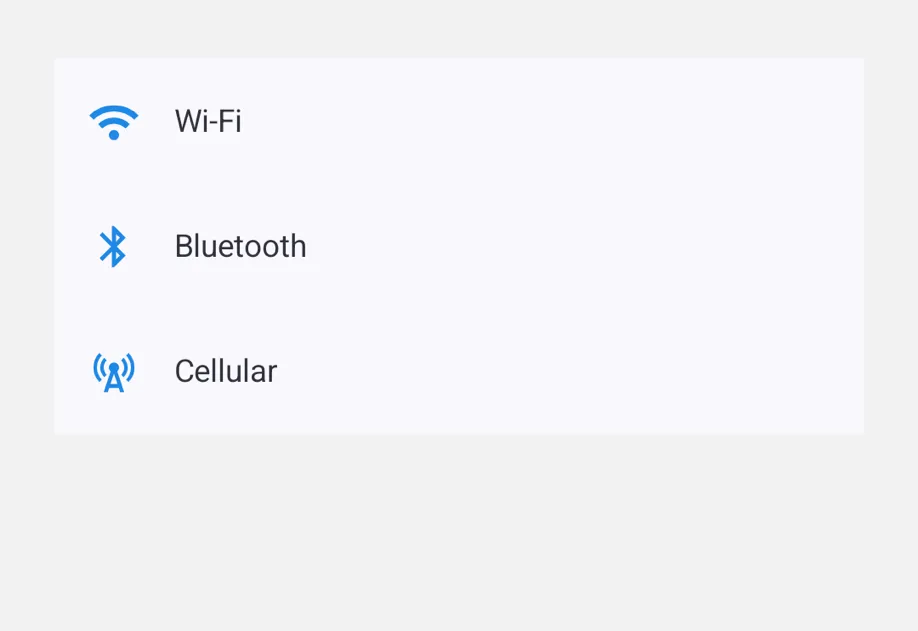
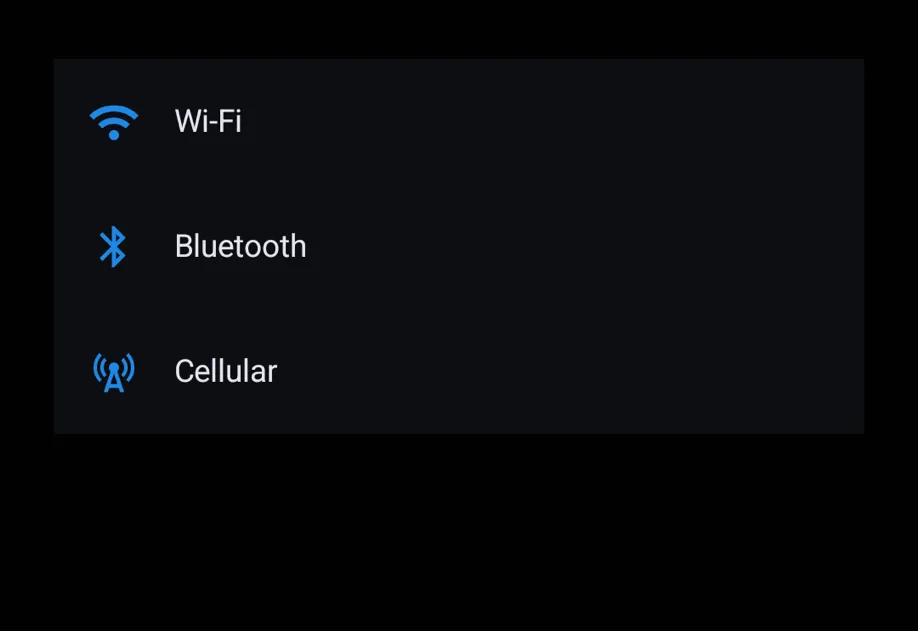
List provides a virtualized vertical container of rows, typically populated with ListItem children. It provides the platform-native chrome (separators, inset styling, pull-to-refresh). ListItem is a tappable row with leading/trailing/supportingText slots.
For large data sets, render rows with List.ForEach. It mounts only the rows near the visible range, and reuses them while the list scrolls.
ListItem accepts leading, trailing, and supportingText shorthand props for the common case. Pass a ReactNode for any of them when richer content is needed.
ListItemSlotsExample.tsx
import{Host,Icon,List,ListItem}from'@expo/ui';constCHEVRON=Icon.select({
ios:'chevron.right',
android:require('@expo/material-symbols/chevron_right.xml'),});exportdefaultfunctionListItemSlotsExample(){return(<Hoststyle={{ flex:1}}><List><ListItemonPress={()=>{}}trailing={<Iconname={CHEVRON}size={14}color="gray"/>}supportingText="Secondary line below the headline">
Profile
</ListItem><ListItemonPress={()=>{}}trailing={<Iconname={CHEVRON}size={14}color="gray"/>}>
Settings
</ListItem></List></Host>);}
Compound slot children
For full control over slot content, use the compound API: <ListItem.Leading>, <ListItem.Trailing>, and <ListItem.Supporting>. Anything not wrapped in a slot becomes the headline.
List.ForEach renders one row for each item of data. It mounts a small pool of rows around the visible range and reuses them while the list scrolls. Rows that are not ready yet show a placeholder of estimatedItemSize.
Wrap the render function in useCallback. A recycled row keeps its local state (useState) when it shows another item. Keep row state outside the row, or reset it when the item changes. You can put static rows before and after List.ForEach in the same List.
Optional pull-to-refresh handler.
When provided, the list shows the platform-native refresh affordance.
The returned promise drives the indicator's visibility.
testID
Android
iOS
Web
Optional • Type: string
Identifier used to locate the component in end-to-end tests.
Renders one row for each item of data, and reuses rows while the list scrolls.
Props for the List.ForEach component.
ListForEachProps
children
Android
iOS
Web
Type: (info:{
index: number,
item: T
}) => ReactElement
Renders a row. Wrap it in useCallback, or every row re-renders on each parent render.
A recycled row keeps its local state (useState) when it shows another item.
data
Android
iOS
Web
Type: readonly T[]
Items to display. Pass a new array to update.
estimatedItemSize
Android
iOS
Web
Optional • Type: number • Default: 64
Row height to use until a row is measured: dp on Android, points on iOS (without the row
insets), and pixels on web.
keyExtractor
Android
iOS
Web
Type: (item: T, index: number) => string
Returns a stable, unique string key for each item.
overscanCount
Android
iOS
Web
Optional • Type: number • Default: 10
Extra rows to render above and below the visible rows.
recycling
Android
iOS
Web
Optional • Type: boolean • Default: true
Renders only the rows near the visible range. Set to false to render every row.
Changing it remounts the rows.
A tappable row in a list.
Composes with List.
Pass row content via the leading / trailing / supportingText shorthand props or the compound <ListItem.Leading> / <ListItem.Trailing> / <ListItem.Supporting> slot children.
Props for the ListItem component.
A tappable row in a list.
Shorthand for the leading slot.
Overridden by <ListItem.Leading> if both are provided.
modifiers
Android
iOS
Web
Optional • Type: ModifierConfig[]
Platform-specific modifier escape hatch. Pass an array of modifier configs
from @expo/ui/swift-ui/modifiers or @expo/ui/jetpack-compose/modifiers.
On iOS these are applied to the underlying SwiftUI Button and can override
its default buttonStyle(.plain).
onPress
Android
iOS
Web
Optional • Type: () => void
Tap handler.
Activates over the entire row rectangle, including the empty gap between leading/headline/trailing.
Shorthand for the supporting (sub-)text slot.
Strings are rendered with platform-appropriate secondary styling; pass a ReactNode for richer content.
Overridden by <ListItem.Supporting> if both are provided.
testID
Android
iOS
Web
Optional • Type: string
Identifier used to locate the component in end-to-end tests.